
在浏览器中显示人类可读的时间

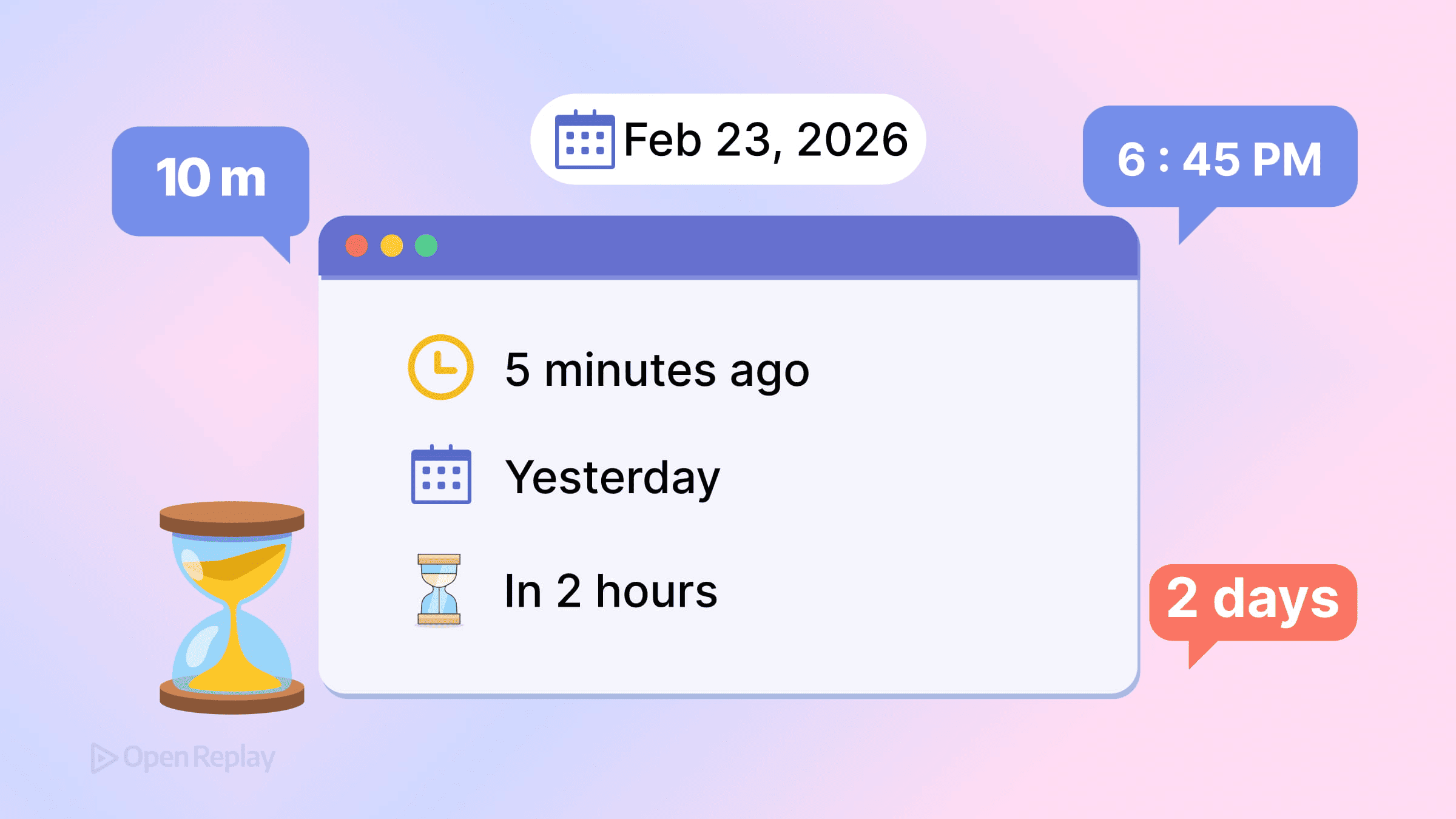
您的服务器以 UTC 格式存储时间戳。您的用户分布在数十个时区。这两个现实之间的差距——原始 ISO 字符串与”2 小时前”——决定了您的界面是感觉原生还是陌生。
现代浏览器现在可以在 JavaScript 中处理人类可读的时间,无需第三方库。本文介绍您应该使用的原生 API:Intl.DateTimeFormat、Intl.RelativeTimeFormat、Intl.DurationFormat,以及用于时区感知逻辑的 Temporal API。
核心要点
- 使用
Intl.DateTimeFormat处理区域感知的绝对时间戳,直接传递 IANA 时区标识符以避免手动偏移计算。 - 使用
Intl.RelativeTimeFormat配合一个小型辅助函数来生成自然短语,如”昨天”或”3 小时前”。 - 使用
Intl.DurationFormat处理经过时间和倒计时,但需要检查浏览器支持,因为基准可用性直到 2025 年才到来。 - Temporal API 用显式、不可变的类型替代了容易出错的
Date对象——在新项目中采用它,同时在现有代码库中依赖 Intl 格式化器。
使用 Intl.DateTimeFormat 处理绝对时间戳
当用户需要精确的日期和时间时,Intl.DateTimeFormat 会自动处理本地化。它尊重用户的区域设置,并根据地区惯例格式化日期。
const date = new Date('2026-03-15T14:30:00Z')

const formatter = new Intl.DateTimeFormat('en-US', {
  dateStyle: 'medium',
  timeStyle: 'short',
  timeZone: 'America/New_York'
})

console.log(formatter.format(date)) // "Mar 15, 2026, 10:30 AM"
该 API 直接接受 IANA 时区标识符,消除了手动偏移计算。对于用户本地格式化,可以自动检测时区:
const userTimezone = Intl.DateTimeFormat().resolvedOptions().timeZone这会返回类似 "Europe/London" 或 "Asia/Tokyo" 的值,您可以直接将其传递给格式化器。
使用 Intl.RelativeTimeFormat 处理相对时间
社交动态、通知和活动日志受益于相对时间戳。Intl.RelativeTimeFormat 生成诸如”3 天前”或”2 小时后”的短语,并具有适当的本地化。
const rtf = new Intl.RelativeTimeFormat('en', { numeric: 'auto' })

rtf.format(-1, 'day')    // "yesterday"
rtf.format(-3, 'hour')   // "3 hours ago"
rtf.format(2, 'week')    // "in 2 weeks"
numeric: 'auto' 选项在适当时生成自然语言(“yesterday”)而不是字面数字(“1 day ago”)。
您需要自己计算差值——该 API 格式化数值,而不是日期。一个简单的辅助函数可以实现:
function getRelativeTime(date) {
  const now = Date.now()
  const diffInSeconds = Math.round((date - now) / 1000)
  const units = [
    { unit: 'year', seconds: 31536000 },
    { unit: 'month', seconds: 2592000 },
    { unit: 'day', seconds: 86400 },
    { unit: 'hour', seconds: 3600 },
    { unit: 'minute', seconds: 60 },
    { unit: 'second', seconds: 1 }
  ]

  for (const { unit, seconds } of units) {
    if (Math.abs(diffInSeconds) >= seconds) {
      const value = Math.round(diffInSeconds / seconds)
      return new Intl.RelativeTimeFormat('en', { numeric: 'auto' })
        .format(value, unit)
    }
  }
  return 'just now'
}
上述月份和年份值使用固定的秒数近似值。对于跨越不同月份长度或闰年的日历精确差异,请使用 Temporal 或专用日期库,而不是固定的秒数常量。
请注意,Math.round 偶尔会将值推入下一个单位(例如,89 秒除以 60 后四舍五入为 1,产生”1 分钟前”而不是”89 秒前”)。如果您需要更严格的边界,请改用 Math.trunc。

Discover how at OpenReplay.com.
使用 Intl.DurationFormat 格式化持续时间
对于经过时间、倒计时或视频长度,Intl.DurationFormat 在各个区域提供一致的输出:
const duration = { hours: 2, minutes: 45, seconds: 30 }

const df = new Intl.DurationFormat('en', { style: 'long' })
console.log(df.format(duration)) // "2 hours, 45 minutes, 30 seconds"

const dfShort = new Intl.DurationFormat('en', { style: 'digital' })
console.log(dfShort.format(duration)) // "2:45:30"
该 API 在 2025 年达到跨引擎基准支持,并在现代浏览器中可用,但您仍应确认与您的特定支持矩阵的兼容性。
使用 Temporal API 实现更安全的日期处理
Temporal API 解决了 JavaScript Date 对象长期存在的问题——可变性、时区混淆和解析不一致。截至 2026 年,Temporal 在现代 Chromium 和 Firefox 版本中受支持,但功能检测仍然至关重要,因为它尚未在所有浏览器中普遍支持。
if (typeof Temporal !== 'undefined') {
  const now = Temporal.Now.zonedDateTimeISO('America/Los_Angeles')
  console.log(now.toString())
}
Temporal 为不同概念提供不同的类型:Temporal.PlainDate 用于日历日期,Temporal.PlainTime 用于挂钟时间,Temporal.ZonedDateTime 用于时区感知的时刻。这种明确性防止了困扰基于 Date 的代码的错误。
对于新项目,Temporal 提供了最清晰的基础。对于现有代码库,Intl 格式化器与传统的 Date 对象无缝协作。
实用建议
将时间戳存储为 UTC ISO 8601 字符串。在客户端使用 Intl API 格式化它们。避免解析非 ISO 日期字符串——它们在不同浏览器中的行为不一致。
在格式化多个时间戳时重用格式化器实例。创建一次格式化器并重复调用 format() 比每次调用都重新创建一个要快得多。
使用语义化 HTML 以提高可访问性:
<time datetime="2026-03-15T14:30:00Z">March 15, 2026</time>结论
原生平台现在可以处理曾经需要 Moment.js 或类似库的功能。Intl.DateTimeFormat 涵盖绝对时间戳,Intl.RelativeTimeFormat 涵盖相对短语,Intl.DurationFormat 涵盖经过时间,而 Temporal API 为时区感知的日期逻辑提供了坚实的基础。对于浏览器中的人类可读时间,这些内置工具就是您所需的全部。
常见问题
不可以。该 API 仅将数值和单位格式化为本地化字符串。您必须自己计算两个日期之间的差异,并在将它们传递给 format 方法之前选择适当的单位。本文中显示的辅助函数是该计算的常见模式。
截至 2026 年,Temporal 在现代 Chromium 和 Firefox 版本中可用,但尚未在所有浏览器中普遍支持。在调用 Temporal 方法之前始终使用功能检测,如果需要广泛的兼容性,请考虑使用 polyfill。仅对于格式化,Intl API 已经具有广泛的支持,并且可以很好地与传统的 Date 对象配合使用。
构造 Intl 格式化器涉及解析区域数据、时区规则和格式化选项,这会带来可测量的成本。创建一个实例并重复调用其 format 方法比在每次调用时重建格式化器要快得多,特别是在渲染长时间戳列表时。
默认情况下,是的。如果您省略 timeZone 选项,格式化器将使用运行时环境时区,在浏览器中这与用户的系统设置匹配。您可以通过 Intl.DateTimeFormat().resolvedOptions().timeZone 显式检索此值,并将其传递给其他格式化器或发送到您的服务器。
Complete picture for complete understanding
Capture every clue your frontend is leaving so you can instantly get to the root cause of any issue with OpenReplay — the open-source session replay tool for developers. Self-host it in minutes, and have complete control over your customer data.
Check our GitHub repo and join the thousands of developers in our community.
