
使用 Intl API 格式化日期和数字

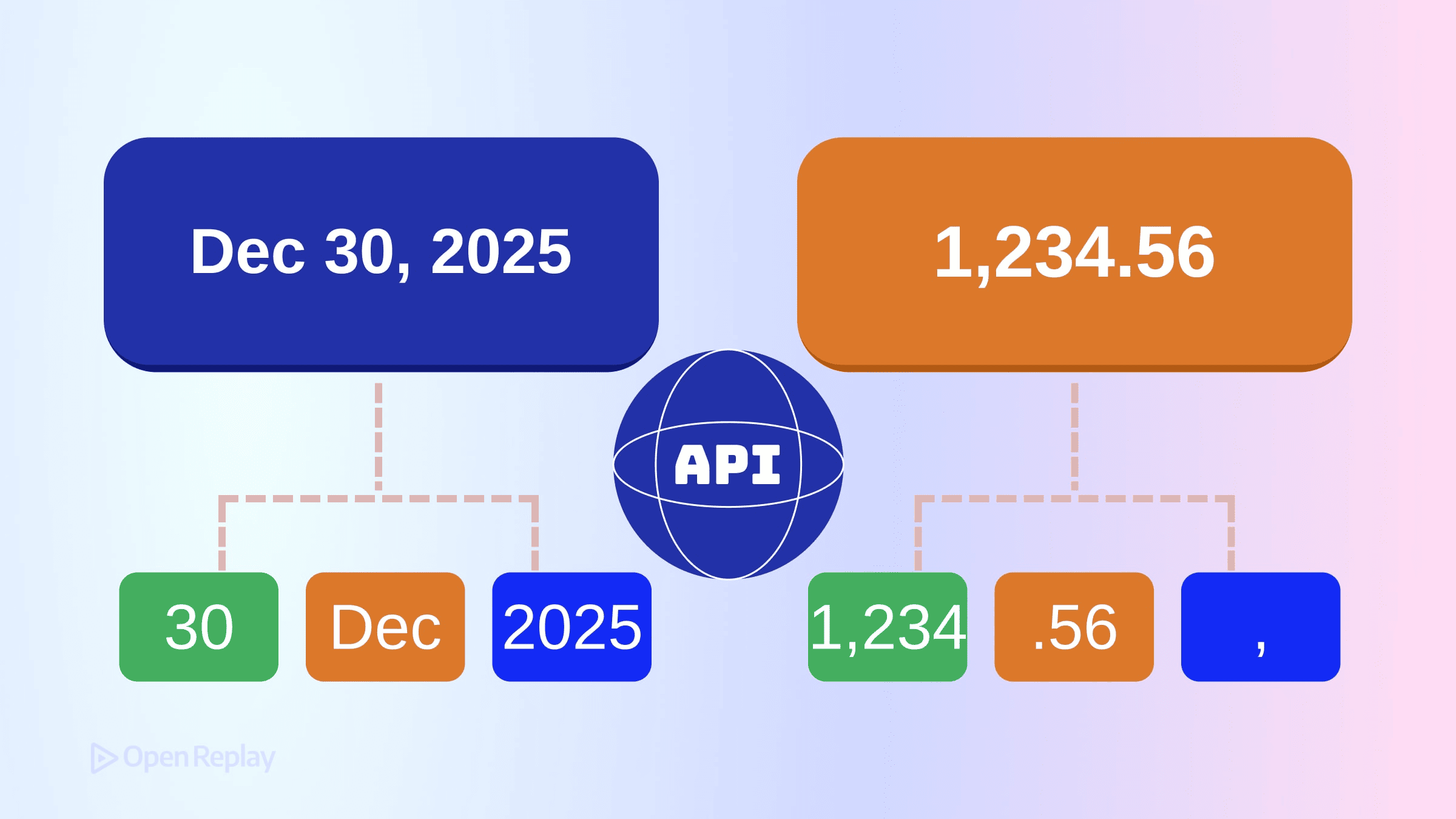
你之前使用过 Intl.DateTimeFormat 和 Intl.NumberFormat。但如果你的认知模型还停留在几年前,你很可能错过了一些重要的功能——特别是 Intl.NumberFormat 的舍入控制,以及 Temporal 和 Intl 在 2025 年末运行时中的协同工作方式。
本文提供了 JavaScript 国际化(通过 Intl API)的最新技术概述,重点介绍了哪些方面发生了变化,以及经验丰富的开发者经常犯的错误。
核心要点
- Intl API 将值格式化为区域感知的字符串,但不解析、计算或存储数据——保持展示层与应用逻辑的分离。
Intl.NumberFormat现在支持高级舍入控制,包括roundingMode、roundingIncrement和trailingZeroDisplay。- Temporal 类型通过自己的
toLocaleString()方法处理格式化,而Intl.DateTimeFormat继续格式化Date对象。 - 始终重用格式化器实例以提升性能,避免在测试中硬编码预期的输出字符串。
Intl 实际上做什么
Intl 命名空间处理值的区域感知格式化。它不解析、计算或操作数据——它根据文化习惯将值转换为人类可读的字符串。
两个关键点:
- Intl 负责格式化;它不存储或计算。 你的应用逻辑与展示层保持分离。
- 输出因运行时而异。 底层的区域数据来自浏览器和 Node.js 捆绑的 ICU 库。Chrome 和 Safari 之间,或不同 Node 版本之间,确切的字符串可能略有不同。
永远不要在测试中硬编码预期的输出字符串。请使用 formatToParts() 或结构化断言。
Intl.DateTimeFormat:超越基本选项
格式化 Date 对象
Intl.DateTimeFormat 仍然是格式化 JavaScript Date 对象的标准方式:
const formatter = new Intl.DateTimeFormat('de-DE', {
  dateStyle: 'long',
  timeStyle: 'short',
  timeZone: 'Europe/Berlin'
});

formatter.format(new Date()); // "27. Juni 2025 um 14:30"
dateStyle 和 timeStyle 选项提供预设配置。当你需要精细控制时,使用单独的选项,如 weekday、month、hour 和 timeZoneName。
Temporal 类型与区域感知格式化
Temporal 正在现代 JavaScript 引擎中积极实现,但尚未在所有浏览器和环境中广泛支持。在可用的地方,Temporal.PlainDate、Temporal.ZonedDateTime 和其他 Temporal 类型通过 toLocaleString() 自行格式化,而不是直接传递给 Intl.DateTimeFormat.prototype.format()。
const date = Temporal.PlainDate.from('2025-06-27');
date.toLocaleString('ja-JP', { dateStyle: 'full' });
// "2025年6月27日金曜日"
Intl.DateTimeFormat 接受 Date 对象。Temporal 类型处理自己的格式化逻辑,可能在内部委托区域敏感的行为,但它们本身不由 Intl.DateTimeFormat 格式化。在设计接受日期输入的 API 时,这种区别很重要。
使用 formatRange 格式化日期范围
要显示日期范围,使用 formatRange():
const start = new Date(2025, 5, 27);
const end = new Date(2025, 6, 3);

new Intl.DateTimeFormat('en-US', { dateStyle: 'medium' })
  .formatRange(start, end);
// "Jun 27 – Jul 3, 2025"
格式化器会根据区域习惯智能地折叠冗余部分。

Discover how at OpenReplay.com.
Intl.NumberFormat 舍入和显示控制
现代舍入选项
Intl.NumberFormat 的舍入行为在最近的规范中显著扩展,支持程度因运行时而异。除了 minimumFractionDigits 和 maximumFractionDigits,你现在还有:
roundingMode: 控制值的舍入方式(ceil、floor、halfExpand、halfEven等)roundingIncrement: 舍入到特定增量(5、10、50 等)trailingZeroDisplay: 控制是否显示尾随零(auto或stripIfInteger)
const formatter = new Intl.NumberFormat('en-US', {
  style: 'currency',
  currency: 'USD',
  roundingMode: 'halfEven',
  maximumFractionDigits: 2
});

formatter.format(2.225); // "$2.22" (银行家舍入)
formatter.format(2.235); // "$2.24"
区域感知的数字格式化模式
紧凑表示法和单位格式化:
// 紧凑表示法
new Intl.NumberFormat('en-US', {
  notation: 'compact',
  compactDisplay: 'short'
}).format(1234567); // "1.2M"

// 单位格式化
new Intl.NumberFormat('de-DE', {
  style: 'unit',
  unit: 'kilometer-per-hour',
  unitDisplay: 'short'
}).format(120); // "120 km/h"
实践注意事项
重用格式化器实例
创建格式化器有开销。在格式化多个值时缓存它们:
// 推荐做法
const priceFormatter = new Intl.NumberFormat('en-US', {
  style: 'currency',
  currency: 'USD'
});
prices.map(p => priceFormatter.format(p));

// 不推荐做法
prices.map(p => new Intl.NumberFormat('en-US', {
  style: 'currency',
  currency: 'USD'
}).format(p));
特性检测
以编程方式检查较新的选项:
try {
  new Intl.NumberFormat('en', { roundingMode: 'halfEven' });
  // 特性支持
} catch (e) {
  // 回退到默认舍入
}
区域设置 vs. 时区
这是两个独立的概念。区域设置(en-GB)决定格式化约定。时区(Europe/London)决定显示的时钟时间。你可以使用德语约定格式化日期,同时显示东京时间。
结论
用于日期格式化和区域感知数字格式化的 Intl API 已经相当成熟。规范现在包括舍入模式、显示控制和范围格式化,消除了使用外部库的大部分理由。
Temporal 类型与 Intl 并存——它们处理自己的 toLocaleString() 调用,而 Intl.DateTimeFormat 继续格式化 Date 对象。围绕这种分离构建你的认知模型,在测试时不要硬编码字符串预期,并重用格式化器实例以提升性能。
常见问题
不可以。Intl.DateTimeFormat.prototype.format() 只接受 Date 对象。Temporal 类型(如 PlainDate 和 ZonedDateTime)有自己的 toLocaleString() 方法。它们不由 Intl.DateTimeFormat 本身格式化,尽管它们在内部可能使用类似的区域数据。
Intl 依赖于每个运行时捆绑的 ICU 区域数据。Chrome、Safari、Firefox 和 Node.js 可能附带不同的 ICU 版本,输出略有差异。避免在测试中硬编码预期字符串。使用 formatToParts() 或结构化断言来可靠地验证格式化行为。
银行家舍入(halfEven)将中点值舍入到最接近的偶数数字,减少累积舍入偏差。它通常用于金融和会计环境,但确切结果仍可能受到二进制浮点表示的影响。
尝试使用启用该选项构造格式化器。如果运行时不支持它,可能会抛出 RangeError 或静默忽略该选项,具体取决于引擎。始终包含回退策略。
Complete picture for complete understanding
Capture every clue your frontend is leaving so you can instantly get to the root cause of any issue with OpenReplay — the open-source session replay tool for developers. Self-host it in minutes, and have complete control over your customer data.
Check our GitHub repo and join the thousands of developers in our community.
