使用 Intl API 格式化日期和数字
深入讲解 Intl.DateTimeFormat 与 Intl.NumberFormat 的核心概念,涵盖舍入模式、Temporal 类型及范围格式化。

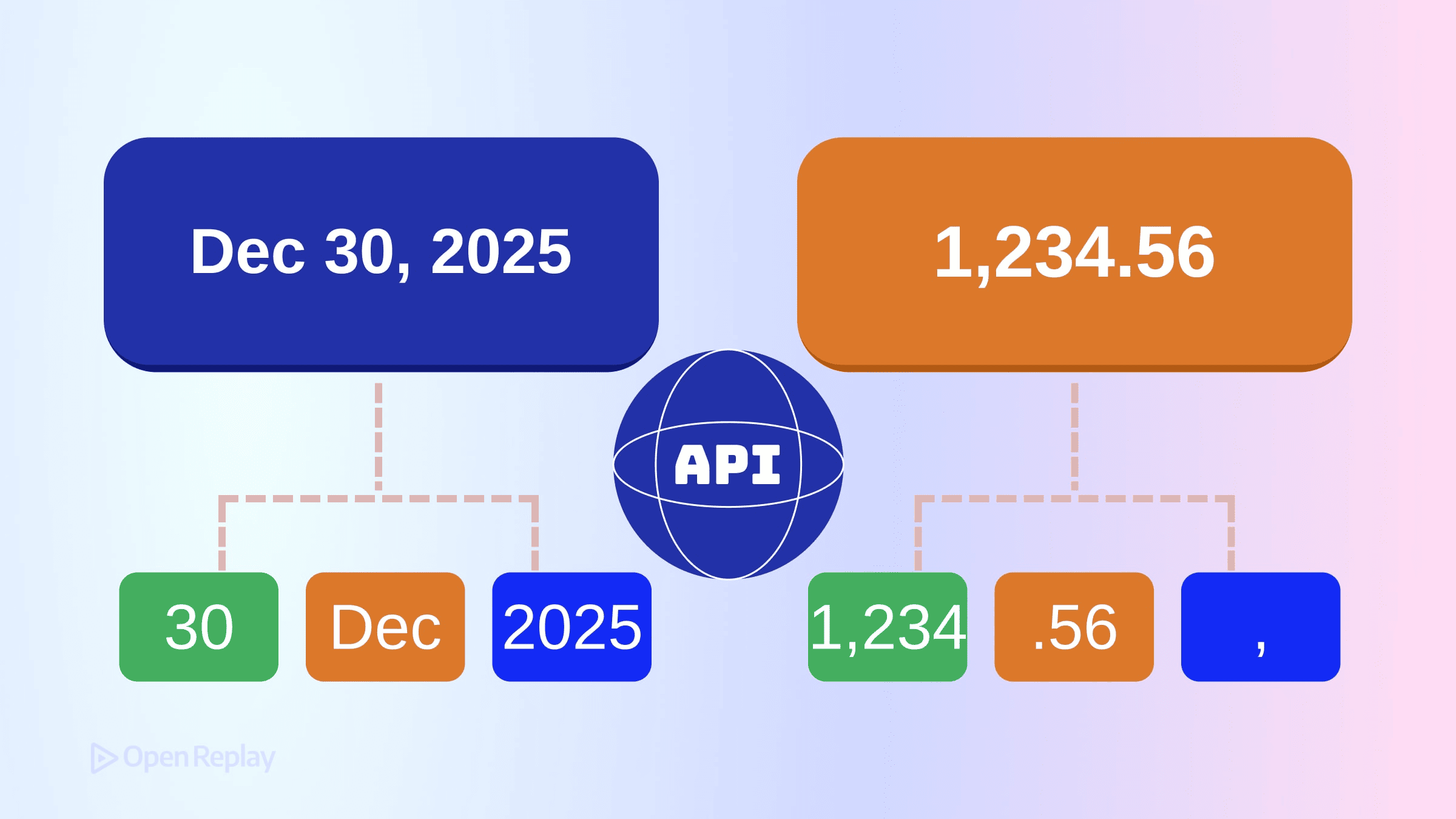
你之前使用过 Intl.DateTimeFormat 和 Intl.NumberFormat。但如果你的认知模型还停留在几年前,你很可能错过了一些重要的功能——特别是 Intl.NumberFormat 的舍入控制,以及 Temporal 和 Intl 在 2025 年末运行时中的协同工作方式。
本文提供了 JavaScript 国际化(通过 Intl API)的最新技术概述,重点介绍了哪些方面发生了变化,以及经验丰富的开发者经常犯的错误。
核心要点
- Intl API 将值格式化为区域感知的字符串,但不解析、计算或存储数据——保持展示层与应用逻辑的分离。
Intl.NumberFormat现在支持高级舍入控制,包括roundingMode、roundingIncrement和trailingZeroDisplay。- Temporal 类型通过自己的
toLocaleString()方法处理格式化,而Intl.DateTimeFormat继续格式化Date对象。 - 始终重用格式化器实例以提升性能,避免在测试中硬编码预期的输出字符串。
Intl 实际上做什么
Intl 命名空间处理值的区域感知格式化。它不解析、计算或操作数据——它根据文化习惯将值转换为人类可读的字符串。
两个关键点:
- Intl 负责格式化;它不存储或计算。 你的应用逻辑与展示层保持分离。
- 输出因运行时而异。 底层的区域数据来自浏览器和 Node.js 捆绑的 ICU 库。Chrome 和 Safari 之间,或不同 Node 版本之间,确切的字符串可能略有不同。
永远不要在测试中硬编码预期的输出字符串。请使用 formatToParts() 或结构化断言。
Intl.DateTimeFormat:超越基本选项
格式化 Date 对象
Intl.DateTimeFormat 仍然是格式化 JavaScript Date 对象的标准方式:
const formatter = new Intl.DateTimeFormat('de-DE', {
  dateStyle: 'long',
  timeStyle: 'short',
  timeZone: 'Europe/Berlin'
});

formatter.format(new Date()); // "27. Juni 2025 um 14:30"
dateStyle 和 timeStyle 选项提供预设配置。当你需要精细控制时,使用单独的选项,如 weekday、month、hour 和 timeZoneName。
Temporal 类型与区域感知格式化
Temporal 正在现代 JavaScript 引擎中积极实现,但尚未在所有浏览器和环境中广泛支持。在可用的地方,Temporal.PlainDate、Temporal.ZonedDateTime 和其他 Temporal 类型通过 toLocaleString() 自行格式化,而不是直接传递给 Intl.DateTimeFormat.prototype.format()。
const date = Temporal.PlainDate.from('2025-06-27');
date.toLocaleString('ja-JP', { dateStyle: 'full' });
// "2025年6月27日金曜日"
Intl.DateTimeFormat 接受 Date 对象。Temporal 类型处理自己的格式化逻辑,可能在内部委托区域敏感的行为,但它们本身不由 Intl.DateTimeFormat 格式化。在设计接受日期输入的 API 时,这种区别很重要。
使用 formatRange 格式化日期范围
要显示日期范围,使用 formatRange():
const start = new Date(2025, 5, 27);
const end = new Date(2025, 6, 3);

new Intl.DateTimeFormat('en-US', { dateStyle: 'medium' })
  .formatRange(start, end);
// "Jun 27 – Jul 3, 2025"
格式化器会根据区域习惯智能地折叠冗余部分。

Discover how at OpenReplay.com.
Intl.NumberFormat 舍入和显示控制
现代舍入选项
Intl.NumberFormat 的舍入行为在最近的规范中显著扩展,支持程度因运行时而异。除了 minimumFractionDigits 和 maximumFractionDigits,你现在还有:
roundingMode: 控制值的舍入方式(ceil、floor、halfExpand、halfEven等)roundingIncrement: 舍入到特定增量(5、10、50 等)trailingZeroDisplay: 控制是否显示尾随零(auto或stripIfInteger)
const formatter = new Intl.NumberFormat('en-US', {
  style: 'currency',
  currency: 'USD',
  roundingMode: 'halfEven',
  maximumFractionDigits: 2
});

formatter.format(2.225); // "$2.22" (银行家舍入)
formatter.format(2.235); // "$2.24"
区域感知的数字格式化模式
紧凑表示法和单位格式化:
// 紧凑表示法
new Intl.NumberFormat('en-US', {
  notation: 'compact',
  compactDisplay: 'short'
}).format(1234567); // "1.2M"

// 单位格式化
new Intl.NumberFormat('de-DE', {
  style: 'unit',
  unit: 'kilometer-per-hour',
  unitDisplay: 'short'
}).format(120); // "120 km/h"
实践注意事项
重用格式化器实例
创建格式化器有开销。在格式化多个值时缓存它们:
// 推荐做法
const priceFormatter = new Intl.NumberFormat('en-US', {
  style: 'currency',
  currency: 'USD'
});
prices.map(p => priceFormatter.format(p));

// 不推荐做法
prices.map(p => new Intl.NumberFormat('en-US', {
  style: 'currency',
  currency: 'USD'
}).format(p));
特性检测
以编程方式检查较新的选项:
try {
  new Intl.NumberFormat('en', { roundingMode: 'halfEven' });
  // 特性支持
} catch (e) {
  // 回退到默认舍入
}
区域设置 vs. 时区
这是两个独立的概念。区域设置(en-GB)决定格式化约定。时区(Europe/London)决定显示的时钟时间。你可以使用德语约定格式化日期,同时显示东京时间。
结论
用于日期格式化和区域感知数字格式化的 Intl API 已经相当成熟。规范现在包括舍入模式、显示控制和范围格式化,消除了使用外部库的大部分理由。
Temporal 类型与 Intl 并存——它们处理自己的 toLocaleString() 调用,而 Intl.DateTimeFormat 继续格式化 Date 对象。围绕这种分离构建你的认知模型,在测试时不要硬编码字符串预期,并重用格式化器实例以提升性能。
常见问题
我可以直接使用 Intl.DateTimeFormat 格式化 Temporal 对象吗?
不可以。Intl.DateTimeFormat.prototype.format() 只接受 Date 对象。Temporal 类型(如 PlainDate 和 ZonedDateTime)有自己的 toLocaleString() 方法。它们不由 Intl.DateTimeFormat 本身格式化,尽管它们在内部可能使用类似的区域数据。
为什么我的 Intl 格式化字符串在不同浏览器中看起来不同?
Intl 依赖于每个运行时捆绑的 ICU 区域数据。Chrome、Safari、Firefox 和 Node.js 可能附带不同的 ICU 版本,输出略有差异。避免在测试中硬编码预期字符串。使用 formatToParts() 或结构化断言来可靠地验证格式化行为。
什么是银行家舍入,我应该何时使用 halfEven?
银行家舍入(halfEven)将中点值舍入到最接近的偶数数字,减少累积舍入偏差。它通常用于金融和会计环境,但确切结果仍可能受到二进制浮点表示的影响。
如何检查浏览器是否支持较新的 Intl 选项(如 roundingMode)?
尝试使用启用该选项构造格式化器。如果运行时不支持它,可能会抛出 RangeError 或静默忽略该选项,具体取决于引擎。始终包含回退策略。
Complete picture for complete understanding
Capture every clue your frontend is leaving so you can instantly get to the root cause of any issue with OpenReplay — the open-source session replay tool for developers. Self-host it in minutes, and have complete control over your customer data.
Star on GitHub12k