5 Git Dotfiles Every Developer Should Know
5 essential Git dotfiles explained: .gitconfig, .gitignore, .gitattributes, .git-blame-ignore-revs, and .mailmap for cleaner workflows.

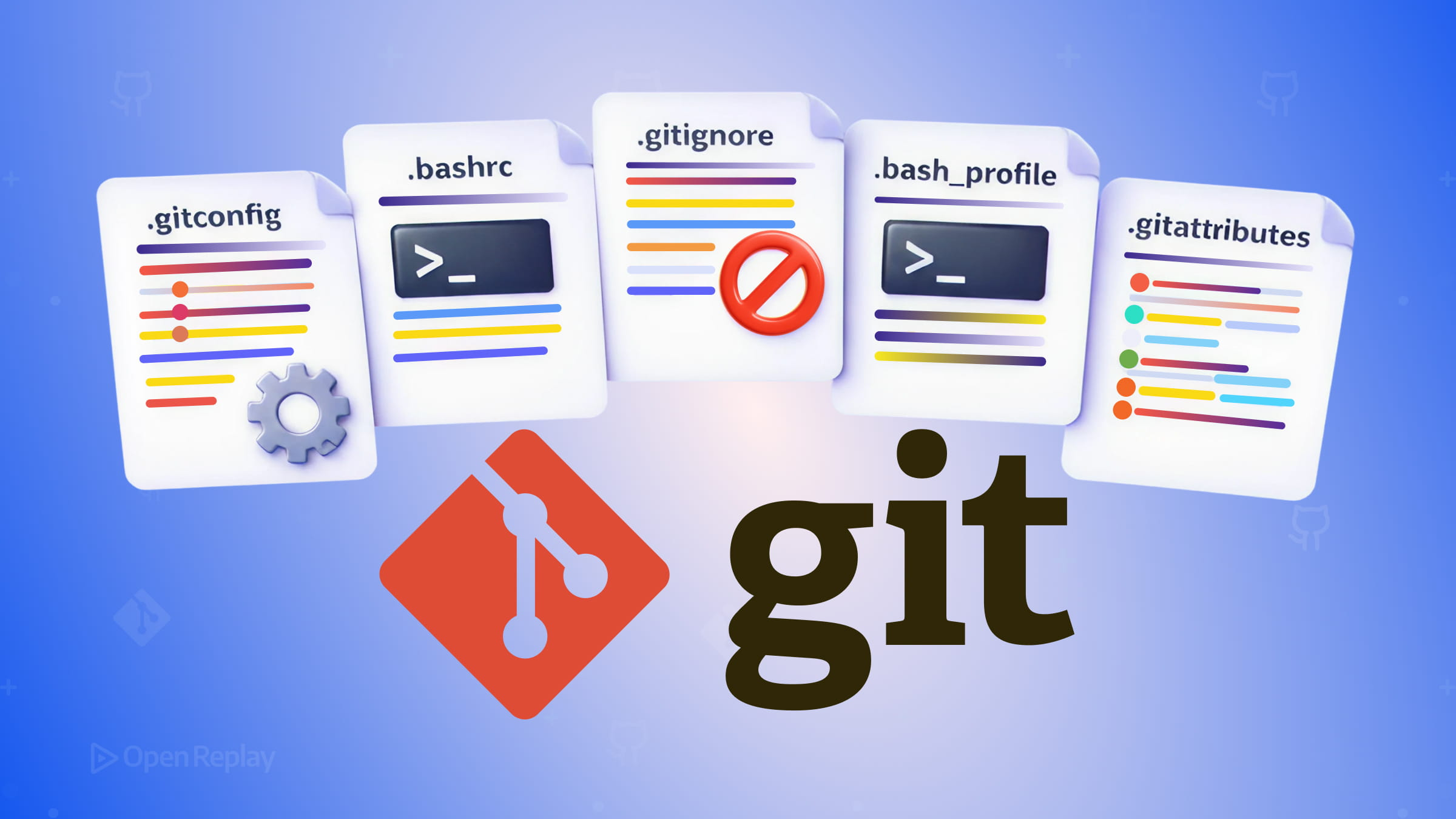
Most developers are familiar with .gitignore, but Git’s configuration ecosystem goes much deeper. Scattered across your home directory and project roots, a handful of essential Git dotfiles quietly shape how your repository behaves, how collaborators experience your codebase, and how consistently Git works across machines. Understanding them saves you from subtle bugs, messy histories, and collaboration friction.
Here are five Git configuration files worth knowing well.
Key Takeaways
- Git configuration operates at four levels (system, global, repository, worktree), and
.gitconfigsupportsincludeIfdirectives for portable, context-aware setups. .gitignoreonly affects untracked files. Use a global ignore file for editor and OS artifacts to keep project-level ignores focused..gitattributescontrols far more than line endings — it manages merge behavior, binary handling, diff drivers, and export behavior..git-blame-ignore-revsrescuesgit blamefrom bulk formatting commits, and GitHub recognizes it automatically..mailmapnormalizes contributor identities across your project’s history, ensuring accurate attribution in logs and statistics.
1. .gitconfig — Your Personal Git Identity and Behavior
Lives at: ~/.gitconfig (global) or .git/config (repository-level)
.gitconfig is the primary Git configuration file for your user account. It stores your name, email, default editor, aliases, and behavioral preferences. Git configuration can exist at several levels: system, global, local (repository), and optionally worktree, with more specific configurations overriding broader ones.
A practical pattern borrowed from real-world dotfile setups: keep a ~/.gitconfig for shared settings and use includeIf directives to load machine-specific or work-specific overrides without polluting your main config.
[includeIf "gitdir:~/work/"]
  path = ~/.gitconfig_work
This keeps your dotfiles portable while accommodating per-machine differences — something a simple symlink approach can’t handle cleanly. You can learn more about conditional configuration in the official Git configuration documentation.
2. .gitignore — Keeping Untracked Files Out of Your Index
Lives at: project root, subdirectories, or ~/.config/git/ignore (global)
.gitignore only affects untracked files. It won’t remove files already committed to the repository. This is a common source of confusion — if you need to stop tracking a committed file, you must first run git rm --cached <file> before the ignore rule takes effect.
For files you want to ignore globally — editor swap files, .DS_Store, OS thumbnails — configure a global ignore file via core.excludesFile in your .gitconfig:
[core]
  excludesFile = ~/.config/git/ignore
This keeps project .gitignore files clean and focused on project-specific exclusions, rather than cluttered with every developer’s personal editor preferences. Git’s official gitignore documentation explains the matching rules and precedence in detail.
3. .gitattributes — More Than Just Line Endings
Lives at: project root (committed to the repository)
.gitattributes is one of the most underused Git dotfiles. Yes, it handles line ending normalization (text=auto), but it also controls:
- Merge behavior — configure how specific file types are merged
- Binary file handling — tell Git not to diff or merge certain file types
- Export behavior — use
export-ignoreto exclude files fromgit archiveoutputs (useful for CI artifacts) - Diff drivers — assign human-readable diff output to formats like
.docxor minified JS
For frontend projects, marking lockfiles or bundled assets with appropriate attributes prevents unnecessary merge conflicts and diff noise. The full range of attributes and behaviors is described in the official gitattributes documentation.

Discover how at OpenReplay.com.
4. .git-blame-ignore-revs — Cleaning Up Blame After Formatting Commits
Lives at: project root (committed to the repository)
When you run a formatter like Prettier or ESLint across an entire codebase, git blame becomes nearly useless — every line points to the formatting commit rather than the original author.
.git-blame-ignore-revs solves this. List the full commit SHAs you want blame to skip:
# Prettier formatting pass
a1b2c3d4e5f6a7b8c9d0e1f2a3b4c5d6e7f8a9b0
Then configure Git to use it:
git config blame.ignoreRevsFile .git-blame-ignore-revsGitHub recognizes this file automatically. It’s a small addition with a significant impact on code review and history readability. The behavior is documented in the official git blame documentation.
5. .mailmap — Normalizing Contributor Identities
Lives at: project root (committed to the repository)
Contributors change email addresses, use different names across machines, or make commits before configuring Git properly. .mailmap lets you canonicalize those identities across your project’s history.
Jane Smith <jane@company.com> <jane@oldmail.com>Commands like git shortlog and git log will reflect the corrected identity without modifying the underlying commit history. This feature is especially useful for open-source projects and long-running repositories where contributor identities evolve over time. The format and behavior are described in the official mailmap documentation.
Conclusion
These five Git dotfiles — .gitconfig, .gitignore, .gitattributes, .git-blame-ignore-revs, and .mailmap — each solve a distinct problem in real development workflows. They aren’t just about personal preference. Several of them belong committed directly to your repository, where they improve the experience for every contributor on the team. Start with the ones that address your most immediate pain points, and your Git workflow will be noticeably cleaner for it.
FAQs
How do I stop tracking a file that is already committed but now listed in .gitignore?
Adding a file to .gitignore only prevents Git from tracking new untracked files. To stop tracking a file that has already been committed, run git rm --cached followed by the filename. This removes it from the index without deleting it from your working directory. After that, commit the change and the ignore rule will apply going forward.
What is the difference between a global .gitignore and a project-level .gitignore?
A global gitignore file, configured via core.excludesFile in your .gitconfig, applies ignore rules across every repository on your machine. It is ideal for editor artifacts and OS-generated files. A project-level .gitignore is committed to the repository and shared with all collaborators. Use it for project-specific exclusions like build output or dependency directories.
Do I need to use full commit SHAs in .git-blame-ignore-revs?
Yes. Git requires full 40-character commit SHAs in the .git-blame-ignore-revs file. Abbreviated hashes will not work and will cause errors when running git blame. You can retrieve the full SHA of any commit using git log or git rev-parse followed by the short hash.
Does .mailmap affect the actual commit history stored in Git?
No. The .mailmap file does not rewrite or alter any commits. It only changes how contributor names and emails are displayed in output from commands like git shortlog and git log. The underlying commit objects remain unchanged. It is a purely cosmetic mapping that normalizes how identities appear in reports and statistics.