An Introduction to Agentic Browsers
Agentic browsers are reshaping web apps. See how they differ from Selenium, why semantic HTML matters, and the security risks developers must design for.

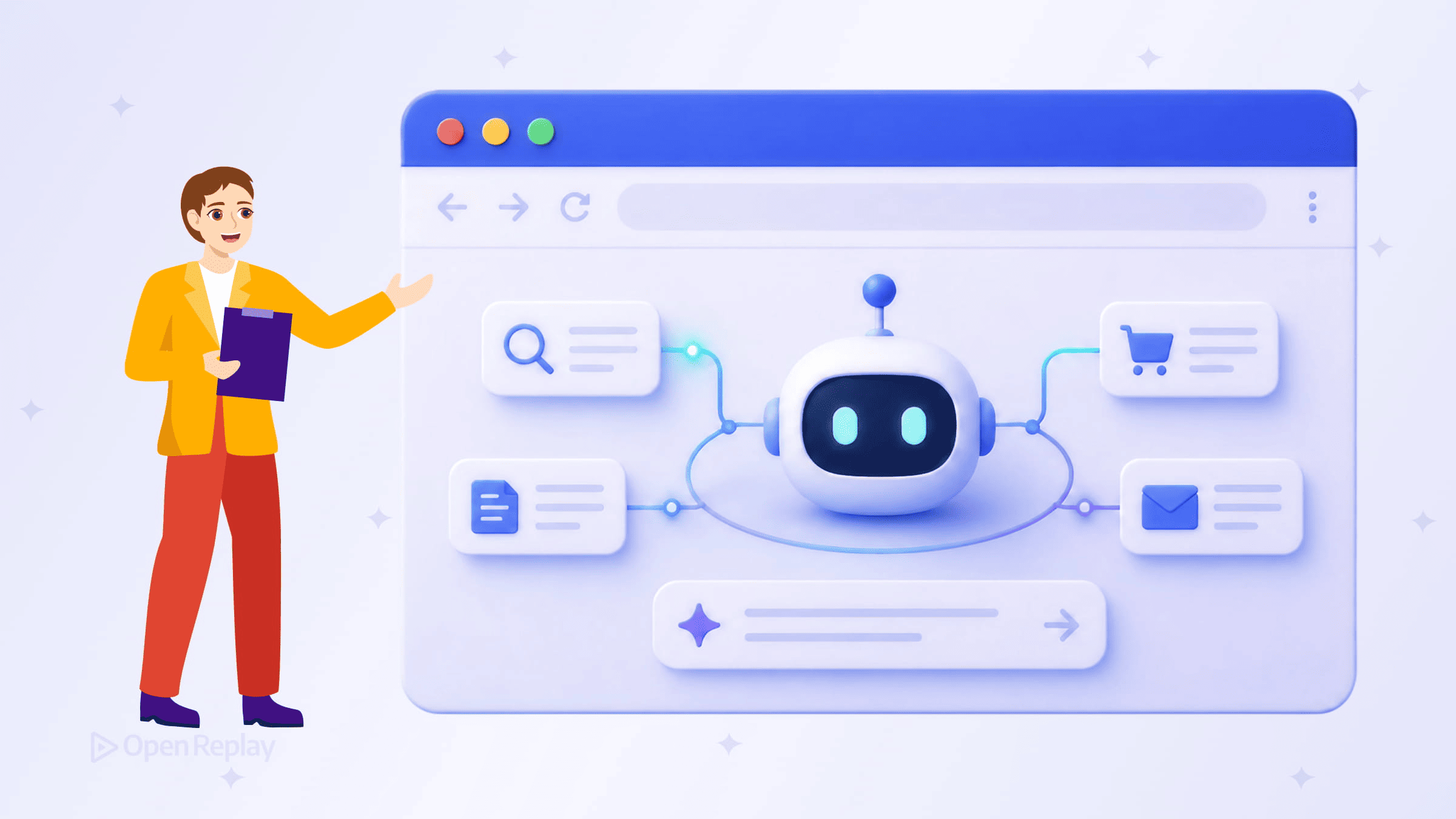
If you’ve been building web apps assuming a human is always on the other end of the browser, that assumption is starting to break down.
Agentic browsers represent a meaningful shift in how software interacts with the web. They’re not AI chatbots bolted onto a sidebar. They’re browsers that can read page context, plan multi-step tasks, and carry them out autonomously — navigating sites, filling forms, managing tabs, and completing workflows without waiting for a user to click through each step.
Here’s what frontend developers need to understand about this shift.
Key Takeaways
- Agentic browsers interpret user goals and execute multi-step tasks autonomously, unlike AI-assisted browsers or fixed automation scripts.
- Major players like Perplexity, Opera, and OpenAI are shipping AI browser products, while Google DeepMind’s Project Mariner helped push agentic browsing into the mainstream.
- Semantic HTML, descriptive labels, predictable flows, and stable identifiers make your app easier for agents to interpret and accessible for users.
- Prompt injection and unintended automation are new risks that frontend developers need to design around.
What Is an Agentic Browser?
An agentic browser interprets a goal and acts on it. A user might say “find the cheapest flight to Berlin next Friday and book it” — and the browser handles the rest: opening sites, comparing options, filling in passenger details, and submitting the purchase.
That’s different from an AI-assisted browser, where the AI summarizes a page or answers a question while the user still drives the workflow manually. It also differs from basic browser automation tools like Selenium or Puppeteer, which follow fixed scripts. Agentic browsers attempt to adapt dynamically. They attempt to respond to live page state, recover from some UI changes, and maintain context across multiple pages and sessions.
The underlying architecture typically combines a large language model for intent interpretation and planning with browser automation and page-context access. The browser reads page structure, identifies interactive elements, and takes action — all within the same session context.
Examples Emerging in 2025–2026
Several AI-powered web browsers are already in active development or early release:
- Perplexity Comet replaces traditional search with agent-driven results and task execution
- Opera Neon experiments with local AI agents for creative and productivity tasks
- Dia focuses on memory-driven browsing experiences
- ChatGPT Atlas brings agent mode into a dedicated browser, while Google DeepMind’s Project Mariner explored similar browser-agent capabilities before those ideas moved into newer Google AI experiences
These are early commercial products and experiments rather than distant prototypes. They represent a real shift in how major AI players view browser ownership — as control over user workflows, not just search traffic.
Why Frontend Developers Should Care
When a browser agent interacts with your app, it doesn’t browse the way a human does. It reads the DOM programmatically, interprets labels and roles, and makes decisions based on what it finds in the page structure.
This makes several things more important than they used to be:
- Semantic HTML — agents rely on correct element roles (
<button>,<nav>,<form>) to understand what they’re looking at - Descriptive labels — unlabeled inputs or icon-only buttons are harder for agents to interpret correctly
- Predictable navigation flows — multi-step forms or checkout processes with inconsistent state handling can cause agents to fail or repeat steps
- Stable element identifiers — dynamically generated class names or IDs that change between renders make reliable interaction difficult
In short, the same practices that improve accessibility for screen readers also make your app more navigable for browser agents. These aren’t separate concerns anymore.

Discover how at OpenReplay.com.
Security Considerations Worth Knowing
Agentic browsers introduce a different risk profile than traditional browsing. Because they act autonomously under a user’s identity, a small error can propagate across multiple steps before anyone notices.
Two risks stand out for developers:
Prompt injection — malicious content embedded in a webpage can redirect an agent’s behavior. This is currently one of the biggest unresolved security problems in AI-assisted browsing. If your app renders user-generated content, an attacker could craft instructions that hijack what the agent does next.
Unintended automation — agents may trigger destructive or irreversible actions (deleting records, submitting orders) without the confirmation steps a human user would naturally pause at. Clear, explicit confirmation UI matters more when agents are in the picture.
These aren’t reasons to avoid building for agentic browsers. They’re reasons to think carefully about how your interfaces handle automated interaction.
Where This Is Heading
The browser is increasingly becoming an execution layer, not just a display surface. Autonomous browsing is moving from experimental to mainstream, and the apps built to work well with it — semantically structured, clearly labeled, predictably navigated — will have an advantage.
Conclusion
For frontend developers, the practical takeaway is straightforward: write clean, accessible, well-structured interfaces. Agentic browsers reward the same fundamentals that already make the web better for humans — semantic markup, predictable flows, and clear confirmation patterns. Building with both audiences in mind isn’t extra work; it’s the same work, done well. The humans and the agents will both benefit.
FAQs
How do agentic browsers differ from traditional browser automation tools like Selenium or Puppeteer?
Selenium and Puppeteer follow fixed, pre-written scripts that break when UI changes. Agentic browsers use language models to interpret goals, adapt to live page state, and recover from unexpected layouts. They make decisions in real time based on what they observe in the DOM, rather than replaying recorded steps.
Do I need to add special markup or APIs to support agentic browsers?
Not really. Agents read the same DOM users see, so semantic HTML, ARIA roles, accessible labels, and stable selectors are usually enough. The same practices that support screen readers and accessibility audits also make your app reliable for agents. No proprietary tags or vendor-specific APIs are required at this stage.
How can I protect my app from prompt injection through agentic browsers?
Treat user-generated content as untrusted when it might be read by an agent. Sanitize inputs, escape rendered text, and avoid embedding instruction-like phrases near actionable controls. For sensitive flows, require explicit confirmation steps that an agent cannot bypass silently, such as re-authentication or human-readable summaries before irreversible actions.
Will agentic browsers replace traditional user interfaces?
Unlikely in the near term. Most users still want visual interfaces for browsing, comparing, and exploring. Agents are best suited for repetitive or goal-driven tasks like booking, ordering, or data gathering. Expect a hybrid future where humans and agents share the same interfaces, which makes accessible, well-structured frontends more valuable, not less.
Gain control over your UX
See how users are using your site as if you were sitting next to them, learn and iterate faster with OpenReplay — the open-source session replay tool for developers. Self-host it in minutes, and have complete control over your customer data.
Star on GitHub12k