
ASCII Art in the Browser and Terminal

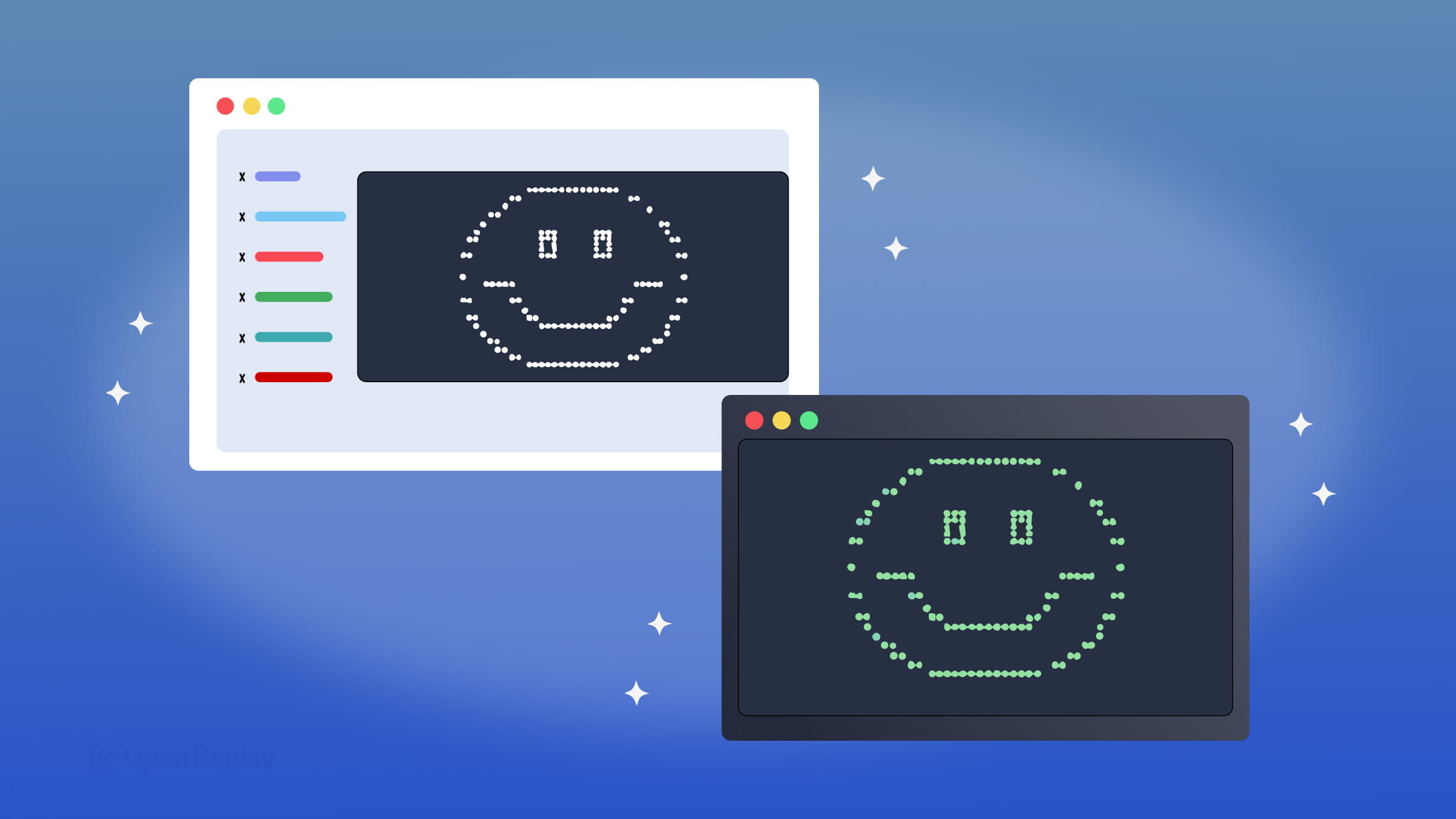
The idea is simple: take an image, measure how bright each pixel is, and replace it with a character. Dense characters like @ or # represent dark areas, while lighter ones like . or represent bright areas. String enough of those substitutions together across a grid, and you get a recognizable image made entirely of text.
That core idea powers both ASCII art in the terminal and ASCII art in the browser, and modern implementations have pushed it well beyond classic 7-bit ASCII.
Key Takeaways
- ASCII art maps pixel brightness to characters from a sorted palette, where dense glyphs like
@represent dark areas and sparse ones like.represent light areas - Unicode block elements and Braille patterns offer significantly finer resolution than traditional ASCII character palettes
- Browser implementations rely on
<canvas>pixel data and monospace CSS, while terminal renderers use ANSI escape sequences for color - Terminal capabilities vary widely — from basic 16-color ANSI to 24-bit true color, SIXEL, and the Kitty graphics protocol
How the Pixel-to-Character Mapping Works
Every ASCII renderer follows roughly the same pipeline:
- Sample the source image or video frame into a grid of cells
- Calculate the average brightness (luminance) of each cell
- Map that brightness value to a character from a sorted palette
- Output the resulting character grid with optional color
A basic JavaScript implementation looks like this:
const palette = ' .:-=+*#%@';

function brightnessToChar(brightness) {
  const index = Math.floor((brightness / 255) * (palette.length - 1));
  return palette[index];
}
Here, brightness is expected to be a value between 0 (black) and 255 (white). The function normalizes it to an index within the palette string, where earlier characters represent lighter tones and later characters represent darker ones.
The quality of the output depends heavily on your character palette. Classic ASCII gives you around 10–15 useful shading levels. Modern implementations do better.
Going Beyond ASCII: Text-Mode Graphics with Unicode
Text-mode graphics with Unicode unlock significantly finer resolution. Instead of a sparse ASCII palette, you can use:
- Block elements (
█ ▓ ▒ ░) for four levels of shade per cell - Braille patterns (
⣿ ⠿ ⠛) which encode up to 8 dots in a single character, allowing higher effective resolution than traditional ASCII palettes - Box-drawing characters for structured layouts and borders
Chafa, a terminal image viewer, uses Unicode block and Braille characters to render images at near-photographic quality in a terminal. The difference compared to plain ASCII is striking.

Discover how at OpenReplay.com.
ASCII Art in the Browser: Canvas and WebGL Approaches
Browser-based JavaScript ASCII rendering typically uses a <canvas> element as the image source. The process:
- Draw an image or video frame to an offscreen canvas
- Read pixel data with
ctx.getImageData() - Sample the pixel grid and map each cell to a character
- Render the result into a
<pre>element or back onto a canvas usingfillText()
Libraries like p5.js make this straightforward, letting you process live webcam feeds or video frames in real time. For higher performance, WebGL shaders can handle the brightness sampling and character lookup on the GPU, which matters when you’re rendering full video at 30 fps.
For static display, the HTML/CSS setup is minimal but important:
.ascii-art {
  font-family: monospace;
  white-space: pre;
  line-height: 1;
  letter-spacing: 0;
}
Without white-space: pre, the browser collapses spaces and destroys the layout. Without a monospace font, characters have unequal widths and the grid falls apart. Setting letter-spacing: 0 prevents subtle horizontal gaps that some browsers introduce by default.
Terminal ASCII Graphics: ANSI Color and Protocol Variability
In terminal environments, ASCII or Unicode characters are written to standard output. Color is added through ANSI escape sequences. Modern terminals support 24-bit (true color) output:
printf '\033[38;2;255;100;0m%s\033[0m\n' "orange text"This sets the foreground color to RGB(255, 100, 0) using the 38;2;R;G;B sequence, then resets formatting with \033[0m.
Tools like jp2a and ascii-image-converter use this approach to produce colored terminal ASCII graphics from image files.
However, terminal capabilities vary significantly. Some terminals support only basic 16-color ANSI. Others support 256-color mode, full 24-bit true color, SIXEL graphics, or the Kitty graphics protocol, which can render actual pixel images inside the terminal rather than character approximations. Unicode width handling also differs between terminals, so Braille or wide characters may misalign depending on the environment.
Conclusion
Whether you’re writing a JavaScript ASCII renderer for a browser or piping image data through a terminal tool, the underlying logic is identical: pixels become characters, brightness becomes density, and color becomes escape codes or CSS. The browser gives you precise control over fonts and layout, while the terminal gives you speed and composability. The choice of environment shapes the tooling, but the conversion pipeline — sample, measure, map, render — remains the same.
FAQs
Most monospace font characters are taller than they are wide, so each character cell is not a perfect square. This vertical stretch distorts the image. You can compensate by adjusting the line-height in CSS, scaling the source image to a non-square aspect ratio before conversion, or sampling fewer rows relative to columns.
Order characters by their visual density, from lightest to darkest. A longer palette gives you more shading levels and smoother gradients. Test your palette by rendering a gradient image and checking for visible banding. Unicode block elements and Braille patterns offer finer granularity than standard ASCII characters.
Yes. In the browser, draw each video frame to an offscreen canvas, read the pixel data, and map cells to characters on every animation frame. For acceptable performance at 30 fps, keep the character grid resolution modest or offload the brightness computation to a WebGL shader. Terminal tools like Chafa also support video input.
Braille characters are Unicode and their rendered width depends on the terminal emulator and the active font. Some terminals treat them as wide characters, others as narrow. If your output looks broken, test with a different terminal or font. Tools like Chafa detect terminal capabilities and adjust their output mode accordingly.
Understand every bug
Uncover frustrations, understand bugs and fix slowdowns like never before with OpenReplay — the open-source session replay tool for developers. Self-host it in minutes, and have complete control over your customer data. Check our GitHub repo and join the thousands of developers in our community.
