Build a Quiz App With a State Machine
Build a quiz app with XState v5 in React. Model four screens as a state machine, replace boolean flags, and guard the final result state.

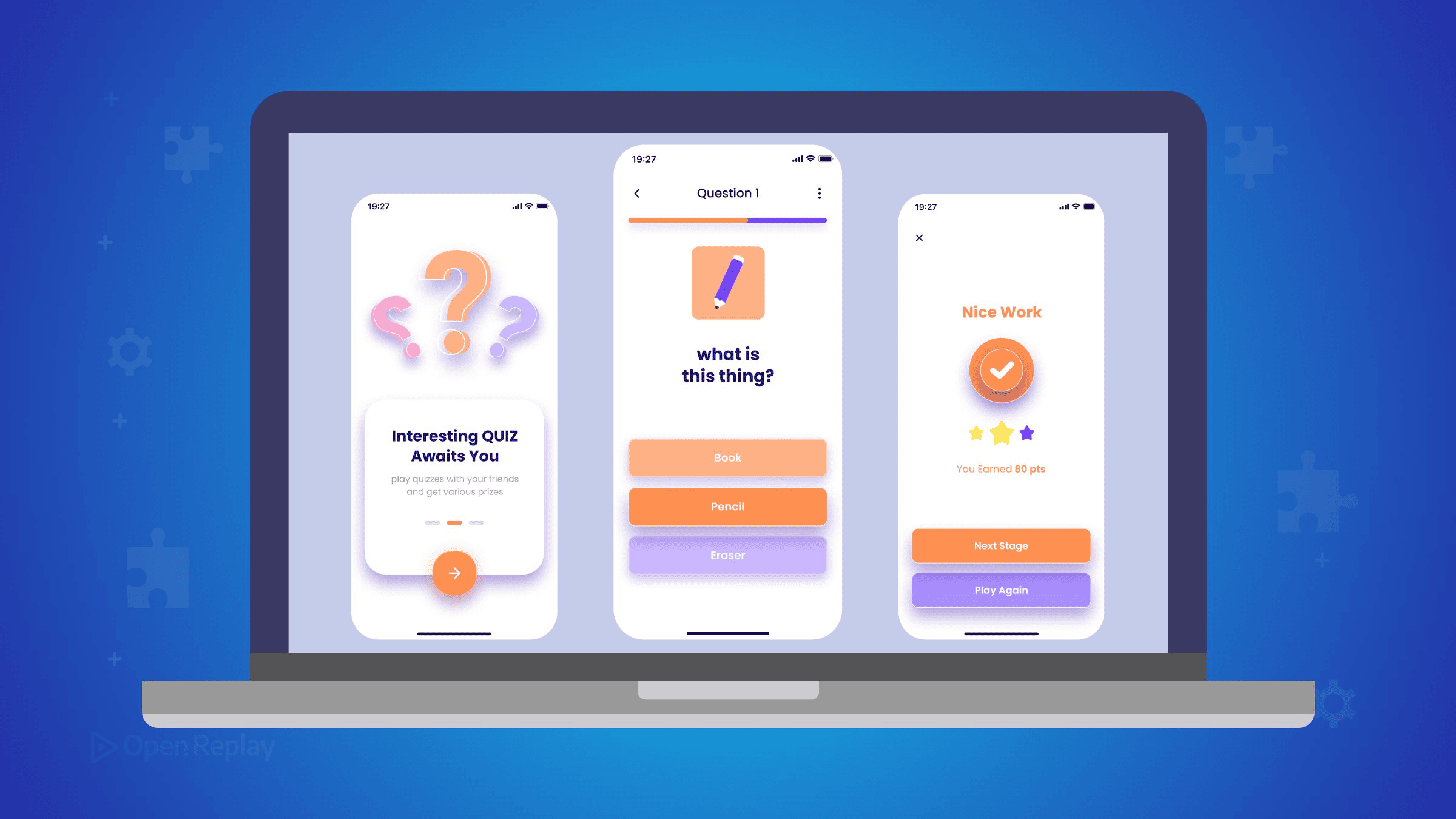
A state machine replaces a pile of boolean flags with a single named state, so a React component can only ever be in one of the screens you deliberately defined.
It creeps up on you. A screen starts with one isLoading, gains a hasAnswered, then an isFinished, and at some point nobody can say which combinations are legal anymore. This article models one small feature, a quiz, as an XState v5 machine with four states, and shows what that buys over the flag version. For a broader introduction to the library, OpenReplay’s XState overview is a good starting point, though its code predates v5; here we build one file, end to end. The code targets XState v5 and the v6 release of @xstate/react.
Key Takeaways
- Three boolean flags describe eight combinations, but a quiz has only four legal screens, leaving four states your UI can reach and your design never accounted for.
- In XState, states describe what the user can do right now, while context holds the data those states operate on: “answered” is a state, but the question list, current index, and score belong in context.
- In XState v5, a guard is a function receiving
{ context, event }that answers true or false, and a false answer means the transition it sits on is skipped. - Adding a review step to a flag-based component means a fourth flag and sixteen combinations; adding it to a machine means one new state and its transitions.
The Quiz and Its Four States
The quiz has exactly four screens, and each maps to one named state. idle: the start screen, nothing loaded, one button. question: a question is on screen and the options are clickable. answered: the user has picked an option, feedback is visible, and a Next button appears. results: the final score, with an offer to restart. Every render the component will ever produce belongs to one of these four.
Why Do Boolean Flags Fall Apart?
Three boolean flags, isLoading, hasAnswered, and isFinished, describe eight possible combinations, but the quiz has only four legal screens. That leaves four states your UI can physically reach and your design never accounted for.
| isLoading | hasAnswered | isFinished | Screen |
|---|---|---|---|
| false | false | false | question |
| true | false | false | loading next question |
| false | true | false | answered |
| false | false | true | results |
| true | true | false | none (answered while loading) |
| true | false | true | none |
| false | true | true | none |
| true | true | true | none |
The first illegal row is not hypothetical. Here is how it happens:
function goToNext() {
  setIsLoading(true);
  fetchQuestion(index + 1).then((q) => {
    setQuestion(q);
    setHasAnswered(false); // reset arrives only when the fetch resolves
    setIsLoading(false);
  });
}
The user answers, clicks Next, and until the fetch resolves the component holds isLoading: true and hasAnswered: true simultaneously: a spinner next to the last question’s highlighted answer. Nothing relates the two flags, so nothing prevents it. In session replays of quiz and wizard flows, this class of bug has a recognizable signature: a screen that should not exist, such as a highlighted answer with no question rendered, which is what an unenumerated flag combination looks like from the user’s side.
Modeling the Quiz as a State Machine in React
The machine names the four states, the events that move between them, and nothing else, so every transition is explicit and everything unlisted is impossible. createMachine takes the whole definition as one object:
import { createMachine, assign } from 'xstate';

const questions = [
  { text: '2 + 2?', options: ['3', '4'], answer: 1 },
  { text: 'Capital of France?', options: ['Paris', 'Lyon'], answer: 0 },
  { text: 'Largest planet?', options: ['Earth', 'Jupiter'], answer: 1 },
];

export const quizMachine = createMachine({
  id: 'quiz',
  initial: 'idle',
  context: { questions, currentIndex: 0, score: 0 },
  states: {
    idle: {
      on: { START: { target: 'question' } },
    },
    question: {
      on: {
        ANSWER: {
          target: 'answered',
          actions: assign({
            score: ({ context, event }) =>
              event.optionIndex === context.questions[context.currentIndex].answer
                ? context.score + 1
                : context.score,
          }),
        },
      },
    },
    answered: {
      on: {
        NEXT: {
          target: 'question',
          actions: assign({
            currentIndex: ({ context }) => context.currentIndex + 1,
          }),
        },
      },
    },
    results: {
      on: {
        RESTART: {
          target: 'idle',
          actions: assign({ currentIndex: 0, score: 0 }),
        },
      },
    },
  },
});
An ANSWER event in results does nothing, by construction rather than by defensive if checks. One gap remains: nothing reaches results yet. The guard section closes it.
Context Versus State: Data Is Not a State
States describe what the user can do right now; context holds the data those states operate on. For this quiz, “answered” is a state because it changes which controls work, while the question list, the current index, and the score are context because they change what is displayed within a screen, not what the screen is. The test is portable: if a value changes what the user can do, model it as a state; if it changes what they see inside the same screen, put it in context and update it with assign, whose callback receives { context, event } as shown above. Hardcoding the questions keeps this article focused; to load them over the network, invoke a fromPromise actor in a loading state and assign from event.output.
Wiring the Machine Into a React Component
The useMachine hook from @xstate/react hands back three things in an array: the current snapshot, a send function, and a reference to the running actor. The component below takes the first two, renders from snapshot.value, and reports user actions as events instead of setting flags.
import { useMachine } from '@xstate/react';
import { quizMachine } from './quizMachine';

export default function Quiz() {
  const [snapshot, send] = useMachine(quizMachine);
  const { questions, currentIndex, score } = snapshot.context;
  const question = questions[currentIndex];

  if (snapshot.value === 'idle')
    return <button onClick={() => send({ type: 'START' })}>Start quiz</button>;

  if (snapshot.value === 'results')
    return (
      <div>
        <p>Score: {score} / {questions.length}</p>
        <button onClick={() => send({ type: 'RESTART' })}>Play again</button>
      </div>
    );

  return (
    <div>
      <p>{question.text}</p>
      {question.options.map((option, i) => (
        <button
          key={option}
          disabled={snapshot.value === 'answered'}
          onClick={() => send({ type: 'ANSWER', optionIndex: i })}
        >
          {option}
        </button>
      ))}
      {snapshot.value === 'answered' && (
        <button onClick={() => send({ type: 'NEXT' })}>Next</button>
      )}
    </div>
  );
}
There is no flag bookkeeping in the handlers. The component states facts (“the user answered”) and the machine decides what they mean.
How Do You Guard the End Condition?
A guard is a small check with no side effects. XState hands it the machine’s context and the event that just arrived, and it answers true or false. A false answer means the transition it sits on is skipped. To route the last answer to results, replace the NEXT transition with an array of guarded transitions. XState works down that array from the top, uses the first entry whose guard answers true, and reaches the unguarded entry at the end only when none of them do:
    answered: {
      on: {
        NEXT: [
          {
            guard: ({ context }) =>
              context.currentIndex >= context.questions.length - 1,
            target: 'results',
          },
          {
            target: 'question',
            actions: assign({
              currentIndex: ({ context }) => context.currentIndex + 1,
            }),
          },
        ],
      },
    },
The end condition now lives in one place instead of being re-derived in every handler that touches the index.
What Does the Machine Buy You?
The illegal rows in the table above are now unreachable, not merely unlikely: no sequence of events puts the machine in “answered while loading” because no transition leads there. The second payoff is change. Adding a review step to the boolean version means a fourth flag and sixteen combinations to reason about; adding it to the machine means one new review state, a transition into it from results, and one back out. The component gains an if branch, and every existing state keeps behaving exactly as before.
Where to Use This Pattern Next
The pattern scales down further than most tutorials suggest: any screen where you catch yourself writing if (isX && !isY) is a candidate for four or five named states. Take the machine file from this article, swap in your own domain’s states and events, and let the type of bug in that combination table become something your component cannot express.
FAQs
What is the difference between an XState machine and useReducer?
Both centralize transitions in one function, but a reducer accepts any action in any state, so illegal combinations stay expressible. A state machine only responds to events listed under its current state: an ANSWER event received in the results state is ignored by construction. A reducer also leaves the set of possible states implicit in its data, while a machine names each state explicitly.
Does XState v5 require TypeScript?
No. XState v5 runs in plain JavaScript, and every snippet in this article works without types. If you do use TypeScript, the minimum supported version is 5.0. With TypeScript, the setup() API lets you declare types for context and events so transitions and assign calls are checked at compile time.
Will XState v4 tutorial code run on v5?
No, several core APIs were renamed in the v4 to v5 migration. Machine() became createMachine(), interpret() became createActor(), the cond property on transitions became guard, and invoked services became actors. Callback signatures changed too: actions and guards now receive a single object containing context and event instead of separate arguments. If a snippet uses cond or interpret, it is v4 code and will not run on v5.
Can two React components share the same XState machine state?
Not by calling useMachine twice: each call creates an independent actor with its own snapshot, so two components using useMachine(quizMachine) hold separate, unsynchronized state. To share one running machine, create the actor once and distribute it, either with createActorContext from the xstate react package or by passing the actorRef returned by useMachine down as a prop and reading it with useSelector.
Gain Debugging Superpowers
Unleash the power of session replay to reproduce bugs, track slowdowns and uncover frustrations in your app. Get complete visibility into your frontend with OpenReplay — the most advanced open-source session replay tool for developers.
Star on GitHub12k