Charts.css: Building Charts with Pure CSS
Charts.css uses pure CSS and semantic HTML tables to build bar, line, and pie charts with no JavaScript, plus accessible data markup.

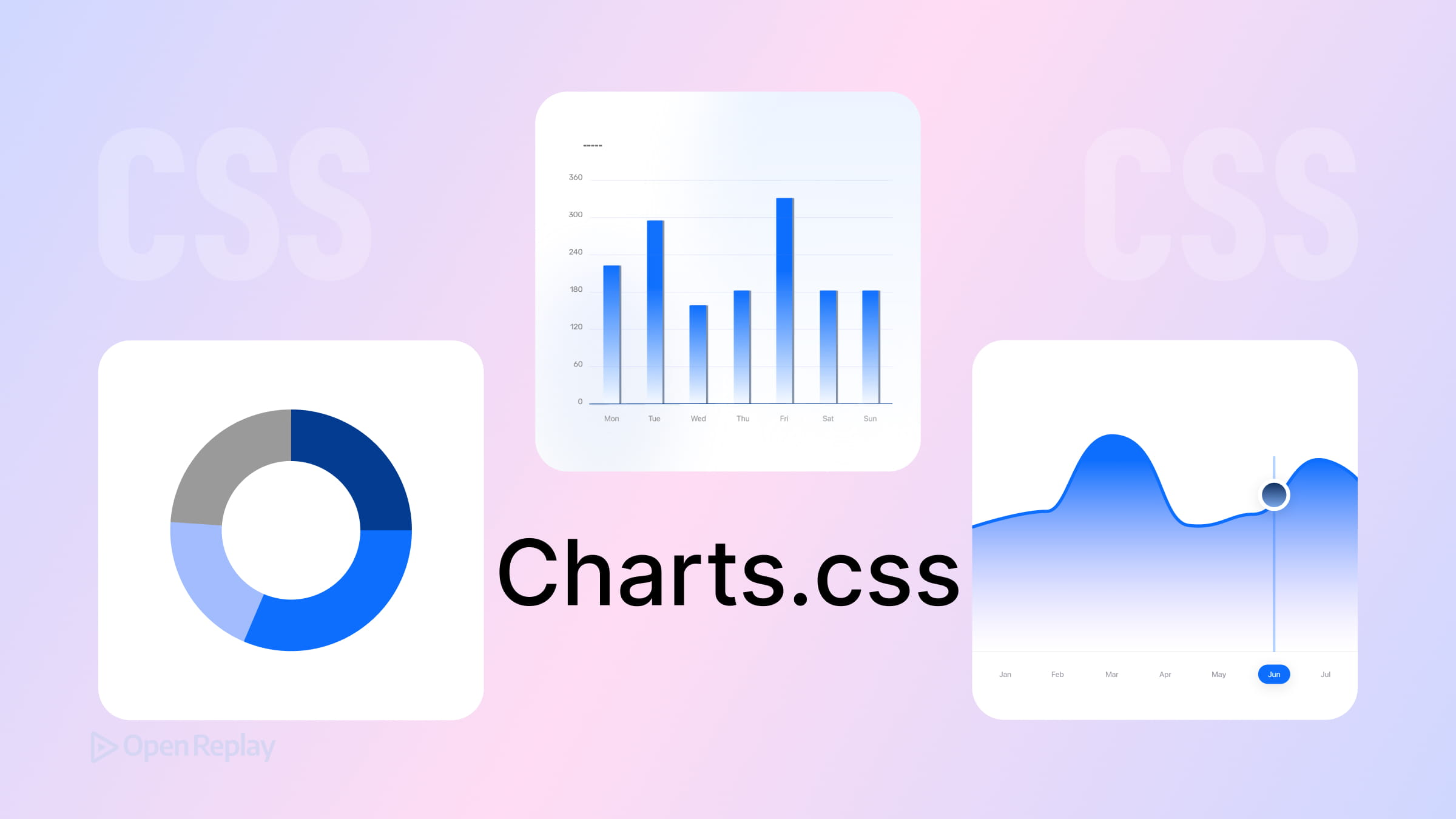
Most frontend developers instinctively reach for Chart.js or D3.js when a design calls for data visualization. That’s a reasonable default — until you’re pulling in hundreds of kilobytes of JavaScript just to render a bar chart on a documentation page or a simple dashboard. Charts.css offers a different trade-off: pure CSS data visualization built on semantic HTML tables, with no JavaScript rendering engine required.
Here’s how it works, what it’s good at, and where it stops making sense.
Key Takeaways
- Charts.css transforms standard HTML
<table>elements into visual charts using only CSS utility classes and custom properties — no JavaScript rendering required. - Data is represented through the
--sizecustom property (a normalized value between0and1) on each table cell, which the browser’s layout engine uses to size bars, segments, and points. - Because the underlying markup is a real HTML table, screen readers and search engines can access the raw data directly — though proper use of
<caption>,<th>, andscopeattributes is still your responsibility. - Charts.css is best suited for static pages, documentation sites, and lightweight dashboards where bundle size matters. For interactive, real-time, or complex visualizations, JavaScript libraries remain the better choice.
How Charts.css Works: HTML Table Charts Styled with CSS
Charts.css is a CSS framework that transforms standard <table> elements into visual charts using utility classes and CSS custom properties. There’s no JavaScript involved in rendering. The browser’s layout engine does all the visual work.
The core idea is straightforward: your data lives in a real HTML table. Charts.css styles that table to look like a chart. This means the underlying data remains accessible to screen readers and search engines without any extra effort — though you still need proper markup to get the full benefit.
Installation
Via CDN:
<link rel="stylesheet" href="https://cdn.jsdelivr.net/npm/charts.css/dist/charts.min.css">Via npm:
npm install charts.cssRepresenting Data with CSS Custom Properties
Each data cell in your table uses the --size custom property to represent its value as a number between 0 and 1. This normalized value is what Charts.css uses to size the visual element — a bar, a segment, a point.
Here’s a minimal bar chart example:
<table class="charts-css bar" style="height: 200px;">
  <caption>Monthly Signups</caption>
  <thead>
    <tr>
      <th scope="col">Month</th>
      <th scope="col">Signups</th>
    </tr>
  </thead>
  <tbody>
    <tr>
      <th scope="row">January</th>
      <td style="--size: 0.4;">400</td>
    </tr>
    <tr>
      <th scope="row">February</th>
      <td style="--size: 0.7;">700</td>
    </tr>
    <tr>
      <th scope="row">March</th>
      <td style="--size: 1.0;">1000</td>
    </tr>
  </tbody>
</table>
The charts-css class activates the framework. The bar class sets the chart type. The --size value on each <td> controls bar length proportionally.
Applying Different Chart Types
Switching chart types is a class swap. Charts.css supports bar, column, line, area, pie, and a few others. Feature support varies — bar and column are the most polished, while some types have more limited customization options.
<!-- Column chart -->
<table class="charts-css column">

<!-- Line chart -->
<table class="charts-css line">

<!-- Pie chart -->
<table class="charts-css pie">
Additional utility classes handle labels, axes, spacing, and data display:
<table class="charts-css bar show-labels show-primary-axis data-spacing-10">
Discover how at OpenReplay.com.
Accessibility: Real but Not Automatic
Because Charts.css uses actual <table> markup, screen readers can access the raw data directly — a genuine advantage over canvas or SVG-based libraries. But this only works if you write the table correctly: include a <caption>, use <th> with proper scope attributes, and make sure cell content is meaningful. The framework gives you the structure, but the accessibility still depends on your markup.
When CSS Charts Make Sense — and When They Don’t
Charts.css is well-suited for:
- Documentation sites and static pages
- Simple dashboards with infrequently updated data
- Lightweight reports where bundle size matters
It’s not the right tool for:
- Interactive charts with tooltips, zoom, or click events
- Real-time or frequently updating data
- Complex visualizations like force graphs or custom scales
- Large datasets where fine-grained rendering control matters
For those cases, JavaScript libraries exist for good reason.
Conclusion
Charts.css is a focused tool. It does one thing well: turn semantic HTML table data into readable CSS charts without shipping a single line of JavaScript rendering logic. Its small footprint is hard to argue with for static or low-interactivity contexts. Just go in with clear expectations — it’s a complement to JavaScript charting libraries, not a replacement.
FAQs
Can I use Charts.css with React, Vue, or other frontend frameworks?
Yes. Since Charts.css is just a CSS file applied to standard HTML table elements, it works in any framework that renders HTML. You generate the table markup in your component as you normally would, apply the charts-css classes, and set the --size custom property on each cell. No special bindings or wrapper libraries are needed.
How do I calculate the --size value for each data cell?
The --size property expects a normalized number between 0 and 1. Divide each data point by the maximum value in your dataset. For example, if your highest value is 1000 and a cell represents 400, set --size to 0.4. You handle this normalization yourself since Charts.css has no built-in data processing.
Does Charts.css support animations or transitions?
Charts.css can be animated using standard CSS transitions and keyframes, and the documentation includes examples of motion effects. However, it does not provide the rich, built-in animation capabilities of JavaScript libraries like Chart.js or D3.js.
Is Charts.css suitable for responsive designs?
Charts.css charts are responsive by default since they are built with standard CSS layout techniques. The charts resize with their container. You can control dimensions using percentage-based widths or set explicit heights via inline styles. For more complex responsive behavior, use media queries to adjust chart sizing or switch between chart types at different breakpoints.
Gain Debugging Superpowers
Unleash the power of session replay to reproduce bugs, track slowdowns and uncover frustrations in your app. Get complete visibility into your frontend with OpenReplay — the most advanced open-source session replay tool for developers.
Star on GitHub12k