Cookies vs localStorage for JWT Authentication
Cookies vs localStorage for JWT authentication: compare XSS and CSRF risks, HttpOnly, Secure, SameSite cookies, and modern token storage patterns.

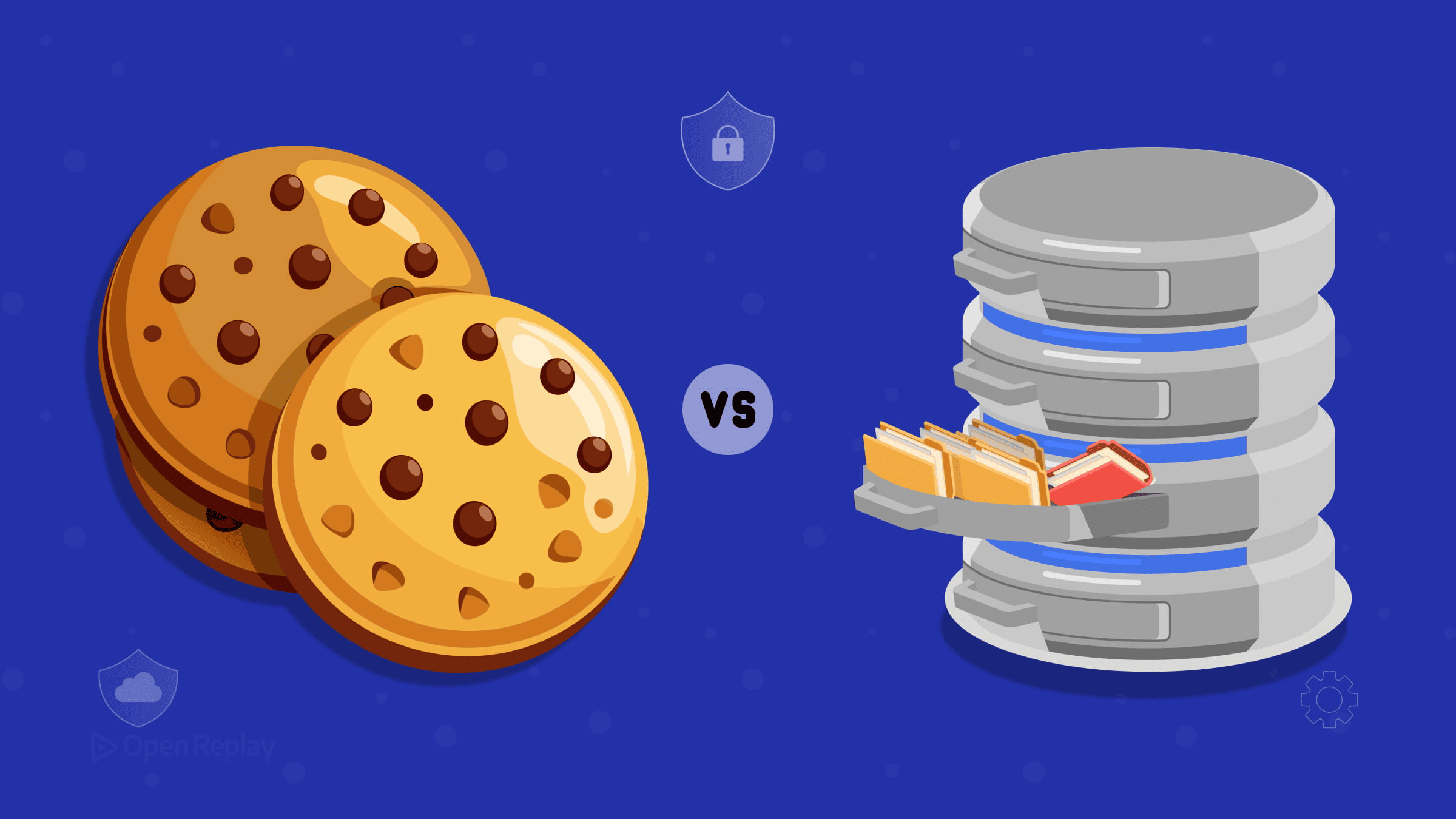
You’ve built your authentication flow, JWTs are working, and now you’re staring at the same question every frontend developer eventually faces: where do I actually put this token? The answer matters more than most tutorials let on, and the common advice—“just use HttpOnly cookies”—skips over real tradeoffs you need to understand.
Here’s a clear breakdown of both options, what each one actually protects against, and how modern applications handle this in practice.
Key Takeaways
localStorageis fully accessible to any JavaScript running on your page, making it vulnerable to XSS-based token theft.HttpOnlycookies block JavaScript access entirely but introduce CSRF risk, whichSameSiteandSecureattributes mitigate.- The modern pattern stores short-lived access tokens in memory and refresh tokens in
HttpOnly,Secure,SameSitecookies. - OWASP and OAuth browser-based app guidance discourage placing long-lived tokens in
localStorage. - The right choice depends on your threat model, your backend control, and whether your API requires
Authorizationheaders.
What’s Actually at Stake With JWT Storage
Where you store a JWT determines which attack vectors apply to your application. The two primary threats are:
- XSS (Cross-Site Scripting): Malicious JavaScript executing in your app’s context.
- CSRF (Cross-Site Request Forgery): Tricking a user’s browser into making unintended authenticated requests.
Neither storage option eliminates both risks simultaneously. The goal is to understand which risk you’re accepting and how to mitigate it.
localStorage: Convenient but JavaScript-Accessible
Storing a JWT in localStorage is straightforward. You write it, read it, and attach it to Authorization: Bearer headers manually. It works cleanly with APIs that expect that header format.
The problem is that localStorage is fully accessible to any JavaScript running on your page. If an attacker successfully injects a script—through a dependency vulnerability, a compromised CDN, or an XSS flaw in your own code—they can read the token directly and exfiltrate it. OWASP explicitly discourages storing session identifiers in localStorage for this reason.
This isn’t theoretical. Modern web apps pull in dozens of third-party scripts, and each one is a potential surface.
HttpOnly Cookies: Better XSS Resistance, New Considerations
An HttpOnly cookie cannot be read by JavaScript at all. Even if an attacker runs code in your page, they cannot extract the token’s value. That’s a meaningful improvement.
But cookies introduce CSRF exposure. Browsers automatically attach cookies to matching requests, including those triggered by malicious third-party sites.
Three cookie attributes work together to close that gap:
HttpOnly— blocks JavaScript access entirely.Secure— transmits the cookie over HTTPS only.SameSite— controls when cookies are sent cross-site.
For SameSite, modern browsers default to Lax when the attribute is unset, which blocks cookies on cross-site subrequests (like POSTs from another origin) but allows them on top-level navigations. Strict is more conservative and prevents the cookie from being sent on any cross-site request, including top-level navigations. Always set this explicitly rather than relying on browser defaults. Browser support for SameSite is excellent across modern browsers and can be verified on Can I Use.
With SameSite=Strict or Lax correctly configured, CSRF risk is substantially reduced for most same-site authentication setups. For sensitive state-changing endpoints, pair this with an anti-CSRF token for defense in depth.
Discover how at OpenReplay.com.
The Pattern Most Modern Apps Use
Many production applications split the problem:
- Short-lived access tokens stored in JavaScript memory (a module-level variable or React state).
- Refresh tokens stored in an
HttpOnly,Secure,SameSitecookie.
The access token disappears on tab close or page refresh, but a silent call to your /refresh endpoint retrieves a new one using the cookie. The access token never touches persistent storage, and the refresh token is never readable by JavaScript.
This approach aligns with current guidance for browser-based apps using OAuth 2.0 with PKCE (Authorization Code Flow with PKCE), which is what the OAuth 2.0 for Browser-Based Apps guidance recommends. If you’re working with OpenID Connect (OIDC), the same pattern applies—keep ID tokens and refresh tokens out of localStorage.
Security Audit Checklist
Before shipping, verify:
HttpOnlyflag set on any cookie holding tokens.Secureflag enabled (HTTPS enforced).SameSiteexplicitly set toStrictorLax.- Access tokens are short-lived, typically measured in minutes rather than hours.
- Content Security Policy headers configured.
- No long-lived JWTs sitting in
localStorage.
Choosing the Right Approach for Your App
There’s no universal answer. If you control your backend and serve your app from the same domain, HttpOnly cookies with proper SameSite configuration are the stronger default. If you’re integrating with a third-party API that requires Authorization headers and you can’t set cookies server-side, in-memory storage with short expiry is a reasonable fallback—just never persist long-lived tokens to localStorage.
Conclusion
Long-lived JWTs in localStorage are what current security guidance consistently discourages. HttpOnly cookies with Secure and SameSite attributes offer the strongest default for most same-domain setups, while in-memory storage paired with a refresh-token cookie covers the more complex cases. Once you understand the threat model—XSS on one side, CSRF on the other—the right choice for your app becomes a tradeoff you can reason about clearly rather than a guess.
FAQs
Can I use sessionStorage instead of localStorage for JWTs?
sessionStorage shares the same weakness as localStorage: any JavaScript running on the page can read it. The only difference is that sessionStorage clears when the tab closes. That reduces exposure window but does not protect against XSS. For token storage, treat sessionStorage with the same caution as localStorage and avoid placing long-lived tokens there.
Do I still need CSRF protection if I use SameSite=Strict cookies?
SameSite=Strict prevents cookies from being sent on cross-site requests, which blocks most CSRF attack patterns. However, for high-value state-changing endpoints, adding an anti-CSRF token gives you defense in depth. SameSite is enforced by the browser, so older clients or unusual edge cases may not honor it. A double-submit token pattern remains a sensible safeguard.
How short should access token expiry actually be?
A common range is 5 to 15 minutes. Short enough that a stolen token has limited value, but long enough to avoid hammering your refresh endpoint. Pair this with a longer-lived refresh token (hours to days) in an HttpOnly cookie. If your app handles sensitive operations like payments, lean toward shorter expiry and require re-authentication for critical actions.
What if my API only accepts Authorization headers and I can't use cookies?
Store the access token in JavaScript memory—a module variable, React state, or a closure—rather than localStorage. Keep it short-lived and refresh it through a backend endpoint when possible. If you must persist anything across reloads, route the refresh flow through your own backend that holds the long-lived credential server-side, and never expose long-lived tokens to client storage.
Gain control over your UX
See how users are using your site as if you were sitting next to them, learn and iterate faster with OpenReplay — the open-source session replay tool for developers. Self-host it in minutes, and have complete control over your customer data.
Star on GitHub12k