
Absolute Values in CSS with abs()

You have a CSS custom property that might be positive or negative depending on context, and you need to use it somewhere that only accepts positive values — like padding or animation-delay. Before abs(), you either reached for JavaScript or wrote a verbose max() workaround. Now you can handle it directly in CSS.
Key Takeaways
abs()is a CSS math function that returns the absolute (non-negative) value of a numeric expression, preserving the original unit.- It accepts numbers, lengths, percentages, angles, and any expression valid inside
calc(). - Common use cases include sanitizing custom properties for properties that reject negative values, symmetrical animation timing, and responsive spacing.
- For older browsers, use
max(var(--x), calc(-1 * var(--x)))as a fallback.
What Is the CSS abs() Function?
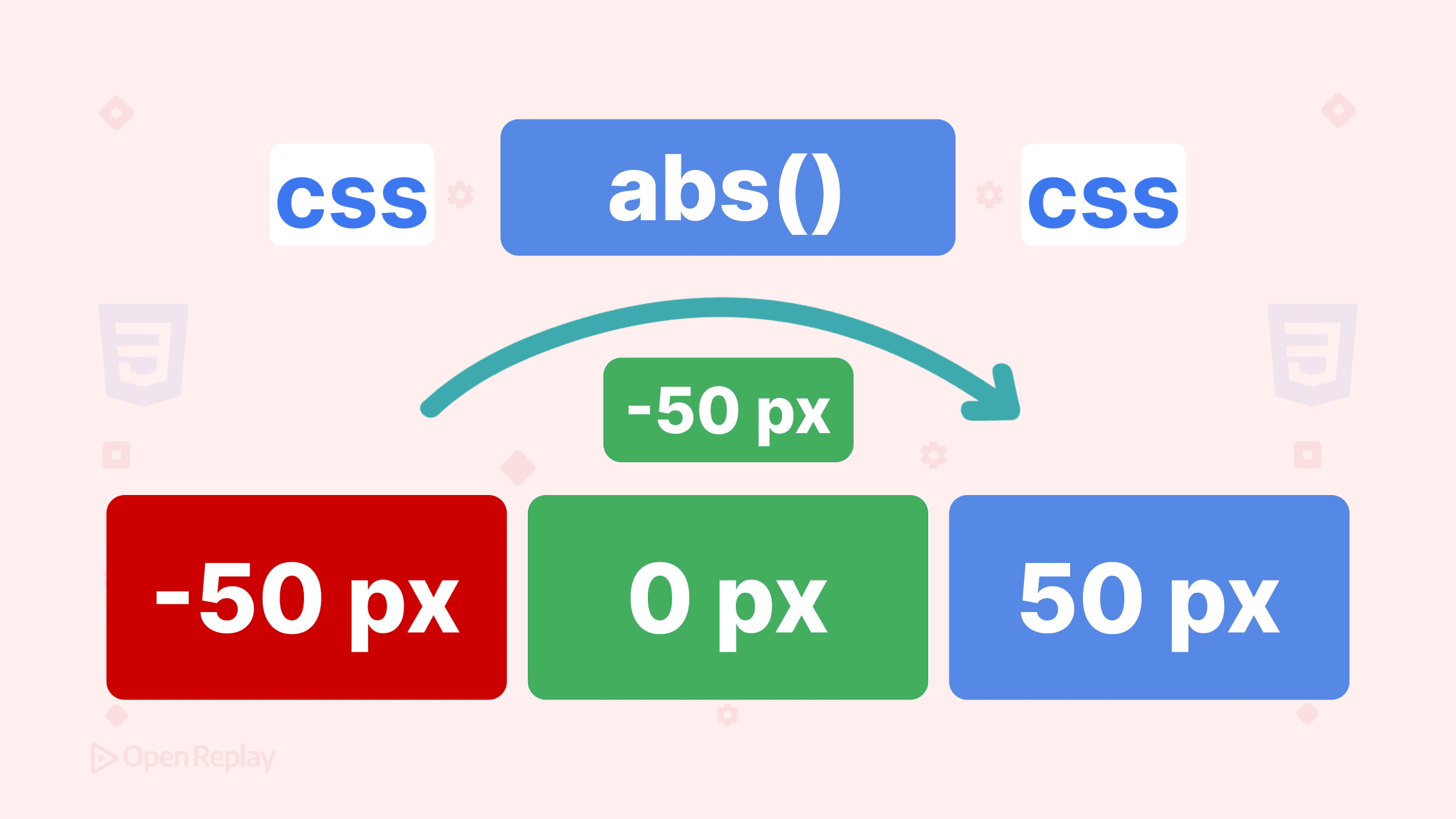
abs() is a CSS math function from the CSS Values and Units Module Level 4 specification. It takes a single numeric expression and returns its absolute value — always non-negative, same unit as the input.
width: abs(-200px);         /* → 200px */
padding: abs(20px - 30px);  /* → 10px */
font-size: abs(-1.5rem);    /* → 1.5rem */
It works with numbers, lengths, percentages, angles, and any expression you’d write inside calc(). Units are preserved exactly.
Syntax and Supported Value Types
abs( <calc-sum> )The argument can be anything that resolves to a numeric value:
abs(-4)                /* plain number → 4 */
abs(-8vh)              /* length → 8vh */
abs(-60%)              /* percentage → 60% */
abs(20% - 60%)         /* expression → 40% */
abs(min(-20px, 10px))  /* nested function → 20px */
One important clarification: abs() operates on the mathematical expression you provide, but values like percentages are still resolved later according to the property’s normal rules. For example, abs(25%) in background-position still resolves through that property’s sizing formula afterward.
Practical Use Cases
Preventing Invalid Negative Values from Custom Properties
Custom properties can carry signed values that break certain CSS properties when negative.
:root {
  --offset: -30px; /* could be positive or negative */
}

/* ❌ Before: padding-top: -30px is invalid */
.card { padding-top: var(--offset); }

/* ✅ After: always resolves to 30px */
.card { padding-top: abs(var(--offset)); }
This pattern is especially useful in design systems where tokens may be set programmatically.
Stabilizing animation-delay in Symmetrical Animations
When calculating distance from a center index, the subtraction can go negative for elements before the center. A negative animation-delay doesn’t defer the start — it causes the animation to begin partway through its cycle, which breaks symmetrical wave timing:
.bar {
  --distance: abs(var(--my-idx) - var(--center-idx));
  animation-delay: calc(var(--distance) * 0.1s);
}
Without abs(), bars to the left of center would get a negative delay and skip ahead in the animation instead of waiting their turn.

Discover how at OpenReplay.com.
Responsive Spacing Calculations
.section {
  gap: abs(10vw - 4rem); /* always a positive gap, regardless of viewport */
}
abs() vs. Other CSS Math Functions
| Function | What it does | Example |
|---|---|---|
abs() | Returns the non-negative value | abs(-10px) → 10px |
max() | Returns the largest of N values | max(0px, var(--val)) |
clamp() | Constrains to a range | clamp(1rem, 2vw, 3rem) |
calc() | Arbitrary arithmetic | calc(100% - 2rem) |
The max() workaround for absolute values — max(var(--x), calc(-1 * var(--x))) — works but is verbose. Use it only when targeting older browsers that lack abs() support.
Browser Support and Fallbacks
abs() is supported in modern browsers including recent versions of Chrome, Edge, Firefox, and Safari. Support is solid in current browser releases, but older versions may lack it. Check Can I Use — abs() for current compatibility data.
For progressive enhancement:
@supports not (width: abs(-10px)) {
  .element {
    padding: max(var(--val), calc(-1 * var(--val)));
  }
}
Common Pitfalls
abs() doesn’t work with CSS keywords:
width: abs(auto); /* ❌ invalid — auto is not a numeric expression */Wrapping calc() inside abs() is redundant:
width: abs(calc(50% - 100px)); /* ⚠️ works but unnecessary */
width: abs(50% - 100px);       /* ✅ cleaner */
abs() is not the same as Sass’s built-in abs() — Sass resolves it at compile time with unitless numbers, while CSS abs() runs in the browser during layout and handles dimensions properly. If you use both, be aware that Sass may intercept the call. To pass it through to CSS, you can write abs(#{...}) or use the math.abs() namespaced form for the Sass version explicitly.
Conclusion
abs() fills a real gap in CSS math: it lets you work with signed values safely, without JavaScript or convoluted workarounds. If you’re building components that use custom properties for spacing, timing, or layout calculations, it’s worth adding to your toolkit now that browser support is solid across modern engines.
FAQs
Yes. If your custom property holds a unitless number, abs() will return its non-negative equivalent as a unitless number. You can then multiply the result by a unit inside calc(), for example calc(abs(var(--value)) * 1px), to produce a length.
abs(0) returns 0. This is perfectly valid and will not cause any issues. The function simply confirms the value is non-negative, and zero already satisfies that condition.
Yes. CSS math functions including abs() can be used in modern media queries and container queries as long as the expression resolves to a valid value. For example, @media (min-width: abs(600px)) is valid CSS in current browsers.
Sass has its own abs() function that operates at compile time on unitless numbers. To ensure the call passes through to native CSS, wrap the argument with interpolation syntax like abs(#{50% - 100px}), or use the namespaced math.abs() for Sass-specific calls so the plain abs() is left for the browser.
Complete picture for complete understanding
Capture every clue your frontend is leaving so you can instantly get to the root cause of any issue with OpenReplay — the open-source session replay tool for developers. Self-host it in minutes, and have complete control over your customer data.
Check our GitHub repo and join the thousands of developers in our community.
