Code Metrics Explained: What Is Cyclomatic Complexity?
Cyclomatic complexity explained with JavaScript examples, formulas, and tools like ESLint and SonarQube to measure and reduce branching logic.

You’re reviewing a pull request and a function has grown to handle eight different conditions — user roles, feature flags, edge cases, fallbacks. It passes tests. It works. But something feels off. That feeling has a name, and a number.
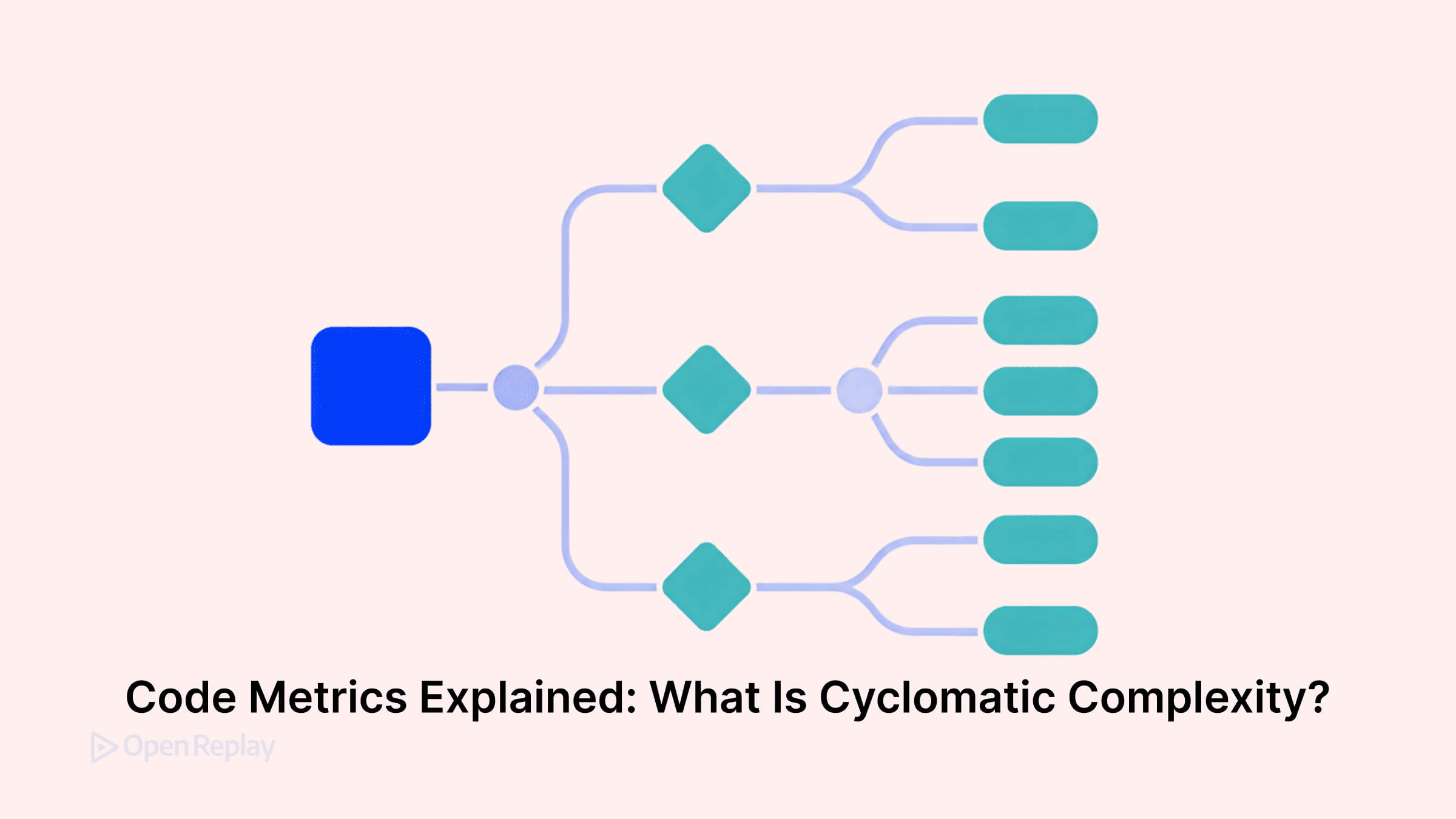
Cyclomatic complexity is a code quality metric that measures how many independent execution paths exist through a function. The higher the number, the more branching logic your code contains — and the harder it becomes to read, test, and maintain.
Key Takeaways
- Cyclomatic complexity counts the number of independent paths through a function, giving you a measurable signal of branching logic.
- Calculate it quickly by starting at 1 and adding 1 for each branching statement such as
if,&&,||,case, or a ternary. - It differs from cognitive complexity, which measures how hard code is for a human to read rather than how many paths it contains.
- Tools like ESLint and SonarQube can track complexity automatically and flag functions that exceed a configurable threshold.
- Reduce complexity with guard clauses, extracted helpers, descriptive boolean variables, and lookup tables.
How Cyclomatic Complexity Is Calculated
Developed by Thomas McCabe in 1976, the metric is derived from a function’s control flow graph. The practical formula for a single connected component is:
M = E − N + 2P
Where E is the number of edges, N is the number of nodes, P is the number of connected components (usually 1 for a single function), and M is the complexity score.
For most JavaScript developers, you don’t need to calculate this manually. The shortcut: start at 1, then add 1 for every branching statement — if, else if, &&, ||, for, while, case, ternary operators, and catch clauses. Some tools also count constructs such as optional chaining, default values, and logical assignment. The exact calculation rules can vary slightly between tools such as ESLint and SonarQube.
A JavaScript Example: How Branching Raises Complexity
// Cyclomatic complexity: 1
function getDisplayName(user: User): string {
  return user.name;
}
// Cyclomatic complexity: 6
function getDisplayName(user: User | null): string {
if (!user) return "Guest"; // +1
if (user.isAdmin) return "Admin"; // +1
if (user.displayName) return user.displayName; // +1
if (user.firstName && user.lastName) // +1 (if) +1 (&&)
return `${user.firstName} ${user.lastName}`;
return user.email;
}Each condition adds a branch. More branches mean more paths to test — and more ways a future change could break something unexpected.
This pattern appears constantly in frontend code: React component render logic, Redux reducers with many action types, form validation handlers, and permission-based UI flows.
Cyclomatic Complexity vs. Cognitive Complexity
These are related but distinct metrics. Cyclomatic complexity counts structural branches — it’s a testability signal. Cognitive complexity (popularized by SonarQube) measures how difficult code is for a human to read, penalizing nesting and non-linear flow more heavily.
A function can score low on cyclomatic complexity but still be hard to follow — for example, deeply chained method calls with no intermediate variables. Both metrics are useful, and neither tells the whole story alone.

Discover how at OpenReplay.com.
Measuring It in Your JavaScript Codebase
Two practical tools for frontend teams:
- ESLint
complexityrule — flags functions above a configurable threshold directly in your editor - SonarQube / SonarCloud — reports both cyclomatic and cognitive complexity across your entire codebase
Configure ESLint like this:
{
  "rules": {
    "complexity": ["warn", { "max": 10 }]
  }
}
The threshold is configurable — and should be. A validation utility and a Redux reducer don’t need the same ceiling. Adjust thresholds to match the context of your code, not a universal rule.
Practical Ways to Reduce Unnecessary Complexity
When a function’s score climbs, these techniques help:
- Extract functions — pull distinct logic into named helpers
- Use guard clauses — return early instead of nesting conditions
- Simplify conditionals — replace complex boolean chains with descriptive variables
- Use lookup tables — replace long
switchstatements with objects orMap
The goal isn’t a low score for its own sake. It’s code that’s easier to test, easier to change, and easier for the next developer to understand.
Conclusion
Cyclomatic complexity gives you a concrete, measurable signal about branching logic in your code. Use ESLint or SonarQube to track it, set thresholds that fit your codebase, and treat rising scores as a prompt to refactor — not a crisis. Pair it with cognitive complexity for a fuller picture of maintainability.
FAQs
What is a good cyclomatic complexity score?
A common guideline is to keep functions at or below 10. Scores from 1 to 10 are considered manageable, 11 to 20 suggest the function is getting complex, and anything above 20 is usually a strong candidate for refactoring. The right threshold depends on the type of code, so adjust it to your team's context.
Does cyclomatic complexity include nested conditions?
Cyclomatic complexity counts each branching statement equally, regardless of how deeply it is nested. A function with three flat if statements and one with three nested if statements can have the same score. This is one reason cognitive complexity exists, since it adds extra weight for nesting and better reflects how hard the code is to read.
Should I refactor every function that exceeds the threshold?
Not always. A high score signals that a function deserves a closer look, but some logic is genuinely branch-heavy, such as parsers, state machines, or validation pipelines. Use the metric as a prompt for review rather than a strict rule. If the function is well-tested, clearly written, and stable, refactoring may add risk without real benefit.
How is cyclomatic complexity different from lines of code?
Lines of code measure size, while cyclomatic complexity measures decision points. A 200-line function with no branches has a complexity of 1, while a 20-line function full of conditions can score much higher. Complexity is a better predictor of testability and maintenance effort because it reflects how many paths your tests need to cover.
Gain control over your UX
See how users are using your site as if you were sitting next to them, learn and iterate faster with OpenReplay — the open-source session replay tool for developers. Self-host it in minutes, and have complete control over your customer data.
Star on GitHub12k