How to Debug CORS Errors in the Browser
Debug CORS errors in the browser with DevTools, console messages, and preflight OPTIONS checks. Spot mixed content, TLS, and credential issues fast.

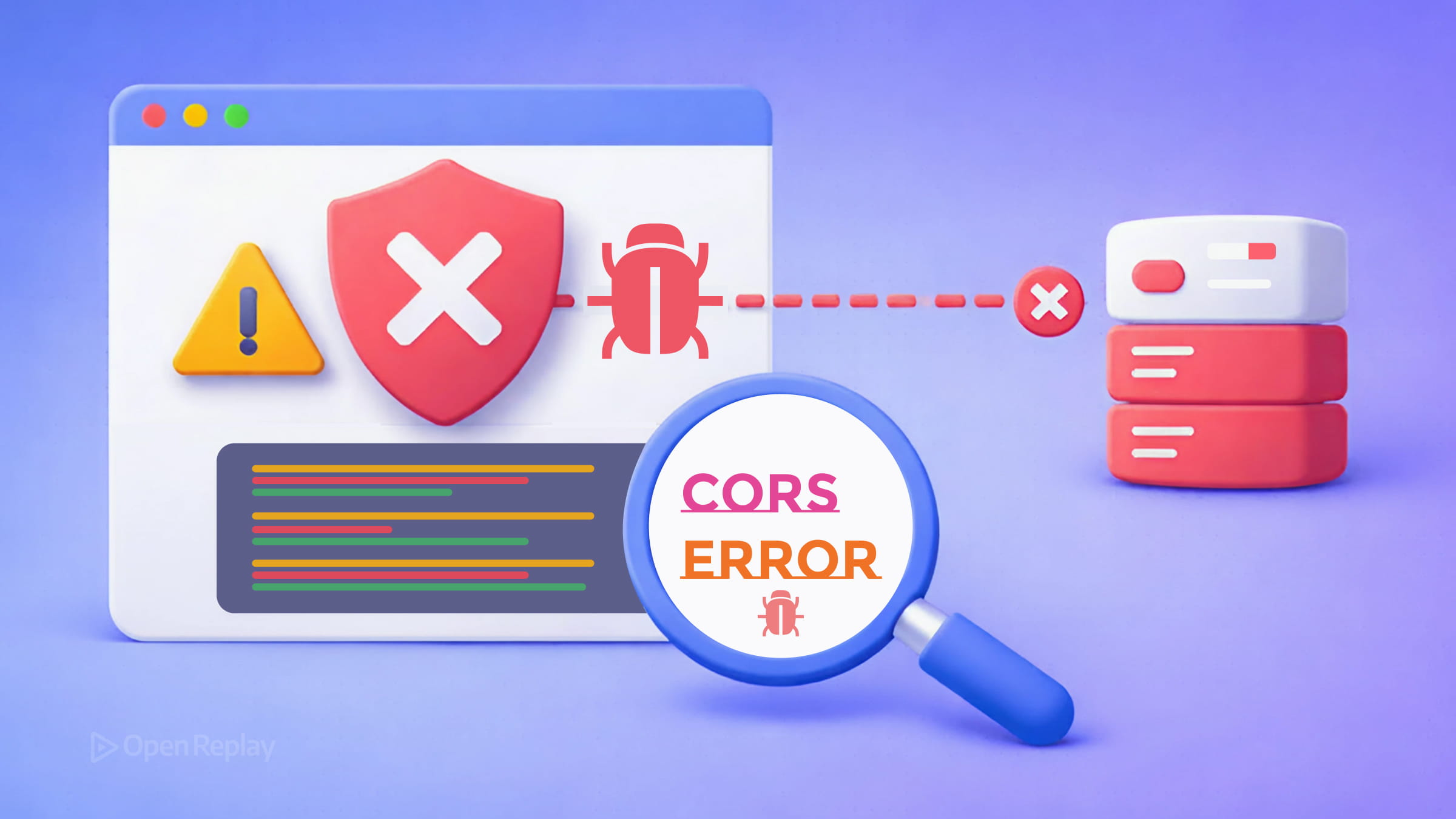
You trigger a fetch request, open the console, and see something like:
Access to fetch at ‘https://api.example.com’ from origin ‘http://localhost:3000’ has been blocked by CORS policy.
Before you start changing server headers at random, stop. Most CORS debugging in the browser comes down to reading what the browser is already telling you — if you know where to look.
Key Takeaways
- CORS errors are enforced by the browser, not the server. The request often reaches the server; the block happens on the response.
- The browser console message is your primary diagnostic tool — it often points to the failing rule or header, but may also reflect underlying network, TLS, or policy issues.
- Preflight OPTIONS requests fail silently if you’re not looking for them. Always check the Network tab filtered by “All” to spot them.
- Not every error that looks like CORS is actually a CORS problem. Mixed content, TLS failures, redirects, and browser extensions can all masquerade as CORS issues.
What CORS Errors Actually Mean
CORS (Cross-Origin Resource Sharing) errors occur when your browser blocks a cross-origin request because the server’s response didn’t include the right permissions. The key word is browser — the request often reaches the server. The block happens on the way back.
An origin is defined by the combination of protocol, domain, and port. So http://localhost:3000 and http://localhost:4000 are different origins, even on the same machine.
How to Debug CORS Errors Using DevTools
Open DevTools → Network tab (F12 or Cmd+Option+I). Reproduce the failing request. Then:
- Find the failed request — look for a red entry or filter by “Fetch/XHR.”
- Check the Console tab — the error message there is specific. It tells you which header is missing or mismatched.
- Click the request → Headers tab — inspect both the request headers (especially
Origin) and the response headers (especiallyAccess-Control-Allow-Origin).
The console error is your primary diagnostic tool. Modern Chrome and Firefox give precise messages like:
- “No ‘Access-Control-Allow-Origin’ header is present” → the server sent no CORS headers at all.
- “The value of ‘Access-Control-Allow-Origin’ must not be the wildcard ’*’ when credentials mode is ‘include’” → you’re using
credentials: 'include'but the server responded with*. - “Method PUT is not allowed by Access-Control-Allow-Methods” → the preflight rejected your HTTP method.
Debugging Preflight Requests (OPTIONS)
When your request uses a non-simple method (PUT, DELETE, PATCH), custom headers, or a content type other than the few allowed by the spec, the browser sends a preflight OPTIONS request first. If that fails, your actual request never goes out.
In the Network tab, filter by “All” and look for an OPTIONS request to the same URL, appearing just before your main request. Click it and check:
- Request headers:
Access-Control-Request-MethodandAccess-Control-Request-Headers— these tell the server what the real request needs. - Response headers:
Access-Control-Allow-Methods,Access-Control-Allow-Headers,Access-Control-Allow-Origin— the server must explicitly permit each one.
If the OPTIONS request returns a 4xx or 5xx status code, that’s likely a server-side routing or configuration error, not a CORS header misconfiguration. Fix the underlying error first.

Discover how at OpenReplay.com.
Is It Actually a CORS Error?
Not every error that surfaces as CORS is caused by CORS. Common false positives include:
- Mixed content — fetching
http://from anhttps://page is blocked by the browser’s mixed content policy, regardless of CORS headers. - TLS/certificate errors — a failed TLS handshake can look like a CORS failure in the console.
- Redirects to a different origin — if the server redirects your request to a new origin, the browser blocks the request. Cross-origin redirects are not allowed for CORS requests.
- Browser extensions — privacy or ad-blocking extensions can cancel requests before CORS is even evaluated.
- Third-party cookie restrictions — if you’re using
credentials: 'include', modern browsers may block cookies from third-party origins even when your CORS headers are perfectly correct.
To isolate the real cause, try the request in a private/incognito window with extensions disabled.
Credentialed Requests: A Common Trap
If you use fetch(url, { credentials: 'include' }), the server cannot respond with Access-Control-Allow-Origin: *. It must echo back the exact requesting origin. The server also needs to include Access-Control-Allow-Credentials: true in its response. Miss either one and the browser blocks the response.
Quick CORS Debugging Checklist
| Check | What to Look For |
|---|---|
| Console error message | Exact header or rule that failed |
| OPTIONS request present? | Preflight triggered — check its response |
Response has Access-Control-Allow-Origin? | Must match your origin or be * |
| Using credentials? | * is not allowed; exact origin required |
| 4xx/5xx on the request? | Server error — not a CORS problem |
| Mixed content? | HTTP from HTTPS page — always blocked |
Conclusion
The browser error message, the Network tab, and the Headers panel give you everything you need to diagnose most CORS issues in under five minutes. Read the exact error, find the OPTIONS request if one exists, compare what was sent against what was expected, and work from there. Resist the urge to blindly add Access-Control-Allow-Origin: * to your server — understand what the browser is asking for first, and respond precisely.
FAQs
Can I fix CORS errors from the frontend without changing the server?
No. CORS is enforced by the browser based on headers the server sends. The frontend cannot override this. If you do not control the server, you can route requests through a backend proxy that adds the correct headers, but the browser-side code alone cannot bypass the restriction.
Why does my request work in Postman but fail in the browser?
Postman is not a browser and does not enforce the same-origin policy. It sends requests directly without checking CORS headers on the response. Browsers enforce CORS to protect users, so a request that succeeds in Postman can still be blocked by the browser if the server omits the required response headers.
What triggers a preflight OPTIONS request?
A preflight is triggered when the request uses a method other than GET, HEAD, or POST, includes custom headers, or sets a Content-Type other than application/x-www-form-urlencoded, multipart/form-data, or text/plain. The browser sends an OPTIONS request first to confirm the server permits the actual request.
Why does setting Access-Control-Allow-Origin to a wildcard still cause errors?
If your request includes credentials such as cookies or authorization headers, the server cannot use the wildcard value. It must respond with the exact origin that made the request and also include the Access-Control-Allow-Credentials header set to true. The wildcard is only valid for requests without credentials.
Gain control over your UX
See how users are using your site as if you were sitting next to them, learn and iterate faster with OpenReplay — the open-source session replay tool for developers. Self-host it in minutes, and have complete control over your customer data.
Star on GitHub12k