A Developer's Guide to Open-Weight Models
Open-weight models explained: what weights and licences include, why serving frontier models is hard, and how to choose API, provider, or local build.

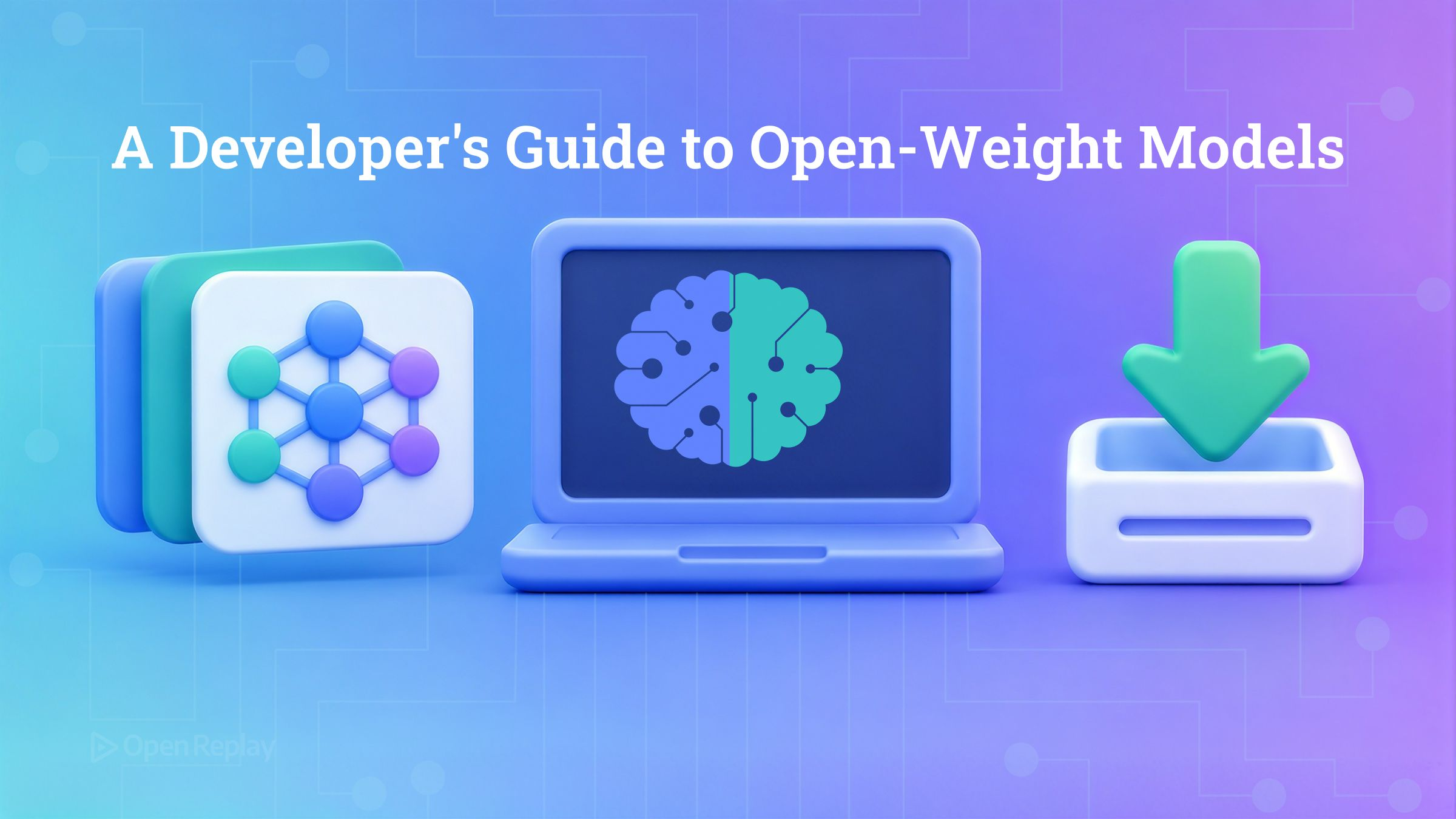
An open-weight model is a model whose trained weights, the learned parameters saved as a file, are published for download, usually together with the inference code needed to run them, but without the training data or the training pipeline that produced them.
If you have been calling a hosted API and wondering whether you could pull the model down and run it the way you install a package, the answer comes in two parts: yes, you can download it; no, that does not mean you can run it. This guide covers what an open-weight release contains, why the licence matters more than the label, what to check before you build on one, what serving a frontier model actually involves, and the three routes an application developer without a GPU can realistically take.
Key Takeaways
- An open-weight release gives you the weights file and usually inference code; the training data and training code are normally withheld, which is the entire difference from open-source AI.
- “Open weight” describes what was published; the licence describes what you may do, and terms range from unrestricted commercial use to research-only, with custom licences common.
- Kimi K3’s model card lists 2.8 trillion total parameters, 104 billion activated per token, MXFP4 weights with MXFP8 activations and a 1,048,576-token context, and its repo holds about 1.56 TB of weight files.
- Kimi K3’s card recommends vLLM, SGLang or TokenSpeed for serving and points to a hosted API; it does not describe running the model on a workstation.
- For an application developer, the realistic routes are the publisher’s hosted API, a third-party serving provider, or a quantised community build in Ollama or LM Studio.
What Does an Open-Weight Model Actually Give You?
An open-weight release contains the weights, typically the inference code and a config describing the architecture, and rarely anything about how the model was trained. The weights are the model: billions of numbers, stored in a numeric format such as 16-bit floats or a 4-bit quantised type, arranged in the tensors the architecture expects. The inference code loads those tensors and runs a forward pass. Everything upstream, meaning the training corpus, the data filtering, and the training scripts, stays with the publisher.
That omission is what separates open weight from open source. The Open Source AI Definition published by the Open Source Initiative asks for more than a weights file: the parameters, the code that trains and runs the system, and an account of the training data full enough for a competent engineer to rebuild something equivalent. The raw dataset itself is not on that list. A release that ships weights and inference code alone does not meet that bar, however permissive its licence.
Why the Label Tells You Nothing and the Licence Tells You Everything
The label “open weight” describes what was published, not what you are permitted to do with it. The licence attached to the weights sets the terms, and those terms range from unrestricted commercial use to research-only, with custom licences written by the publisher being common. Two models can both be downloadable from the same hub and carry completely different obligations.
Kimi K3 is a concrete case. Moonshot ships its weights and the accompanying code under a licence it wrote itself rather than a standard one. The Kimi K3 License file permits commercial use, modification and redistribution but attaches a revenue threshold for model-as-a-service operators and an attribution requirement for deployments above a monthly revenue or monthly-active-user threshold. None of that is visible from the word “open”. You find it by reading the file.
What Should You Check in an Open-Weight Licence?
Before building on an open-weight model, read its licence for four things: whether commercial use is allowed, whether you may redistribute the weights, whether you may fine-tune and release derivatives, and what the acceptable-use policy prohibits.
- Commercial use. Some licences permit it outright, some restrict it above a revenue or user threshold, some forbid it. Check for any obligation that triggers on scale.
- Redistribution. Can you ship the weights inside your own product or container image, or only point users at the publisher’s download?
- Fine-tuning and derivatives. Confirm you may modify the weights, and check what licence the derivative must carry and whether naming rules apply.
- Acceptable-use restrictions. Many licences carry a use-policy annex that bans specific applications. Read it against your actual product, not the demo.
Treat the licence file in the repository as the source of truth. Hub metadata tags and third-party summaries drift out of date.
Free to Download Is Not Free to Run
Being able to download a model’s weights and being able to serve them are separate questions, and for a model with trillions of parameters the second answer is a data centre, not a laptop.
Kimi K3’s model summary lists 2.8 trillion total parameters in a mixture-of-experts architecture, with 104 billion activated per token, 896 experts of which 16 are selected per token, and a 1,048,576-token context length. The same table gives the numeric format: MXFP4 weights and MXFP8 activations, fixed during training rather than applied to a finished model. Even at four bits, 2.8 trillion parameters is trillion-scale storage: the repository’s Files tab shows the weights split across 96 safetensors shards totalling about 1.56 TB, with tensor types listed as F32, BF16 and U8. Every one of those bytes has to be resident in accelerator memory to serve a request at speed, and “only 104 billion active” does not reduce that footprint, because which experts fire changes per token.
The card itself tells you how this is meant to be run. Its deployment section names vLLM, SGLang and TokenSpeed as the engines to use and sends you to a hosted API; a TokenSpeed recipe exists specifically for this model. Nothing on the card describes a local install. Moonshot announced Kimi K3 on 16 July 2026 and released the weights on Hugging Face on 27 July 2026, the date that announcement had set.
How Can You Actually Run an Open-Weight Model?
For an application developer, an open-weight model is reachable by three routes: the publisher’s hosted API, a third-party serving provider that runs the published weights, or a smaller quantised community build run locally through a tool such as Ollama or LM Studio. Downloading the raw frontier weights is not on the list, for the reasons above.
| Route | Who runs the weights | What you pay for | Where prompts go | Typical fit |
|---|---|---|---|---|
| Publisher’s hosted API | The model’s publisher | Tokens (Moonshot’s platform also requires an account top-up before kimi-k3 is unlocked) | Publisher’s servers | Fastest path to the full model |
| Third-party serving provider | Provider such as Together AI, which Hugging Face lists as an inference provider for Kimi K3; Modal is the same category | Tokens or hardware-hours | Provider’s servers | Same weights, different terms, region or price |
| Quantised community build | You, via Ollama or LM Studio | Your own hardware and power | Nowhere | Smaller models, private data |
Two caveats on the third row. Community quantisations of Kimi K3 do exist, and Hugging Face lists dozens of quantised derivatives, but most remain 2.8-trillion-parameter or hundreds-of-billions-parameter pruned builds, not laptop-scale downloads. The local route works for models sized for it, and that is what the Ollama and Jan.ai guides cover.
The good news is that switching routes is mostly a base_url change. Moonshot’s Kimi K3 quickstart exposes an OpenAI-compatible endpoint, as does Ollama’s local server:
from openai import OpenAI

# Publisher API
client = OpenAI(base_url="https://api.moonshot.ai/v1", api_key="YOUR_KEY")
# Serving provider (check your provider's docs for its endpoint)
# client = OpenAI(base_url="https://<provider>/v1", api_key="YOUR_KEY")
# Local runtime via Ollama
# client = OpenAI(base_url="http://localhost:11434/v1", api_key="ollama")

response = client.chat.completions.create(
    model="kimi-k3",  # model id differs per route
    messages=[{"role": "user", "content": "Summarise this licence."}],
)
print(response.choices[0].message.content)
Compatible does not mean identical. Kimi K3, for example, never turns reasoning off, takes a reasoning_effort field set to "low", "high" or "max", and hands back a reasoning_content field that every later turn in the same conversation has to carry forward untouched. Check the publisher’s docs for fields like these before assuming a drop-in swap.
How Do You Choose Between the Three Routes?
Choosing between a hosted API, a third-party serving provider and a local quantised build comes down to where your data goes, how much latency the product can absorb, and whether you would rather pay per token or per hour of hardware you keep running. If prompts contain data that cannot leave your infrastructure, the local route or a provider with a data-processing agreement you can accept is the constraint that decides everything else. If the feature is interactive, the publisher’s API and serving providers give you the full model at data-centre speed, while a quantised build on a laptop trades capability and throughput for zero egress. If usage is spiky, per-token billing is cheap to start and expensive at volume; if it is steady and heavy, hardware-hours or owned hardware flatten the curve. Answer those three questions in that order and the route usually picks itself.
Conclusion
Open weight means you get the parameters, not the recipe, and not a guarantee that your hardware can do anything with them. Read the licence file in the repo, read the card’s deployment section, and pick a route by data, latency and cost shape rather than by what is downloadable. If the local route fits, start with the guide to running models privately with Jan.ai, which sits directly on top of everything here.
FAQs
What is the difference between safetensors and GGUF files on Hugging Face?
Safetensors is the Hugging Face tensor-storage format publishers use for original weights; it stores tensors only, so the config and tokenizer ship as separate files, and it loads without pickle-based code execution. GGUF is the binary format created for llama.cpp and used by Ollama and LM Studio; one file bundles quantised tensors plus standardised metadata. Publishers usually release safetensors and the community converts them to GGUF for local runtimes.
Can I call an open-weight model's hosted API with the Anthropic SDK instead of the OpenAI SDK?
Yes, if the publisher exposes an Anthropic-compatible endpoint, which is a per-provider feature rather than a property of open weights. Moonshot does: set the SDK's base URL to https://api.moonshot.ai/anthropic and kimi-k3 answers on a Messages endpoint at /anthropic/v1/messages. Anthropic conventions apply, so max_tokens is required, reasoning effort is set via output_config.effort (low, high or max), and every thinking block, signature included, has to be returned exactly as it came.
Does a quantised community build of an open-weight model carry the same licence as the original weights?
Treat it as if it does. A community GGUF or MLX quantisation is derived from the publisher's weights, so in practice the publisher's licence terms, including commercial-use conditions, attribution rules and any acceptable-use policy, continue to apply alongside anything the re-uploader adds. The licence tag on a Hugging Face repo is set by whoever uploaded it and can be missing or wrong, so read the upstream LICENSE file rather than the derivative's metadata.