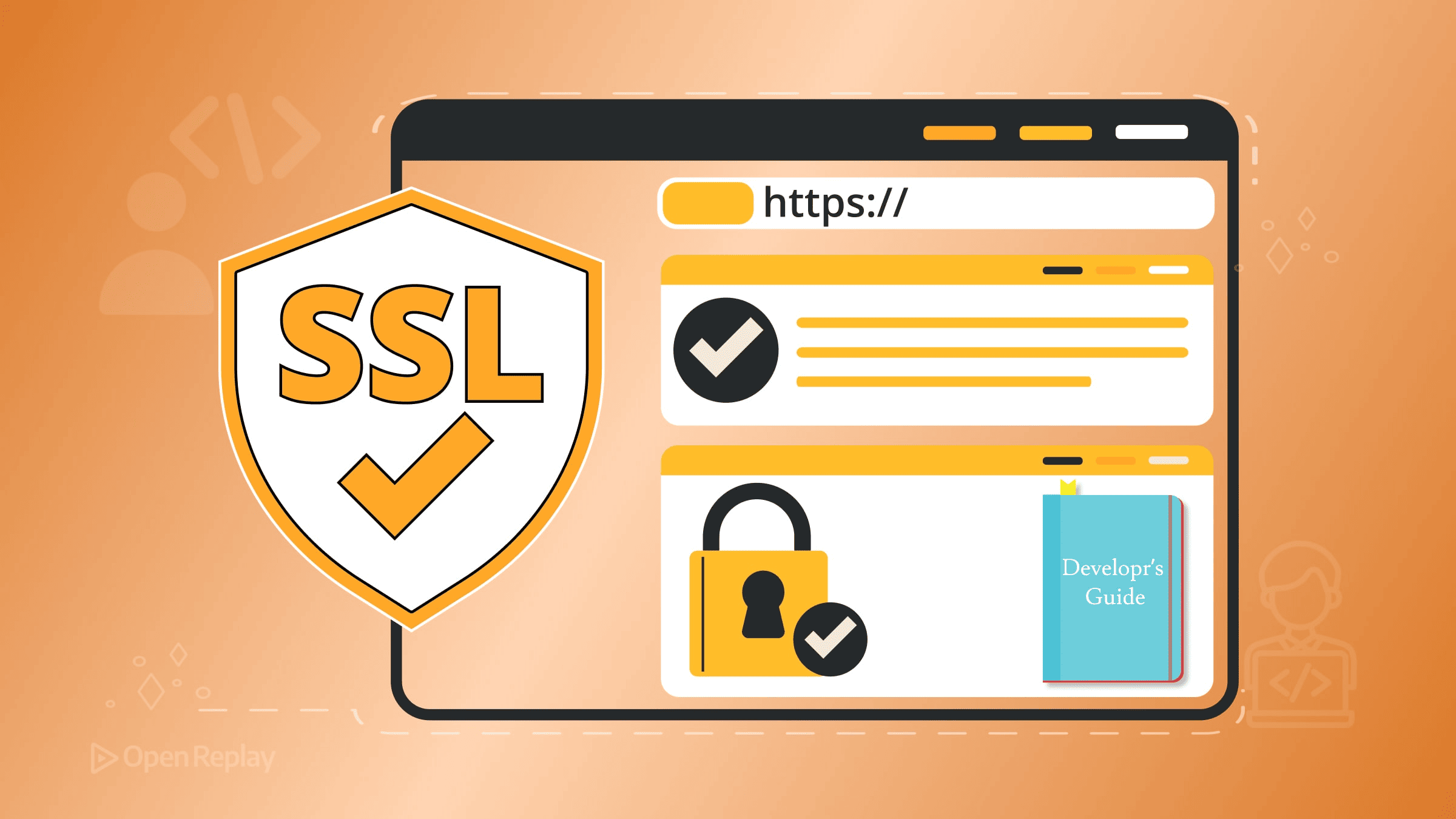
A Developer's Guide to SSL Certificates

You’ve deployed your API, everything works locally, and then production breaks with a certificate error. Maybe it expired overnight. Maybe the chain is incomplete. Maybe you inherited a setup where someone manually renewed certificates once a year and left no documentation.
Certificate failures cause real outages. Microsoft, Slack, and countless others have learned this publicly. For developers deploying HTTPS-enabled sites or APIs, understanding SSL certificates isn’t optional—it’s foundational.
This guide covers what certificates actually are, how modern deployments obtain and renew them, and what practices will keep your systems running as the industry pushes toward shorter certificate lifetimes.
Key Takeaways
- TLS certificates bind public keys to domain identities and require a complete chain of trust to function properly
- DV, OV, and EV certificates provide identical encryption—the differences are in validation process, not security strength
- Automated renewal via ACME is now mandatory as certificate lifetimes shrink toward 47 days by 2029
- Avoid certificate pinning, manual renewal processes, and hardcoded CA assumptions to prevent operational failures
What a Certificate Actually Is
A TLS certificate binds a public key to an identity (usually a domain name). When a browser connects to your server, it checks that the certificate is valid, unexpired, and signed by a trusted Certificate Authority (CA).
The chain of trust works like this: your certificate is signed by an intermediate CA, which is signed by a root CA that browsers and operating systems already trust. If any link breaks—missing intermediate, expired root, wrong domain—the connection fails.
Certificates contain a Subject Alternative Name (SAN) field listing which domains or IP addresses they’re valid for. The old Common Name (CN) field is deprecated for validation purposes. Modern clients require SAN.
DV, OV, and EV: What Actually Matters
Domain Validation (DV) certificates prove you control a domain. Validation is automated and takes seconds.
Organization Validation (OV) and Extended Validation (EV) involve manual checks of your legal entity. They cost more and take longer.
Here’s what matters practically: the encryption is identical. EV certificates once showed a green address bar, but browsers removed this UI distinction. For most developers, DV certificates from Let’s Encrypt are sufficient and free.
Don’t build assumptions around EV visual indicators—they’re gone.
The TLS Certificate Lifecycle and Automation
Public TLS certificates are short-lived and getting shorter. Let’s Encrypt issues 90-day certificates. The CA/Browser Forum has already approved a staged reduction in maximum certificate lifetimes, starting with a 200-day cap in 2026 and moving toward 47 days by 2029.
This makes automated certificate issuance and renewal mandatory, not optional. Manual renewal processes will fail at scale.
The standard approach uses the ACME protocol, which automates the entire lifecycle:
- Your ACME client requests a certificate
- The CA challenges you to prove domain control (via HTTP or DNS)
- You respond to the challenge automatically
- The CA issues a signed certificate
- Your client installs it and schedules renewal
Certbot is the most common ACME client, but alternatives exist for every stack: acme.sh for shell environments, Caddy with built-in ACME, and libraries for Node.js, Go, and Python.

Discover how at OpenReplay.com.
ACME and Let’s Encrypt Best Practices
Integrate renewal into your deployment pipeline, not alongside it. Certificates should renew automatically with no human intervention.
Key practices:
- Renew early: Trigger renewal when 30+ days remain, not at expiration
- Monitor expiration: Use tools like cert-manager for Kubernetes or simple cron-based alerts
- Test renewal: Run
certbot renew --dry-runor equivalent in CI - Avoid CA lock-in: Don’t hardcode assumptions about which CA you use
Store private keys securely. Never commit them to repositories. Use secrets management appropriate to your platform.
Short-Lived and IP TLS Certificates
Short-lived certificates (hours to days) reduce the window of exposure if a key is compromised. Some organizations issue certificates valid for 24 hours or less.
IP TLS certificates—certificates for IP addresses rather than domain names—matter for development and DevOps scenarios where DNS isn’t available. Let’s Encrypt now supports short-lived IP certificates via ACME, aligning them with the broader move toward automated, short-duration issuance.
For local development, tools like mkcert create locally-trusted certificates without involving public CAs.
Preparing for Post-Quantum-Ready TLS
Quantum computers will eventually break current cryptographic algorithms. Large providers are already deploying hybrid post-quantum TLS in production, though it’s not something app developers need to configure manually.
As an application developer, you don’t need to implement this yourself. Keep your TLS libraries updated, use current configurations, and avoid deprecated algorithms like SHA-1 or RSA keys under 2048 bits.
The transition will happen at the library and infrastructure level. Your job is to not block it with outdated dependencies or hardcoded assumptions.
Assumptions That Age Badly
Avoid these patterns:
- Expecting multi-year certificates: Maximum validity is shrinking
- Hardcoding CA identity: CAs can be distrusted and roots rotate
- Manual renewal processes: They don’t scale and they fail silently
- Certificate pinning: Creates operational nightmares when certificates change
- Ignoring certificate inventory: You can’t renew what you don’t track
Conclusion
Modern TLS certificate management requires automation. The industry is moving toward shorter lifetimes, which means ACME clients, renewal pipelines, and monitoring are table stakes.
Use Let’s Encrypt or similar automated CAs. Integrate renewal into your deployment process. Track your certificates. Keep your libraries current. These practices will keep your HTTPS deployments running reliably as standards continue to evolve.
FAQs
When a certificate expires, browsers and clients will refuse to establish secure connections to your server. Users see warning messages, API calls fail, and automated systems break. Most modern browsers block access entirely rather than allowing users to proceed. This is why automated renewal with early triggers is critical.
Yes, through Subject Alternative Names (SANs). A single certificate can list multiple domains or subdomains in its SAN field. Wildcard certificates cover all subdomains of a single level, like *.example.com. However, wildcards require DNS-based validation and don't cover the root domain automatically.
Short validity periods improve security by limiting exposure time if a private key is compromised. They also force automation, which reduces human error. The CA/Browser Forum is pushing validity even shorter, to 47 days by 2029, making manual renewal processes increasingly impractical.
Generally, no. Certificate pinning locks your application to specific certificates or public keys, which creates serious operational problems when certificates rotate. If you pin and then need to change certificates unexpectedly, your application breaks. Modern alternatives like Certificate Transparency logs provide security benefits without the operational risk.
Gain control over your UX
See how users are using your site as if you were sitting next to them, learn and iterate faster with OpenReplay. — the open-source session replay tool for developers. Self-host it in minutes, and have complete control over your customer data. Check our GitHub repo and join the thousands of developers in our community.