5 Docker Alternatives for Local Development
Compare five Docker Desktop alternatives for local development: Podman, OrbStack, Colima, Rancher Desktop, and Lima. Check OS support, cost, Docker CLI, and Compose compatibility.

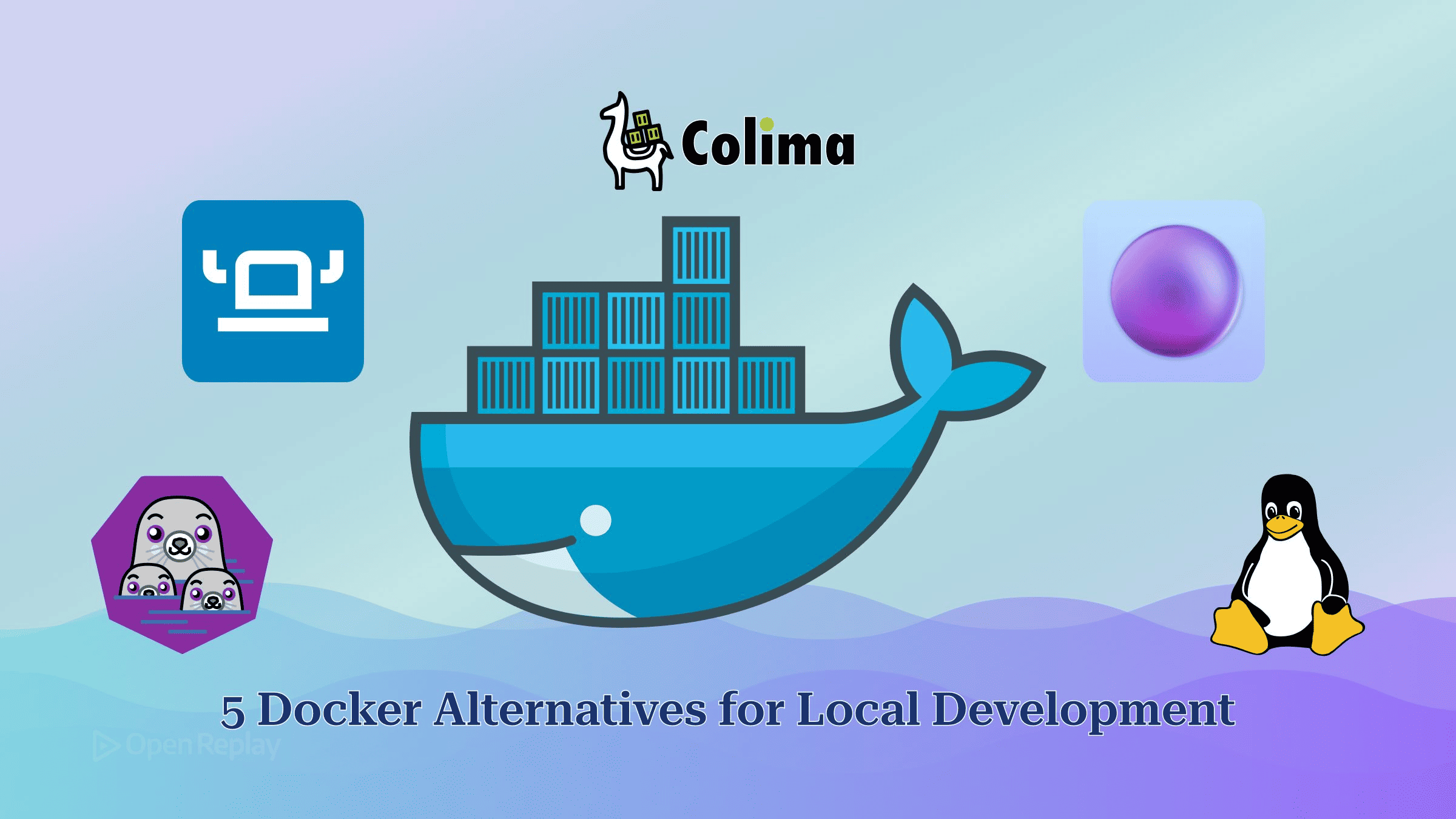
The five Docker Desktop alternatives worth testing for local development are Podman with Podman Desktop, OrbStack, Colima, Rancher Desktop, and Lima with nerdctl. Only some of them keep the real Docker Engine behind your docker commands.
Maybe your fans spin up as soon as the Postgres container starts. Maybe someone in finance has asked how many Docker Desktop seats the company pays for. Either way, you want to know which replacement will still run your docker run scripts and your Compose file.
This comparison skips the basics of images and containers, which the beginner’s guide to Docker images and containers covers. Every tool below is judged on the same points: operating systems, cost, engine, docker CLI compatibility, Compose compatibility, who it suits, and the commands to install it and run a first container.
Key Takeaways
- Docker Desktop is free for businesses with fewer than 250 employees and less than $10 million in annual revenue. Larger companies need a paid Pro, Team or Business subscription.
- OrbStack and Colima (in its default mode) run Docker Engine in a lighter VM. Podman and containerd with nerdctl replace the engine entirely.
- On macOS and Windows, every tool in this comparison still runs Linux containers inside a virtual machine.
podman composeexists, but it hands off to an external provider (docker-compose or podman-compose), and one of the two must be installed.- If
dockerstops working after you switch tools, rundocker context lsto see which engine endpoint the CLI is pointed at.
Why Do Developers Look for Docker Alternatives Locally?
Developers usually leave Docker Desktop for one of three reasons: licensing, resource use, or file-sharing speed on macOS.
- Licence. Under Docker Desktop’s licence terms, the app is free for personal use, education, non-commercial open source, and businesses with fewer than 250 employees and less than $10 million in annual revenue. A company over either limit needs a paid Pro, Team or Business subscription.
- Memory and battery. On macOS and Windows, Docker Desktop runs its Linux VM while any container is up, and that VM takes memory and power even when the containers sit idle. Docker Desktop’s Resource Saver mode only stops the VM after no containers have run for a while (five minutes by default).
- Bind mounts. On macOS, files mounted from the host into a container have to cross the VM boundary. Docker’s own docs note that bind mounts can get slow as a codebase grows, which is why Docker Desktop added synchronized file shares. Large
node_modulestrees and file watchers are where the slowdown shows.
What Does Each Docker Alternative Actually Replace?
Docker Desktop is a desktop application that bundles a Linux virtual machine, the Docker Engine and a GUI. Replacing Docker Desktop does not mean replacing Docker Engine. The alternatives fall into two groups:
| Group | Tools | What your docker command talks to |
|---|---|---|
| Docker Engine in a lighter VM | OrbStack, Colima (default runtime), Rancher Desktop (moby mode) | A real Docker daemon |
| Engine replaced | Podman, Lima/containerd with nerdctl, Rancher Desktop (containerd mode) | Podman’s Docker-compatible API, or nothing at all with nerdctl. You mostly use a CLI that copies Docker’s syntax |
In the Docker Engine group, the docker CLI and Compose keep talking to a Docker daemon. In the engine-replaced group, Docker compatibility comes from a command-line layer that mirrors Docker’s syntax, plus, for Podman, a socket that answers Docker API calls. On macOS and Windows, every tool here still runs Linux containers inside a VM. Switching tools changes how that VM is managed, not whether there is one.
Why Does docker Break After Switching?
The docker CLI connects to whichever socket the DOCKER_HOST variable or the active Docker context points to. When commands fail after you install an alternative, the CLI is usually aimed at a socket with no engine behind it. Our guide to troubleshooting “Docker daemon not running” errors walks through the error messages.
docker context ls          # the active endpoint is marked with *
docker context use colima  # point the CLI at another engine
You can test an alternative without uninstalling Docker Desktop. Switch contexts to try the new tool, then switch back.
A Compose File to Test Each Tool
Use one minimal file to check each tool. Run it through the YAML validator first, so that any failure comes from the tool and not from a typo.
# compose.yaml
services:
  db:
    image: postgres
    environment:
      POSTGRES_PASSWORD: example
    ports:
      - "5432:5432"
Docker Alternatives Compared
| Tool | OS | Cost | Engine | docker CLI | Compose |
|---|---|---|---|---|---|
| Podman + Podman Desktop | macOS, Windows, Linux | Free, open source | Podman | Via alias or API socket | podman compose + provider |
| OrbStack | macOS | Free personal, paid commercial | Docker Engine | Yes | Yes, included |
| Colima | macOS, Linux | Free, open source | Docker (default) | Yes, installed separately | Install Compose separately |
| Rancher Desktop | macOS, Windows, Linux | Free | containerd or moby | In moby mode | nerdctl compose or docker compose |
| Lima + nerdctl | macOS, Linux | Free, open source | containerd | No (nerdctl) | nerdctl compose |
Podman with Podman Desktop
Podman replaces Docker’s engine and has no daemon. Podman Desktop is free and open source for macOS, Windows, and Linux. On Mac and Windows you get a native podman command, and your containers run in a Linux VM that Podman calls a Podman machine.
- docker CLI: Podman’s commands use Docker’s syntax, so
alias docker=podmancovers most daily use. On Mac and Windows, Podman also accepts Docker API clients, so you can point the real docker CLI and Docker-based tools at its socket instead. - Compose:
podman composeis built in, but it is a thin wrapper that passes the work to docker-compose or podman-compose. Install one of them first. - Suits: teams that need one free tool on macOS, Windows and Linux.
brew install podman
podman machine init
podman machine start
podman run --rm hello-world
podman compose up
The Podman installation docs recommend the official installer over Homebrew on macOS. Podman Desktop has its own installer.
OrbStack
OrbStack is a macOS-only app. It ships a Docker engine and the Compose tools and aims to behave like Docker Desktop, so the docker CLI and Compose work without changes.
- Cost: under OrbStack’s licensing terms, it is free for personal use. Freelance, business and non-profit use needs a paid per-user licence.
- Compose: included.
- Suits: Mac-only teams who want Docker Desktop’s workflow with a different VM layer. Per-project setups such as Dev Containers for local development also keep working.
brew install --cask orbstack
docker run --rm hello-world
docker compose up
Colima
Colima is a free command-line tool for macOS (Intel and Apple Silicon) and Linux. With its default Docker runtime, Colima runs Docker’s engine inside a VM. It also offers containerd and Incus runtimes.
- docker CLI: you install it separately.
- Compose: not bundled. Install Homebrew’s
docker-composeformula, then link it into~/.docker/cli-pluginsso thatdocker composeworks. - Suits: developers who live in the terminal and don’t need a GUI.
brew install colima docker docker-compose
mkdir -p ~/.docker/cli-plugins
ln -sfn "$(brew --prefix)/opt/docker-compose/bin/docker-compose" ~/.docker/cli-plugins/docker-compose
colima start
docker run --rm hello-world
docker compose up
If you start Colima with the containerd runtime, you run containers with colima nerdctl instead of docker.
Rancher Desktop
Rancher Desktop runs on macOS (Intel and Apple Silicon), Windows and Linux. Rancher Desktop can use either containerd or dockerd (moby) as its engine. Choosing moby enables the Docker API, so the docker CLI works without aliases.
- Compose: the containers tutorial covers Compose with both
nerdctl composeanddocker compose. - Caveats: only one runtime is active at a time. Images you pulled under one runtime are not available after you switch to the other. The bundled Kubernetes can be turned off.
- Suits: cross-platform teams that want a GUI and the Docker API.
rdctl set --container-engine.name=moby
docker run --rm hello-world
You can also make the same change in the app under Preferences > Container Engine, as described in the engine preferences docs.
Lima with containerd and nerdctl
Lima launches Linux virtual machines with automatic file sharing and port forwarding. The default template runs containerd. Lima also supports non-macOS hosts such as Linux and NetBSD.
- docker CLI: not used. nerdctl mirrors Docker’s commands, and you call it as
lima nerdctl. - Compose:
nerdctl composeimplements the Compose Specification. Some fields are not implemented, such aslinks, as listed in nerdctl’s Compose notes. - Suits: developers who want open-source parts they can put together themselves. Lima also has a
dockertemplate if you would rather run Docker Engine.
brew install lima
limactl start
lima nerdctl run --rm hello-world
lima nerdctl compose up
How Do You Choose a Docker Alternative?
Your operating system rules out several Docker alternatives before features matter. OrbStack runs only on macOS, and Colima has no Windows build. For one tool across macOS, Windows and Linux, that leaves Podman Desktop and Rancher Desktop. If your Compose files and scripts must run unchanged, choose a tool that runs Docker Engine: OrbStack, Colima, or Rancher Desktop in moby mode. If you want to drop the Docker daemon altogether, choose Podman.
Conclusion
The question that matters is whether a tool keeps Docker Engine or replaces it. That one difference decides whether your docker commands and Compose files carry over unchanged. Pick the tool that matches your OS and licence situation, run the compose.yaml above against it, and check docker context ls before you remove Docker Desktop.
FAQs
Does the Docker Desktop licence apply to Docker Engine on Linux?
No. Docker Engine is open source under the Apache License 2.0, so commercial use has no employee or revenue limit. The 250-employee and $10 million thresholds come from the Docker Subscription Service Agreement, which covers Docker Desktop and the Engine shipped inside it. On a Linux workstation, installing Docker Engine directly avoids the Desktop licence question and the extra VM layer.
Do my Docker Desktop images and volumes carry over when I switch tools?
Only OrbStack migrates them for you. After installation it offers to copy Docker Desktop containers, volumes and images, and the option stays available under File > Migrate Docker Data. It makes a copy, so the original data stays where it is. For Colima, Podman or Rancher Desktop, export images with docker save, load them into the new engine, and back up named volumes as tar archives.
Does Testcontainers work with Podman instead of Docker?
Yes, through Podman's Docker-compatible API socket. Set DOCKER_HOST to the Podman socket. On macOS, podman machine inspect gives you the path, and you also set TESTCONTAINERS_DOCKER_SOCKET_OVERRIDE to /var/run/docker.sock. On Linux the socket is podman/podman.sock under XDG_RUNTIME_DIR. In rootless mode, set TESTCONTAINERS_RYUK_DISABLED=true to turn off the Ryuk cleanup container. The Testcontainers team does not actively test alternative runtimes, so some features may not work.
Can VS Code Dev Containers use Podman instead of Docker?
Yes. Set the Dev Containers Docker Path setting (dev.containers.dockerPath) to podman on Linux, Windows or macOS. The extension runs container CLI commands and never talks to a daemon directly. VS Code describes Podman 5 and later as mostly compatible with Docker's CLI but does not officially support other Docker-compliant CLIs. Compose-based dev containers also need a Compose provider configured.
Gain Debugging Superpowers
Unleash the power of session replay to reproduce bugs, track slowdowns and uncover frustrations in your app. Get complete visibility into your frontend with OpenReplay — the most advanced open-source session replay tool for developers.
Star on GitHub12k