Docker Sandboxes for Running Coding Agents
Run coding agents in Docker Sandboxes with microVM isolation, a private Docker engine and network controls. See setup steps, Git workflows, policies and costs.

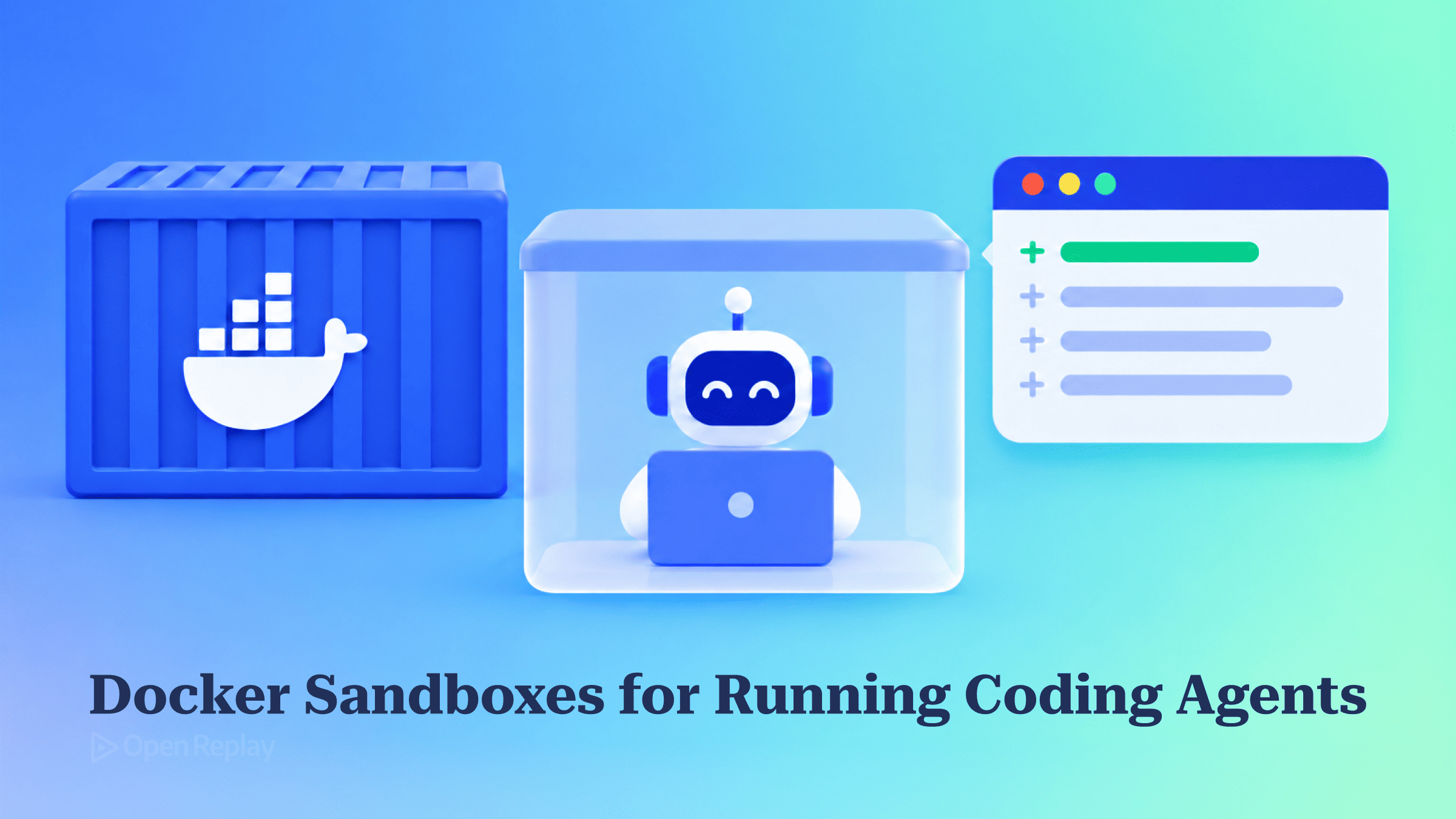
Docker Sandboxes runs a coding agent like Claude Code, Codex, Copilot or Cursor inside a local microVM. The microVM has its own kernel and its own Docker engine, it shares only your project directory with the host, and running it locally is free.
If you’ve approved a hundred ls and npm test prompts in one afternoon, you know the pull of the “skip permissions” flag. You probably also know the worry about what the agent could do to your laptop once that flag is on.
This article covers what the sandbox isolates, how to set it up from install to first session, how to get the agent’s changes back out, how it compares with other options, and what it costs. The tool is pre-1.0 and still changing quickly.
Key Takeaways
- Each Docker Sandbox is a microVM with its own kernel and private Docker engine, so the agent can build and run containers without touching your host’s Docker socket.
- Only your project directory crosses the sandbox boundary. It is mounted read-write, so commit or push before you start a session.
sbx runstarts Claude Code, Codex, Copilot, Cursor and Gemini in full-autonomy mode automatically. You don’t pass the skip-permissions flags yourself.- Outbound traffic goes through a host-side proxy governed by one of three policies: Open, Balanced or Locked Down.
- Local sandboxes are free. Cloud sandboxes are experimental and need a paid subscription, and model inference is paid through your own API key or subscription.
Why Full Autonomy on Your Laptop Is Risky
A coding agent in full-autonomy mode runs shell commands, installs packages and edits files without asking, and it does all of this as your user account. That means your home directory, SSH keys, cloud credentials and local services are all within reach. One wrong rm -rf or git reset --hard can wipe out uncommitted work.
Approval prompts are the usual defence, but they defeat the point of an agent. Long tasks stop at every command, and after the twentieth prompt most people approve without reading. A better fix is to move the agent somewhere it can’t do much harm, rather than trusting it more. The broader case for isolating agents is covered in running coding agents in YOLO mode safely. This article covers one specific tool.
Why Docker Sandboxes Use a MicroVM, Not a Container
A regular Docker container shares the host’s kernel. Any process that can reach the Docker socket can start a privileged container that mounts your filesystem. Docker’s own daemon attack surface documentation warns that the daemon runs as root and that only trusted users should control it. Agents often need Docker, so the obvious shortcut of mounting /var/run/docker.sock hands them the whole machine.
Docker’s isolation layers documentation says each sandbox is a microVM with its own Linux kernel and its own Docker Engine. The agent can run docker build and docker run inside the sandbox without the privileged setup that Docker-in-Docker needs, and your host daemon is never involved.
| Resource | Inside the sandbox |
|---|---|
| Project directory | Shared, read-write |
| Rest of host filesystem | Not visible |
| Host Docker socket | Not mounted; the sandbox has its own engine |
| Host network and services | Not directly reachable; outbound traffic goes through the policy proxy |
| API keys | Stored on the host and supplied through the proxy |
| Outbound network | Governed by the policy you choose |
Set Up a Docker Sandbox End to End
Install the sbx CLI, sign in to Docker, give the agent model credentials, then run sbx run from your project directory. The official tutorial notes that your host needs neither Docker Desktop nor Docker Engine.
Install with the command for your OS:
# macOS
brew trust docker/tap && brew install docker/tap/sbx

# Windows
winget install Docker.sbx

# Ubuntu: add Docker's apt repo, install, then grant KVM access
curl -fsSL https://get.docker.com | sudo REPO_ONLY=1 sh
sudo apt-get install docker-sbx
sudo usermod -aG kvm $USER
newgrp kvm
Linux needs KVM, and your user must be in the kvm group. Docker tests and supports sbx on Ubuntu. For other distributions, the sbx-releases repository has release files, but Docker doesn’t promise those distributions work. Check the install page for platform prerequisites.
Next, start a Claude Code session:
sbx login
sbx secret set anthropic        # skip if you use a Claude subscription
cd ~/my-project
sbx run --name my-project claude- API key:
sbx secret set anthropicsaves the key on your host. The sandbox proxy adds it to the agent’s API requests, so the agent never handles the raw key. For Codex, usesbx secret set openai. If you already exported the key in your shell,sbx secret import --dry-runlists the keyssbxcan see, andsbx secret importsaves them after you confirm each one. - Subscription: you don’t need a secret. With Claude, type
/loginafter Claude Code starts in the sandbox. With Codex,sbxruns the OpenAI sign-in on your host first and only then creates the sandbox.
On the first run, sbx asks you to choose a default network policy. After that, the agent launches in its full-autonomy mode, so Claude Code won’t ask for permission and you don’t pass any flag. For another agent, swap claude for codex, copilot, cursor or gemini.
Your project folder is the one part of your machine the agent can write to, and it can delete anything there. Commit or push before you start.
How Do You Get the Agent’s Work Out?
In the default mode, a Docker Sandbox agent’s edits appear straight away in your host working tree. Review them the way you normally would:
git diffOlder guides, including Docker’s quickstart sample repo, show a --branch flag that put the agent on a host-side worktree under .sbx/. That flag was removed in sbx v0.31.0 in favour of clone mode. Passing it now returns an error telling you to use --clone.
Clone mode keeps the agent off your working tree. As the Git workflow docs explain, sbx makes a private Git clone inside the sandbox, and the agent works on that copy. Nothing on your host changes until you fetch the agent’s branch or the agent pushes to a remote. You can only choose clone mode when you create a sandbox, so pass --clone the first time you run it. You can’t switch an existing sandbox over later.
Practical Questions
Which Network Policy Should I Pick?
Docker Sandboxes offers three local network policies:
- Open allows all traffic.
- Balanced denies traffic by default but allows common development services.
- Locked Down blocks everything you don’t explicitly allow.
Pick Balanced for most frontend work. It covers package registries, code hosts and AI provider APIs. If your agent needs a site that isn’t on the list, such as a documentation site, run sbx policy check network <domain> to see whether it’s blocked, then allow it with sbx policy allow network <domain>. Run sbx policy ls to see your rules, and remove one with sbx policy rm. Built-in agent kits can also add their own allow rules for each sandbox, even under Locked Down.
Does State Persist?
Yes. The tools the agent installs and any changes it makes to the OS stay in the sandbox until you remove it. Running sbx rm my-project wipes the environment and any secrets scoped to that sandbox. Your global secrets and your project folder are left alone.
How Do I Reconnect?
To reconnect to an existing Docker Sandbox, run sbx run --name my-project. You don’t need to repeat the agent name, because it’s read from the existing sandbox. Running sbx with no arguments opens an interactive dashboard.
Docker Sandboxes vs Containers, Devcontainers and Remote VMs
Every alternative gives up at least one of three things: kernel isolation, safe Docker access, or a built-in egress policy.
| Option | Kernel isolation | Safe Docker for the agent | Built-in egress policy | Setup and cost |
|---|---|---|---|---|
| Plain container | No, shared kernel | Only through the host socket (root-equivalent) | No, DIY | Low; free |
| Devcontainer | No, it’s a container | Same socket problem; built for reproducible tooling | No, DIY | Low to medium; free |
| Remote VM | Yes | Yes, its own daemon | DIY firewall | Higher: provisioning, sync, hourly billing |
| Docker Sandbox (local) | Yes, microVM | Yes, its own daemon | Yes, sbx policy | Low; free locally |
If what you actually need is to control which tools an agent can call, rather than to isolate its environment, see Docker MCP for AI agents.
Limits and Cost of Docker Sandboxes
Local sandboxes are free to run. As of the v0.45.0 release notes, cloud sandboxes are experimental and need an active Docker Agentic Platform subscription. You pay for model inference with your own key or subscription. You need a Docker account to run sbx login. The product is young, so pricing and flags may change.
- The project directory is fully writable, so uncommitted work is not protected.
- Anything the agent pushes, or sends to an allowed domain, leaves the sandbox.
- Set resources with
--memoryand--cpus. Locally, memory defaults to half your host’s RAM, up to 32 GiB. The documented default of 2 CPUs and 4 GiB applies to cloud sandboxes. - SSH commit signing works through SSH-agent forwarding, which is on by default when
SSH_AUTH_SOCKis set on your host. You still need to tell Git inside the sandbox to sign with the forwarded key. - Andrew Lock reported in April 2026 that running in a sandbox slowed even simple projects down badly.
Conclusion
Docker Sandboxes gives a coding agent its own kernel, its own Docker engine and a policy-controlled network, and the only part of your machine it can touch is your project folder. To get started, commit your work, install sbx, choose Balanced, and run sbx run --name my-project claude on a repository you can afford to lose. Move to clone mode when you want the agent’s changes kept off your working tree until you review them.
FAQs
How do I open a dev server the agent starts inside a Docker Sandbox?
Publish its port with sbx ports. Running sbx ports my-project --publish 3000:8080 maps host port 3000 to sandbox port 8080, and --publish 8080 on its own picks an ephemeral host port. Your browser cannot reach services inside the sandbox until you do this. The dev server must also bind to 0.0.0.0 rather than 127.0.0.1, so many frameworks need a --host 0.0.0.0 flag.
Can the agent read other directories without being able to modify them?
Yes. Add extra paths after the main workspace and put :ro on the end of each one to make it read-only, for example sbx run claude ~/project-a ~/shared-libs:ro ~/docs:ro. The agent starts in the first path. Each workspace shows up inside the sandbox at the same absolute path it has on your host. Extra workspaces are mounted straight from the host, even when the main workspace uses clone mode.
How do I get commits out of a clone-mode sandbox?
Fetch them from the Git remote that sbx adds to your host repository, named sandbox- plus the sandbox name. Then diff or merge as you would with any remote. The Git server for the clone lives inside the sandbox, so git fetch fails while the sandbox is stopped. sbx rm also removes that remote, so fetch or push anything you want to keep before you remove the sandbox.
Gain Debugging Superpowers
Unleash the power of session replay to reproduce bugs, track slowdowns and uncover frustrations in your app. Get complete visibility into your frontend with OpenReplay — the most advanced open-source session replay tool for developers.
Star on GitHub12k