Fixing Old Commits With git history
git history in Git 2.55 rewrites old commits with fixup, reword, or split, updates stacked branches, and shows safe dry-run previews.

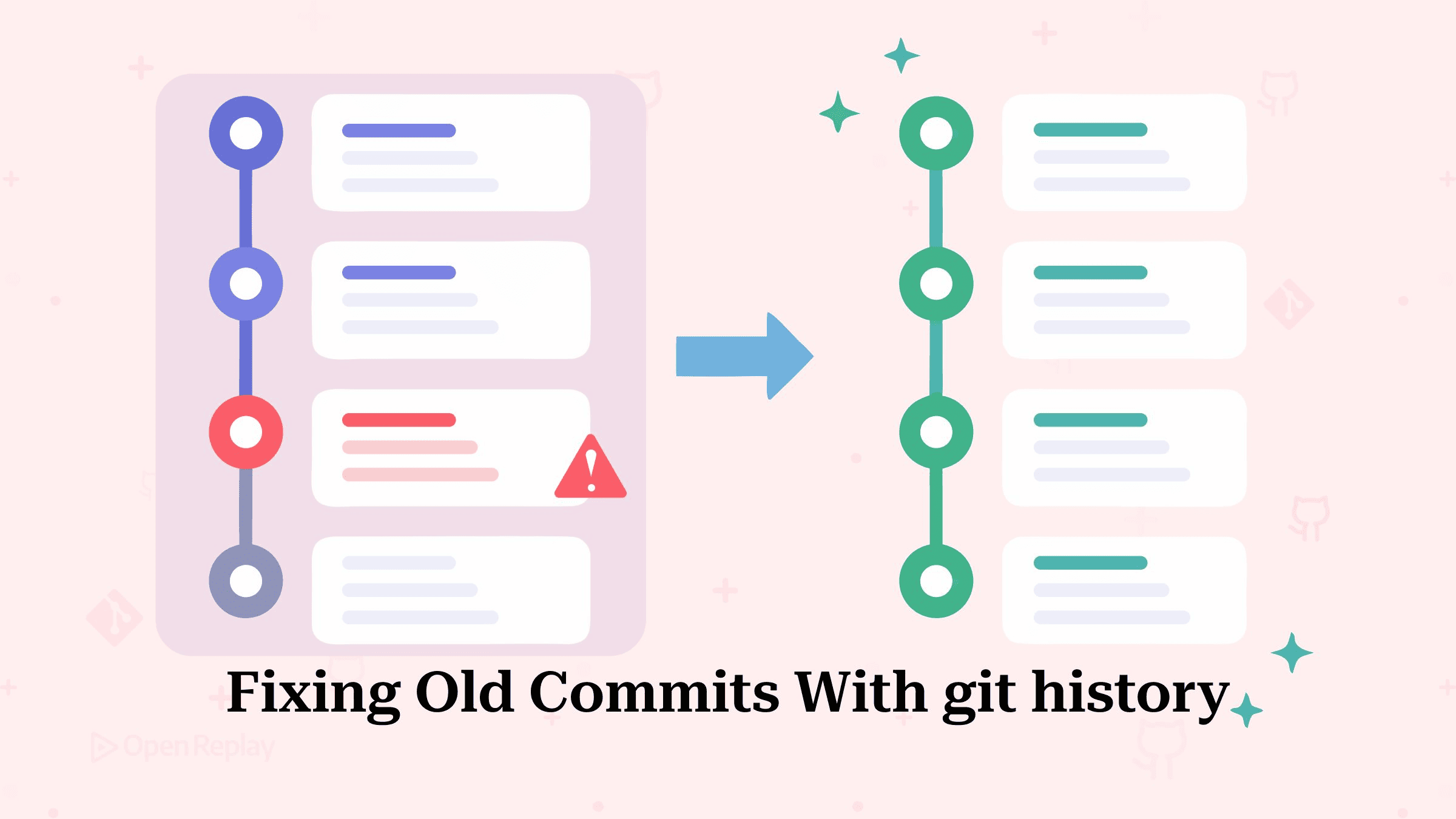
The experimental git history command rewrites a single old commit, folding in staged changes, replacing its message, or splitting it in two, and moves every local branch built on top of it, without ever starting an interactive rebase.
If you keep several branches stacked on one another, you may recognise the failure mode this replaces: you spot a typo three commits down, start a rebase -i, hit a conflict on a commit you never meant to touch, and now you are mid-rebase with a detached HEAD and a decision to make. git history is built to avoid landing you there. Its subcommands share one guarantee: the operation either completes or aborts with an error and changes nothing.
This article walks through the three subcommands in Git 2.55 with output, shows the --dry-run flag for previewing a rewrite before anything moves, and covers the limits: no merge histories, no conflicting operations, no hooks.
Key Takeaways
- In Git 2.55,
git historyhas three subcommands:fixupfolds staged changes into an old commit,rewordreplaces its message, andsplitdivides it in two. - Every operation is atomic: if the rewrite would produce a conflict anywhere in the replayed history, the command aborts and changes nothing.
- By default, all local branches that descend from the rewritten commit are updated;
--update-refs=headmoves only the current HEAD. --dry-runmoves nothing and instead prints the ref updates forgit update-refto apply later, which is the safe way to preview a rewrite.- The command is experimental, runs no hooks, and refuses histories containing merges; use
git rebase --rebase-mergesthere.
Why Does the git history Command Exist?
git history exists to fix one old commit without the ceremony and risk of an interactive rebase. The official manual sets it against git rebase: fewer choices, and an easier command to reach for when the edit is narrow. It also carries an experimental label, so flags and behavior can still shift between releases.
Two properties make it worth learning. First, atomicity: any operation that might end in a merge conflict is simply not on offer. That is a deliberate choice, because the command treats a rewrite as one shot rather than a session you step through. There is no --continue, no --abort, and no half-finished state to recover from. Second, reach: by default it updates all local branches that point to descendants of the rewritten commit, which is exactly what a stacked-branch workflow needs.
The command arrived in two stages. reword and split shipped in Git 2.54; Git 2.55 added fixup. That makes three subcommands as of 2.55, the version this article covers:
| Subcommand (Git 2.55) | What it does | Runs in a bare repository |
|---|---|---|
git history fixup | Folds staged changes into an old commit | No, it reads the index |
git history reword | Replaces an old commit’s message | Yes |
git history split | Divides one commit into two | Yes |
Expect that list to grow. Git’s in-development manual for git history already documents a fourth subcommand, drop, which removes a commit and replays its descendants onto its parent, so check git history -h against your own version before assuming three is the whole set.
fixup: Fold Staged Changes Into an Old Commit
git history fixup <commit> takes whatever is staged in the index and works it into the target commit. Underneath, that is a three-way merge, with HEAD, the target commit, and a tree built from your staged changes as the three inputs. The target keeps its original message and author unless you ask for an editor with --reedit-message. This is the moral equivalent of git commit --fixup followed by git rebase --autosquash, compressed into one step that cannot strand you.
Say a config loader landed two commits ago missing a default, and a feature branch is stacked on top:
$ git log --oneline --branches
c41f9e2 (feature/retries) add retry logic
7b2d8a0 (HEAD -> main) add http client
3e59c11 add config loader

$ git add src/config.js
$ git history fixup 3e59c11

$ git log --oneline --branches
f8a01d3 (feature/retries) add retry logic
92c6b7e (HEAD -> main) add http client
5d40e19 add config loader
All three hashes changed, and both main and feature/retries now point into the rewritten history. That is the --update-refs=branches default at work: every local branch descending from the target moves, not just the one you have checked out. Pass --update-refs=head to move only HEAD. This reaches further than git rebase --update-refs, which only updates refs pointing at commits inside the range being rebased.
Before running this on a stack you care about, add --dry-run. No reference moves. What you get instead is a printed list of the moves it would have made, laid out so you can feed it to git update-ref later. Git still writes the new objects it needed, which is why replaying that list afterwards is normally fine. It is the honest way to see exactly which branches a rewrite will touch before committing to it.
Note the scope difference from amending: git commit --amend only reaches HEAD, while fixup reaches any commit in your linear history. It is also the only subcommand that needs your index, which is why it cannot run in a bare repository the way the other two can.
reword: Replace an Old Commit Message
git history reword <commit> changes one thing about the target commit, its message. Everything else about the commit carries over, each descendant is replayed on top, and the branch refs follow.
$ git history reword 7b2d8a0Your editor opens pre-filled with the current message, add http client. Save a better one and the stack rebuilds:
$ git log --oneline --branches
3ba90cf (feature/retries) add retry logic
a1d27e8 (HEAD -> main) add http client with timeout handling
5d40e19 add config loader
Since reword leaves both the index and the working tree alone, it runs fine in a bare repository. You can also fix the message on a branch you do not have checked out, without disturbing whatever you are in the middle of.
split: Turn One Commit Into Two
git history split <commit> walks you hunk by hunk through the diff that commit introduced. Whatever you pick goes into a fresh commit, which is slotted in underneath the original as its new parent. The original keeps the hunks you left behind. Picking every hunk, or none of them, is rejected: either choice would leave one of the two commits with nothing in it.
Given a commit that mixed a rate limiter with unrelated metrics code:
$ git history split 91b04c7Answer y to the metrics hunks and n to the limiter hunks. The editor prompts for both commit messages, authorship stays that of the original, and the result is a clean pair:
$ git log --oneline
e7d3f21 (HEAD -> main) add rate limiter
b19c8a4 add request metrics
A trailing pathspec (git history split 91b04c7 -- src/metrics.js) narrows the split to the files you name. Anything outside that list is left where it is, in the original commit. Like reword, split operates purely on the commit graph and runs in a bare repository.
What Will git history Not Do?
The LIMITATIONS section of the manual is short and worth taking literally. Merge commits are out of scope: if the history you want to rewrite contains any, the manual points you at git rebase --rebase-merges instead. Anything that could end in a conflict is refused, a constraint that could be relaxed if Git ever gains first-class conflicts. Hooks do not run today either, and the manual leaves the door open to that changing.
fixup has one more edge handled by --empty=(drop|keep|abort). There are two routes to an empty commit here. Your staged fix might cancel out the target commit completely, or a later commit might already carry the same change you just pushed down into an ancestor. drop is the default and discards such commits as the history is rebuilt; keep leaves them in place; abort stops the command with an error rather than deciding for you. Dropping the root commit is not yet supported.
When Should You Reach for rebase Instead?
git history edits one commit; git rebase remains the tool for everything broader. Rebase is the answer when a whole range of commits needs a new base, and interactive rebase when you want to work through several commits in one sitting. And if what you actually want is a tool that carries conflicted states through a rebase for later resolution, that is jj’s first-class conflicts model, which git history deliberately does not attempt.
Wrapping Up
For the single most common history edit, fixing one commit that has branches stacked on it, git history replaces a risky interactive rebase with an operation that either succeeds completely or declines to run. Pick a real stack, run git history fixup <commit> --dry-run against it, and read the ref updates it would have made. That five-minute experiment will tell you whether this command belongs in your daily workflow. Just keep the experimental label in mind while you decide, because the flags and the behavior can still change from one release to the next.
FAQs
What is the difference between git history fixup and git commit --fixup with autosquash?
git history fixup folds staged changes into the target commit in a single atomic step. git commit --fixup only records a fixup! commit that a later git rebase --autosquash must squash, and that interactive rebase can stop midway on conflicts. git history fixup also moves every descendant local branch by default, and it aborts without changing anything if the rewrite would conflict.
Does git history update remote branches or commits I have already pushed?
No. git history updates only local branches; remote-tracking refs are untouched. Because rewritten commits receive new hashes, already-pushed commits require a force-push (git push --force-with-lease) and coordination with anyone who pulled the old history, the same as any rewrite. It is safest on commits that have not been pushed yet, or on branches only you work on.
How do I undo a git history rewrite?
Use the reflog. git history moves branch refs to new commits, but the original commits remain in the repository, and in a normal non-bare repository each moved branch records the update in its reflog. Run git reflog show with the branch name to find the pre-rewrite hash, then restore it with git reset --hard on a checked-out branch or git update-ref otherwise.
Can git history delete a commit entirely?
Not in Git 2.55. Its three subcommands (fixup, reword, split) modify or divide a commit but cannot remove one. To delete a commit today, use git rebase -i and mark the commit 'drop', or git rebase --onto to skip it. A drop subcommand appears in Git's in-development documentation for git history, so a native option may arrive in a future release.