
When Your Form Needs to Talk Back, Use the Output Element

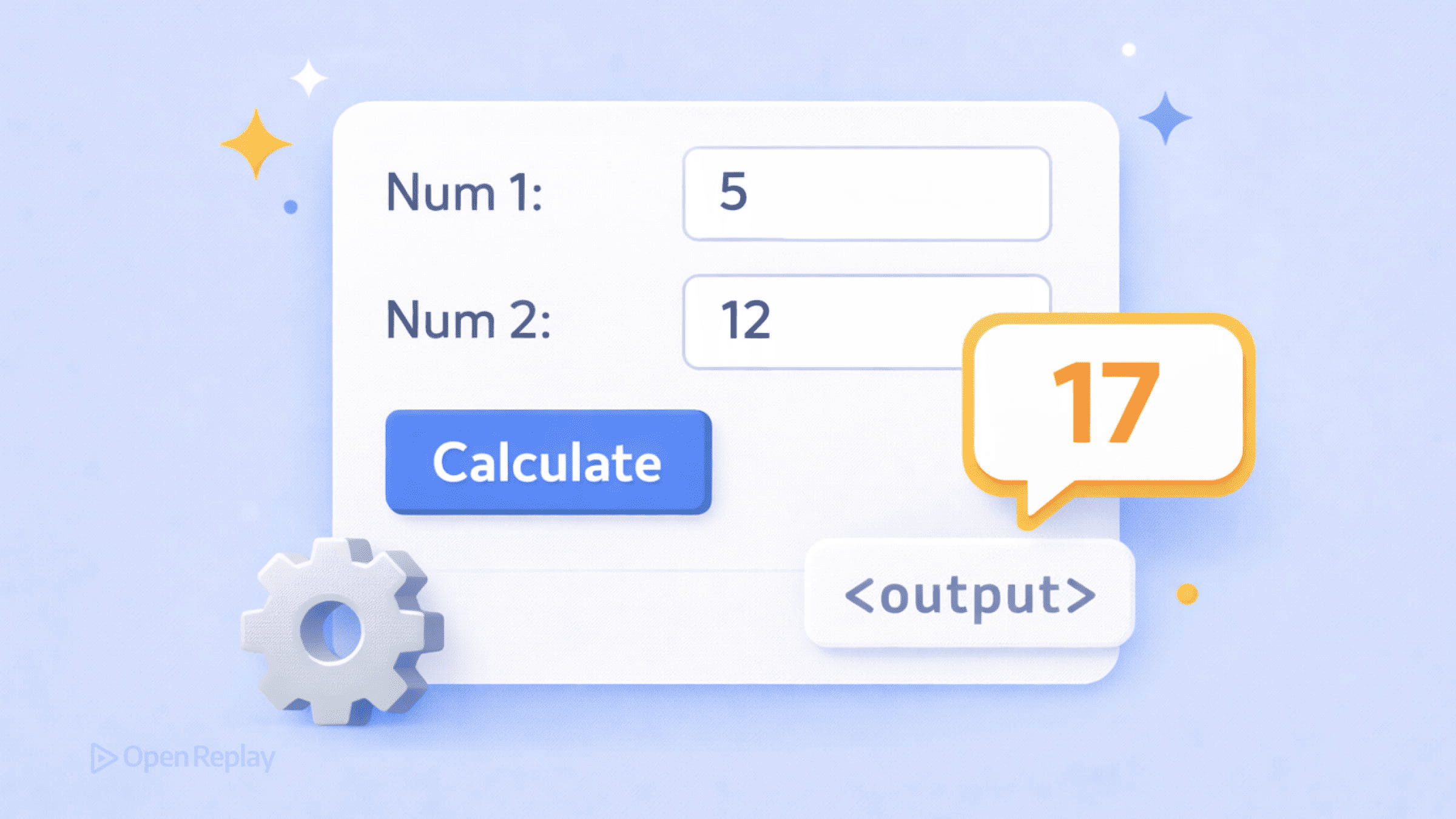
You’ve built a form with a range slider, but users can’t see the current value. Or you’ve created a price calculator, and the total needs to update as users change quantities. You reach for a <span> or <div>, wire up some JavaScript, and call it done.
But HTML already has an element designed for exactly this purpose: <output>.
This article explains when and why to use the HTML output element for displaying calculated or derived values in forms, how it differs from generic containers, and the critical details you need to avoid subtle bugs.
Key Takeaways
- The
<output>element is a semantic, form-associated container designed for displaying calculated or derived values from user input. - The
forattribute creates a semantic relationship between inputs and their result, but requires JavaScript to perform actual calculations. - Values in
<output>elements are not submitted with forms—use a hidden input if you need to send calculated values to the server. - For reliable screen reader announcements, add explicit ARIA live region attributes rather than relying on implicit behavior.
What the <output> Element Actually Does
The <output> element represents the result of a calculation or user action. It’s a form-associated element designed specifically for live form feedback—showing totals, previews, validation results, or any derived value that changes based on user input.
Here’s the basic syntax:
<form>
  <input type="range" id="quantity" min="1" max="10" value="5">
  <output for="quantity">5</output>
</form>
The for attribute accepts a space-separated list of IDs, indicating which form controls contribute to the output’s value. This creates a semantic relationship between inputs and their derived result.
Why Not Just Use a <span>?
You could display calculated values in any element. But <output> provides specific advantages:
Semantic clarity. The element explicitly communicates that its content is derived from other form controls. This helps other developers understand your code and helps browsers understand your intent.
Form association. Like <input> and <select>, the <output> element belongs to the form elements family. It can be associated with a form via the form attribute, even when placed outside the <form> tags.
Labelable. You can associate a <label> with an <output>, which generic elements don’t support consistently.
Full CSS control. Unlike some form elements, <output> is fully styleable—no browser-imposed restrictions on appearance.
The Attributes You Need to Know
The for Attribute
The for attribute documents which controls contribute to the output. It takes space-separated element IDs:
<input type="number" id="price">
<input type="number" id="qty">
<output for="price qty">$0.00</output>
This relationship is purely semantic—it doesn’t create any automatic behavior. You still need JavaScript to perform the calculation.
The name Attribute
The name attribute lets you reference the element easily in scripts:
<output name="total" for="price qty">$0.00</output>Critical detail: Despite having a name, the <output> element’s value is not submitted with the form. If you need to submit a calculated value to the server, copy it into a hidden input:
<output name="total">$50.00</output>
<input type="hidden" name="submitted_total" value="50.00">
The form Attribute
Use this to associate an <output> with a form when the element sits outside the <form> tags:
<form id="calculator">
  <input type="number" id="amount">
</form>

<output form="calculator" for="amount">0</output>
Discover how at OpenReplay.com.
Working with JavaScript
The HTMLOutputElement exposes a value property for getting and setting the displayed content:
const slider = document.getElementById('quantity');
const output = document.querySelector('output');

slider.addEventListener('input', () => {
  output.value = slider.value;
});
Setting output.value updates the element’s text content. The defaultValue property stores the initial value if you need to reset.
A Note on Accessibility
The HTML specification maps <output> to role="status", which implies live region behavior. However, screen reader support varies significantly across browser and assistive technology combinations.
If you need reliable announcements of dynamic changes, don’t rely solely on the implicit mapping. Use explicit ARIA live region attributes:
<output aria-live="polite" aria-atomic="true">Result: 42</output>Test with actual screen readers to verify behavior in your target environments.
When to Use <output>
Use the HTML output element when you’re displaying:
- Form calculations (totals, subtotals, derived values)
- Range slider values in human-readable format
- Character counts or validation feedback
- Real-time previews based on form input
Skip it for static content or values unrelated to user interaction.
Conclusion
The <output> element gives you a semantic, form-associated container for calculated and derived values. It won’t submit values automatically—you’ll need a hidden input for that. For accessible output that screen readers announce reliably, add explicit ARIA attributes rather than depending on implicit behavior.
When your form needs to talk back, <output> is the right tool. Just understand what it does and doesn’t do automatically.
FAQs
Yes. The output element has no browser-imposed styling restrictions like some form controls do. You can apply any CSS properties including fonts, colors, borders, padding, and layout rules. It behaves like an inline element by default, but you can change its display property as needed.
Yes. The output element has excellent browser support across all modern browsers including Chrome, Firefox, Safari, and Edge. It has been supported since Internet Explorer 10. For older browsers, it degrades gracefully and displays its content as plain text.
The output element provides semantic meaning that a span lacks. It tells browsers and assistive technologies that the content is a calculated result from form inputs. It also supports the for attribute to document input relationships, can be associated with labels, and participates in form validation APIs.
Use the defaultValue property. When you set output.value, the original content is preserved in defaultValue. Calling form.reset() automatically restores all output elements to their defaultValue. You can also manually set output.value equal to output.defaultValue to reset a specific element.
Complete picture for complete understanding
Capture every clue your frontend is leaving so you can instantly get to the root cause of any issue with OpenReplay — the open-source session replay tool for developers. Self-host it in minutes, and have complete control over your customer data.
Check our GitHub repo and join the thousands of developers in our community.
