
Using Git Subrepos to Manage Large Codebases

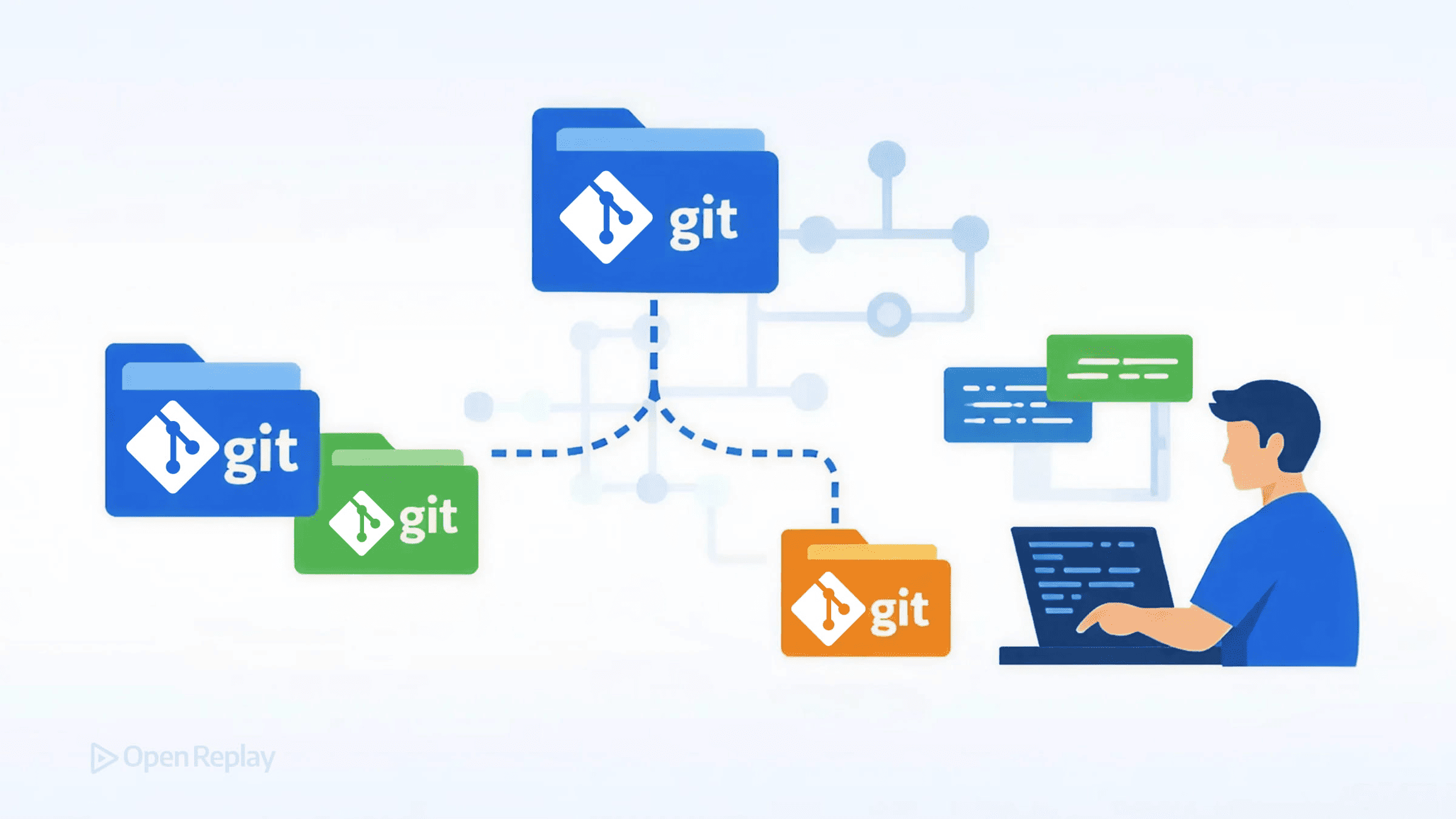
When your frontend team shares utility libraries or UI components across multiple repositories, you face a fundamental question: how do you keep that shared code synchronized without creating workflow friction? Git submodules exist but frustrate developers with their complexity. Git subtree works but can squash history in ways that complicate upstream contributions, depending on your merge strategy.
This is where third-party tools like git-subrepo offer an alternative approach for managing shared code in Git—one that embeds external repositories directly into your codebase while aiming for a cleaner developer experience.
Key Takeaways
- Git subrepo is a third-party tool—not a built-in Git feature—that embeds external repositories as regular files, simplifying cloning and onboarding compared to submodules.
- It sits between submodules (exact commit pinning, complex workflow) and subtree (merged history, configurable preservation), offering a pragmatic middle ground.
- The tool is well suited for shared internal packages, forked dependencies, and gradual monorepo migrations in large codebases.
- Adopting git-subrepo introduces tradeoffs around CI tool installation, squashed history on pull, and reliance on community maintenance.
What Is Git Subrepo (And What It Isn’t)
Git subrepo is not a built-in Git feature. It’s a community-maintained tool that provides an alternative to Git submodules and subtree-based workflows for vendoring dependencies with Git. The tool clones an external repository into a subdirectory of your project, tracking metadata in a .gitrepo file rather than requiring special Git configuration.
Unlike submodules, contributors don’t need to run additional commands after cloning—the embedded code exists as regular files in your repository. Unlike subtree, which can either preserve or squash upstream history depending on how it is used, git-subrepo tracks the upstream relationship separately and typically squashes upstream changes on pull by default.
Git Subrepo vs Submodule vs Subtree
Understanding the tradeoffs helps you choose the right approach for your team.
| Aspect | Git Submodule | Git Subtree | Git Subrepo |
|---|---|---|---|
| Integration model | Pointer to external commit | Merged into repository | Cloned as regular files |
| History handling | Separate, linked | Squashed or preserved | Typically squashed on pull, tracked via metadata |
| Clone behavior | Requires --recurse-submodules | Works normally | Works normally |
| Upstream sync | Manual checkout updates | Subtree pull/push | Subrepo pull/push |
| CI reproducibility | Needs careful configuration | Generally reliable | Requires tool installation |
Submodules work well when you need exact commit pinning and your team understands the workflow. Teams should use up-to-date Git versions and avoid cloning untrusted repositories with recursive submodule initialization, since recursive patterns have historically introduced security concerns when used carelessly.
Subtree merges external code directly, which simplifies cloning but can make contributing changes upstream more complex. History may be fully preserved or squashed depending on your chosen strategy.
Git subrepo sits between these approaches. The git-subrepo workflow keeps external code as normal files while tracking the upstream relationship in metadata. This simplifies onboarding but requires installing the tool for sync operations.
When Git Subrepo Makes Sense
The git-subrepo workflow fits specific scenarios in large codebases:
Shared internal packages: When multiple applications consume a shared component library, git-subrepo lets each team vendor the library while maintaining the ability to push fixes upstream.
Forked dependencies: If you maintain a patched version of an open-source library, git-subrepo tracks your fork relationship without the ceremony of submodules.
Gradual monorepo migration: Teams moving toward a monorepo can use git-subrepo to consolidate repositories incrementally.

Discover how at OpenReplay.com.
Tradeoffs You Should Consider
Git subrepo isn’t universally better—it introduces its own complexity:
Merge conflicts: When both your repository and the upstream change the same files, resolving conflicts requires understanding both codebases. This is true for all embedding approaches, and git-subrepo doesn’t eliminate it.
History preservation: By default, git-subrepo squashes upstream commits when pulling. If you need full commit history, subtree without squashing may serve better.
CI considerations: Your build pipeline needs git-subrepo installed to run sync operations. This adds a dependency that submodules and subtrees avoid since they use built-in Git commands.
Maintenance burden: As a third-party tool, git-subrepo depends on community maintenance. Evaluate whether your team can handle potential gaps in support and whether the project’s activity level meets your long-term needs.
Basic Git-Subrepo Workflow
After installing git-subrepo, the core commands are straightforward:
# Clone an external repo into a subdirectory
git subrepo clone https://github.com/your-org/shared-utils packages/utils

# Pull upstream changes
git subrepo pull packages/utils

# Push local changes back upstream
git subrepo push packages/utils
The .gitrepo file in each subrepo directory tracks the upstream URL, branch, and last synced commit.
Conclusion
Git subrepo provides a pragmatic middle ground for managing shared code in Git when submodules feel too complex and subtree workflows do not fit your contribution model. It works particularly well for frontend teams vendoring internal packages across repositories.
Before adopting it, evaluate whether your CI pipeline can accommodate the tool dependency and whether your team’s sync patterns justify the approach over built-in alternatives. The right choice depends on your specific constraints around history preservation, upstream contributions, and developer onboarding.
FAQs
Yes. Since git-subrepo embeds external code as regular files, developers who only need to read or modify the code can work normally without the tool. Only team members who perform sync operations like pulling upstream changes or pushing local changes back need git-subrepo installed.
Git subrepo tracks the last synced commit in a .gitrepo metadata file within the subdirectory. This provides a form of version pinning, though it is less explicit than submodules, which record an exact commit SHA in the parent repository's tree. You control when to pull new upstream changes, so the pinned version only advances when you run git subrepo pull.
It can work for vendoring forked or patched open-source libraries where you need to track upstream changes and push modifications back. However, for unmodified third-party dependencies, package managers like npm or yarn are generally more appropriate since they offer versioning, lockfiles, and ecosystem tooling that git-subrepo does not provide.
The embedded code remains intact in your repository since it exists as regular files. However, you lose the ability to pull future updates or push changes back upstream. You would need to update the .gitrepo metadata file to point to a new remote if the repository moves, or simply continue using the vendored code as a static snapshot.
Understand every bug
Uncover frustrations, understand bugs and fix slowdowns like never before with OpenReplay — the open-source session replay tool for developers. Self-host it in minutes, and have complete control over your customer data. Check our GitHub repo and join the thousands of developers in our community.


