Choosing a JavaScript Templating Engine
Compare EJS, Handlebars, Pug, and Nunjucks for Node.js server-side HTML rendering, with syntax examples, use cases, and security tips.

You’re building a Node.js application—maybe an admin dashboard, a transactional email system, or a lightweight content site. You don’t need React. You just need to render some HTML on the server and send it to the browser. That’s exactly where JavaScript templating engines earn their place.
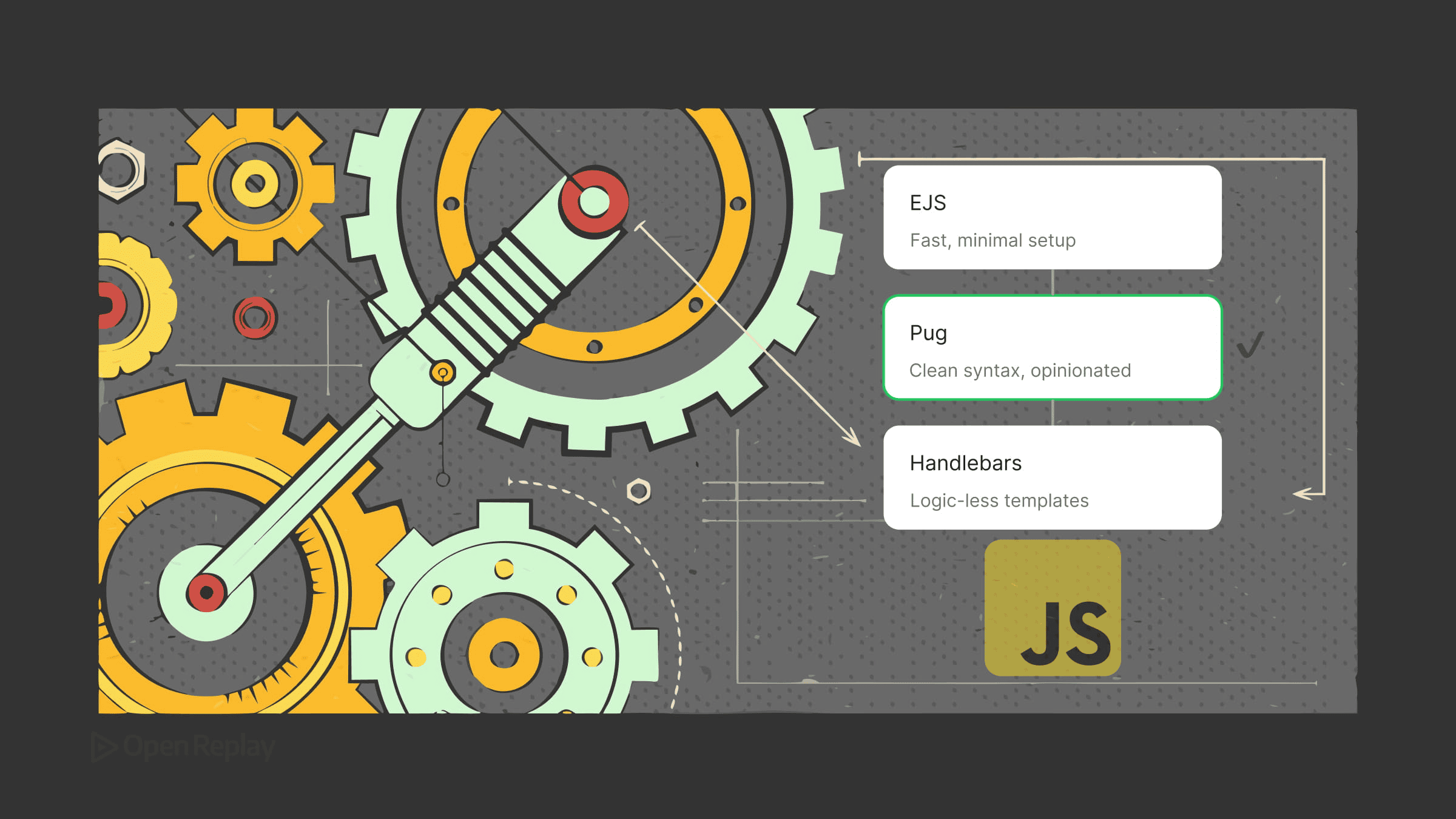
This article compares the most practical options—EJS, Handlebars, Pug, and Nunjucks—so you can pick the right one for your project without overthinking it.
Key Takeaways
- Templating engines render HTML on the server, making them ideal for admin dashboards, email systems, and content-driven sites where a full frontend framework would be overkill.
- EJS is the easiest to adopt for JavaScript developers, while Handlebars enforces a clean separation between logic and presentation.
- Pug offers concise, indentation-based syntax with native template inheritance, and Nunjucks provides Jinja2-style features for complex layouts.
- Always rely on default-escaped output tags and avoid raw HTML rendering on untrusted content to prevent XSS and template injection.
Templating Engines vs. Frontend Frameworks
Before comparing options, one distinction matters: templating engines and component-based frameworks like React, Vue, or Svelte solve different problems. Frameworks manage interactive UIs in the browser. Templating engines generate HTML on the server and send it down the wire—no client-side JavaScript required.
For server-side rendering in Node.js, static site generation, email templates, or simple content-driven pages, a templating engine is often the cleaner, lighter choice.
EJS vs Handlebars vs Pug: How They Differ
EJS (Embedded JavaScript)
EJS is the most approachable option. Its syntax is plain HTML with <%= %> tags for outputting values and <% %> for logic. If you know HTML and JavaScript, you’re productive immediately.
<h1>Hello, <%= user.name %></h1>
<% if (user.isAdmin) { %>
  <a href="/admin">Dashboard</a>
<% } %>
EJS works well as an Express view engine for prototypes, admin tools, and projects where the team is already comfortable with JavaScript. The tradeoff is that templates can get messy when logic grows—nothing stops you from putting too much JavaScript directly in the view.
Handlebars
Handlebars enforces a stricter separation between logic and presentation. Templates use {{ }} syntax, and anything beyond basic output requires a registered helper function.
<h1>Hello, {{user.name}}</h1>
{{#if user.isAdmin}}
  <a href="/admin">Dashboard</a>
{{/if}}
This constraint is a feature, not a limitation. It keeps templates readable and pushes business logic into JavaScript where it belongs. Handlebars is a strong choice for larger teams, email templates, or any project where non-developers might edit the views. The express-handlebars package integrates cleanly with Express.
Pug Templating
Pug takes a different approach entirely. It drops HTML syntax in favor of indentation-based shorthand—no closing tags, no angle brackets.
h1 Hello #{user.name}
if user.isAdmin
  a(href='/admin') Dashboard
Pug produces concise, readable templates once you adjust to the syntax. It also supports template inheritance natively, which makes it practical for larger view hierarchies. The learning curve is real, though—debugging whitespace errors is frustrating, and designers unfamiliar with the syntax will struggle.
Nunjucks
Nunjucks, developed by Mozilla, is modeled after Jinja2. It supports template inheritance, macros, filters, and async rendering, making it a capable option for structured server-rendered templates and content-heavy sites.
<h1>Hello, {{ user.name }}</h1>
{% if user.isAdmin %}
  <a href="/admin">Dashboard</a>
{% endif %}
Nunjucks is a solid pick for static site generation or content-heavy applications where you need more structure than EJS offers but prefer HTML-like syntax over Pug’s indentation style.

Discover how at OpenReplay.com.
Security: Escaping Output Matters
These engines provide escaped output by default when using their normal output syntax—<%= %> in EJS, {{ }} in Handlebars and Nunjucks. Never use unescaped output tags like <%- %>, {{{ }}}, Pug’s != / !{}, or Nunjucks’ {{ value | safe }} on untrusted user content. Template injection and XSS vulnerabilities are real risks when raw HTML rendering is misused.
Which One Should You Use?
| Scenario | Recommended Engine |
|---|---|
| Quick prototype or Express app | EJS |
| Team project, email templates | Handlebars |
| Concise syntax, template inheritance | Pug |
| Static sites, complex layouts | Nunjucks |
Conclusion
Templating engines aren’t a compromise—they’re the right tool for server-rendered pages, email generation, and lightweight sites where a full frontend framework would add unnecessary complexity. Pick the one whose syntax fits your team’s workflow, keep logic out of your templates, and escape user content consistently. That’s most of what you need to know.
FAQs
Can I use a templating engine alongside a frontend framework like React or Vue?
Yes. Many applications mix both approaches. You might use a templating engine to render the initial HTML shell, marketing pages, or transactional emails while using React or Vue for interactive dashboards or specific widgets. The key is matching the tool to the rendering context: server-side HTML for static or SEO-critical content, frameworks for rich client-side interactivity.
Are templating engines slower than rendering HTML manually with template literals?
In most cases the performance difference is negligible. Modern engines like EJS, Pug, and Handlebars precompile templates into JavaScript functions, so rendering is fast and cached. Manual template literals may be marginally faster for trivial output, but you lose features like partials, inheritance, and automatic escaping. The maintainability gains usually outweigh any micro-performance cost.
Which templating engine is safest for handling user-generated content?
All four engines covered here escape output by default, so they're equally safe when used correctly. The risk comes from developers explicitly opting into raw output with tags like the triple-brace syntax in Handlebars or the dash variant in EJS. Treat untrusted input as hostile, sanitize it at the source, and avoid raw rendering unless absolutely necessary.
Do these templating engines support modern features like async data and components?
Nunjucks supports async rendering natively, which is useful when templates need to fetch data during rendering. Handlebars and EJS focus on synchronous rendering but can be paired with async data fetching before render. None offer true component models like React, but partials, includes, and macros provide reusable building blocks suitable for most server-rendered use cases.
Gain Debugging Superpowers
Unleash the power of session replay to reproduce bugs, track slowdowns and uncover frustrations in your app. Get complete visibility into your frontend with OpenReplay — the most advanced open-source session replay tool for developers.
Star on GitHub12k