Low-Latency Browser Communication with WebTransport
WebTransport for browsers: compare WebSockets, datagrams, and streams for low-latency HTTP/3 messaging without head-of-line blocking.

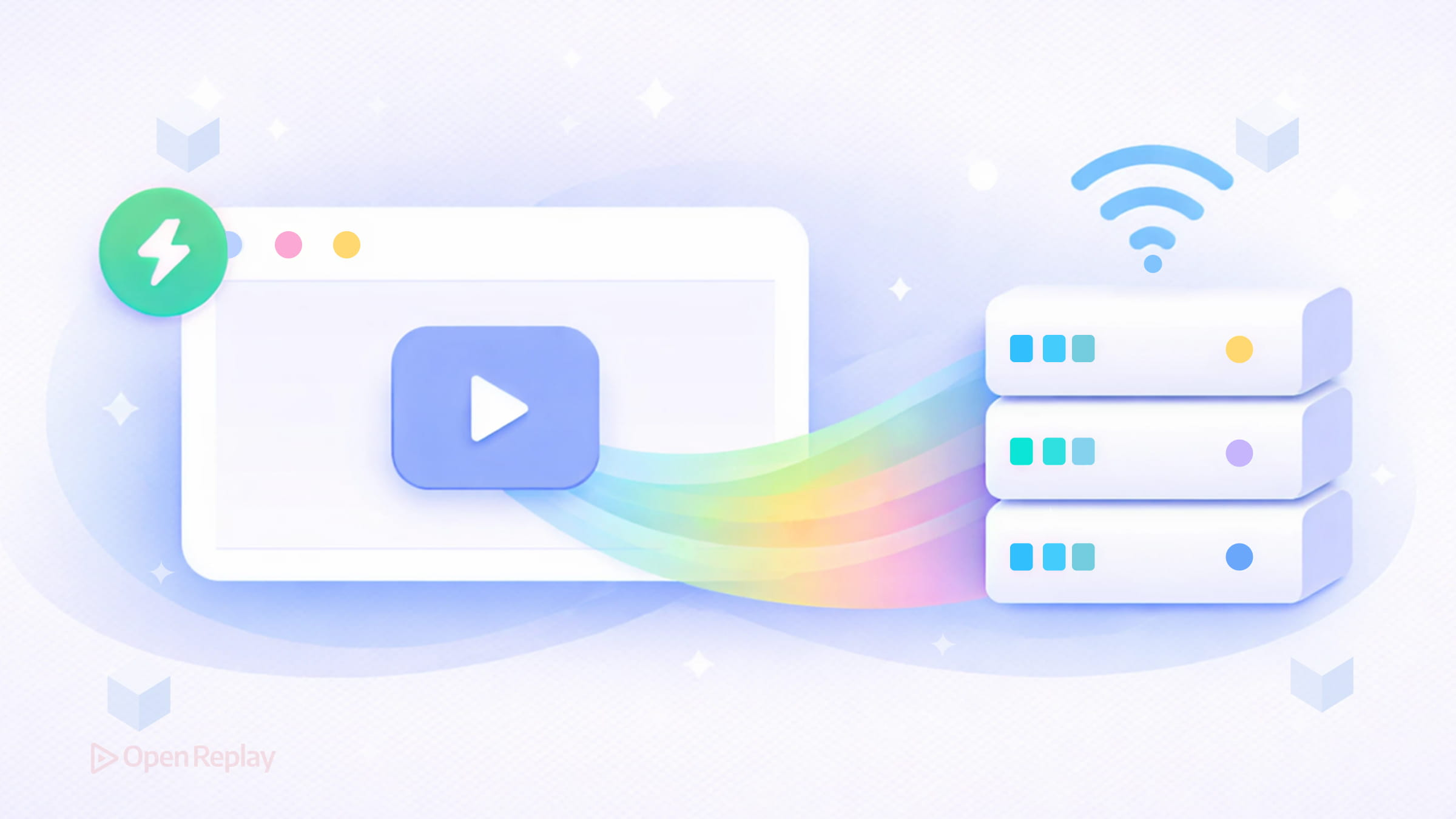
If you’ve ever built a multiplayer game, live telemetry dashboard, or real-time collaboration tool, you’ve likely hit the ceiling of what WebSockets can comfortably do. A single ordered stream works fine until it doesn’t — and when one slow packet blocks everything behind it, users feel it immediately.
The WebTransport API is designed for exactly this problem. It gives browsers a low-latency communication channel over HTTP/3 that supports both reliable streams and unreliable datagrams — without the head-of-line blocking that comes with TCP-based transports.
Key Takeaways
- WebTransport runs over QUIC (HTTP/3), eliminating the head-of-line blocking inherent in TCP-based WebSockets.
- It offers two communication primitives: unreliable datagrams for time-sensitive data and reliable streams for ordered delivery.
- Multiple streams operate independently over a single connection, so a stall in one stream does not block others.
- WebTransport is not a wholesale replacement for WebSockets — it is the better fit when your application needs multiplexing, low latency, or mixed delivery guarantees.
What the WebTransport API Actually Does
WebTransport establishes a connection to an HTTP/3 server and exposes two distinct communication primitives:
- Datagrams — unreliable, unordered, low-overhead packets. Think UDP, but with encryption and congestion control built in.
- Streams — reliable, ordered data channels. Multiple streams can run in parallel over a single connection without blocking each other.
The key architectural difference from WebSockets is that WebTransport runs over QUIC, a UDP-based transport protocol. QUIC handles each stream independently, so a stalled stream doesn’t delay others. WebSockets, built on TCP, have no such isolation — one slow message blocks the entire connection.
WebTransport Streams and Datagrams: Delivery Semantics
Understanding delivery guarantees is critical before choosing which primitive to use.
Datagrams may be dropped or arrive out of order. They’re size-constrained by the path MTU. Use them when freshness matters more than completeness — game input, sensor readings, cursor positions.
Streams guarantee ordered, reliable delivery within a given stream. You can open unidirectional streams (client-to-server or server-to-client) or bidirectional streams. Importantly, ordering is only guaranteed within a single stream, not across multiple streams.
const transport = new WebTransport("https://example.com:4999/game")
await transport.ready

// Send a low-latency datagram
const writer = transport.datagrams.writable.getWriter()
await writer.write(new Uint8Array([1, 2, 3]))

// Open a reliable bidirectional stream
const stream = await transport.createBidirectionalStream()
const streamWriter = stream.writable.getWriter()
await streamWriter.write(new Uint8Array([4, 5, 6]))
Discover how at OpenReplay.com.
WebTransport vs WebSockets: When to Use Each
This isn’t a replacement story — it’s a fit story.
| Scenario | Better Choice |
|---|---|
| Simple chat or signaling | WebSockets |
| Game state at high frequency | WebTransport datagrams |
| Multiple independent data channels | WebTransport streams |
| Broad browser compatibility required | WebSockets |
| Media sync + control channel together | WebTransport (mixed) |
WebSockets remain the right tool when you need a single reliable message stream and broad compatibility matters. WebTransport earns its place when your application genuinely benefits from multiplexing or can tolerate partial delivery.
WebRTC data channels offer similar capabilities but require ICE negotiation, STUN/TURN servers, and significant setup overhead. WebTransport is simpler for client-server scenarios and works inside Web Workers.
Browser Support and Infrastructure Requirements
WebTransport requires a secure context (HTTPS) and an HTTP/3-capable server. It is well-supported in Chromium-based browsers (Chrome, Edge) and has gained support in Firefox. Safari support has arrived more recently. It is not yet considered universally baseline, so feature detection is essential. Current support details can be checked on webstatus.dev.
if ("WebTransport" in window) {
  // Use WebTransport
} else {
  // Fall back to WebSocket
}
For local development, webtransport.day provides a community-maintained echo server you can test against without standing up your own HTTP/3 infrastructure.
Conclusion
WebTransport doesn’t replace WebSockets — it extends what’s possible in the browser. The real value is architectural: you can now send unreliable, time-sensitive data alongside reliable control messages over a single connection, without one affecting the other. For real-time applications where latency and throughput both matter, that’s a meaningful capability to have available.
FAQs
Can I use WebTransport without an HTTP/3 server?
WebTransport is primarily designed to run over HTTP/3 using QUIC. In practice today, deploying WebTransport generally means using an HTTP/3-capable server that supports the protocol. For local testing, you can use community echo servers like webtransport.day or set up a local QUIC server using libraries such as aioquic (Python) or quiche (Rust).
What happens if a WebTransport datagram is lost?
Lost datagrams are not retransmitted. The application simply never receives them. This is by design. Datagrams are intended for data where the latest value matters more than receiving every value, such as player positions or live sensor readings. Your application logic should handle missing packets gracefully.
Can WebTransport and WebSockets coexist in the same application?
Yes. A common pattern is to use WebTransport as the primary transport and fall back to WebSockets when the browser or network does not support HTTP/3. You can detect support with a simple check for the WebTransport constructor in the window object and switch transports accordingly.
How does WebTransport compare to WebRTC data channels for client-server communication?
WebTransport is significantly simpler for client-server use cases. WebRTC data channels were designed for peer-to-peer scenarios and require ICE negotiation, STUN and TURN servers, and complex session setup. WebTransport connects directly to an HTTP/3 server with a single constructor call and also works inside Web Workers.