The Good and Bad of Using Markdown as a CMS

Using Markdown as a CMS sounds simple enough: write content in .md files, commit to Git, deploy. But whether that’s actually sufficient depends heavily on what you’re building and who’s maintaining it. This article breaks down where a Markdown content workflow genuinely works, and where it quietly falls apart.
Key Takeaways
- Markdown-based CMS approaches range from plain
.mdfiles in a repo to MDX workflows and Git-backed editorial tools like Tina CMS or Decap CMS. - For developer-owned content such as documentation, blogs, and changelogs, Markdown offers unmatched portability, version control, and simplicity.
- Limitations surface quickly with structured data, editorial workflows, localization, and non-technical editors.
- A hybrid approach — Markdown for developer content, a headless CMS for structured or editorial content — is often the most practical solution.
What Does “Markdown as a CMS” Actually Mean?
It’s worth being precise here, because the term covers several distinct approaches:
- Plain
.mdfiles in a repository — content lives alongside code, managed entirely through Git - MDX-based workflows — Markdown extended with JSX components, common in frameworks like Next.js or Astro
- Git-based CMS tools — platforms like Tina CMS or Decap CMS that provide an editorial UI while storing content as Markdown in a Git repository
These approaches are related but not identical. The tradeoffs shift depending on which one you’re using.
Where a Markdown-Based CMS Works Well
For developer-owned content — documentation, blogs, marketing pages, changelogs — a Markdown content workflow is genuinely hard to beat.
Portability and version control are the biggest wins. Your content is plain text in a Git repo. You get full history, branching, pull request reviews, and rollback for free. No database to back up, no vendor lock-in.
Static site generation pairs naturally with Markdown. Tools like Astro Content Collections and MDX pipelines in Next.js let you query and render Markdown files with type safety and strong build-time performance. The content stays close to the code, which suits teams where developers own the publishing workflow.
Simplicity is a real advantage. Compared to storing content as raw HTML — which becomes a maintenance nightmare as inline styles and broken tags accumulate — Markdown stays readable and portable over time.

Discover how at OpenReplay.com.
Where a Markdown CMS Breaks Down
The limitations become obvious as soon as content management complexity grows.
No structured querying or content relationships. Markdown files don’t have native support for relational data. Linking a blog post to an author profile, or filtering products by category, requires workarounds through frontmatter and custom build logic. It works, but it’s manual.
Editorial workflows are limited. Scheduling, content approval chains, role-based permissions, and staging previews are not built into a Git-based Markdown CMS by default. Some Git-based CMS tools add layers of this, but they rarely match what a purpose-built headless CMS provides.
Localization and media management are painful. Managing translated content across multiple .md files and handling image optimization, alt text, and CDN delivery requires significant custom tooling.
Non-technical editors struggle. Even with a WYSIWYG layer like Tina CMS, the underlying Git workflow creates friction for content teams unfamiliar with version control concepts. Flavor inconsistencies across Markdown parsers — CommonMark, GitHub Flavored Markdown, and tools like markdown-it — add another layer of confusion.
The Practical Middle Ground
Many teams land on a hybrid approach: Markdown for developer-owned content, a headless CMS for structured or editorial content. Documentation and blog posts live in the repo as .md or .mdx files. Product data, user-generated content, or anything requiring complex relationships lives in a proper CMS with an API.
This isn’t a failure of Markdown — it’s recognizing what it was designed for.
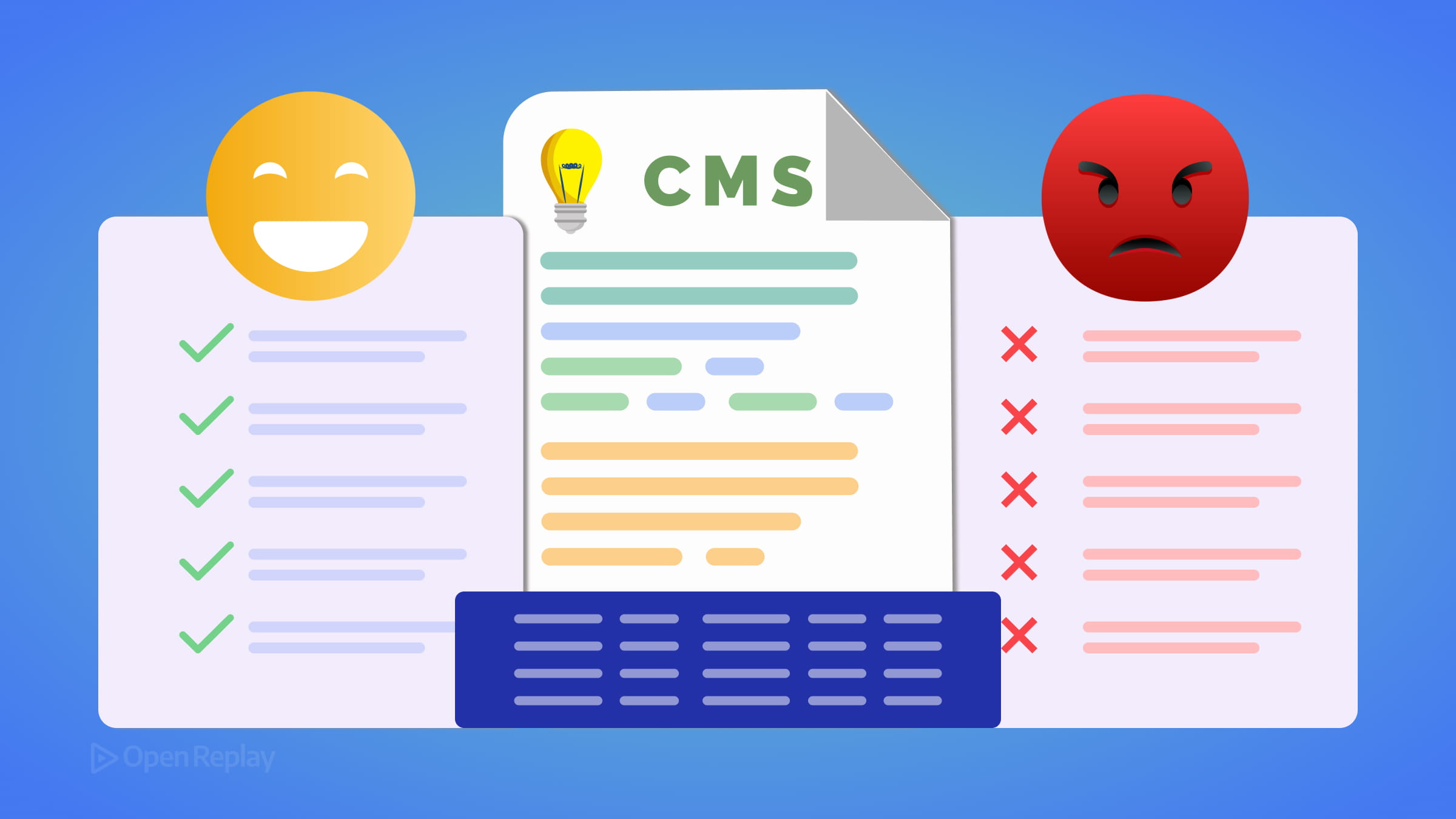
| Content Type | Markdown CMS | Headless CMS |
|---|---|---|
| Blog posts / docs | ✅ Strong fit | Overkill |
| Structured product data | ❌ Awkward | ✅ Strong fit |
| Non-technical editors | ⚠️ Needs tooling | ✅ Purpose-built |
| Version control | ✅ Native | Varies |
| Localization | ⚠️ Manual | ✅ Built-in |
Conclusion
A Markdown-based CMS is a practical, low-overhead solution for developer-centric content on small to mid-sized projects. It earns its place in modern frontend stacks through portability, Git integration, and simplicity. But it’s not a full CMS replacement. When your content needs structure, relationships, editorial workflows, or non-technical ownership, reach for the right tool rather than stretching Markdown beyond what it was built to do.
FAQs
No. Markdown files are static by nature and must be rebuilt or redeployed to reflect changes. For dynamic content such as user comments, live feeds, or frequently updated product listings, a database-backed CMS or API-driven solution is far better suited to the task.
Not exactly. MDX extends Markdown by allowing you to embed JSX components directly within your content files. This gives you more flexibility for interactive or styled elements, but it also ties your content to a specific JavaScript framework, which reduces the portability that plain Markdown offers.
Two well-known Git-based CMS options are Tina CMS and Decap CMS. Both provide a visual editing interface on top of Git-stored Markdown files. Tina CMS offers real-time visual editing, while Decap CMS provides a straightforward admin panel. Even with these tools, Git-based workflows can still introduce friction for non-developers depending on the team setup.
Consider switching when you need content relationships like linking authors to posts, editorial workflows such as scheduling and approval chains, role-based permissions, built-in localization, or when non-technical team members are responsible for publishing. These needs quickly outgrow what Markdown and frontmatter can reasonably support.
Understand every bug
Uncover frustrations, understand bugs and fix slowdowns like never before with OpenReplay — the open-source session replay tool for developers. Self-host it in minutes, and have complete control over your customer data. Check our GitHub repo and join the thousands of developers in our community.