MCP Apps: Adding Interactive UI to AI Conversations

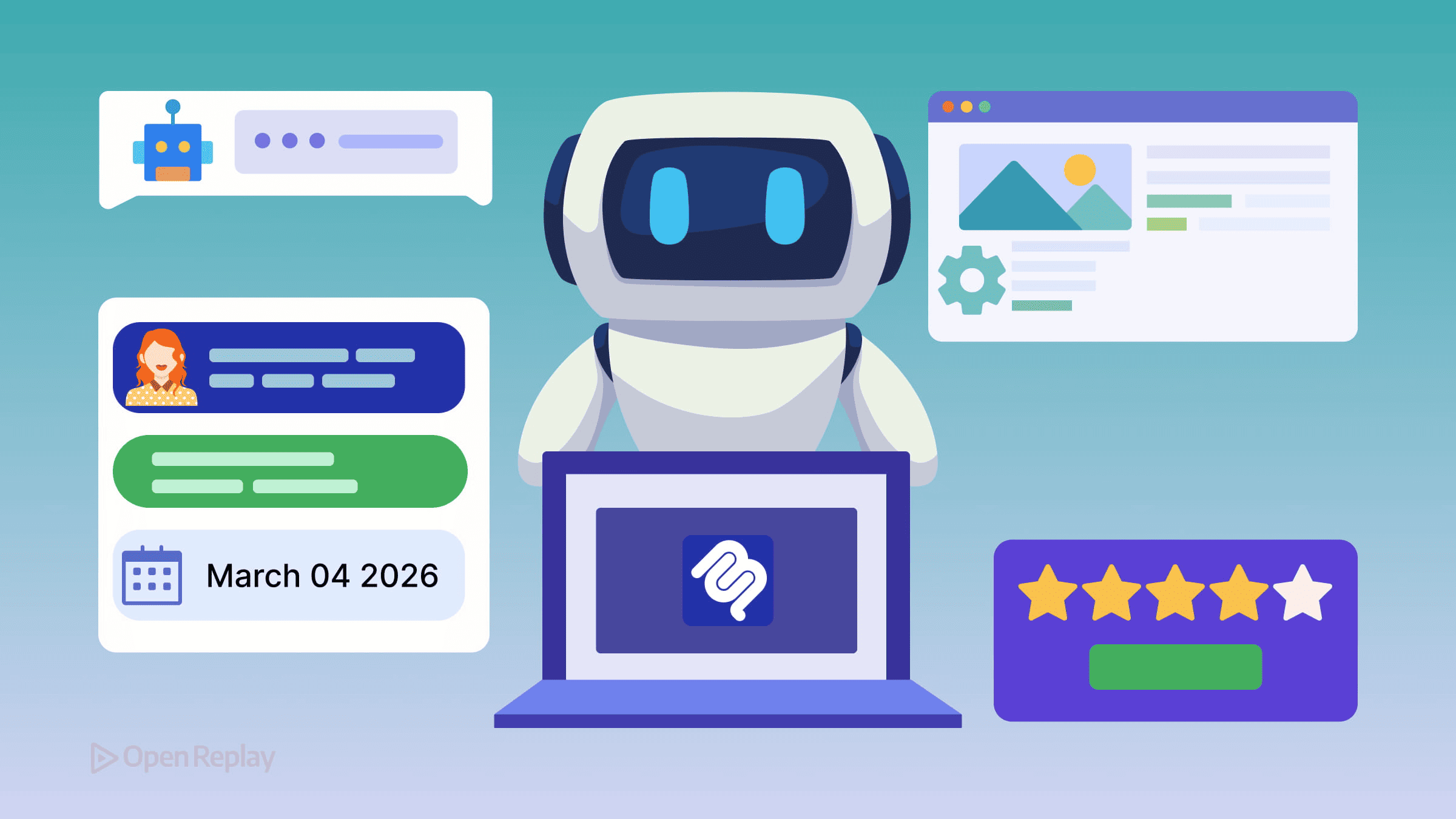
MCP tools have always been good at fetching data and taking actions. What they couldn’t do was show you anything useful. You’d ask an AI assistant to pull your sales numbers, and you’d get back a wall of text. Want to filter by region? That’s another prompt. Sort by revenue? Another prompt. It works, but it’s slow and frustrating.
MCP Apps fix this. They let MCP servers return interactive UI components — dashboards, forms, visualizations, configuration panels — that render directly inside the conversation. No separate app, no context switching.
Key Takeaways
- MCP Apps are the first official extension to the Model Context Protocol, letting servers return interactive UI components alongside text responses.
- UIs are standard web apps (React, Vue, Svelte, or plain JS) rendered in sandboxed iframes, communicating with the host via JSON-RPC over postMessage.
- UI support is a progressive enhancement — tools still return text for clients that don’t support MCP Apps.
- Workflows like data dashboards, configuration wizards, and real-time monitors benefit most from embedded UI.
What Are MCP Apps?
MCP Apps are the first official extension to the Model Context Protocol. They became official in early 2026, standardizing patterns that were already being explored by MCP-UI and the OpenAI Apps SDK.
Before MCP Apps, every client had to solve the UI problem independently. That fragmentation meant a server built for Claude wouldn’t work the same way in VS Code or ChatGPT. MCP Apps establish a shared standard so a single implementation works across all supporting clients.
It’s worth noting that MCP Apps are still new and evolving. But they’re already supported in several MCP clients including Claude and development tools — a meaningful starting lineup.
How MCP Interactive Apps Work
The architecture is straightforward. A tool references a UI resource that points to an interactive interface:
{
  "name": "visualize_sales",
  "description": "Returns an interactive sales dashboard",
  "_meta": {
    "ui": {
      "resourceUri": "ui://dashboards/sales"
    }
  }
}
The host fetches that resource — an HTML bundle served under the ui:// scheme — and renders it in a sandboxed iframe. The UI communicates back to the host using JSON-RPC over postMessage. That means all messages are structured, auditable, and consistent with how the rest of MCP works.
The ext-apps SDK handles this communication layer:
import { App } from "@modelcontextprotocol/ext-apps"

const app = new App()
await app.connect()

app.ontoolresult = (result) => renderDashboard(result.data)

await app.updateModelContext({
  content: [{ type: "text", text: "User filtered by Q3" }],
})
The model stays in the loop. When a user interacts with the UI — clicking a filter, selecting a config option, approving a document section — the model sees it and can respond.
MCP UI Components Are Just Web Apps
This is the part frontend developers will appreciate most. Your UI bundle is a standard web application. You can build it with React, Vue, Svelte, or plain JavaScript. There’s no proprietary rendering engine to learn.
The ui:// resource is a self-contained HTML file with bundled assets. The host loads it in a sandboxed iframe, so it runs in a familiar browser environment. You write components the same way you always have — the only new piece is using the App SDK to communicate with the host.
UI support is also a progressive enhancement. If a client doesn’t support MCP Apps, the tool still works — it just returns a text response instead. Servers should always provide a text fallback, which means you’re not locked out of non-UI clients.

Discover how at OpenReplay.com.
Where MCP Interactive Apps Make the Most Difference
Some workflows genuinely need a UI. Text responses can’t replace:
- Data dashboards where users need to filter, sort, and drill down
- Configuration wizards with dependent fields that change based on selections
- Document review panels where users approve or flag inline content
- Real-time monitors that update without requiring a new tool call
Shopify demonstrated this clearly with their commerce use case — product variants, bundle builders, and inventory constraints are too complex to manage through back-and-forth prompts. A UI handles it cleanly.
Getting Started
The ext-apps repository includes working example servers: threejs-server, map-server, pdf-server, and system-monitor-server. Pick the one closest to what you’re building and start from there.
Conclusion
MCP Apps are early-stage but already usable. They bring a standard way to embed interactive UI directly into AI conversations, closing the gap between what MCP tools can fetch and what users can actually do with that data. If you’re already building MCP servers, adding a UI layer is a natural next step — and the tooling is ready for it.
FAQs
Yes. MCP Apps are designed as a progressive enhancement. If a client does not support the UI extension, the tool falls back to returning a plain text response. Servers should always include a text fallback so that every MCP client can still use the tool, even without rendering the interactive component.
You can use any framework or library that produces standard HTML, CSS, and JavaScript. React, Vue, Svelte, and plain JavaScript all work. The UI bundle is loaded in a sandboxed iframe, so there are no restrictions on your choice of tooling as long as the output is a self-contained HTML file.
The UI runs inside a sandboxed iframe and communicates with the host application using JSON-RPC messages sent over the browser postMessage API. The App SDK from the ext-apps package handles this layer. When a user interacts with the UI, the app can call updateModelContext to send structured data back to the model.
Not exactly. MCP-UI was an earlier community exploration of adding UI capabilities to MCP servers. MCP Apps formalized and standardized those patterns as the first official extension to the Model Context Protocol. Think of MCP Apps as the production-ready successor that ensures cross-client compatibility.
Gain Debugging Superpowers
Unleash the power of session replay to reproduce bugs, track slowdowns and uncover frustrations in your app. Get complete visibility into your frontend with OpenReplay — the most advanced open-source session replay tool for developers. Check our GitHub repo and join the thousands of developers in our community.