Modern SQLite Features You Might Be Missing
Modern SQLite features explained: JSONB, STRICT tables, RETURNING, WASM with OPFS, and WAL mode for better performance and concurrency.

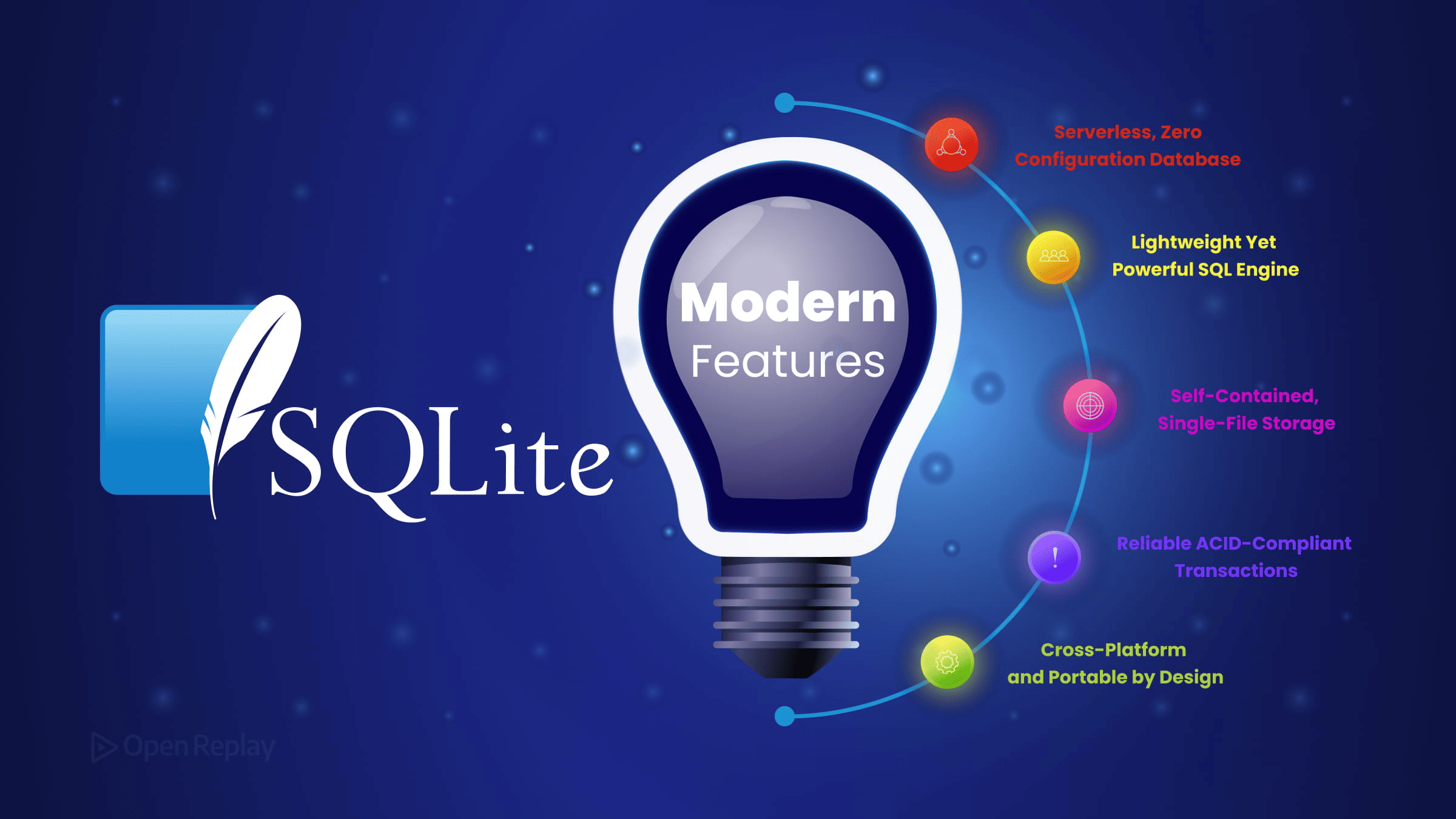
If you still think of SQLite as a lightweight database suited only for mobile apps or quick prototypes, you’ve missed a few years of meaningful development. SQLite is actively maintained, ships with capabilities that rival heavier databases for many workloads, and now runs directly in the browser. Here’s what’s worth knowing.
Key Takeaways
- JSONB storage offers a compact binary format that parses faster than text JSON, and JSON expressions can be indexed directly.
- STRICT tables bring real type enforcement to SQLite, closing a long-standing gap with databases like PostgreSQL.
- The RETURNING clause removes the need for a follow-up SELECT after INSERT, UPDATE, or DELETE operations.
- The official SQLite WASM build with OPFS persistence makes browser-resident databases a practical architectural choice.
- WAL mode improves read/write concurrency with a single PRAGMA statement.
JSON and JSONB Support: More Than Just Text Storage
SQLite has had JSON functions for years, but a more recent addition is JSONB support, a binary format that stores documents more compactly and parses faster than plain-text JSON.
When you use jsonb() to store data, SQLite avoids re-parsing the text on every read. For read-heavy workloads with large JSON payloads, this matters.
CREATE TABLE events (
  id      INTEGER PRIMARY KEY,
  payload BLOB NOT NULL  -- store as JSONB
);

-- Insert using jsonb()
INSERT INTO events (payload)
VALUES (jsonb('{"user": {"id": 42}, "action": "login"}'));

-- Query with standard json_extract — works on JSONB columns too
SELECT json_extract(payload, '$.user.id') AS user_id
FROM events
WHERE json_extract(payload, '$.action') = 'login';
SQLite’s JSON functions accept both text JSON and JSONB values transparently, so you can continue using functions like json_extract() regardless of storage format.
You can also index JSON expressions directly, which makes filtering on nested fields fast without denormalizing your schema:
CREATE INDEX idx_action ON events (json_extract(payload, '$.action'));When to use JSONB vs TEXT: Use
BLOB+jsonb()when SQLite will frequently process or query the JSON value. UseTEXTwhen you need the raw string preserved exactly as inserted.
⚠️ Version note: JSONB support was introduced in SQLite 3.45 (January 2024). Confirm your runtime version before relying on it.
SQLite STRICT Tables: Real Type Enforcement
SQLite’s flexible typing is useful but can introduce subtle bugs when a column silently accepts the wrong type. STRICT tables fix this by enforcing column types at insert time, similar to how PostgreSQL behaves.
CREATE TABLE users (
  id        INTEGER PRIMARY KEY,
  email     TEXT    NOT NULL,
  age       INTEGER NOT NULL
) STRICT;
Try inserting 'twenty-five' into age and SQLite will reject it. STRICT tables support five permitted column types: INT, INTEGER, REAL, TEXT, BLOB, plus the special ANY type. The ANY type opts that column back into SQLite’s normal flexible behavior, so you can mix strict and flexible columns in the same table.
⚠️ Check your version first: STRICT tables require SQLite 3.37 or later. Run
SELECT sqlite_version();to confirm.
The RETURNING Clause: Cleaner Mutation Queries
If you’ve ever inserted a row and immediately queried it to get the generated ID, RETURNING eliminates that round trip:
INSERT INTO orders (user_id, total)
VALUES (42, 99.99)
RETURNING id, created_at;
This works on INSERT, UPDATE, and DELETE, and it’s especially useful in server-side JavaScript with libraries like better-sqlite3 or Bun’s built-in SQLite. RETURNING was added in SQLite 3.35.

Discover how at OpenReplay.com.
SQLite WASM: Running SQLite Directly in the Browser
The SQLite project ships an official WebAssembly build that runs the full SQLite engine in a browser tab. Unlike sql.js, which predates it, the official SQLite WASM build supports the Origin Private File System (OPFS) API for persistent, file-backed storage, meaning your database survives page refreshes without a server.
This opens up a real architecture for SQLite frontend development:
- Offline-first apps that query locally and sync later
- Client-side analytics or reporting tools
- Electron and Tauri apps that want a single database abstraction across environments
- Browser-based developer tools with real query capability
OPFS is documented by MDN as part of the File System API, and Google’s web.dev guide says it is supported across all major browsers. Some OPFS-backed SQLite WASM configurations also require a secure context (HTTPS), SharedArrayBuffer support, and appropriate COOP/COEP headers depending on the VFS implementation you choose.
WAL Mode: Better Concurrency Without Configuration Overhead
Write-ahead logging lets readers and writers work concurrently without blocking each other. For applications with concurrent reads and writes, or where perceived latency matters, WAL mode is often worth enabling:
PRAGMA journal_mode = WAL;This single pragma can meaningfully improve performance for local-first apps, Electron apps, and lightweight backend services where SQLite handles real traffic. Note that WAL mode requires the database file to live on local disk, as it does not work reliably over network filesystems.
Conclusion
Modern SQLite features like JSONB, STRICT tables, RETURNING, WASM with OPFS, and WAL mode collectively make SQLite a credible choice for a much wider range of applications than its reputation suggests. The project is actively developed, and the gap between SQLite and heavier databases has narrowed considerably for workloads that don’t require multi-writer concurrency at scale. If you haven’t revisited what SQLite can do recently, now is a good time.
FAQs
Is SQLite suitable for production web applications?
Yes, for many workloads. SQLite handles read-heavy traffic and small to medium write volumes well, especially with WAL mode enabled. It works best for single-server deployments or local-first apps. For applications requiring multiple concurrent writers across distributed servers, a client-server database like PostgreSQL remains the better fit.
When should I choose JSONB over storing JSON as TEXT?
Choose JSONB when SQLite will frequently process or query the JSON value, since it avoids re-parsing on every read and stores data more compactly. Stick with TEXT when you need to preserve the original string exactly as written, including whitespace and key ordering, which matters for cryptographic signatures or audit logs.
Do STRICT tables break existing SQLite databases?
No. STRICT is opt-in per table, so existing tables continue to use SQLite's flexible typing. You can introduce STRICT tables in new schemas or migrate specific tables gradually. Just confirm you are running SQLite 3.37 or later before adding the STRICT keyword to any CREATE TABLE statement.
Can SQLite WASM in the browser match native SQLite performance?
Performance is close but not identical. The WASM build runs slower than native SQLite due to WebAssembly overhead and OPFS file access being less direct than native disk I/O. For many modest client-side workloads, the difference is acceptable, but large datasets and heavy analytical queries can still show noticeable slowdowns.
Complete picture for complete understanding
Capture every clue your frontend is leaving so you can instantly get to the root cause of any issue with OpenReplay — the open-source session replay tool for developers. Self-host it in minutes, and have complete control over your customer data.
Star on GitHub12k