
Do We Still Need Breakpoints in Responsive Design?

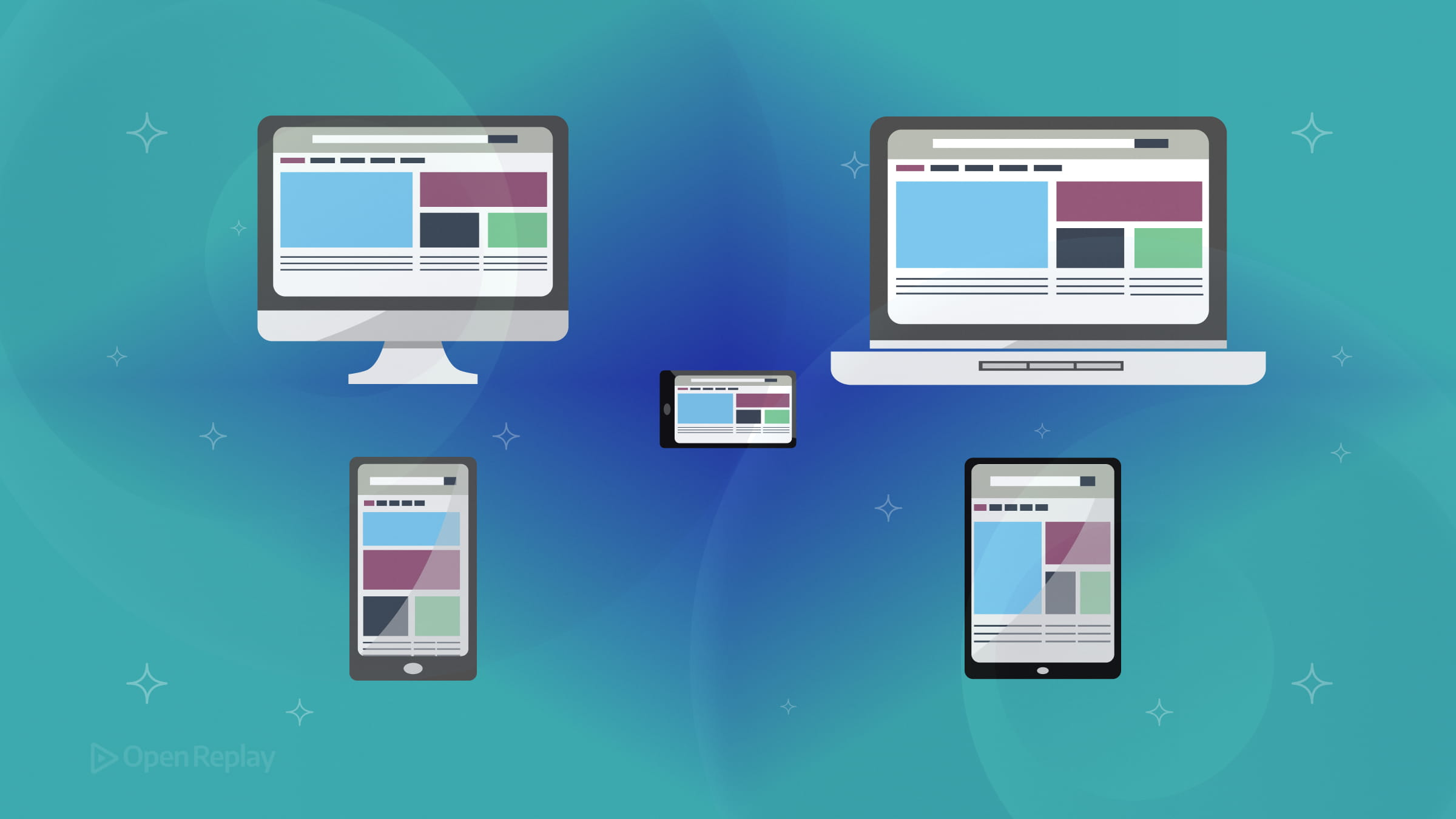
The question surfaces regularly in frontend discussions: are viewport breakpoints obsolete? The short answer is no—but how we use them has fundamentally changed. Modern responsive CSS relies less on device-specific pixel values and more on content-driven decisions, fluid layouts, and container queries working alongside traditional media queries.
This article clarifies what’s actually evolved, when to reach for each technique, and how to build layouts that adapt gracefully without drowning in breakpoint declarations.
Key Takeaways
- Breakpoints remain relevant but should be content-driven rather than device-specific
- Media queries handle page-level layout shifts while container queries manage component-level responsiveness
- Fluid techniques using
clamp(), Flexbox, and Grid reduce the need for multiple breakpoints - Modern responsive design typically requires only two or three meaningful breakpoints instead of five or six
What’s Changed About Responsive Design Breakpoints
Breakpoints themselves aren’t obsolete. What’s fading is the practice of targeting specific devices—designing for “iPhone” or “iPad” dimensions. The device landscape now includes foldables, ultra-wide monitors, and tablets that rival laptop screens. Chasing individual devices is impractical.
The modern approach treats breakpoints as content-driven thresholds. You add a breakpoint where your layout actually breaks, not where a device category begins. This shift means fewer, more intentional breakpoints combined with techniques that handle the spaces between them.
Media Queries Still Matter for Page-Level Layout
Media queries remain essential for decisions that depend on the viewport itself. Navigation patterns, overall page structure, and elements like sticky headers need to know the full screen context.
The syntax has improved. Modern media query range syntax makes conditions more readable:
@media (width >= 48rem) {
  .sidebar { display: block; }
}
This replaces the older min-width phrasing while doing the same job. Media queries excel at orchestrating how major page regions reorganize—shifting from single-column mobile layouts to multi-column desktop arrangements.
Container Queries Solve a Different Problem
Container queries address responsive components—elements that need to adapt based on their parent’s size, not the viewport. A card component might appear in a narrow sidebar, a medium content area, or a wide hero section. Media queries can’t help here because the viewport stays constant while the container changes.
Container queries now have broad browser support and solve this elegantly:
.card-container {
  container-type: inline-size;
}

@container (width >= 300px) {
  .card { flex-direction: row; }
}
The card responds to its immediate context. This makes components genuinely portable across different layout contexts without viewport-specific overrides.

Discover how at OpenReplay.com.
Container Queries vs Media Queries: When to Use Each
Use media queries for:
- Overall page layout shifts
- Navigation transformations
- Viewport-dependent spacing or typography at the page level
Use container queries for:
- Reusable components in varying contexts
- Widget-style elements (cards, panels, embedded modules)
- Design system components that must work anywhere
These tools complement each other. A page might use media queries to switch between sidebar and stacked layouts while individual components inside use container queries to adapt to their allocated space.
Fluid Layouts Reduce Breakpoint Dependency
Fluid CSS layout techniques handle much of what previously required multiple breakpoints. Flexbox and Grid provide intrinsic sizing that responds to available space without explicit breakpoints.
The clamp() function creates smoothly scaling values:
h1 {
  font-size: clamp(1.5rem, 4vw, 3rem);
}
Typography, spacing, and even grid columns can scale fluidly between minimum and maximum bounds. This eliminates breakpoints for gradual adjustments, reserving them for genuine layout changes.
Modern viewport units like svh, lvh, and dvh improve mobile behavior where browser chrome affects available height. Subgrid enables nested elements to align with parent grid tracks, reducing layout complexity.
A Practical Approach to Modern Responsive CSS
Start with fluid techniques as your foundation. Let Flexbox, Grid, and clamp() handle continuous scaling. Add container queries to components that appear in multiple contexts. Reserve media queries for page-level structural changes.
This typically results in two or three meaningful viewport breakpoints rather than five or six device-targeted ones. The layout stays resilient because it’s built on proportional relationships rather than fixed assumptions.
Test by resizing containers, not just viewports. Browser DevTools now support container query debugging, making it straightforward to verify component behavior across contexts.
Conclusion
Breakpoints haven’t disappeared—they’ve matured. Modern responsive design combines fewer viewport breakpoints with container queries for components and fluid techniques for everything in between. Media queries handle page structure, container queries handle portable components, and fluid layouts handle gradual adjustments.
The result is CSS that adapts to content needs rather than device catalogs, producing layouts that remain stable as the device landscape continues expanding.
FAQs
Not necessarily. While rem-based breakpoints offer better accessibility since they scale with user font preferences, pixel values still work. The more important shift is choosing breakpoints based on where your content breaks rather than targeting specific device widths. Whether you use pixels or rems matters less than the reasoning behind your breakpoint choices.
Ask yourself what context matters for the element. If the element needs to respond to the overall page width, such as navigation or page layout, use a media query. If the element is a reusable component that might appear in different-sized containers throughout your site, use a container query. Many projects use both for different purposes.
Container queries have strong browser support across all major browsers including Chrome, Firefox, Safari, and Edge. They've been stable since late 2023. For older browser support, you can use feature queries with @supports to provide fallback styles, though this is increasingly unnecessary for most audiences.
For most typography needs, yes. The clamp() function handles smooth scaling between minimum and maximum sizes effectively. However, you might still want breakpoints for dramatic typographic changes, such as switching heading hierarchies or adjusting line lengths significantly between mobile and desktop layouts.
Truly understand users experience
See every user interaction, feel every frustration and track all hesitations with OpenReplay — the open-source digital experience platform. It can be self-hosted in minutes, giving you complete control over your customer data. . Check our GitHub repo and join the thousands of developers in our community..
