Can You Use Notion as a Website Backend?

You’ve seen the demos: someone builds a portfolio site powered entirely by Notion, deploys it to Vercel, and claims zero subscription costs. The appeal is obvious—your client updates content in a tool they already know, and you skip the WordPress overhead entirely.
But can you actually use Notion as a backend for production websites? The answer is yes, with significant caveats. This article breaks down the architecture, the real engineering tradeoffs, and when this approach makes sense versus when it falls apart.
Key Takeaways
- Notion can serve as a lightweight headless CMS by pairing its API with a custom frontend built in frameworks like Next.js or Astro.
- This approach works best for small content sites, portfolios, prototypes, and MVPs where the editing experience matters more than scale.
- Strict API rate limits, expiring file URLs, incomplete block-type support, and signal-only webhooks impose real engineering constraints.
- Static site generation with aggressive caching is essential to avoid runtime dependency on Notion’s availability.
- If your project demands high traffic, complex relational data, real-time updates, or strict uptime guarantees, choose a purpose-built headless CMS instead.
What “Notion as a Backend” Actually Means
First, distinguish between two different things: Notion Sites (their built-in publishing feature) and using the Notion API as a data layer for your own frontend.
Notion Sites lets you publish any page with one click. It’s simple but limited—you’re stuck with Notion’s styling and domain structure.
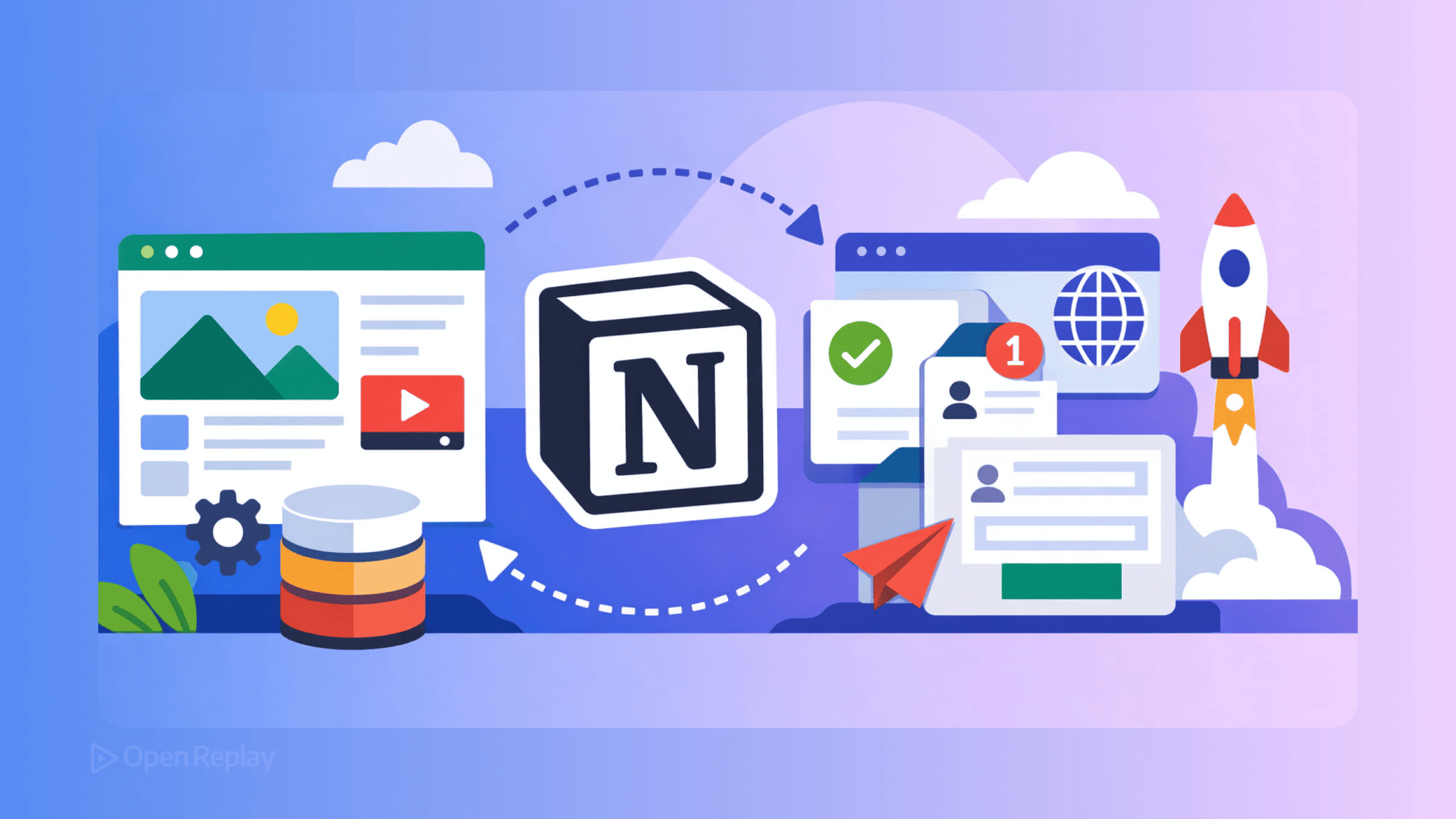
Using Notion as a headless CMS is different. You build a custom frontend (typically with Next.js, Astro, or similar), fetch content from Notion’s API, and render it however you want. This is the architecture that powers sites like the opera singer portfolio example—static pages with dynamic sections pulling from a Notion database backend.
The Typical Architecture
A Notion-powered website usually follows this pattern:
- Content lives in Notion databases (blog posts, events, portfolio items)
- Your server or build process calls the Notion API to fetch that content
- A rendering layer transforms Notion’s block structure into HTML
- Static generation or ISR caches the result so you’re not hitting Notion on every request
Libraries like react-notion-x handle the rendering step, converting Notion’s block types into styled React components. You get callouts, code blocks, tables, and toggles without building each one yourself.
Where This Works Well
Using the Notion API for websites shines in specific scenarios:
Small content sites and portfolios. A musician’s event calendar, a freelancer’s project gallery, or a startup’s job board. Content updates are infrequent, and the person updating doesn’t want to learn a new CMS.
Prototypes and MVPs. When you need something live fast and your content model is simple, Notion eliminates the backend entirely. You can validate an idea before investing in proper infrastructure.
Internal tools and documentation. Teams already using Notion can expose certain pages externally without migrating content.
The real value proposition: your non-technical client edits content in a tool they already use daily. No training required.

Discover how at OpenReplay.com.
Where It Breaks Down
Here’s where Notion vs. traditional CMS comparisons get honest:
Rate limits are strict. The Notion API caps you at roughly 3 requests per second. For build-time fetching, this means a site with 500 pages takes minutes to rebuild. For runtime fetching, you need aggressive caching.
File URLs expire. Images and files hosted in Notion return temporary URLs (typically valid for one hour). You must either proxy these through your own server or download and re-host them during build time.
Some block types aren’t supported. The API doesn’t return everything you see in Notion. Synced blocks, certain embeds, and some database views may render incorrectly or not at all.
Webhooks are signal-only. Notion webhooks tell you something changed but don’t include the actual data. You still need to re-fetch content after receiving a notification.
No relational queries. Unlike a real database, you can’t join across Notion databases efficiently. Complex content models become painful.
Notion can go down. If you’re fetching at runtime and Notion’s API is unavailable, your site breaks. Static generation with fallbacks mitigates this, but it’s still a dependency you don’t control.
When to Choose Something Else
Skip Notion as a backend if you need:
- High-traffic sites requiring consistent sub-100ms responses
- Complex relational data (products with variants, nested categories)
- Real-time content updates without rebuild delays
- Strict uptime guarantees
- Large content volumes (thousands of pages)
For these cases, purpose-built headless CMS platforms or a simple database with an admin UI will serve you better.
Conclusion
Notion works as a lightweight headless CMS for small sites, tools, and MVPs where the editing experience matters more than scale. The architecture is straightforward: fetch at build time, cache aggressively, and handle the API’s quirks with a rendering library.
Just don’t mistake it for a production database. Know the rate limits, plan for expiring URLs, and have a migration path ready if your project outgrows it.
FAQs
Notion returns temporary file URLs that typically expire after one hour. The most reliable solution is to download all images during your build step and serve them from your own hosting or a CDN. Alternatively, you can set up a server-side proxy that fetches and caches images on demand, refreshing them before they expire.
Notion is not well suited for e-commerce. It lacks relational queries needed for products with variants, has no transactional support, and its rate limits make real-time inventory or pricing updates impractical. A purpose-built headless CMS or a database paired with an admin interface is a far better choice for any store.
If you fetch content at runtime, your site will break when the Notion API is unavailable. The standard mitigation is to use static site generation so pages are pre-built and served from a CDN. Incremental Static Regeneration with stale-while-revalidate fallbacks also helps by serving cached content while attempting to refresh in the background.
You can implement request queuing with delays to stay within the roughly three-requests-per-second cap. Caching API responses locally between builds so only changed pages are re-fetched also helps significantly. For very large sites, consider an intermediate data layer that syncs from Notion on a schedule rather than querying the API at build time.
Understand every bug
Uncover frustrations, understand bugs and fix slowdowns like never before with OpenReplay — the open-source session replay tool for developers. Self-host it in minutes, and have complete control over your customer data. Check our GitHub repo and join the thousands of developers in our community.