Semantic Versioning Explained
Semantic versioning explained for npm: MAJOR.MINOR.PATCH, caret and tilde ranges, 0.x releases, pre-releases, and lock files for safer updates.

If you’ve ever opened a package.json file and wondered why one dependency shows ^1.4.2 while another shows ~2.0.1, you’re already dealing with the practical consequences of Semantic Versioning. Understanding how SemVer works helps you make better decisions about dependency updates, avoid broken builds, and communicate changes clearly when you publish packages yourself.
Key Takeaways
- SemVer uses a
MAJOR.MINOR.PATCHformat, where each segment signals a specific type of change: breaking, additive, or corrective. - npm range operators (
^,~, and exact versions) control how dependencies update, with the caret being the default and most permissive within a major version. - Lock files like
package-lock.jsonensure reproducible installs across teams and CI environments, regardless of the range specified. - Versions below
1.0.0are considered unstable, and pre-release tags (e.g.,1.0.0-beta.1) are treated as explicitly unstable releases that npm will not install through normal ranges unless requested. - SemVer is a social contract between maintainers and consumers, not a technical enforcement mechanism.
What Is Semantic Versioning?
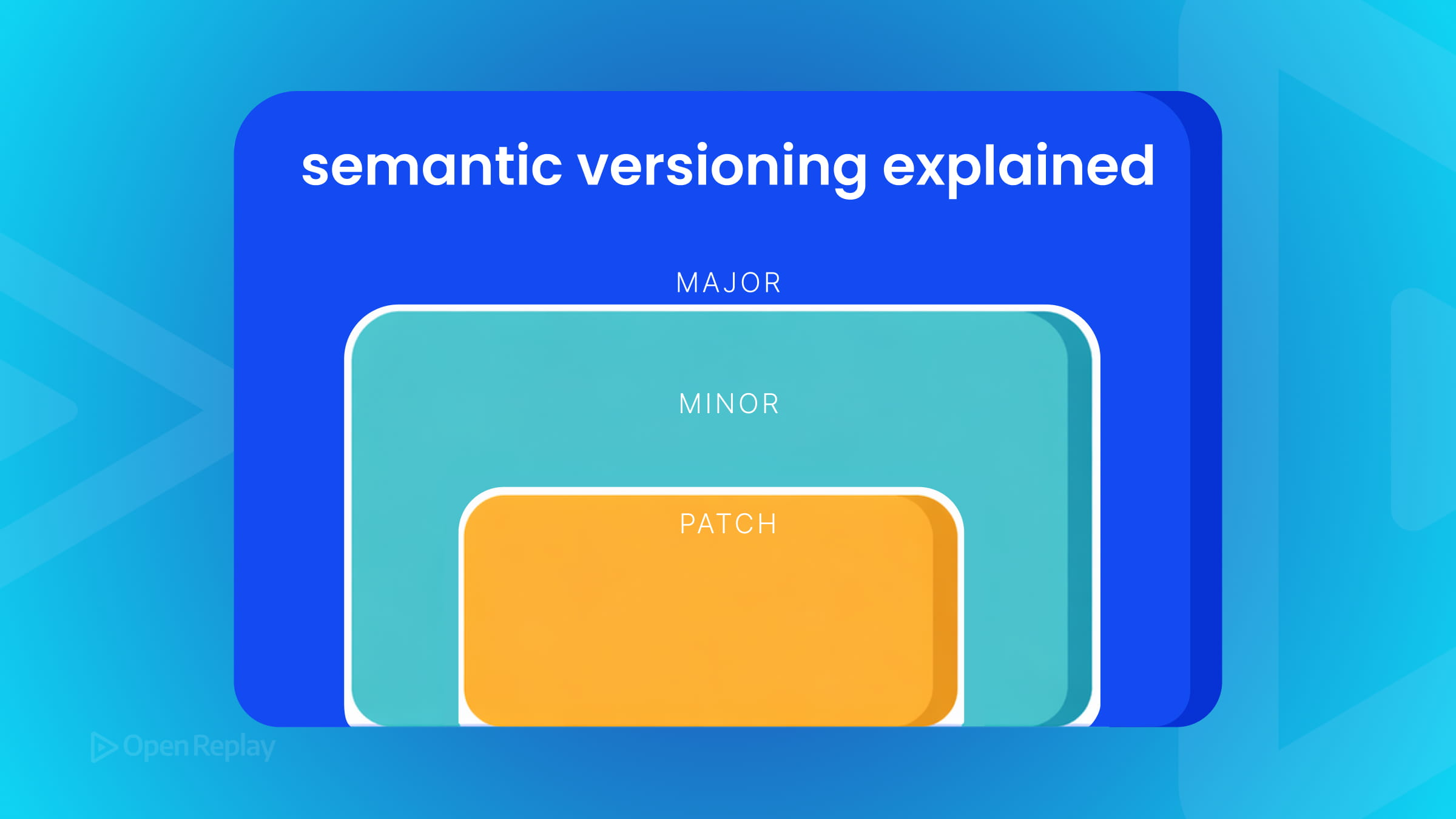
Semantic Versioning (SemVer) is a versioning specification that assigns meaning to version numbers. A SemVer version takes the form MAJOR.MINOR.PATCH, where each number signals a specific type of change:
- MAJOR — a breaking change that is incompatible with the previous public API
- MINOR — new functionality added in a backward-compatible way
- PATCH — a backward-compatible bug fix
When a package moves from 2.6.9 to 3.0.0, something broke backward compatibility. A move from 2.6.9 to 2.7.0 adds features without breaking anything. A move to 2.6.10 fixes a bug.
One important clarification: SemVer only works meaningfully when a package has a defined public API. Without a clear contract between the package and its consumers, the version number is just a number.
How npm Uses SemVer for Dependency Ranges
npm versioning builds directly on SemVer, but the range syntax in package.json is a layer on top of it—not SemVer itself.
"dependencies": {
  "lodash": "^4.17.21",
  "axios": "~1.6.0",
  "react": "18.2.0"
}
Here’s what each range operator means:
^(caret) — allows MINOR and PATCH updates, but not MAJOR.^4.17.21accepts anything from4.17.21up to, but not including,5.0.0. For0.xreleases, caret ranges are more restrictive:^0.2.3allows updates below0.3.0, not all0.xversions.~(tilde) — allows PATCH updates when a minor version is specified.~1.6.0accepts1.6.xbut not1.7.0.- Exact version —
18.2.0installs only that specific version.
The caret is npm’s default when you run npm install. It gives you bug fixes and new features automatically while protecting you from breaking changes—assuming the package author follows SemVer correctly. That assumption doesn’t always hold.
Why Lock Files Matter
Your package-lock.json records the exact version installed at a given time. Even if a range like ^4.17.21 permits newer versions, the lock file pins what’s actually used across your team and CI environment. This is why committing your lock file matters for reproducible builds.

Discover how at OpenReplay.com.
Understanding 0.x Releases and Pre-release Versions
Two areas often catch developers off guard:
0.x releases are unstable by definition. A package at 0.4.2 makes no compatibility guarantees. Anything can change between 0.4.2 and 0.5.0. Don’t rely on SemVer’s compatibility rules for packages that haven’t reached 1.0.0 yet.
Pre-release versions like 1.0.0-beta.1 have lower precedence than the stable release. npm won’t install a pre-release version unless you explicitly request it. A normal range like ^1.0.0 will not automatically resolve to 1.1.0-beta.1. This protects you from accidentally pulling in unstable code.
When to Bump Which Version
If you maintain a package, use this as your guide:
| Change type | Version to bump | Example |
|---|---|---|
| Breaking API change | MAJOR | 1.4.2 → 2.0.0 |
| New feature, backward-compatible | MINOR | 1.4.2 → 1.5.0 |
| Bug fix only | PATCH | 1.4.2 → 1.4.3 |
| Deprecating a feature (without removal) | MINOR | 1.4.2 → 1.5.0 |
When you bump MINOR, reset PATCH to zero. When you bump MAJOR, reset both MINOR and PATCH to zero.
SemVer Is a Contract, Not a Guarantee
SemVer gives you a shared language for communicating change. But it doesn’t technically prevent a maintainer from shipping a breaking change in a patch release. Tools like semantic-release can automate versioning based on commit messages, reducing manual mistakes and helping teams follow SemVer conventions more consistently.
Conclusion
Understanding npm versioning and package versioning through the lens of SemVer makes you a more confident consumer of open-source packages—and a more responsible publisher of your own. The format is simple, but its implications run deep: every digit communicates intent, every range operator shapes risk, and every lock file safeguards reproducibility. Treat SemVer as the shared vocabulary it was designed to be, and your dependency management will become noticeably calmer.
FAQs
What happens if a package author doesn't follow SemVer correctly?
You may receive breaking changes through what should be a safe update, such as a patch or minor bump. To protect yourself, commit your package-lock.json, review changelogs before upgrading, and consider tools like Renovate or Dependabot that surface release notes alongside version bumps. For critical dependencies, pinning exact versions is a reasonable defensive measure.
Should I use caret or tilde ranges in my package.json?
Caret is the npm default and works well for most applications, since it allows minor and patch updates within a major version. Tilde is stricter, accepting only patch updates, which suits projects that prioritize stability over new features. For libraries you publish, prefer caret ranges so consumers benefit from backward-compatible improvements automatically.
Why does npm treat 0.x versions differently from 1.x and above?
The SemVer specification explicitly states that anything below 1.0.0 is considered initial development, where the public API should not be considered stable. Maintainers can introduce breaking changes between any 0.x releases without bumping the major number. Once a project reaches 1.0.0, it commits to the full SemVer compatibility rules.
How do I install a pre-release version like a beta or release candidate?
You must request it explicitly, either by specifying the exact version (npm install package@1.0.0-beta.1) or by using a tag (npm install package@next). Standard ranges such as ^1.0.0 will skip pre-release versions entirely, which prevents accidental installation of unstable code in production environments.
Gain control over your UX
See how users are using your site as if you were sitting next to them, learn and iterate faster with OpenReplay — the open-source session replay tool for developers. Self-host it in minutes, and have complete control over your customer data.
Star on GitHub12k