How Stacked Pull Requests Work on GitHub
See how GitHub stacked pull requests work, from creating a stack with gh-stack to reviewing layers, rebasing changes and merging dependent PRs.

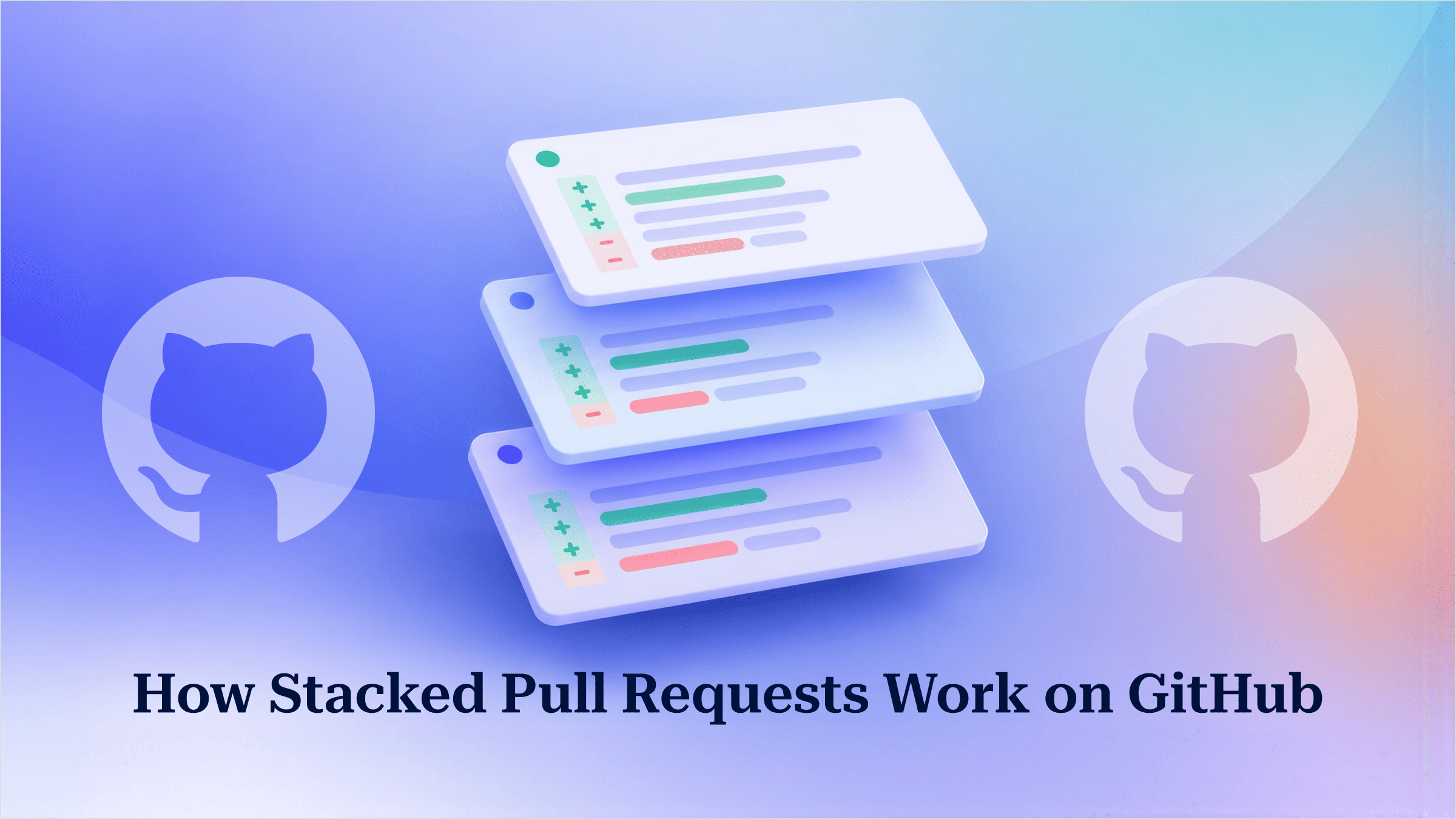
GitHub stacked pull requests split one large change into an ordered chain of small pull requests: each one targets the branch of the pull request below it, and GitHub reviews, rebases and merges the chain as a single unit.
Most teams know the alternative. You build a feature in three dependent parts, open three PRs, and the second one shows the first one’s changes as well as its own. Reviewers give up, or you fold everything into one huge PR that nobody reads properly.
This article covers how GitHub’s native stacks work from start to finish: how to create a stack, how review works, what happens when a PR in the middle of the stack changes, and what each merge option does. If you need a refresher on ordinary PRs first, see how to create pull requests from your terminal.
Key Takeaways
- In a GitHub stack, each pull request’s base is the branch of the PR below it, so each diff contains only that layer’s changes.
- GitHub announced stacked pull requests in public preview on July 30, 2026. The feature is subject to change.
- The gh-stack CLI extension needs GitHub CLI 2.90.0 or later and Git 2.20 or later, according to GitHub’s quickstart.
- If a middle layer changes, every branch above it is left on a stale commit. Those branches have to be rebased from the bottom up and force-pushed.
- Merging the topmost ready PR lands it and every unmerged PR below it in one merge. If the merge fails part way, the PRs that already landed stay merged and the rest stay open. Every PR is checked against the rules of the stack’s base branch.
The Problem With Dependent Pull Requests
Dependent pull requests fail at review because GitHub compares each PR against its base branch. Say you open three PRs that all target main: auth-middleware, then api-routes, then ui-login. The second PR’s diff also contains all of the middleware code, and the third contains everything. Nobody can tell which lines a given PR actually introduces.
Without native stacks, developers usually work around this in one of two ways. They merge everything into one large PR, which slows review and hides mistakes. Or they point each PR at the branch below it by hand, then rebase and retarget the whole chain themselves every time something changes.
What Are GitHub Stacked PRs?
A stacked pull request on GitHub is one link in an ordered chain. Each PR uses the branch of the PR beneath it as its base, so its diff shows only the changes made in that layer. GitHub’s overview of stacked pull requests explains that the bottom PR targets the stack’s trunk, which is usually main but can be any branch, such as a release branch. Every branch in a stack must live in the same repository, so stacks cannot span forks.
Here is how the three-layer example looks once it is stacked:
main
 └─ auth-middleware   PR → main             (diff: middleware only)
     └─ api-routes     PR → auth-middleware  (diff: routes only)
         └─ ui-login    PR → api-routes       (diff: login UI only)
The model is still branches and bases, which Git already understands. GitHub adds the tracking on top: it knows the order of the PRs, links them together, and operates on them as a group.
Creating a Stack With the gh CLI
The gh-stack extension creates and manages stacks from the terminal. GitHub’s quickstart lists GitHub CLI 2.90.0 or later and Git 2.20 or later as prerequisites. The CLI command reference and the extension’s README give a lower minimum of gh 2.0, so the quickstart’s figure is the safer one to follow. You also need to be authenticated and have push access to the repository. If gh is new to you, start with creating pull requests from the terminal.
gh --version        # 2.90.0 or later
git --version       # 2.20 or later
gh auth login
gh extension install github/gh-stack
Next, build the stack one layer at a time:
gh stack init                      # prompts for the first branch name, e.g. auth-middleware
git add -A
git commit -m "Auth middleware"

gh stack add api-routes
git add -A
git commit -m "API routes"

gh stack add ui-login
git add -A
git commit -m "Login UI"

gh stack push                      # pushes branches only
gh stack submit                    # opens PRs with correct bases and links them
gh stack view                      # branches, PR links, statuses, latest commits
gh stack init sets up local tracking for the stack and makes the first branch. Unless you pass --base, the trunk is the repository’s default branch. The CLI command reference points out that push only uploads branches and never touches pull requests. submit is the command that opens the PRs, gives each one the right base branch, and joins them into a stack.
You can also use the web UI. On github.com, you can create a stack by opening a PR whose base is an earlier PR’s branch and selecting Create stack. To grow an existing stack, open any PR in it and choose Add to stack from the header. If your open PRs already line up in a chain, GitHub shows a banner offering to turn them into a stack. Stacks can be used from the GitHub mobile app and by coding agents such as Copilot through the gh-stack skill. GitHub Desktop does not support them.
Reviewing a Stack Layer by Layer
Reviewers can approve each layer of a stack separately. Different reviewers can work on different layers at the same time while the author keeps building on top. The main benefit of stacked pull requests is that review happens on small diffs, and the whole feature does not have to be finished before review starts.
When you open any PR in the stack, you see only that layer’s diff. The merge box holds a stack map that lists every PR in the chain with its status, and the number on the stack icon at the top of the page tells you which layer is open.
Small layers also leave a more useful history on main. Each commit that lands is focused, so a git bisect session can point to a specific change rather than a merge of a thousand lines.
Updating a PR in the Middle of the Stack
When a new commit lands on a branch in the middle of a stack, every branch above it still points at the old commit. Those upper branches have to be rebased onto the updated layer and force-pushed. In the example, a review fix on api-routes leaves ui-login behind. auth-middleware is not affected.
With a hand-managed chain, you do this yourself in plain Git (see 10 Git commands for the basics of rebasing):
# plain Git, no gh-stack
git checkout ui-login
git rebase api-routes              # resolve any conflicts
git push --force-with-lease
# repeat for every branch above, bottom to top
With gh-stack, the tutorial for stacking code changes reduces this to two commands:
gh stack checkout api-routes
git add -A
git commit -m "Fix API routes"
gh stack rebase --upstack          # rebases only the branches above api-routes
gh stack push                      # per-branch --force-with-lease
If the rebase stops on a conflict, fix the conflicted files, git add them, and run gh stack rebase --continue. To give up, gh stack rebase --abort returns every branch to the state it was in before the rebase.
On github.com, a Rebase stack button appears in the merge box once the stack is no longer linear. According to the guide to managing stacked pull requests, clicking it replays the branches onto the newest trunk, starting at the bottom, and force-pushes each one. Commits made this way on GitHub’s servers carry no signature, so repositories that require signed commits should rebase locally with gh stack rebase instead.
Rebasing rewrites the upper branches. If a teammate has one of those branches checked out, they should stop and sync with the remote before committing anything else. Otherwise their next push will conflict with the rewritten history.
Merging a Stack
Merging the topmost ready pull request lands it together with every unmerged PR below it in one merge. If something fails part way through, such as an unexpected conflict, merging stops at that PR: the PRs below it that already merged stay on the base branch, and the failed PR and everything above it stay open. Merge just the lower layers and the PRs above them remain open, while GitHub rebases them and moves their base to the stack’s base branch. The merging guide requires the stack to have a linear history before any of it can merge.
| You merge | What lands on main | What happens to the rest |
|---|---|---|
Top ready PR (ui-login) | All three PRs | Nothing stays open |
Bottom PR (auth-middleware) | That PR only | Upper PRs rebase and retarget to main |
Middle PR (api-routes) | That PR plus every PR below it | ui-login stays open and retargets to main |
A PR in the middle of a GitHub stack cannot be merged by itself. It always lands with the PRs below it. According to GitHub’s stacked pull request reference, stacks work with merge commits, squash and rebase. With squash, each PR becomes its own squashed commit, so merging three PRs puts three commits on main.
Merge rules come from the stack’s base branch, not from the branch each PR points at directly. Branch protections and required checks therefore still decide what reaches main. Stacks also work with merge queues, which receive the PRs in the correct order. The July 30, 2026 changelog said merge queue support would roll out progressively, and GitHub’s merging guide now describes merge queues as fully supported.
Stacking Before Native Support
Before GitHub supported stacks natively, you needed a separate tool to manage the chain of branches. Graphite, spr and git-branchless each handled the bookkeeping outside GitHub’s own model of pull requests.
GitHub’s native stacked pull requests work with the reviews, required checks and branch protections you already have, so the team does not need to adopt another tool. For teams that moved to stacking tools only to work around unreadable dependent PRs, that removes the main reason to use them.
Conclusion
A GitHub stack is a chain of pull requests where each one uses the branch below it as its base, with GitHub handling the rebasing, retargeting and merging. Because every layer is small, reviewers can read it properly, and a change in the middle of the stack only requires rebasing the branches above it. To try it, install github/gh-stack and split your next multi-part feature into three layers.
FAQs
Does auto-merge work with GitHub stacked pull requests?
No. GitHub's merging docs state that auto-merge is not supported for stacked pull requests. Tools that merge through the API need the asynchronous merge API for stacks, because the older pull request merge endpoints cannot merge a stack. To land a stack automatically once checks pass, use a merge queue instead: stacks support merge queues, and the queue takes the PRs in stack order.
What happens when a stacked pull request is removed from a merge queue?
Every pull request above it in the stack leaves the queue too. To keep a stack in one piece, the merge queue lets a merge group grow up to 50 percent past its configured maximum size. A stack too big for that extra room is split by GitHub over several merge groups in a row.
How do I update my local stack after the bottom pull request merges?
Run gh stack sync. In one step it pulls the latest changes, moves the trunk forward, rebases the branches that are left on top of it, pushes them and refreshes each pull request's status. Add --prune to delete local branches for merged pull requests. If sync hits a conflict, it puts every branch back the way it was, so run gh stack rebase to work through the conflict, then gh stack push.
How do I reorder, drop or rename layers in an existing stack?
Use gh stack modify, an interactive terminal UI that can drop, fold, insert, reorder and rename branches. It needs a clean working tree, a linear history, no rebase in progress and no pull request queued to merge. You cannot reorder branches and also drop, fold, insert or rename them in the same session. Your changes only apply when you save, and gh stack modify --abort restores the stack as it was before you started. Afterwards, run gh stack submit to update GitHub.