Creating Toast Notifications in Svelte
Build Svelte toast notifications with a writable store or use svelte-sonner, with Svelte 5 syntax, accessibility, and auto-dismiss tips.

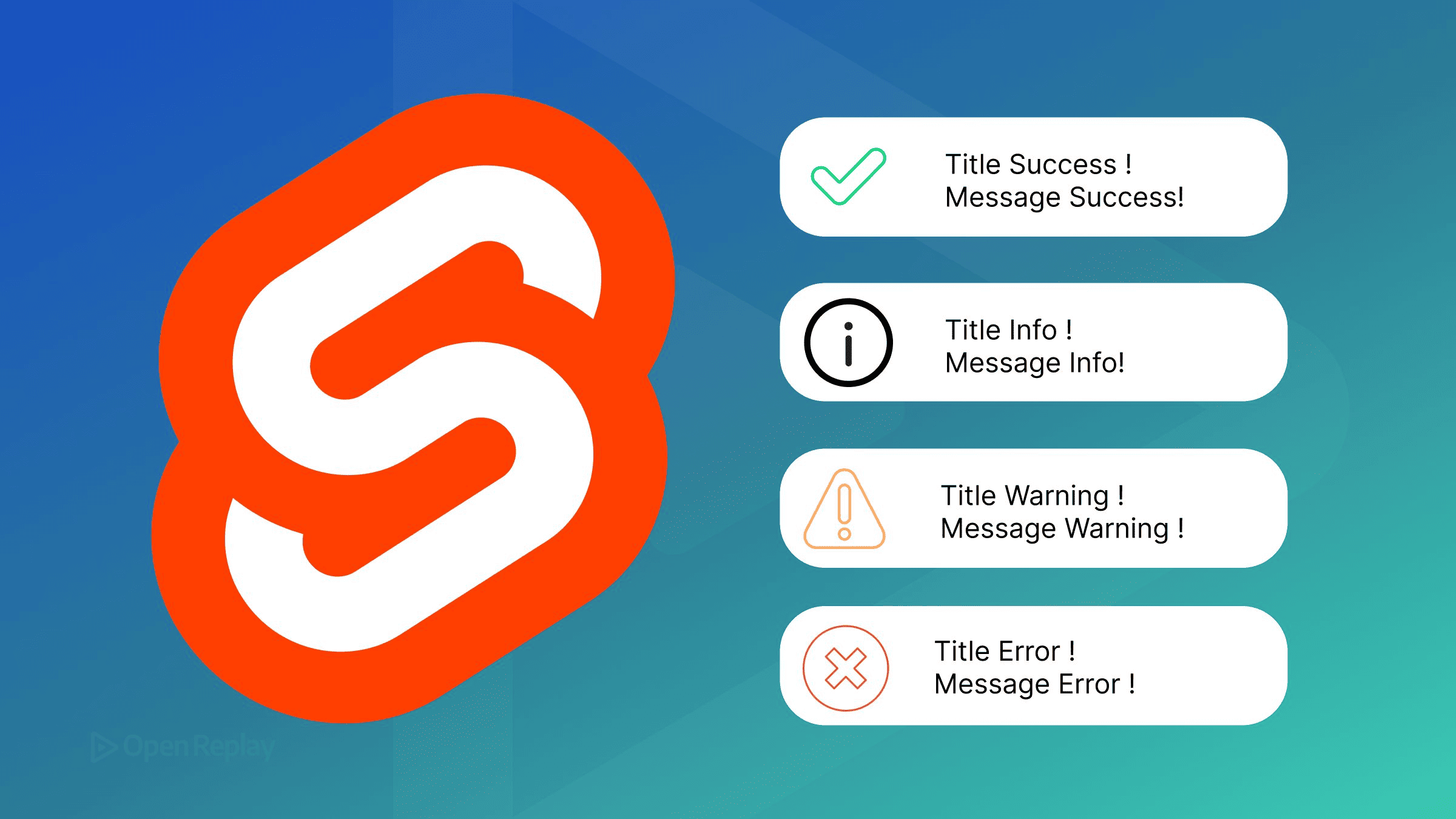
A toast notification in Svelte is a small, transient message that appears over your UI to confirm an action or report an error, then dismisses itself after a timeout.
Most of us end up writing one late at night, right after a form submit succeeds and the page just sits there looking like nothing happened. You have two solid paths: build a lightweight system yourself with a writable store plus a container component, or drop in a maintained library. This article shows both with copy-pasteable code, covers accessibility, and flags where older Svelte 4 tutorials use syntax that’s now deprecated in Svelte 5.
Everything below targets Svelte 5, the current stable major, stable since October 2024. Where Svelte 4 differs, the difference is noted inline.
Key Takeaways
- In Svelte 5 the toast store barely changes (
writable([])still works), but the toast component must migrate:export letbecomes$props,on:clickbecomesonclick,<slot />becomes a snippet, andcreateEventDispatcheris replaced by a callback prop. - For screen readers to announce toasts, render them inside a container with
aria-live(politefor info/success,assertivefor errors).role="alert"on each toast is an alternative to that container, not an addition to it: pairing the two can get a single message announced twice. - Give every toast a collision-proof id with
crypto.randomUUID()and clear its auto-dismiss timer when it’s removed manually, so a hand-dismissed toast never triggers a stale removal. - svelte-sonner is installed with
npm i svelte-sonner, rendered once as<Toaster />at the app root, and then triggered anywhere viatoast(),toast.success(),toast.error(), ortoast.promise(). - Roll your own when you want zero dependencies and full control; reach for svelte-sonner when you want promise toasts, swipe-to-dismiss, theming, and accessibility handled out of the box.
What is a toast, and when should you use it?
A toast is transient, non-blocking feedback: success/error/info messages that stack, auto-dismiss on a timer, and never interrupt the user the way a modal does. Reach for a toast to confirm a form submission, surface an async error, or acknowledge a background action. Don’t use one for content the user must act on or must not miss. That belongs in an inline message or dialog, because a toast can auto-dismiss before it’s read.
How do you build a toast system in Svelte with a store?

Discover how at OpenReplay.com.
The core of a hand-rolled system is a single writable store holding an array of toast objects, plus addToast/dismissToast helpers you can call from anywhere. Svelte stores still work in Svelte 5, so this pattern is not deprecated. The newer .svelte.ts runes approach is idiomatic but optional.
// src/lib/toast-store.js
import { writable } from 'svelte/store';

export const toasts = writable([]);
const timers = new Map();

export function addToast(toast) {
  const id = crypto.randomUUID();
  const defaults = { id, type: 'info', dismissible: true, timeout: 3000 };
  const t = { ...defaults, ...toast };

  toasts.update((all) => [t, ...all]);

  if (t.timeout) {
    timers.set(id, setTimeout(() => dismissToast(id), t.timeout));
  }
  return id;
}

export function dismissToast(id) {
  const timer = timers.get(id);
  if (timer) {
    clearTimeout(timer);   // stop a stale auto-dismiss from firing later
    timers.delete(id);
  }
  toasts.update((all) => all.filter((t) => t.id !== id));
}
Two correctness details are worth getting right here. IDs come from crypto.randomUUID() instead of Math.random(), so they can’t collide (it only runs in a secure context, meaning HTTPS or localhost). And each toast’s timer is tracked in a Map and cleared on manual dismiss, so clicking the close button never leaves a setTimeout pointing at an already-removed toast.
Now the container renders the array, keyed by id, and hands each toast a dismiss callback:
<!-- src/lib/Toasts.svelte -->
<script>
  import Toast from './Toast.svelte';
  import { toasts, dismissToast } from './toast-store.js';
</script>

<section class="toast-container" role="region" aria-live="polite" aria-label="Notifications">
  {#each $toasts as toast (toast.id)}
    <Toast {...toast} ondismiss={() => dismissToast(toast.id)} />
  {/each}
</section>

<style>
  .toast-container {
    position: fixed; top: 1rem; left: 0; right: 0;
    display: flex; flex-direction: column; align-items: center;
    gap: 0.5rem; z-index: 1000; pointer-events: none;
  }
</style>
The child Toast.svelte uses Svelte 5 idioms throughout: $props() for inputs, onclick for the event, and a callback prop for dismissal:
<!-- src/lib/Toast.svelte (Svelte 5) -->
<script>
  import { fade } from 'svelte/transition';
  let { message, type = 'info', dismissible = true, ondismiss } = $props();
</script>

<article class="toast {type}" transition:fade>
  <p>{message}</p>
  {#if dismissible}
    <button class="close" onclick={() => ondismiss?.()} aria-label="Dismiss notification">×</button>
  {/if}
</article>

<style>
  .toast { display: flex; gap: 1rem; width: 20rem; padding: 0.75rem 1.25rem;
    border-radius: 0.25rem; color: white; pointer-events: auto; }
  .info { background: SteelBlue; }
  .success { background: SeaGreen; }
  .error { background: IndianRed; }
  .close { margin-left: auto; background: none; border: 0; color: inherit;
    font-size: 1.25rem; cursor: pointer; }
</style>
Mount <Toasts /> once in your root layout, then trigger from anywhere:
import { addToast } from '$lib/toast-store.js';
addToast({ message: 'Saved!', type: 'success' });
Svelte 4 vs Svelte 5: the syntax that changed
If you’re copying an older dev.to tutorial, the store is portable but the component isn’t. In Svelte 5, export let is replaced by $props, on:click becomes the onclick attribute, and <slot /> is replaced by snippets. Most importantly, createEventDispatcher is deprecated: a dismiss button should call a callback prop (ondismiss?.()) rather than dispatching an event. The Svelte 4 version of Toast.svelte would open with export let type = 'info', import { createEventDispatcher }, and use on:click={() => dispatch('dismiss')}, all of which are deprecated patterns in a Svelte 5 project.
Variants, positioning, and accessibility
Three UX details separate a working toast from a good one: variants, transitions, and screen-reader support. Variants are just a type field mapped to background colors (info/success/error), the fade transition from svelte/transition animates entry and exit, and a position: fixed container with a high z-index keeps toasts pinned above the page.
Accessibility deserves its own look. You have two ways to get a toast announced, and you should pick exactly one. role="alert" on each toast implies aria-live="assertive", and browsers do give alert nodes special treatment: MDN notes their content is announced in most cases, including when the node is injected into the page after load. The catch is that this varies by browser and screen reader pairing, so a persistent live region that already sits in the DOM is the more predictable option, which is why the container in the code above carries aria-live="polite" and the toast itself carries no role. Use polite for info and success so announcements queue behind whatever the user is doing, and switch a container (or a second region) to assertive for errors that need immediate attention.
Combining the two is the mistake to avoid. MDN warns that putting aria-live and role="alert" together causes double speaking in VoiceOver on iOS, and an assertive alert rendered inside a polite region invites the same duplicate announcement. Session replays of toast implementations frequently reveal the failure mode where a toast fired and auto-dismissed but was never perceived: no live region meant nothing was announced.
Use a library instead: svelte-sonner
svelte-sonner is the drop-in path, and it’s built for Svelte 5. It’s a Svelte port of Emil Kowalski’s Sonner, carrying over the same opinionated defaults. Install the package, mount a single <Toaster /> near the root of your app, and every toast you fire from anywhere else in the codebase renders inside it.
<script>
  import { Toaster, toast } from 'svelte-sonner';
</script>

<Toaster richColors closeButton position="top-center" duration={5000} />

<button onclick={() => toast.success('Event has been created')}>Success</button>
<button onclick={() => toast.error('Event has not been created')}>Error</button>
The payoff for the dependency is toast.promise(), which opens in a loading state and then swaps itself for a success or error message once the promise settles. That’s the one pattern that’s genuinely tedious to hand-roll:
toast.promise(saveEvent(), {
  loading: 'Saving…',
  success: (data) => `${data.name} saved!`,
  error: 'Could not save'
});
<Toaster /> accepts position, richColors, closeButton, and duration props, and for Tailwind you style toasts yourself by passing a toastOptions object holding unstyled: true plus a classes map. Swipe-to-dismiss and keyboard focus (⌥/alt + T) come built in. npm i svelte-sonner resolves to a 1.x build; the newest entry in the project’s release notes is v1.1.1, which fixed a bug where toasts set to never expire were dismissed the moment they were updated.
Two alternatives. svelte-french-toast is worth knowing about, but its published stable release is Svelte 4-era, so Svelte 5 users need a fork such as svelte-hot-french-toast. The other is @zerodevx/svelte-toast, whose current v0 line declares peer dependencies spanning Svelte 3, 4, and 5.
Roll your own vs. svelte-sonner: how to choose
Roll your own when you want zero dependencies, full control over markup, or to learn Svelte stores; reach for svelte-sonner when you want promise toasts, swipe-to-dismiss, theming, and accessibility handled out of the box.
| Need | Roll your own | svelte-sonner |
|---|---|---|
| Dependencies | None | One package |
| Markup control | Total | Via toastOptions (unstyled + classes) |
| Promise toasts | Hand-build | toast.promise() built in |
| Swipe-to-dismiss | DIY | Built in |
| Accessibility | You wire aria-live yourself | Handled |
| Svelte 5 ready | Yes (with runes/callback props) | Yes, natively |
Among libraries, svelte-sonner targets Svelte 5 directly; the original svelte-french-toast is Svelte 4-era, and @zerodevx/svelte-toast’s v0 line works across Svelte 3, 4, and 5.
Start with the store-based version if your needs are success/error/info with auto-dismiss. It’s maybe 60 lines and teaches you the store pattern. The moment you need promise-driven feedback or swipe gestures, install svelte-sonner and delete your custom code. Whichever you pick, wire up the aria-live region first; it’s the one detail that’s easy to skip and hard to notice missing.
FAQs
Does createEventDispatcher still work in Svelte 5?
It still runs but is deprecated in Svelte 5, so existing components that use it keep working while new code should not adopt it. The official replacement for emitting events like a toast dismissal is a callback prop, such as passing an ondismiss function and calling ondismiss?.() from the close button. The Svelte docs list callback props and the $host() rune as the recommended alternatives.
Should each toast use role='alert', or should the container use aria-live?
Either approach can work, but use one and not both. Browsers give role='alert' special handling and in most cases announce its content even when the node is inserted after page load, though this varies across browser and screen reader pairings. A persistent container that already exists in the DOM and carries aria-live is the more predictable option: aria-live='polite' for info and success, 'assertive' for errors. Doing both at once risks a duplicate announcement, and MDN notes that combining aria-live and role='alert' causes double speaking in VoiceOver on iOS.
What is the difference between svelte-sonner and svelte-french-toast for Svelte 5?
svelte-sonner targets Svelte 5 directly and installs as a 1.x build with promise toasts, swipe-to-dismiss, richColors, and a close button. The published stable svelte-french-toast is Svelte 4-era and its last stable release predates Svelte 5, so Svelte 5 users need a fork such as svelte-hot-french-toast. A svelte-french-toast 2.0.0-alpha exists but has not shipped as an npm stable release.
Can I keep using a writable store for toasts in Svelte 5, or must I switch to runes?
A writable store still works in Svelte 5 and is not deprecated, so a toasts store built with writable([]) plus add and dismiss helpers is fully valid. Runes in a .svelte.ts file are the newer idiomatic pattern for shared reactive state, but they are optional. The component consuming the store is what must migrate to Svelte 5 syntax, not the store itself.
Gain Debugging Superpowers
Unleash the power of session replay to reproduce bugs, track slowdowns and uncover frustrations in your app. Get complete visibility into your frontend with OpenReplay — the most advanced open-source session replay tool for developers.
Star on GitHub12k