
The URLPattern API: Matching URLs the Modern Way

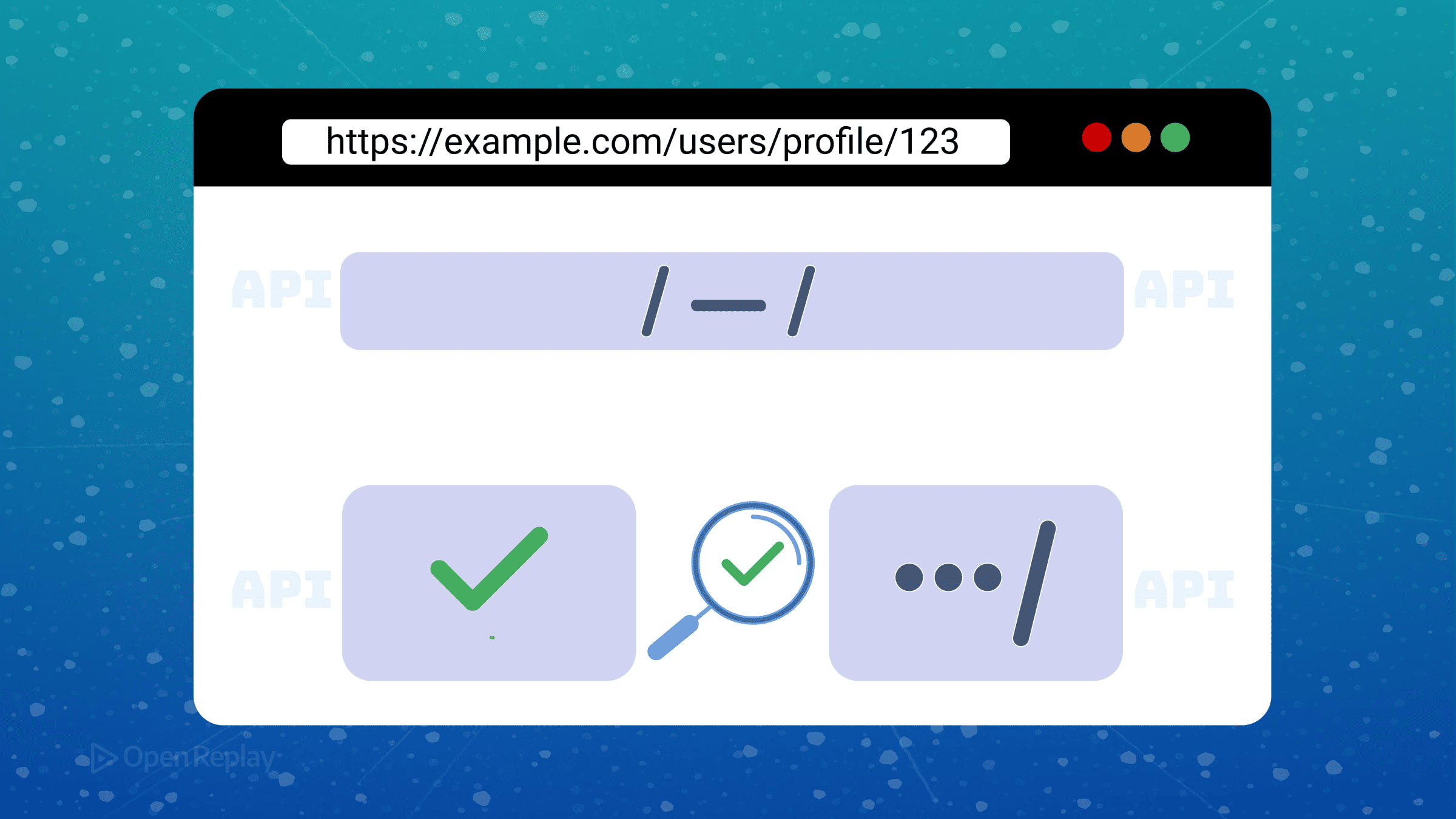
If you’ve ever written a regular expression to extract a user ID from a URL path, you know the pain. The pattern starts simple, then grows into an unreadable mess of escape characters and capture groups. When requirements change, you’re debugging regex instead of building features.
The URLPattern API offers a better approach. It’s a WHATWG standard for modern URL matching that works natively in browsers, letting you match and parse URLs with readable patterns instead of cryptic regex. This article covers what URLPattern solves, its core concepts, and when frontend developers should reach for it.
Key Takeaways
- URLPattern is a WHATWG standard that provides readable, maintainable URL matching without complex regular expressions
- The API uses named parameters (like
:id) instead of positional capture groups, making extracted data self-documenting - URLPattern can match full URLs or individual components (protocol, hostname, pathname, search, hash, etc.)
- Browser support reached Baseline Newly Available status in late 2025, with Chrome, Edge, Firefox, and Safari all supporting it
- Best suited for service workers, custom SPA routing logic, and URL-driven UI state—not as a replacement for full routing frameworks
What Problem Does URLPattern Solve?
Before URLPattern, developers had two main options for web URL parsing: write custom regular expressions or pull in routing libraries.
Regular expressions work but create maintenance headaches. A pattern like /^\/users\/([a-zA-Z0-9]+)\/?$/ requires mental parsing every time you revisit it. Capture groups are positional and anonymous—if you add a new segment, existing code breaks.
Routing libraries solve the readability problem but add bundle weight and introduce framework-specific syntax. Your URL matching logic becomes tied to a particular tool.
URLPattern provides a standardized middle ground. It uses an intuitive syntax borrowed from popular routing conventions:
const pattern = new URLPattern({ pathname: '/users/:id' })The :id segment is a named group. No escape characters. No numbered capture groups. The pattern reads like the URL structure it matches.
Core Concepts of the URLPattern API
Patterns Span Full URLs or Individual Components
URLPattern can match against complete URLs or specific components. A URL breaks down into eight parts: protocol, username, password, hostname, port, pathname, search, and hash.
You can define patterns for any combination:
const pattern = new URLPattern({
  hostname: '*.example.com',
  pathname: '/api/:version/*'
})
This matches any subdomain of example.com with an API path. Components you don’t specify default to wildcards, matching anything.
Testing vs. Extracting Structured Groups
URLPattern offers two primary methods with distinct purposes.
The test() method returns a boolean—does this URL match the pattern?
pattern.test('https://api.example.com/api/v2/users') // trueThe exec() method returns detailed match results, including captured groups:
const result = pattern.exec('https://api.example.com/api/v2/users')
console.log(result.pathname.groups.version) // 'v2'
Named groups become object properties. No more accessing result[1] and hoping the index is correct.
Browser URLPattern Support
URLPattern reached Baseline Newly Available status in late 2025. Chrome, Edge, Firefox, and Safari all support it. This isn’t an experimental feature or a Chrome-only API anymore—it’s a stable web standard you can use in production.
For server-side JavaScript, the picture differs. Recent Node.js 23+ releases include URLPattern, but the implementation remains experimental according to official documentation. If you’re writing code that runs in both environments, verify Node.js behavior separately from browser expectations.

Discover how at OpenReplay.com.
When to Use URLPattern
URLPattern shines as a low-level primitive, not a complete routing solution. Consider it for:
Service workers that need to intercept requests and apply different caching strategies based on URL patterns.
SPA routing logic where you’re building custom navigation handling or need URL matching outside your framework’s router.
URL-driven UI state when components need to parse the current URL and extract parameters.
URLPattern won’t replace React Router or Vue Router. Those frameworks provide navigation guards, lazy loading, and integration with component lifecycles. URLPattern handles one thing well: matching URLs against patterns and extracting data.
A Practical Comparison
Consider extracting a category and ID from /products/electronics/123.
With regex:
const match = /^\/products\/([^/]+)\/(\d+)$/.exec(pathname)
const category = match?.[1]
const id = match?.[2]
With URLPattern:
const pattern = new URLPattern({ pathname: '/products/:category/:id' })
const result = pattern.exec({ pathname })
const { category, id } = result?.pathname.groups ?? {}
The URLPattern version is longer but self-documenting. Six months later, you’ll understand what it does without decoding regex.
Conclusion
URLPattern standardizes URL matching across browsers with a clean, readable syntax. It extracts named parameters without regex complexity and works consistently whether you’re matching pathnames, hostnames, or full URLs.
For frontend developers building SPAs, service workers, or any URL-driven feature, URLPattern provides a future-proof foundation. Check MDN’s URLPattern documentation for the complete syntax reference and start replacing those regex patterns with something maintainable.
FAQs
URLPattern matches the search component of URLs but treats it as a raw string. For query parameters like ?page=2&sort=name, URLPattern can match patterns against the search string, but you will still need URLSearchParams to parse individual key-value pairs after matching.
Yes. You can make segments optional using the question mark modifier. For example, /users/:id? matches both /users and /users/123. The named group will be undefined when the optional segment is absent from the URL.
By default, URLPattern treats trailing slashes as significant. A pattern for /users/:id will not match /users/123/ with a trailing slash. To match both, use an optional trailing slash pattern like /users/:id/ with appropriate modifiers or create patterns for both variations.
Yes. The urlpattern-polyfill package provides URLPattern support for browsers and Node.js versions that lack native implementation. Import it conditionally based on feature detection to avoid loading unnecessary code in environments with native support.
Understand every bug
Uncover frustrations, understand bugs and fix slowdowns like never before with OpenReplay — the open-source session replay tool for developers. Self-host it in minutes, and have complete control over your customer data. Check our GitHub repo and join the thousands of developers in our community.
