
Streams Explained for Web Developers

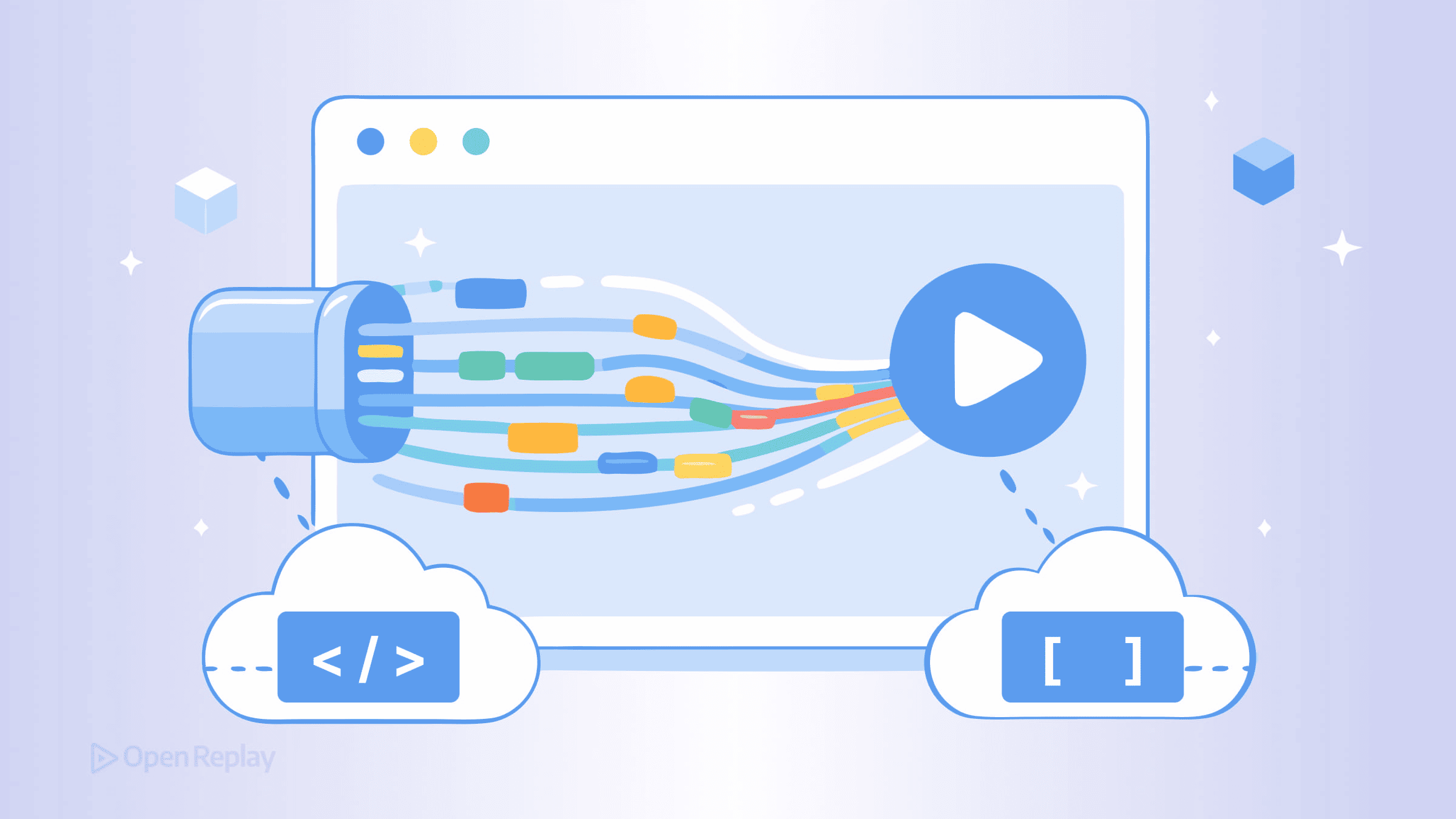
When you call fetch() and wait for a response, the browser has already been receiving that data in pieces. The Web Streams API gives your JavaScript code access to those pieces as they arrive, instead of waiting for the entire response to land before you can touch it.
That shift — from “wait for everything” to “process as it arrives” — is what streams are about.
Key Takeaways
- The Web Streams API lets you process data incrementally as it arrives, rather than buffering entire responses in memory.
ReadableStream,WritableStream, andTransformStreamare the three core primitives — composable building blocks for data pipelines.response.bodyfromfetch()is the most common entry point: aReadableStreamyou can read chunk by chunk.- Use
pipeThrough()andpipeTo()to chain transforms and outputs together, with automatic backpressure handling built in.
Why Loading Everything at Once Is a Problem
The traditional approach to fetching data looks like this:
const response = await fetch('/large-dataset.json')
const data = await response.json()
// Nothing happens until all bytes are downloaded and parsed
For small payloads, this is fine. For a 50MB JSON file or a long-running API response, you’re holding the entire thing in memory before processing a single record. On constrained devices or slow connections, that means sluggish UIs, high memory pressure, and frustrated users.
Streams let you start working with data the moment the first chunk arrives.
The Three Core Primitives of the Web Streams API
The Web Streams API is built around three classes:
ReadableStream— a source you read data fromWritableStream— a destination you write data toTransformStream— sits in the middle, reading from one side and writing transformed data to the other
Data moves through these streams in chunks — small pieces processed one at a time. A chunk can be a Uint8Array of bytes, a string, or any JavaScript value, depending on the stream.
Fetch Streaming: Reading a Response Incrementally
Most fetch() responses expose their body as a ReadableStream via response.body. This is the most common entry point into JavaScript streams for frontend developers.
async function processLargeResponse(url) {
  const response = await fetch(url)
  const reader = response.body.getReader()
  const decoder = new TextDecoder()

  try {
    while (true) {
      const { done, value } = await reader.read()
      if (done) break
      console.log(decoder.decode(value, { stream: true }))
    }
  } finally {
    reader.releaseLock()
  }
}
reader.read() returns a promise that resolves with { value, done }. When done is true, the stream is finished. This pattern lets you process a multi-megabyte response chunk by chunk, without buffering the whole thing.
Note on streaming request bodies: Passing a
ReadableStreamas afetch()request body is possible but has uneven browser support. Streaming responses is the well-supported, practical pattern to reach for today.

Discover how at OpenReplay.com.
Building Data Pipelines with pipeThrough() and pipeTo()
Where streams get genuinely powerful is composition. You can chain a ReadableStream through one or more TransformStream instances and pipe the result into a WritableStream.
fetch('./data.txt').then((response) =>
  response.body
    .pipeThrough(new TextDecoderStream())
    .pipeThrough(new TransformStream({
      transform(chunk, controller) {
        controller.enqueue(chunk.toUpperCase())
      }
    }))
    .pipeTo(new WritableStream({
      write(chunk) {
        document.body.textContent += chunk
      }
    }))
)
This pipeline decodes bytes to text, transforms each chunk to uppercase, then writes it to the DOM — all incrementally, without waiting for the full response.
pipeThrough() connects a ReadableStream to a TransformStream and returns a new ReadableStream. pipeTo() connects a ReadableStream to a WritableStream and returns a promise that resolves when the stream completes.
Backpressure: How Streams Avoid Overload
When a consumer processes data more slowly than a producer generates it, streams apply backpressure — a signal that propagates back through the pipe chain, telling the source to slow down. This happens automatically when you use pipeTo() and pipeThrough(). It’s one of the main reasons to prefer piping over manually reading chunks in a loop.
Built-In Streams Worth Knowing
The browser ships several ready-made stream utilities:
TextDecoderStream/TextEncoderStream— convert between bytes and stringsCompressionStream/DecompressionStream— gzip or deflate data on the flyBlob.stream()— read anyBloborFileas aReadableStream
Modern Node.js also supports the Web Streams API, so pipelines you build for the browser transfer cleanly to server-side environments.
Conclusion
The Web Streams API gives frontend developers a composable, memory-efficient way to handle data that arrives over time. ReadableStream and TransformStream are the primitives you’ll use most — especially when combined with fetch() for incremental response processing. Start with response.body, reach for pipeThrough() when you need to transform data, and let backpressure handle flow control for you.
FAQs
Yes. ReadableStream, WritableStream, TransformStream, and the piping methods are supported in all modern browsers including Chrome, Firefox, Safari, and Edge. Streaming fetch response bodies via response.body is also widely supported. Streaming request bodies with fetch have more limited support, so check compatibility tables before relying on that feature.
If any stage in a pipe chain throws an error, the error propagates through the pipeline. The readable side becomes errored and the writable side is aborted. You can handle this by passing an options object with a signal or by catching the promise returned from pipeTo. For manual reading loops, wrap your read calls in try-catch blocks.
Node.js originally shipped its own stream API with Readable, Writable, and Transform classes. The Web Streams API is a separate standard designed for browsers. Modern versions of Node.js support both. The Web Streams API uses a pull-based model with promises, while classic Node streams use an event-based push model. Code written against the Web Streams API is portable across browser and server environments.
If the response is small, say under a few hundred kilobytes, buffering with response.json or response.text is simpler and perfectly efficient. Streams add value when dealing with large payloads, real-time data, or situations where you want to display partial results before the full response arrives. For straightforward API calls returning compact JSON, the traditional approach is fine.
Complete picture for complete understanding
Capture every clue your frontend is leaving so you can instantly get to the root cause of any issue with OpenReplay — the open-source session replay tool for developers. Self-host it in minutes, and have complete control over your customer data.
Check our GitHub repo and join the thousands of developers in our community.
