Reading and Writing ZIP Files in Node Without a Library
Read and write ZIP files in Node.js 26.8.0 with the experimental node:zlib API. See streaming examples, zip-slip safeguards, size limits, and older Node alternatives.

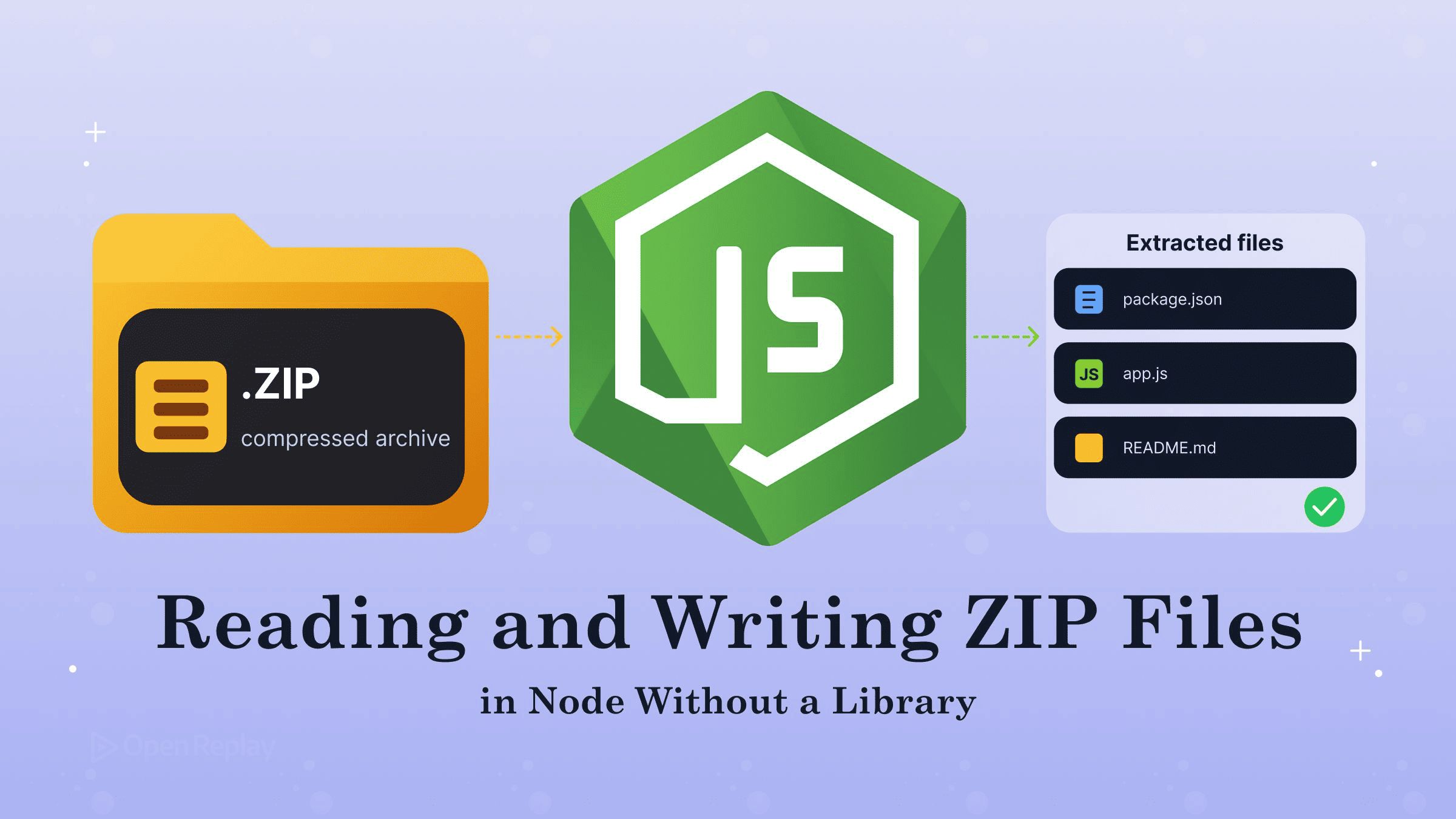
Starting with Node.js 26.8.0, the built-in node:zlib module can read and write ZIP archives on its own, so adm-zip, archiver and yauzl are no longer required. The API is experimental.
Most Node projects that accept uploads or build release artifacts carry at least one ZIP package, often two: yauzl for reading and archiver for writing. Both are third-party code handling untrusted binary input.
The feature shipped in the Node.js 26.8.0 release on August 26, 2026, through PR #64339. The ZIP archive API is experimental. The first call into any part of it prints an experimental warning, while importing node:zlib on its own does not. No Node 24 LTS release includes it so far: the ZIP classes are absent from the 24.x changelogs up to 24.21.0. This fits the same pattern as the other Node.js built-in APIs that replace npm packages. The API is new and still changing, so check exact signatures in the node:zlib documentation before you ship.
Key Takeaways
- Node.js 26.8.0 added experimental ZIP read and write support to
node:zlibthroughZipFile,ZipBuffer,ZipEntryandcreateZipArchive(). ZipEntry.content()loads a whole member into memory, whilecontentIterator()streams it as Buffer chunks.setMaxZipContentSize()sets the default cap for buffered reads such ascontent(). It does not capcontentIterator(), which takes its own per-callmaxSizeoption instead.- The ZIP API does not reject entry names containing
../or absolute paths, so every extractor needs its own zip-slip check. - On Node 24 LTS, keep yauzl for reading and archiver for writing.
| Package | Job | Built-in replacement |
|---|---|---|
| adm-zip | Read/write whole archives in memory | ZipBuffer, ZipFile, createZipArchive() |
| yauzl | Streaming read | ZipFile + contentIterator() |
| archiver | Streaming write | ZipEntry.create()/createStream() + createZipArchive() |
How Do You Read a ZIP File in Node.js With ZipFile?
To read a ZIP archive on disk in Node.js, open it with ZipFile.open(), iterate its entries, and call content() on the member you need. ZipFile works through a file descriptor: it jumps straight to the member you ask for, reads it from disk only when needed, and does not hold on to member content afterwards. ZipBuffer does the same job for an archive you already have in memory, such as an upload held in a Buffer, and reads from that memory without copying it. ZipEntry represents a single member.
// Requires Node 26.8.0+ (experimental)
import { ZipFile } from 'node:zlib';

const zip = await ZipFile.open('upload.zip');
try {
  for await (const entry of zip.values()) {
    console.log(entry.name, entry.size);
  }
  if (zip.has('README.md')) {
    const readme = await zip.get('README.md');
    const buf = await readme.content({ maxSize: 1024 * 1024 });
    console.log(buf.toString('utf8'));
  }
} finally {
  await zip.close();
}
zip.get() rejects with ERR_ZIP_ENTRY_NOT_FOUND when the archive has no member by that name, so the example checks zip.has() first. zipFile.values() hands back an iterator in which each item is a Promise that resolves to a ZipEntry. That is why for await fits here. Each entry exposes name and size, which is the uncompressed size in bytes. The async calls also have sync forms (openSync(), contentSync(), valuesSync()). The exceptions are the streaming APIs: contentIterator() and ZipEntry.createStream() have no synchronous counterpart.
Streaming Large Archives With contentIterator()
To read large ZIP members in Node.js, use contentIterator(). It hands you the decompressed content as a series of Buffer chunks, so the full member never has to sit in memory at once. Because it is an async iterable, you can pass it directly to pipeline(). The pull-based model is the same one covered in how streams work for web developers.
// Requires Node 26.8.0+ (experimental)
import { ZipFile, setMaxZipContentSize } from 'node:zlib';
import { createWriteStream } from 'node:fs';
import { mkdir } from 'node:fs/promises';
import path from 'node:path';
import { pipeline } from 'node:stream/promises';
import { safeDestination } from './safe-destination.js';

setMaxZipContentSize(32 * 1024 * 1024); // caps buffered content() reads
const MAX_ENTRY_BYTES = 2 * 1024 ** 3;

const zip = await ZipFile.open('large.zip');
try {
  for await (const entry of zip.values()) {
    if (entry.isSymlink) continue; // don't recreate links from untrusted archives
    const target = safeDestination('out', entry.name);
    if (entry.name.endsWith('/')) {
      await mkdir(target, { recursive: true });
      continue;
    }
    if (entry.size > MAX_ENTRY_BYTES) throw new Error(`Too large: ${entry.name}`);
    await mkdir(path.dirname(target), { recursive: true });
    await pipeline(entry.contentIterator(), createWriteStream(target));
  }
} finally {
  await zip.close();
}
setMaxZipContentSize() defends against zip bombs: an upload that is small when compressed can expand to a huge size. It sets the module-wide default ceiling for buffered reads such as content(). The docs state that contentIterator() is not held to that default, because streaming never makes one large allocation. The per-call maxSize option on content() refuses any entry whose declared uncompressed size is above the number you pass. If you leave it out, content() uses the module-wide limit from getMaxZipContentSize(). contentIterator() accepts its own maxSize option, and that one has no limit by default.
Streaming reads have a separate safeguard. A follow-up hardening PR explains that the streaming decoder never produces more bytes than the member’s declared uncompressed size. If the data tries to inflate past that size, it throws ERR_ZIP_ENTRY_CORRUPT straight away. That is why the loop above checks entry.size before it starts streaming.
How Do You Write a ZIP Archive From a Folder?
To build a ZIP archive in Node.js, create one ZipEntry per file and pass the list to createZipArchive(), which turns those entries into a readable stream of archive bytes. Then pipe that stream to a file. First, collect the files with fs.readdir and its recursive option:
// collect-files.js
import { readdir, lstat } from 'node:fs/promises';
import path from 'node:path';

export async function collectFiles(root) {
  const files = [];
  for (const rel of await readdir(root, { recursive: true })) {
    const abs = path.join(root, rel);
    if (!(await lstat(abs)).isFile()) continue; // skips dirs and symlinks
    files.push({ abs, name: rel.split(path.sep).join('/') });
  }
  return files.sort((a, b) => a.name.localeCompare(b.name));
}
Because the function uses lstat, it skips symlinks instead of following them. Next, serialise the entries:
// Requires Node 26.8.0+ (experimental)
import { readFile } from 'node:fs/promises';
import { createWriteStream } from 'node:fs';
import { pipeline } from 'node:stream/promises';
import { ZipEntry, createZipArchive } from 'node:zlib';
import { collectFiles } from './collect-files.js';

const entries = [];
for (const f of await collectFiles('dist')) {
  entries.push(await ZipEntry.create(f.name, await readFile(f.abs)));
}
const archive = await createZipArchive(entries);
await pipeline(archive, createWriteStream('release.zip'));
ZipEntry.create() takes the filename, then the data. The sync version is documented as zlib.ZipEntry.createSync(filename, data, options). This example buffers each file before adding it. For large files, use ZipEntry.createStream() instead. It compresses the source while createZipArchive() writes the archive, so the whole file never has to be held in memory. A streaming entry works only once: after createZipArchive() has written it, its content is used up and can’t be read again.
Nested Folders and Zip-Slip Protection
Paths inside a ZIP archive use forward slashes, whatever OS created them. The ZIP file format specification requires this in its section on file names (4.4.17). collectFiles therefore converts path.sep to /, so a Windows path like assets\img\logo.png is stored as assets/img/logo.png. Entry names that end in / are directories.
Zip-slip is a path traversal attack in which a malicious archive contains an entry named something like ../../etc/passwd, and a naive extractor writes it outside the target directory. The built-in API passes such names through exactly as they appear in the archive, with no clean-up and no error, so the check is your job. Resolve each name against the destination and refuse anything that lands outside it:
// safe-destination.js
import path from 'node:path';

export function safeDestination(destDir, entryName) {
  if (entryName.includes('\0')) throw new Error(`NUL byte in ${entryName}`);
  const root = path.resolve(destDir);
  const target = path.resolve(root, entryName);
  if (target !== root && !target.startsWith(root + path.sep)) {
    throw new Error(`Blocked entry outside ${root}: ${entryName}`);
  }
  return target;
}
The function rejects both ../ traversal and absolute names such as /etc/passwd. Call it on every entry.name before you write anything. Symlink entries need the same caution. The docs warn that any extractor which honours a symlink entry will create a real link on disk, so you can’t trust where that link points. The simplest approach is to skip entries where entry.isSymlink is true, as the streaming loop above does.
On Older Node or LTS: Keep yauzl and archiver
If you run Node 24 LTS or earlier, keep yauzl for reading and archiver for writing. New features from the Current line can be backported to an active LTS line, so check the 24.x changelogs before you drop the packages. Until the API appears in the Node version you run in production, keep the packages. A runtime check lets shared tooling choose the right path:
const [major, minor] = process.versions.node.split('.').map(Number);
const hasNativeZip = major > 26 || (major === 26 && minor >= 8);
This is the archiver code the built-in replaces. Archiver 8 dropped the default export, so it uses the named ZipArchive class; on archiver 7 and earlier, write import archiver from 'archiver' and archiver('zip') instead:
import { ZipArchive } from 'archiver'; // archiver 8+
import { createWriteStream } from 'node:fs';
import { once } from 'node:events';

const output = createWriteStream('release.zip');
const closed = once(output, 'close');
const archive = new ZipArchive();
archive.pipe(output);
archive.directory('dist/', false);
await archive.finalize();
await closed; // release.zip is fully written and closed
finalize() resolves when archiver has finished producing data, not when the file has been flushed and closed. Waiting for the output stream’s close event makes it safe to read release.zip straight afterwards.
Conclusion
On Node 26.8.0 or later, node:zlib handles the everyday ZIP jobs: reading with ZipFile, streaming large members with contentIterator(), and writing with ZipEntry and createZipArchive(). That covers what adm-zip, archiver and yauzl were doing. Because the API is experimental, pin your Node version, keep the zip-slip guard and size caps in place, and re-read the node:zlib docs on each upgrade. A good first step is to replace one read path, such as upload extraction, behind the hasNativeZip check. Keep the package fallback until your production line supports the API.
FAQs
What happens if two entries share the same name when I call createZipArchive() in Node?
createZipArchive() writes both entries. It writes entries in the order it receives them and does not check for repeated names, so the archive ends up with duplicates, and most extraction tools keep whichever copy comes last. The add() methods on ZipBuffer and ZipFile work differently: they replace an existing entry with the same name. If your file list can repeat paths, deduplicate it before you serialise.
Can node:zlib write ZIP archives larger than 4 GB?
Yes. createZipArchive() moves to Zip64 structures on its own as soon as the number of entries, or any offset or size, is too big for the original 16-bit and 32-bit ZIP fields. That covers members or archives over 4 GB and archives with more than 65,535 entries. You do not need an option for this, and ZipBuffer.toBuffer() switches to Zip64 in the same way when it serialises entries.
Which error codes should I handle when reading ZIP entries with node:zlib?
Handle ERR_ZIP_ENTRY_TOO_LARGE, raised when an entry's declared size is above maxSize, and ERR_ZIP_ENTRY_CORRUPT, raised when the content's CRC-32 checksum is wrong or its length differs from the declared size. Asking for a name the archive does not contain gives ERR_ZIP_ENTRY_NOT_FOUND (ZipFile.get() rejects with it). After the PR 65016 hardening, archives whose local and central headers disagree are rejected with ERR_ZIP_INVALID_ARCHIVE.
Which compression methods does the built-in Node ZIP API use?
The node:zlib docs list deflate and Zstandard as the compression methods for compressed entries. Entries can also be stored uncompressed. Each ZipEntry has a boolean compressed property: it is true when either method was used and false when the content was stored without compression. The docs describe this list as current, and the API is experimental, so check the docs for your Node version.
Gain Debugging Superpowers
Unleash the power of session replay to reproduce bugs, track slowdowns and uncover frustrations in your app. Get complete visibility into your frontend with OpenReplay — the most advanced open-source session replay tool for developers.
Star on GitHub12k