Background Tasks in the Browser with the Scheduler API
Use the Scheduler API to prioritize main-thread work with scheduler.postTask() and scheduler.yield(), plus support checks and fallbacks.

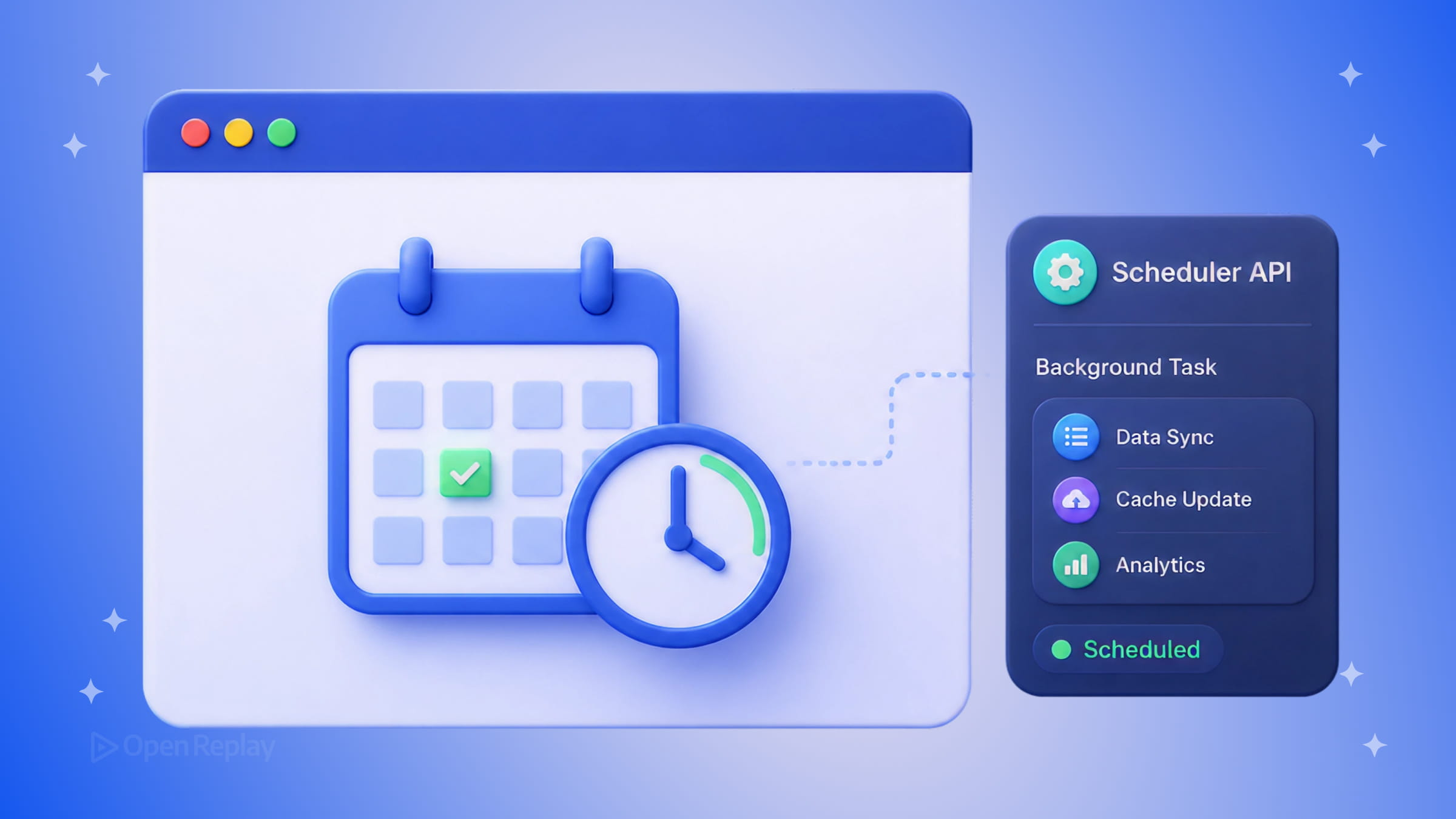
Your app feels fast until it doesn’t. A user clicks a button, and nothing happens for 300 milliseconds because the main thread is busy processing something that didn’t need to happen right now. That’s the core problem the Prioritized Task Scheduling API — commonly called the Scheduler API — is designed to solve.
This article covers how scheduler.postTask() and scheduler.yield() give you practical control over main-thread scheduling, when to use them over older approaches, and what the current browser support picture looks like.
Key Takeaways
- The Scheduler API gives you fine-grained control over when and how main-thread work runs, with three priority levels:
user-blocking,user-visible, andbackground. scheduler.postTask()defers work with explicit priority, whilescheduler.yield()breaks up long tasks so the browser can handle user input between steps.- Neither method moves work off the main thread. For true parallelism, use Web Workers.
- Chromium browsers and Firefox support the API; Safari does not, so always include a
setTimeoutfallback. - Smarter scheduling can improve Interaction to Next Paint (INP) and overall responsiveness.
Why Main-Thread Scheduling Matters
JavaScript runs on a single thread. Every script execution, DOM update, and event handler competes for the same resource. When a long task blocks that thread, the browser can’t respond to user input — and that directly hurts your Interaction to Next Paint (INP) score.
The traditional workarounds each have limits:
setTimeout(fn, 0)defers work but gives you no control over priority. It runs regardless of how busy the thread is.requestIdleCallback()waits for idle time, which is useful for low-priority work, but it has no priority system, Safari’s support is limited, and it can delay indefinitely under load.
The Scheduler API addresses both problems.
How scheduler.postTask() Works
scheduler.postTask() is the main entry point of the Prioritized Task Scheduling API. It schedules a callback to run on the main thread at a specified priority level.
scheduler.postTask(() => {
  sendAnalyticsEvent('page_view');
}, { priority: 'background' });
There are three priority levels:
user-blocking— highest priority, for work that directly blocks a user interactionuser-visible— the default, for work that affects what the user sees but isn’t blockingbackground— lowest priority, for analytics, prefetching, or cleanup
This is the key difference from older APIs: you’re not just deferring work, you’re telling the browser how important it is relative to everything else in the queue.
scheduler.postTask() returns a Promise, which makes it easy to use with async/await and handle errors cleanly:
try {
  await scheduler.postTask(() => processLargeDataset(data), {
    priority: 'background'
  });
} catch (err) {
  // Task was aborted or failed
  console.warn('Task did not complete:', err);
}
Breaking Up Long Tasks with scheduler.yield()
scheduler.yield() is a newer addition that solves a different problem: what do you do when you’re already inside a long task and need to give the browser a chance to handle input before continuing?
async function processItems(items) {
  for (const item of items) {
    processItem(item);
    await scheduler.yield(); // yield back to the browser between items
  }
}
Each await scheduler.yield() creates a checkpoint where the browser can handle pending user interactions before resuming your loop. By default, the continuation after yield() is scheduled at user-visible priority, though it can inherit priority from a surrounding postTask() call. This is one of the most practical tools for reducing long tasks without restructuring your entire codebase.

Discover how at OpenReplay.com.
An Important Clarification
Neither scheduler.postTask() nor scheduler.yield() moves work off the main thread. Tasks scheduled this way still run on the main thread — they’re just queued and prioritized more intelligently. If you need true parallel execution, that’s what Web Workers are for.
Browser Support
Support for the Scheduler API is solid in Chromium-based browsers (Chrome, Edge, Opera). Firefox support arrived much later than Chromium support, and Safari still does not currently support the API. You can verify the current support matrix on Can I Use.
A minimal feature check before using it:
if ('scheduler' in window && 'postTask' in scheduler) {
  scheduler.postTask(myTask, { priority: 'background' });
} else {
  // Fallback for Safari and older browsers
  setTimeout(myTask, 0);
}
For scheduler.yield() specifically, check support separately before relying on it in production, since it shipped later than postTask() and has narrower coverage:
async function safeYield() {
  if ('scheduler' in window && 'yield' in scheduler) {
    await scheduler.yield();
  } else {
    await new Promise(resolve => setTimeout(resolve, 0));
  }
}
When to Reach for the Scheduler API
Use scheduler.postTask() when you need to defer non-critical work — analytics, prefetching, or post-render processing — with explicit priority control. Use scheduler.yield() when you have a loop or multi-step process that risks blocking input handling.
If your users are primarily on Chromium or Firefox, the Scheduler API is practical to use today with feature detection and fallbacks in place. For broader coverage, keep the setTimeout fallback until Safari catches up.
Conclusion
The Scheduler API closes a long-standing gap in how the web platform handles main-thread work. Instead of relying on blunt tools like setTimeout(fn, 0) or the inconsistently supported requestIdleCallback(), you can now express intent: this task is critical, that one can wait, and this loop should pause for user input. The result can be smoother interactions and better INP scores with relatively little code change. Pair it with a feature check and a sensible fallback, and you can adopt it safely today.
FAQs
Does scheduler.postTask() run tasks in a separate thread?
No. All tasks scheduled with scheduler.postTask() still execute on the main thread. The API only changes when and in what order tasks run by giving them priorities. If you need true parallelism for CPU-heavy work, use Web Workers instead, which run code on a separate thread and communicate with the main thread via messages.
When should I use scheduler.yield() instead of scheduler.postTask()?
Use scheduler.yield() inside an existing function or loop when you want to pause briefly so the browser can handle user input, then resume. Use scheduler.postTask() when you want to schedule a discrete unit of work to run later at a specific priority. They solve related but distinct problems: yielding mid-task versus queuing new tasks.
How does the Scheduler API improve Interaction to Next Paint (INP)?
INP measures how quickly your page responds to user interactions. Long tasks on the main thread are the most common cause of poor INP. By yielding between steps and assigning lower priority to non-critical work, the Scheduler API helps keep the main thread available to handle clicks, taps, and keystrokes promptly, which can reduce interaction latency.
Is it safe to use the Scheduler API in production without polyfills?
Yes, as long as you include a feature check and a fallback. A simple pattern is to test for scheduler.postTask and fall back to setTimeout when it is unavailable. This keeps your code working in Safari and older browsers while letting Chromium and Firefox users benefit from prioritized scheduling. Polyfills exist but are usually unnecessary for basic usage.