When Might You Need BigInt in JavaScript?

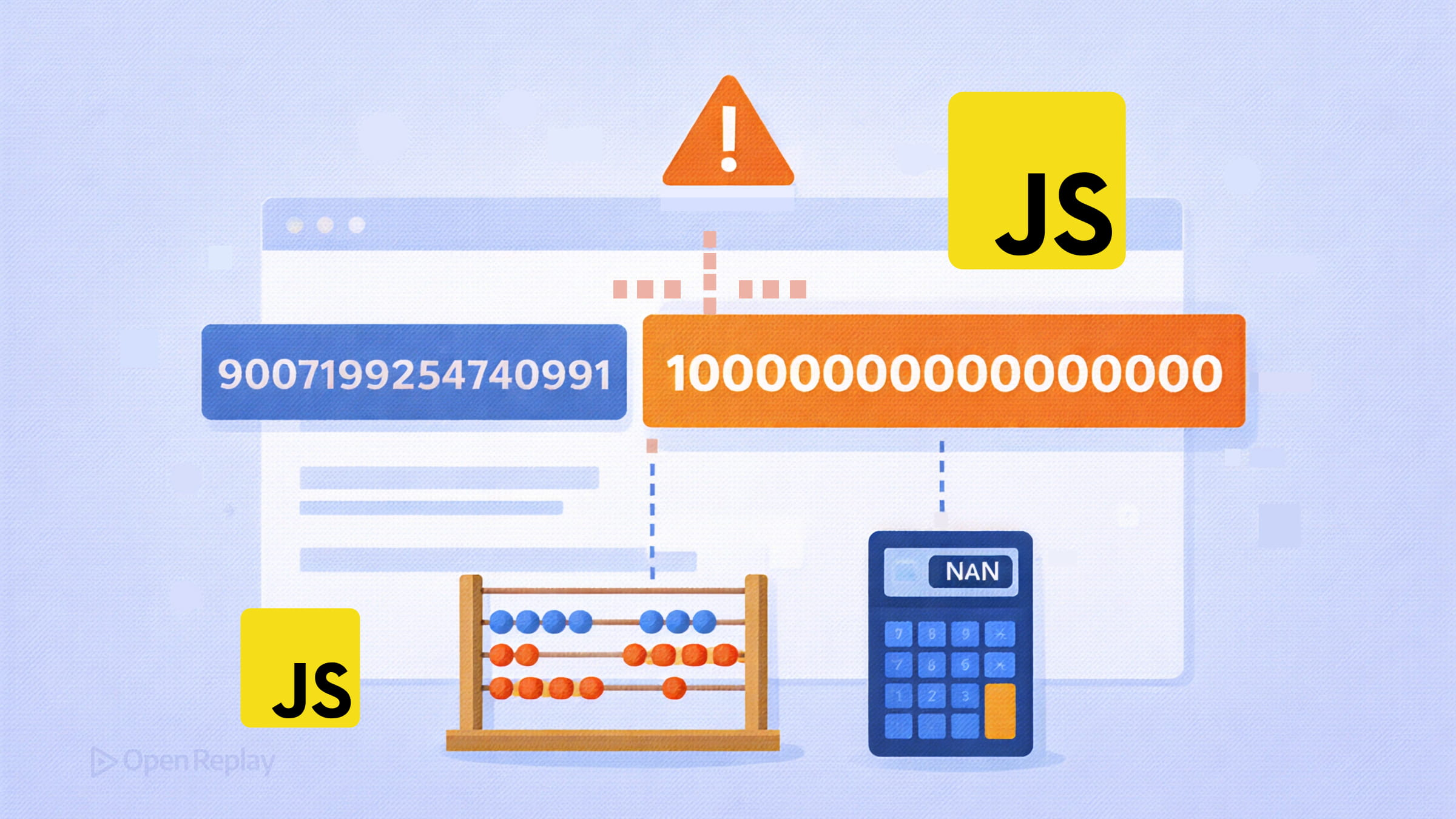
JavaScript handles most numbers just fine — until it doesn’t. If you’ve ever fetched a large ID from an API and noticed it came back slightly wrong, or tried to do precise arithmetic with a very large integer and got a subtly incorrect result, you’ve already encountered the problem BigInt solves.
Key Takeaways
- JavaScript numbers use IEEE 754 double-precision format, which limits safe integers to the range −(2⁵³ − 1) to 2⁵³ − 1. Beyond that, values lose precision silently.
BigIntis a primitive type (introduced in ES2020) that represents integers of arbitrary size, but it cannot handle decimals.- Real-world use cases include handling large external IDs (e.g., Twitter Snowflake IDs), 64-bit WebAssembly integers, and exact arithmetic for large counters or blockchain data.
- BigInt cannot be mixed with Number in expressions, doesn’t work with the
MathAPI, and requires custom handling for JSON serialization.
The Limit JavaScript Numbers Can’t Cross
All JavaScript numbers use the IEEE 754 double-precision floating-point format. That gives you a safe integer range of −(2⁵³ − 1) to 2⁵³ − 1, represented by Number.MIN_SAFE_INTEGER and Number.MAX_SAFE_INTEGER.
Beyond that boundary, integers lose precision silently:
console.log(9007199254740991 + 1)  // 9007199254740992 ✅
console.log(9007199254740991 + 2)  // 9007199254740992 ❌ (wrong)

// This is the precision problem in action:
9007199254740992 === 9007199254740993 // true — they're the same to JavaScript
No error is thrown. The value is just wrong. That’s the precision limit problem BigInt was designed to solve.
What BigInt Actually Is
BigInt is a built-in JavaScript primitive type introduced in ES2020 that can represent integers of arbitrary size, limited only by available memory. You create one by appending n to an integer literal or using the BigInt() constructor:
const big = 9007199254740993n                 // literal syntax
const alsoBig = BigInt("9007199254740993")    // constructor with string

9007199254740992n === 9007199254740993n        // false ✅ — correct
One important constraint: BigInt is integers only. It cannot represent decimals or fractional values. 1.5n throws a SyntaxError.
When to Use BigInt in JavaScript
Most frontend code never needs BigInt. But a few real-world scenarios genuinely require it.
Large IDs from external systems. Twitter’s Snowflake ID system and similar distributed ID schemes produce 64-bit integers that exceed Number.MAX_SAFE_INTEGER. When a REST API returns one of these as a JSON number, JavaScript will silently corrupt it. Parsing it as a string and converting to BigInt preserves the value exactly.
// A 64-bit ID received as a string from an API
const userId = BigInt("922337203685477580")
64-bit integers from WebAssembly. WebAssembly’s i64 type maps directly to BigInt in JavaScript. If your Wasm module returns or accepts 64-bit integers, you’ll need BigInt to handle them correctly.
Exact integer arithmetic where precision must never slip. Certain blockchain transaction values, large counters, or high-precision timestamp arithmetic (for example, nanoseconds since epoch) can exceed the safe integer range. BigInt keeps every digit exact.

Discover how at OpenReplay.com.
Important Constraints to Know
Before reaching for BigInt, understand its limitations:
You cannot mix BigInt and Number in arithmetic. Doing so throws a TypeError. Explicit conversion is required:
const big = 10n
const num = 5

big + num            // ❌ TypeError
big + BigInt(num)    // ✅ 15n
Number(big) + num    // ✅ 15 (but loses BigInt precision for large values)
The Math API doesn’t work with BigInt. Math.max(), Math.sqrt(), and every other Math method will throw if passed a BigInt. If you need these operations, you’ll need to convert — and accept the precision trade-off.
JSON serialization fails by default. JSON.stringify() throws a TypeError on BigInt values. You need a custom replacer or a toJSON() method to handle serialization:
BigInt.prototype.toJSON = function () {
  return this.toString()
}

JSON.stringify({ id: 922337203685477580n }) // '{"id":"922337203685477580"}'
Note that this converts the value to a string in the JSON output, which the receiving system needs to handle accordingly. Also, modifying a built-in prototype like BigInt.prototype is generally discouraged in production code. A custom replacer function passed to JSON.stringify() is a safer alternative:
const data = { id: 922337203685477580n }

JSON.stringify(data, (key, value) =>
  typeof value === "bigint" ? value.toString() : value
) // '{"id":"922337203685477580"}'
The Bottom Line
BigInt vs Number in JavaScript isn’t really a competition — they serve different purposes. Use Number for everything it handles well, which is most things. Reach for BigInt specifically when you’re working with integers that can exceed 2⁵³ − 1 and where correctness is non-negotiable. That’s a narrow but important category, and BigInt handles it exactly right.
FAQs
BigInt is supported in all modern browsers, including Chrome, Firefox, Safari, and Edge. However, Internet Explorer does not support it. If you need to target IE, you will need to keep values as strings or use a large-number library instead of relying on native BigInt.
Yes. You can compare BigInt values with other BigInts using standard comparison operators like less than, greater than, and triple equals. You can also use loose equality to compare a BigInt with a Number, so 10n == 10 returns true, but 10n === 10 returns false because they are different types.
Yes. BigInt operations are generally slower than Number operations because they use arbitrary-precision arithmetic rather than fixed-size hardware instructions. For most applications the difference is negligible, but in performance-critical loops or hot paths, you should benchmark and prefer Number when values stay within the safe integer range.
Use the Number constructor, like Number(100n), which returns 100. Be cautious with large values though. If the BigInt exceeds Number.MAX_SAFE_INTEGER, the conversion will lose precision silently. Always check whether the value fits within the safe range before converting.
Complete picture for complete understanding
Capture every clue your frontend is leaving so you can instantly get to the root cause of any issue with OpenReplay — the open-source session replay tool for developers. Self-host it in minutes, and have complete control over your customer data.
Check our GitHub repo and join the thousands of developers in our community.