A New Way to Browse npm Packages with npmx
npmx streamlines npm package research with side-by-side comparison, bundle size, module format, dependencies, and vulnerability checks.

Evaluating an npm package before adding it to a project is rarely a single-step process. You check the npm registry for basic info, open GitHub to assess maintenance activity, run it through Bundlephobia for bundle size, and maybe cross-reference Snyk or Socket.dev for known vulnerabilities. By the time you’ve finished, you’ve had five tabs open and still aren’t sure which of two similar packages is the better fit.
npmx is a browser-based npm package browser that consolidates much of that process into one place. It doesn’t install packages, manage dependencies, or replace the npm CLI. It’s purely a research and evaluation interface built on top of the existing npm registry, and it is still evolving as a relatively new, fast-moving tool.
Key Takeaways
- npmx is a browser-based interface for researching and comparing npm packages, not a replacement for the npm CLI or
npx. - It consolidates install size, module format, dependency count, and maintenance signals into a single view.
- Side-by-side package comparison helps you weigh similar libraries like
axiosvs.kywithout juggling tabs. - Dependency and vulnerability insights surface supply chain risks before you commit to a package.
- Keyboard shortcuts keep the evaluation workflow fast and focused.
What npmx Actually Is (and Isn’t)
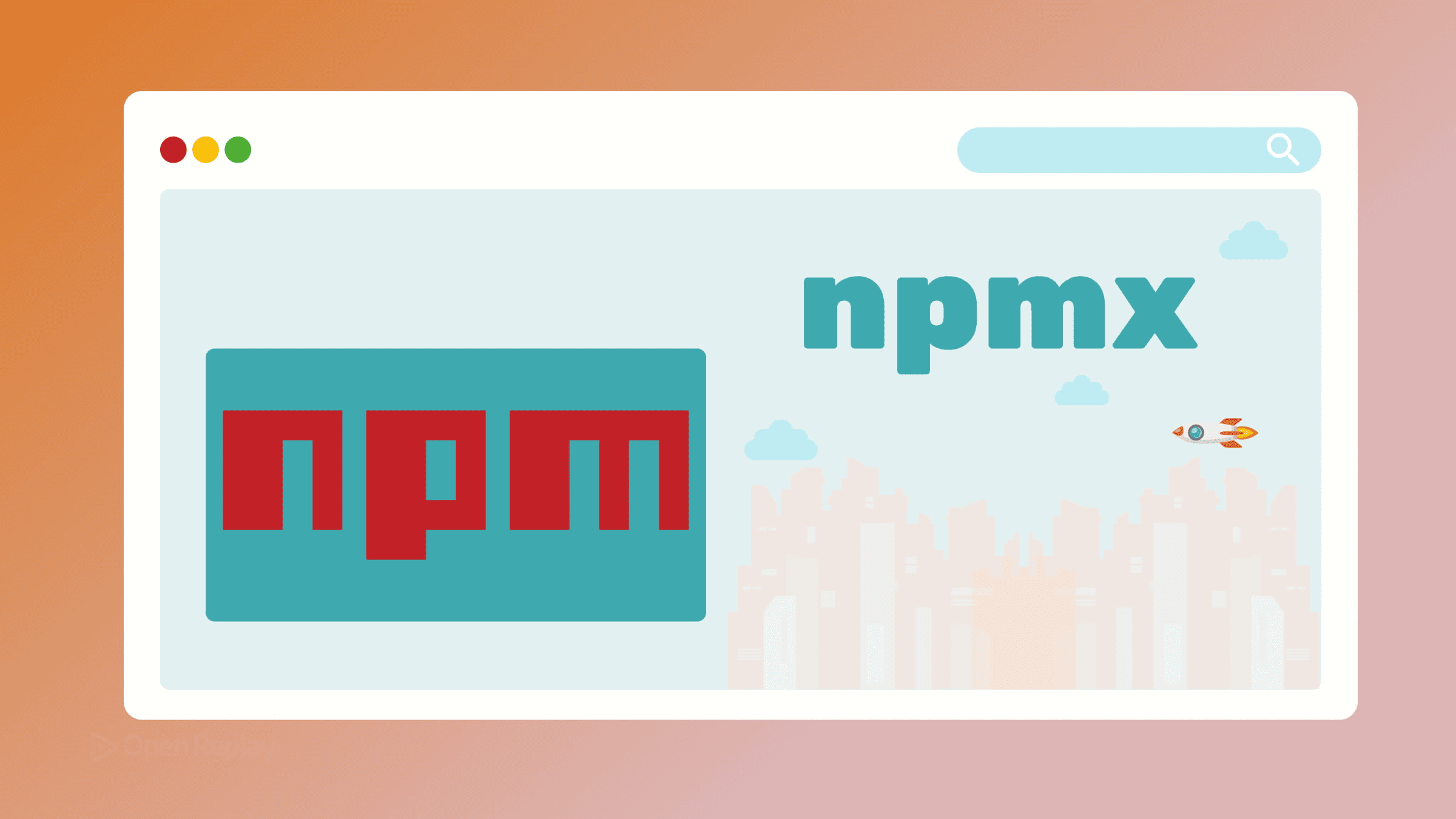
It’s worth being precise here: npmx is not related to npx, the npm package runner. It’s a separate web tool—a purpose-built interface for browsing and analyzing npm packages before you decide to install them.
Think of it as a smarter front-end for the registry. You search for a package, and instead of landing on a raw data page, you get a consolidated view of the information that actually matters for a frontend decision: install size, module format, dependency count, and maintenance signals.
What Makes npmx Useful for Package Evaluation
Side-by-Side npm Package Comparison
The most immediately useful feature is the ability to compare two packages directly. Instead of toggling between tabs to weigh axios against ky, or date-fns against dayjs, you can pull both up side by side and compare them across the same set of metrics.
This is a gap tools like Bundlephobia partially address, but having comparison built directly into the browsing experience is a meaningful workflow improvement.
Module Format and Bundle Size Awareness
For frontend developers, knowing whether a package ships ESM, CJS, or both isn’t optional—it affects tree-shaking, bundler compatibility, and ultimately what ends up in your users’ browsers. npmx surfaces module format information alongside install size, so you’re not hunting through the package source or README to figure it out.
Install size awareness matters too. A utility that adds 40kB to your bundle when a lighter alternative exists at 4kB is a decision worth making consciously, not discovering after the fact.

Discover how at OpenReplay.com.
Dependency and Vulnerability Insights
Supply chain risk is a real concern. Incidents involving malicious or compromised packages—where attackers publish backdoored versions through accounts they’ve gained access to—are a reminder that what a package pulls in matters as much as what it does. npmx provides dependency visibility and vulnerability signals as part of the npm package analysis view, giving you a clearer picture before you commit.
Keyboard Navigation
For developers who prefer staying on the keyboard: pressing / focuses search, . opens the code view, and c enters comparison mode. A small detail, but it keeps the workflow fast.
How npmx Fits Into Your Evaluation Process
npmx doesn’t replace your full due diligence. For deeper security analysis, Socket.dev and Snyk go further. For license compliance, you’ll still want dedicated tooling. But for the initial research phase—narrowing down candidates, checking bundle impact, confirming module format compatibility, and spotting obvious red flags—npmx reduces the number of tools you need to open.
It’s a focused npm package browser that respects the fact that your time has a cost.
Conclusion
If you regularly evaluate dependencies before adding them to a project, npmx is worth adding to your workflow. It won’t replace specialized security or license tooling, but it does compress the early research phase—comparison, sizing, format checks, and red-flag spotting—into a single interface. Open it the next time you’re deciding between two packages and see how much of your usual tab-switching it replaces.
FAQs
Is npmx the same as npx?
No. Despite the similar name, npmx is unrelated to npx, the npm package runner included with Node.js. npmx is a browser-based research tool for evaluating npm packages, while npx is a command-line utility for executing package binaries without a global install. They serve completely different purposes.
Can npmx replace tools like Socket.dev or Snyk?
Not entirely. npmx surfaces basic dependency and vulnerability signals useful during initial evaluation, but dedicated security platforms like Socket.dev and Snyk Advisor offer deeper supply chain analysis, real-time threat detection, and policy enforcement. Use npmx for quick triage and those tools for thorough security review before production deployment.
Does npmx install or manage packages?
No. npmx is purely a research and evaluation interface. It does not install packages, modify your package.json, or manage dependencies. You will still use npm, pnpm, yarn, or bun to actually add packages to your project. Think of npmx as the step you take before running an install command.
Why does module format matter when choosing a package?
Module format affects how bundlers handle the package. ESM supports tree-shaking, which removes unused code and reduces bundle size. CJS-only packages can make tree-shaking harder and may cause interop issues with modern toolchains like Vite or Rollup. Knowing the format upfront helps you avoid bundler warnings and unnecessary kilobytes shipped to users.