How to Build an iOS App Without a Mac
Build and ship an iOS app without a Mac using Expo EAS, a rented cloud Mac, or CI. Compare costs, signing options, and iPhone testing routes.

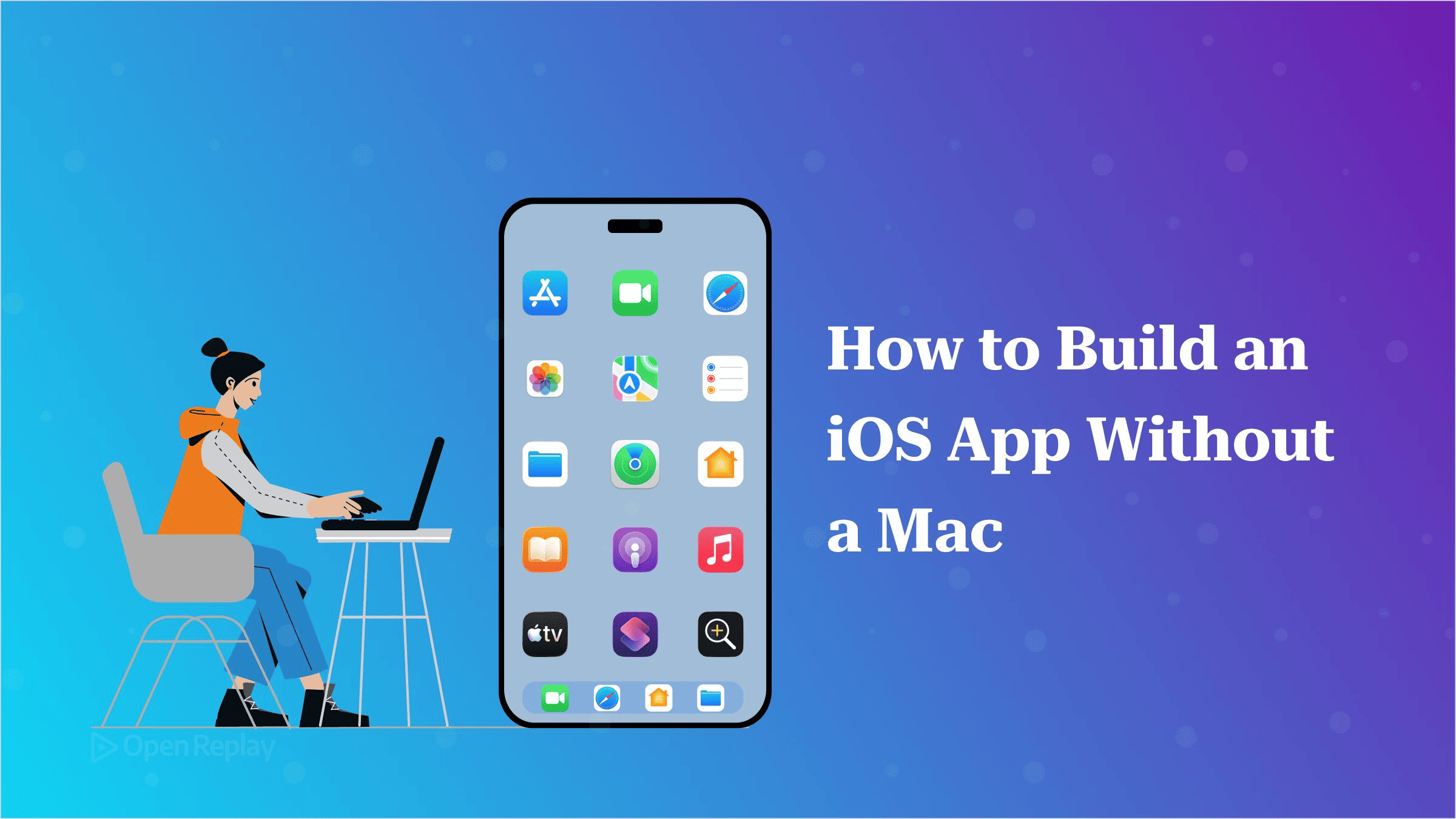
You can write, build, sign and ship an iOS app without owning a Mac, but every working route borrows macOS from someone else: Expo’s build servers, a rented Mac, or a CI runner.
If you work on Windows or Linux, you probably have a working React Native or Capacitor app, an iPhone on your desk, and a Getting Started guide that tells you to open Xcode. Xcode doesn’t install on your machine.
This article walks through the legitimate routes around that problem, what each one costs, and how to test your app once it’s built. Building in the cloud is the easy part. Testing without a Mac is harder.
Key Takeaways
- Xcode,
codesignand the iOS Simulator run only on macOS, so every no-Mac route runs the build on someone else’s Mac. - For Expo and React Native projects,
eas build --platform ioscompiles and signs the app on Expo’s servers, andeas submit --platform iosuploads it to App Store Connect from Windows or Linux. - The Apple Developer Program costs $99 a year whichever route you pick, because App Store signing and TestFlight distribution both require membership.
- The iOS Simulator is a macOS app, so without a Mac of your own you test on a physical iPhone, using an EAS internal build or TestFlight.
- Installing macOS on non-Apple hardware, as a hackintosh or in a VM, breaks Apple’s licence terms.
Why Does Apple’s Build Toolchain Need macOS?
Xcode, xcodebuild, the codesign tool and the iOS Simulator all run only on macOS. That means the question is whose Mac does the work, because you can’t avoid using one. Compiling native iOS code, signing the binary with your distribution certificate and packaging it for App Store Connect all happen inside Apple’s toolchain. Each route below works around this limit. None of them removes it.
Build an iOS App Without a Mac Using Expo EAS
For a React Native or Expo project, eas build --platform ios compiles and signs the app on Expo’s servers. Once you sign in with your Apple Developer Program account, EAS CLI can also generate the distribution certificate and provisioning profile for you. For most readers of this article, this is the route to use.
If you’re new to Expo, start with Getting Started with Expo. The full sequence from Expo’s build setup guide looks like this:
# Create a project if you don't have one
npx create-expo-app@latest my-app
cd my-app

# Install the EAS CLI and sign in to your Expo account
npm install --global eas-cli
eas login
eas whoami            # confirms which account you're signed in as

# Generate the build configuration for the project
eas build:configure

# Build a signed iOS binary on Expo's servers
eas build --platform ios --message "First App Store build"

# Check build status and logs later
eas build:list
If you’d rather skip the global install, run npx eas-cli@latest wherever the docs say eas. When the build starts, the CLI asks whether it should handle your iOS credentials. If you say yes and sign in to your Apple account, you never have to open Keychain Access or a certificate portal.
EAS Build works out of the box for Expo and React Native apps, including ones you started with react-native or ignite-cli. Expo says it also works with other native projects. Capacitor has no official EAS guide, so Capacitor teams usually use one of the routes below.
Shipping takes one more command:
eas submit --platform iosEAS Submit runs on Windows, Linux or macOS. It sends your build to App Store Connect, and once Apple has processed the upload, you’ll find the build in TestFlight. You need a paid Apple Developer account for this step. You sign in with either an App Store Connect API key or your Apple ID plus an app-specific password.
Rent a Cloud Mac When You Need Xcode
A rented cloud Mac gives you a full macOS desktop over a remote connection. Use one when you need Xcode itself: for native module work, Xcode-level debugging, or a Capacitor project with no managed build path. Providers such as MacStadium and MacinCloud rent this kind of machine. You get control, and you also take on the admin work. You install and update Xcode, manage certificates and profiles, and write your own build scripts.
Use CI With macOS Runners
Hosted CI with macOS runners fits teams that already script their builds. GitHub Actions offers hosted macOS runners alongside its Linux and Windows ones, and other CI providers offer similar macOS machines. The runner handles the build, but signing is still your job. You store certificates and profiles as secrets and wire them into the pipeline yourself. If you’re on Expo, you can also trigger EAS builds from CI and keep Expo’s managed signing.
Routes to Avoid: Hackintosh and macOS VMs
Running macOS on non-Apple hardware, whether as a hackintosh or in a virtual machine on a Windows or Linux PC, breaks Apple’s licence terms. The macOS Tahoe software licence bans installing or running macOS on any computer that isn’t Apple-branded. It only allows macOS virtual machines on a Mac that already runs macOS. Skip both routes.
How Do You Test an iOS App Without a Mac?
Without a Mac of your own, you test an iOS app on a physical iPhone, either through an EAS development or internal build or through TestFlight, because the iOS Simulator is a macOS app. You can solve building entirely in the cloud. Testing is where not having a Mac actually costs you.
For day-to-day work, add the development client and build for internal distribution:
npx expo install expo-dev-clientWith internal distribution, EAS uses ad hoc provisioning. The profile lists the UDIDs (unique device IDs) of approved devices, and a device can install the build only if it was on that list when the build was made. You register your iPhone with this command:
eas device:createAfter registering a device, create a new build. Builds made before registration won’t install on it. These device builds are signed with a distribution certificate and an ad hoc profile, both of which require a paid Apple Developer Program account.
For wider testing, TestFlight can take as many as 10,000 external testers for each app. You invite them by email or share a public link, and the build must pass TestFlight App Review first.
One gap stays open: native debugging with Xcode and the iOS Simulator both still need macOS. When you reach that point, rent a cloud Mac for the session.
How Much Does It Cost, and Which Route Should You Pick?
The Apple Developer Program costs $99 a year, and Apple bills it in your local currency in many regions. That fee applies to every no-Mac route, because App Store signing and TestFlight distribution both require membership no matter where the build runs.
| Route | Who runs macOS | What you manage | Extra cost |
|---|---|---|---|
| Expo EAS | Expo | App config | Free plan available; see EAS pricing |
| Cloud Mac | Rental provider | Xcode, certificates, scripts | See provider |
| macOS CI runner | CI provider | Pipeline, signing secrets | See provider |
EAS’s Free plan gives you a small monthly allowance of iOS builds in a slower queue. Paid plans move you to the faster queue, allow longer builds, and let you pay to run more builds at once.
For the common case of a React Native or Expo app built on Windows or Linux, use Expo plus a physical iPhone. Pay the $99 membership, build and sign with EAS, test with internal builds and TestFlight, and rent a Mac only when you need Xcode itself.
Not owning a Mac means you rent Apple’s toolchain instead of buying the hardware. Building and shipping work fine remotely. What you give up is the Simulator and native debugging. Your next step: enrol in the Apple Developer Program, run eas build:configure in your project, and register your iPhone with eas device:create before your first internal build.
FAQs
Can I run my app on an iPhone without a Mac or a paid Apple account?
Yes, for prototyping, through Expo Go. Install Expo Go from the App Store, start your Expo project on Windows or Linux, and scan the QR code with the iPhone camera. Your project's Expo SDK version must match the version of Expo Go in the App Store. Expo Go ships with a fixed set of native libraries, so libraries with other native code fail inside it. Remote push notifications, universal links and your own app name and icon need a development build, and installing one on an iPhone without a Mac requires the paid program.
How many iPhones can install an EAS internal build?
Up to 100 iPhones per membership year. Ad hoc builds only install on devices registered to your Apple Developer account, and Apple counts each product family separately, so 100 iPhones and 100 iPads are both allowed. Disabling a device does not free its slot. You can only remove devices and restore the count to 100 at the start of a new membership year. For larger groups, use TestFlight, which needs no device registration.
Do I need a new iOS build for every code change?
No. EAS Update pushes JavaScript, styling and image changes over the air to builds that include the expo-updates library, and users get the new version on their next app launch. Native changes, such as adding a library that ships Swift or Objective-C code, still need a new EAS build and, for store apps, a new App Store submission. The build that first adds expo-updates must itself be a fresh build.
Gain Debugging Superpowers
Unleash the power of session replay to reproduce bugs, track slowdowns and uncover frustrations in your app. Get complete visibility into your frontend with OpenReplay — the most advanced open-source session replay tool for developers.
Star on GitHub12k