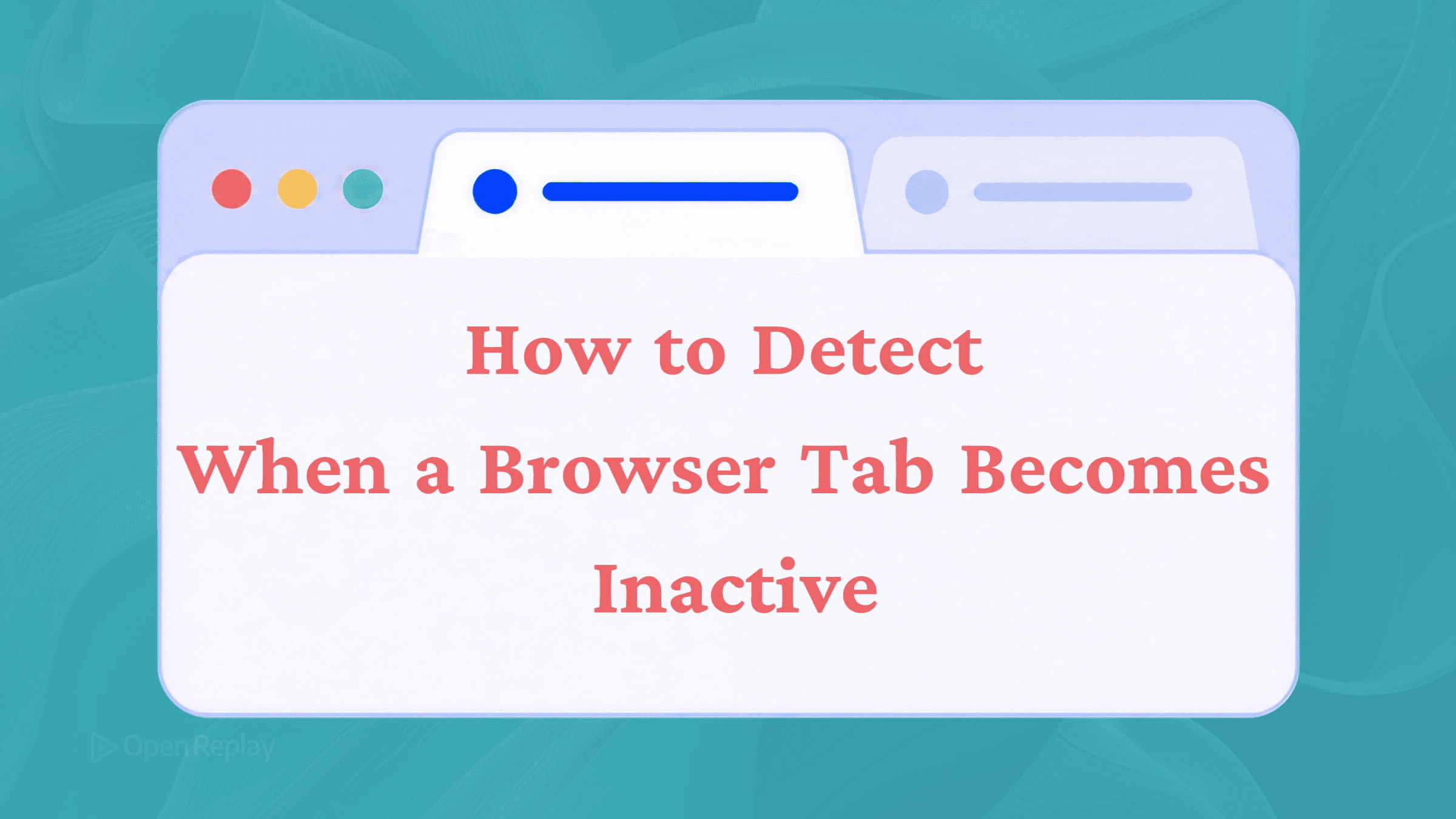
How to Detect When a Browser Tab Becomes Inactive
Use the Page Visibility API to detect when a browser tab becomes inactive. Pause polling, media, and analytics with visibilitychange.

You have a polling interval firing every ten seconds, a video playing in the background, or an animation loop running — all consuming resources for a user who switched tabs five minutes ago. The fix is straightforward once you know the right API to reach for.
Key Takeaways
- The Page Visibility API is the modern, reliable way to detect tab visibility changes, replacing older
window.onfocusandwindow.onblurapproaches. - Use
document.hiddenordocument.visibilityStatetogether with thevisibilitychangeevent to react when a tab becomes inactive or active. - Practical applications include pausing polling, halting media playback, auto-saving form drafts, and sending end-of-session analytics.
- Pair
visibilitychangewithpagehideandnavigator.sendBeacon()for reliable session-end tracking, and avoid theunloadevent because it breaks the back/forward cache. - Always remove listeners during component teardown in single-page applications to prevent memory leaks.
The Right Tool: The Page Visibility API
Older solutions relied on the window focus and blur events — window.onfocus and window.onblur. These detect whether the browser window has keyboard focus, not whether the tab is actually visible. In split-screen setups or multi-window workflows, a tab can be fully visible without having focus, and vice versa. They also behaved inconsistently across browsers for tab switching specifically.
The Page Visibility API solves this properly. It tells you exactly whether the page is visible to the user, regardless of focus state.
Two properties give you the current state:
document.visibilityState— returns"visible"or"hidden"document.hidden— returnstruewhen the tab is hidden,falsewhen visible
No vendor prefixes are needed in modern browsers. The API has broad support across Chrome, Firefox, Safari, and Edge — both desktop and mobile.
Listening for the visibilitychange Event
The visibilitychange event fires on document whenever the tab becomes hidden or visible again. Here is the basic pattern:
document.addEventListener("visibilitychange", () => {
  if (document.hidden) {
    console.log("Tab is hidden — pause or reduce work");
  } else {
    console.log("Tab is visible — resume work");
  }
});
You can also read document.visibilityState directly if you need the string value rather than a boolean.
Practical Use Cases
Pausing and Resuming Polling
Instead of making API requests while the user is on a different tab, pause the interval and resume it when they return:
let intervalId = null;

function startPolling() {
  if (intervalId !== null) return;
  intervalId = setInterval(fetchData, 10000);
}

function stopPolling() {
  clearInterval(intervalId);
  intervalId = null;
}

document.addEventListener("visibilitychange", () => {
  document.hidden ? stopPolling() : startPolling();
});

startPolling();
Note: browsers throttle setInterval in background tabs rather than stopping it entirely, so relying on timing accuracy in hidden tabs is unreliable anyway. Pausing explicitly is cleaner. Guarding against duplicate intervals also prevents multiple timers from stacking if startPolling is ever called twice.
Pausing Media Playback
const video = document.querySelector("video");

document.addEventListener("visibilitychange", () => {
  if (document.hidden) {
    video.pause();
  } else {
    video.play().catch(() => {
      // Autoplay may be blocked by the browser; handle silently
    });
  }
});
The .catch() handler is important because video.play() returns a promise that can reject if the browser blocks autoplay, which would otherwise throw an uncaught error.
Auto-Saving a Form Draft
Trigger a save when the user leaves the tab rather than on a fixed timer:
document.addEventListener("visibilitychange", () => {
  if (document.hidden) {
    saveDraft();
  }
});
Discover how at OpenReplay.com.
Sending Analytics Before the User Leaves
For end-of-session data, combine the visibilitychange event with pagehide and use navigator.sendBeacon() to reliably send data without blocking navigation:
document.addEventListener("visibilitychange", () => {
  if (document.visibilityState === "hidden") {
    navigator.sendBeacon(
      "/analytics",
      JSON.stringify({ event: "tab_hidden" })
    );
  }
});

window.addEventListener("pagehide", () => {
  navigator.sendBeacon(
    "/analytics",
    JSON.stringify({ event: "page_unload" })
  );
});
Avoid the unload event for this purpose — it is unreliable in modern browsers and breaks the back/forward cache (bfcache), which degrades navigation performance. On mobile browsers, visibilitychange with state "hidden" is often the only reliable signal that a session has ended, since pagehide and beforeunload do not always fire.
Cleaning Up Event Listeners
Always remove listeners when they are no longer needed, particularly in single-page applications:
function handleVisibility() {
  console.log(document.visibilityState);
}

document.addEventListener("visibilitychange", handleVisibility);

// Later, when tearing down:
document.removeEventListener("visibilitychange", handleVisibility);
Remember that the reference passed to removeEventListener must be the exact same function reference used in addEventListener. Inline arrow functions cannot be removed because each one creates a new reference.
Conclusion
The Page Visibility API — specifically document.hidden, document.visibilityState, and the visibilitychange event — is the correct, modern way to detect when a browser tab becomes inactive. It works reliably across all current browsers, handles tab switching accurately where window focus and blur events fall short, and pairs well with navigator.sendBeacon() and the pagehide event for session-end handling. Use it to stop unnecessary work, save state, or track engagement, and clean up your listeners when you are done.
FAQs
What is the difference between document.hidden and document.visibilityState?
Both report whether the page is visible, but they return different types. document.hidden returns a boolean, which is convenient for quick conditional checks. document.visibilityState returns a string, currently either visible or hidden, which is more descriptive and future-proof if additional states are added later. Use whichever fits your code style best.
Why does setInterval keep firing in a background tab even after I detect it is hidden?
Browsers throttle background timers rather than stopping them, typically clamping them to once per second or slower. The interval still runs but at unpredictable rates, so timing-sensitive logic becomes unreliable. The cleanest fix is to call clearInterval inside your visibilitychange handler and restart the interval when the tab becomes visible again.
Should I use beforeunload or visibilitychange for sending analytics when a user leaves?
Prefer visibilitychange combined with pagehide and navigator.sendBeacon. The beforeunload and unload events are unreliable on mobile and break the back/forward cache, hurting performance. The visibilitychange event with state hidden is the most consistent signal across desktop and mobile browsers for detecting that a user has left the page.
Does the Page Visibility API work inside iframes?
Yes, but the behavior depends on the parent. An iframe generally inherits the visibility state of its parent document. Hiding the iframe itself with CSS, such as `display: none`, does not trigger `visibilitychange` events inside the iframe. Each iframe has its own document object, so you listen for visibilitychange on the iframe document, not the top window.