How to Install Claude Desktop on Linux
Claude Desktop on Linux: official Claude Code CLI support, plus community desktop packages, install steps, feature comparisons, and security trade-offs.

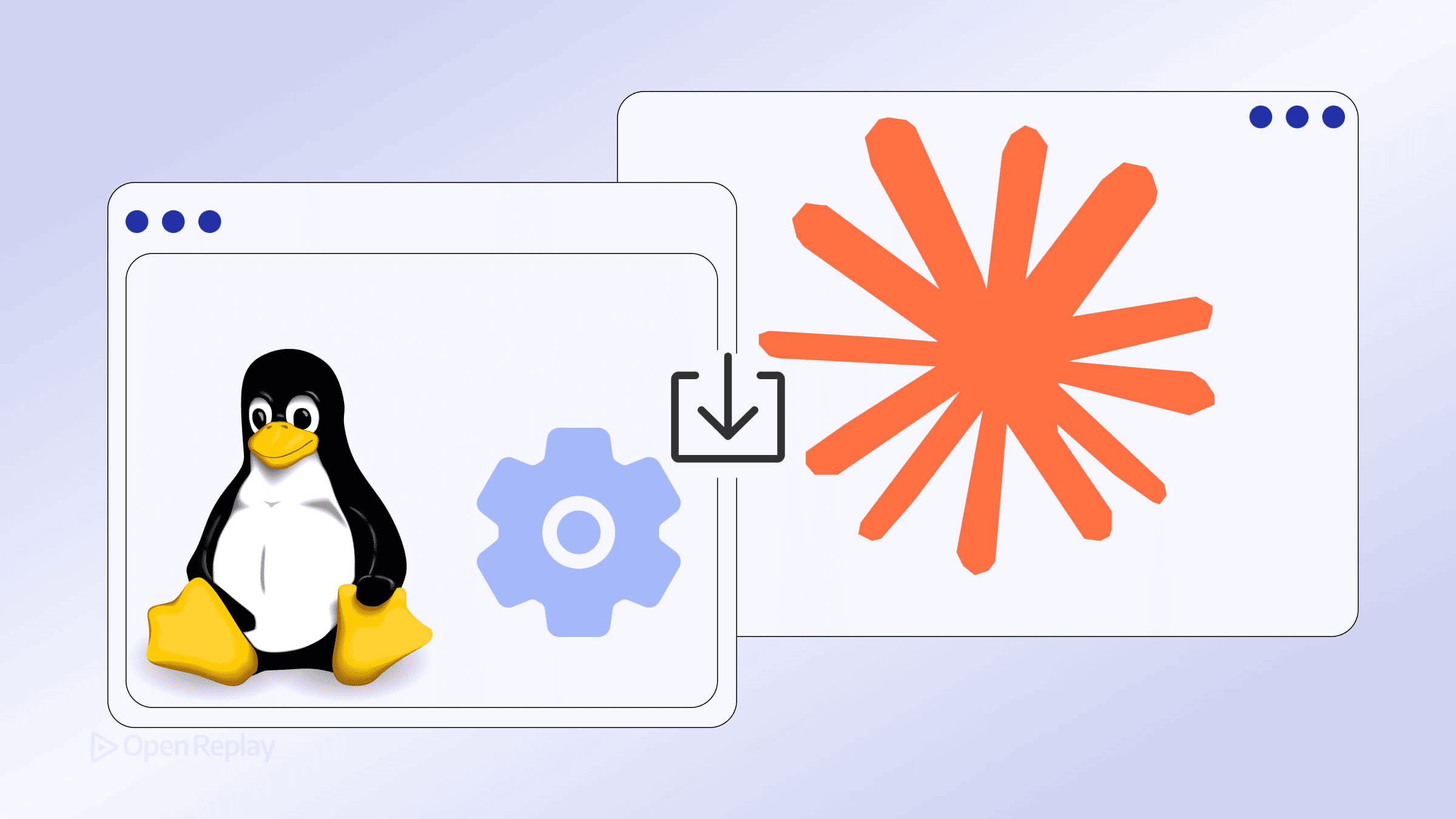
If you’re a Linux developer searching for Claude Desktop, here’s what you need to know upfront: Anthropic does not offer an official Claude Desktop build for Linux. The official download page lists macOS and Windows only, directing Linux users to the CLI instead.
That said, you have real options. This article explains the difference between the officially supported CLI and the community-maintained desktop packages, so you can make an informed choice.
Key Takeaways
- Anthropic does not ship an official Claude Desktop app for Linux — only macOS and Windows are supported.
- The Claude Code CLI is the official, Anthropic-supported path for Linux developers and includes full MCP support.
- Community projects like
aaddrick/claude-desktop-debianrepackage the Windows Electron app into.deb,.rpm, AppImage, AUR, and Nix builds. - Unofficial builds offer most desktop features (system tray, GUI diff review, MCP) but come with trust and security trade-offs.
- Cowork mode on unofficial Linux builds is experimental and requires extra dependencies such as KVM and QEMU.
Official Option: Claude Code CLI on Linux
The only Anthropic-supported local Linux install path is the Claude Code CLI. It runs in your terminal, connects to your local files, and supports the Model Context Protocol (MCP) for external tool integrations and local workflows.
You get:
- Interactive coding sessions with file access
- MCP server integration via
~/.claude.jsonor project-level.mcp.json - Full model selection (Opus, Sonnet, Haiku)
What you don’t get is the GUI — no visual diff review, no system tray, no drag-and-drop workspace layout. For many terminal-native developers, that’s a reasonable trade-off.
Unofficial Option: Community Claude Desktop Linux Packages
The most active community solution is the aaddrick/claude-desktop-debian project. It repackages the official Windows Electron app for Linux distributions, producing native .deb, .rpm, AppImage, AUR, and Nix flake builds.
⚠️ This is an unofficial, community-maintained project. It is not built, distributed, or supported by Anthropic.
Install on Debian/Ubuntu (APT)
# Add the GPG key
curl -fsSL https://pkg.claude-desktop-debian.dev/KEY.gpg | sudo gpg --dearmor -o /usr/share/keyrings/claude-desktop.gpg

# Add the repository
echo "deb [signed-by=/usr/share/keyrings/claude-desktop.gpg arch=amd64,arm64] https://pkg.claude-desktop-debian.dev stable main" | sudo tee /etc/apt/sources.list.d/claude-desktop.list

# Install
sudo apt update && sudo apt install claude-desktop
Install on Fedora/RHEL (DNF)
sudo curl -fsSL https://pkg.claude-desktop-debian.dev/rpm/claude-desktop.repo -o /etc/yum.repos.d/claude-desktop.repo
sudo dnf install claude-desktop
Install on Arch Linux (AUR)
yay -S claude-desktop-appimageInstall on NixOS
nix profile install github:aaddrick/claude-desktop-debianFor other distros, grab the .AppImage directly from the project’s Releases page.

Discover how at OpenReplay.com.
What You Actually Get with the Unofficial Desktop Build
| Feature | Official Desktop (Mac/Win) | Unofficial Linux Desktop | CLI |
|---|---|---|---|
| Code Tab | ✅ | ✅ | ✅ |
| GUI Diff Review | ✅ | ✅ | ❌ |
| MCP Support | ✅ | ✅ | ✅ |
| System Tray | ✅ | ✅ | ❌ |
| Global Hotkey | ✅ | ✅ | ❌ |
| Cowork Mode | ✅ | ⚠️ Experimental | N/A |
| Auto-updates | ✅ | ⚠️ Via repo | ⚠️ Manual |
The unofficial build covers most day-to-day use cases well. Cowork mode — the cloud VM agent feature — is experimental on Linux and requires additional dependencies such as KVM and QEMU. Before enabling it, check the project’s current issue tracker for virtualization and filesystem-isolation caveats.
Trust and Security Considerations
Installing unofficial Claude Desktop Linux packages means running a repackaged Electron app built by community contributors, not Anthropic. Before installing, consider:
- Review the source: The build scripts are MIT/Apache dual-licensed and open on GitHub.
- Use the repo method: APT and DNF installs give you GPG-signed packages and automatic updates.
- Run diagnostics:
claude-desktop --doctorchecks your setup for common issues. - Keep credentials safe: Never include API keys or tokens in GitHub issues filed against the project.
The project has an active contributor base and a transparent build process, but the risk calculus is yours to make.
Which Path Should You Take?
If you’re comfortable in the terminal and don’t need a GUI, the Claude Code CLI is the right call — it’s official, supported, and fully capable for coding workflows.
If you want the desktop experience — visual diffs, system tray, MCP support in a desktop-style workflow — the unofficial community packages are your best option on Linux today. They work, they’re actively maintained, and the installation is straightforward.
Conclusion
Linux remains a second-class citizen in Anthropic’s desktop rollout, but the gap is bridgeable. The official Claude Code CLI delivers the full coding workflow without a GUI, while community-maintained packages bring the familiar desktop experience to Debian, Fedora, Arch, and NixOS systems. Pick the CLI if you value official support and a terminal-first workflow; choose the unofficial desktop build if visual diffs and a system-tray presence matter more to your daily routine. Either way, you can be productive with Claude on Linux today.
FAQs
Is there an official Claude Desktop app for Linux?
No. Anthropic officially supports Claude Desktop only on macOS and Windows. For Linux, Anthropic recommends the Claude Code CLI, which runs in your terminal and supports MCP integrations. Any Linux desktop build you find, including the popular aaddrick/claude-desktop-debian project, is community-maintained and not endorsed or supported by Anthropic.
Can I use MCP servers with the Claude Code CLI on Linux?
Yes. The Claude Code CLI fully supports the Model Context Protocol. MCP servers can be configured globally in ~/.claude.json or at the project level using .mcp.json. This lets you connect tools like file systems, databases, and custom integrations directly to your terminal sessions.
Are the unofficial Claude Desktop Linux packages safe to install?
The aaddrick/claude-desktop-debian project is open source under MIT/Apache dual licensing, with public build scripts and GPG-signed repository packages. That said, it repackages the Windows Electron build outside Anthropic's distribution chain. Review the source, prefer the APT or DNF repo methods for signed updates, and avoid pasting credentials into public issues.
Does Cowork mode work on Linux?
Cowork mode is marked experimental on the unofficial Linux desktop build. It depends on virtualization components like KVM and QEMU, which must be installed and configured separately. Expect rough edges compared to the macOS and Windows versions, and review the project's current issue tracker before enabling it in sensitive environments.
Gain control over your UX
See how users are using your site as if you were sitting next to them, learn and iterate faster with OpenReplay — the open-source session replay tool for developers. Self-host it in minutes, and have complete control over your customer data.
Star on GitHub12k