Linux Text Processing Cheat Sheet

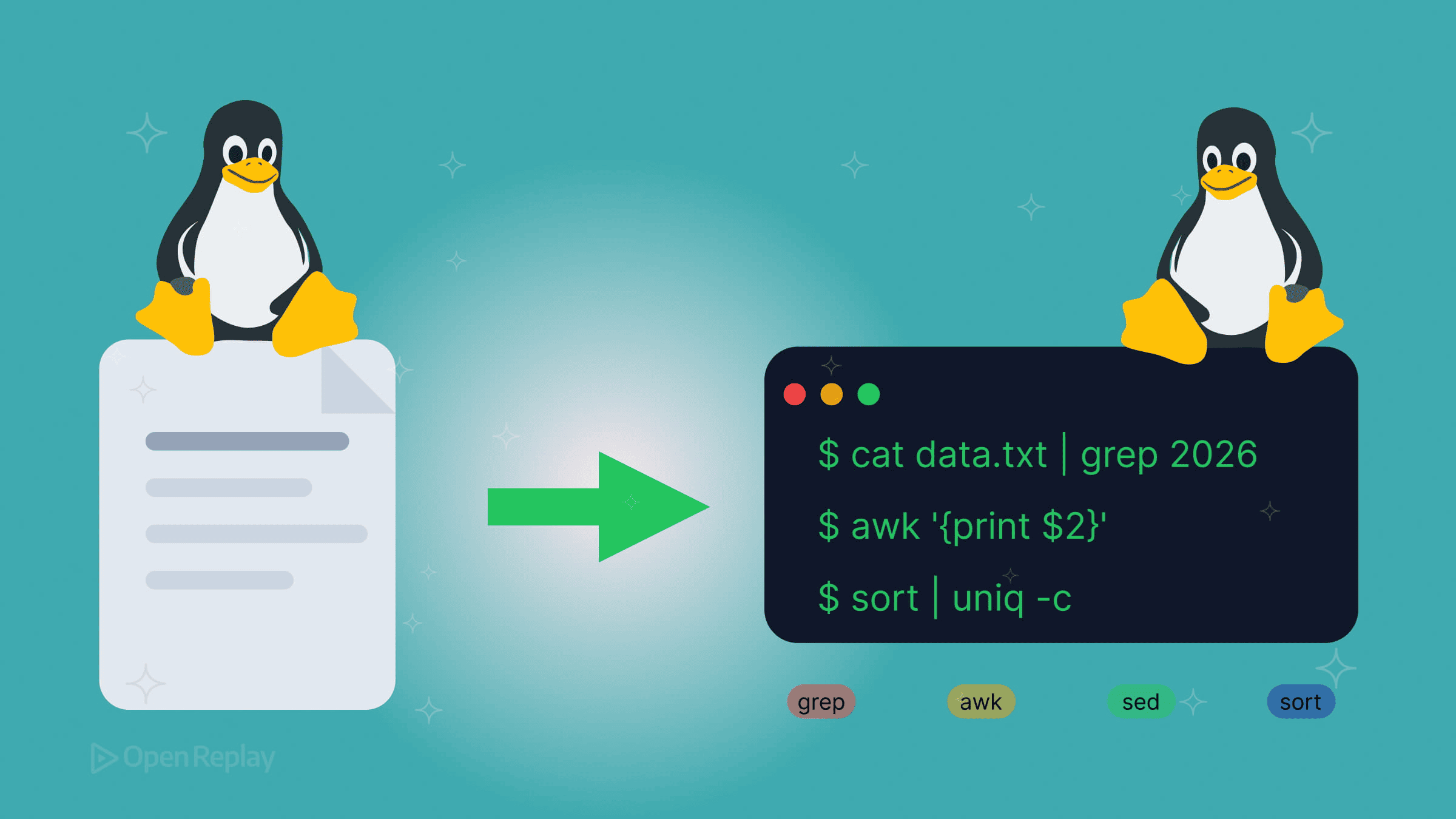
You’re staring at a 2GB log file, hunting for failed API calls from the last hour. Or maybe you need to extract email addresses from a CSV export. These tasks shouldn’t require writing a Python script.
This cheat sheet covers essential Linux text processing commands—grep, awk, sed, and their modern counterparts—with practical examples for everyday frontend and full-stack development workflows.
Key Takeaways
grepandripgrepare your go-to tools for searching text across files, with ripgrep offering speed gains and.gitignoreawareness for large codebases.sedhandles stream-based find-and-replace operations, but watch for behavioral differences between GNU and BSD versions.awkexcels at column-oriented processing for logs, CSVs, and other structured text.jqfills the gap thatgrepandawkleave when working with JSON data.- The pipe operator (
|) is the glue that chains these commands into powerful, composable pipelines.
Core Search Commands: grep and ripgrep
grep searches files for patterns and outputs matching lines. It’s the foundation of any text processing pipeline.
# Basic pattern search
grep "error" server.log

# Case-insensitive search
grep -i "warning" app.log

# Show line numbers
grep -n "TODO" src/*.js

# Invert match (lines NOT containing pattern)
grep -v "debug" output.log

# Extended regex (-E enables +, ?, |, and grouping)
grep -E "error|warning|fatal" app.log

# Count matches only
grep -c "404" access.log
ripgrep (rg) is a faster alternative that respects .gitignore by default:
# Recursive search (default behavior)
rg "useState" ./src

# Search specific file types
rg -t js "async function"

# Show context around matches
rg -C 3 "Exception" logs/
For large codebases, ripgrep typically runs 2–5x faster than grep and skips irrelevant files automatically.
Text Transformation with sed
sed performs stream editing—find-and-replace operations without opening a file in an editor.
# Replace first occurrence per line
sed 's/http/https/' urls.txt

# Replace all occurrences (global flag)
sed 's/old/new/g' config.txt

# Delete lines matching pattern
sed '/^#/d' config.ini

# In-place editing (GNU sed)
sed -i 's/localhost/127.0.0.1/g' .env

# macOS/BSD requires an empty backup extension
sed -i '' 's/localhost/127.0.0.1/g' .env
Note: The
-iflag behavior differs between GNU and BSD sed. On macOS, always include an empty string (-i '') or specify a backup extension (e.g.,-i .bak).
Column Processing with awk
awk excels at structured text—logs, CSVs, and whitespace-delimited data. POSIX awk handles most common tasks portably.
# Print specific columns
awk '{print $1, $4}' access.log

# Custom field separator (CSV)
awk -F',' '{print $2}' data.csv

# Filter by condition
awk '$3 > 500 {print $1, $3}' response_times.log

# Sum a column
awk '{sum += $2} END {print sum}' sales.csv

# BEGIN/END blocks for headers
awk 'BEGIN {print "User\tCount"} {print $1, $2}' stats.txt
Essential Supporting Commands
# Sort and deduplicate (with counts, descending)
sort access.log | uniq -c | sort -rn

# Extract columns by delimiter
cut -d',' -f1,3 users.csv

# Character translation (lowercase to uppercase)
tr '[:lower:]' '[:upper:]' < input.txt

# Count lines in a file
wc -l package.json

# Find files by name pattern
find ./src -name "*.test.js" -type f
Discover how at OpenReplay.com.
JSON Processing with jq
For modern web development, jq handles JSON parsing that grep and awk can’t manage cleanly:
# Extract a field
jq '.data.users' response.json

# Filter array elements
jq '.items[] | select(.status == "active")' data.json

# Format API response
curl -s https://api.example.com/users | jq '.[].email'
Note the first example above avoids a useless use of cat. jq can read files directly, so cat response.json | jq '...' is unnecessary.
Practical Pipeline Examples
Filter today’s errors from logs:
grep "$(date +%Y-%m-%d)" app.log | grep -i error | awk '{print $4, $5}'Extract unique IP addresses:
awk '{print $1}' access.log | sort -uFind the largest files in a project by line count:
find . -type f -name "*.js" -exec wc -l {} + | sort -rn | head -10Clean CSV data (extract columns, strip quotes, deduplicate):
cut -d',' -f2,4 export.csv | sed 's/"//g' | sort -uQuick Reference
| Task | Command |
|---|---|
| Search for a pattern | grep "pattern" file |
| Fast recursive search | rg "pattern" |
| Replace text | sed 's/old/new/g' file |
| Extract columns | awk '{print $1}' file |
| Parse JSON | jq '.key' file.json |
| Sort and deduplicate | sort -u file |
| Count lines | wc -l file |
Conclusion
Master these Linux text processing commands and you’ll handle most log analysis, data extraction, and file transformation tasks directly from the terminal. Start with grep for searching, add awk for column work, and reach for jq when JSON is involved. The pipe operator (|) ties everything together, letting you compose small, focused commands into pipelines that rival dedicated scripts.
FAQs
Use cut when your data has a consistent single-character delimiter and you just need to grab specific fields. Reach for awk when you need to filter rows by condition, perform arithmetic, or handle irregular whitespace. awk treats consecutive whitespace as a single delimiter by default, which makes it more forgiving with log files and command output.
For most developer workflows, yes. ripgrep is faster, respects .gitignore, and uses sensible defaults like recursive search. However, grep is available on virtually every Unix system by default, making it the safer choice for portable shell scripts. If you are writing scripts meant to run on minimal servers or containers, stick with grep.
Always test your sed command without the -i flag first to preview the output in your terminal. When you are ready to edit in place, use a backup extension like sed -i .bak on GNU systems. On macOS or BSD, the syntax is sed -i .bak. This creates a copy of the original file before applying changes, giving you a rollback option.
Yes. jq is built for navigating deeply nested structures. Use dot notation to traverse objects, bracket notation for arrays, and pipe expressions to chain filters. For example, jq '.data.users[] | select(.active == true) | .email' walks into a nested array, filters by a condition, and extracts a field, all in one command.
Gain control over your UX
See how users are using your site as if you were sitting next to them, learn and iterate faster with OpenReplay. — the open-source session replay tool for developers. Self-host it in minutes, and have complete control over your customer data. Check our GitHub repo and join the thousands of developers in our community.