
How to Prevent Double Form Submissions

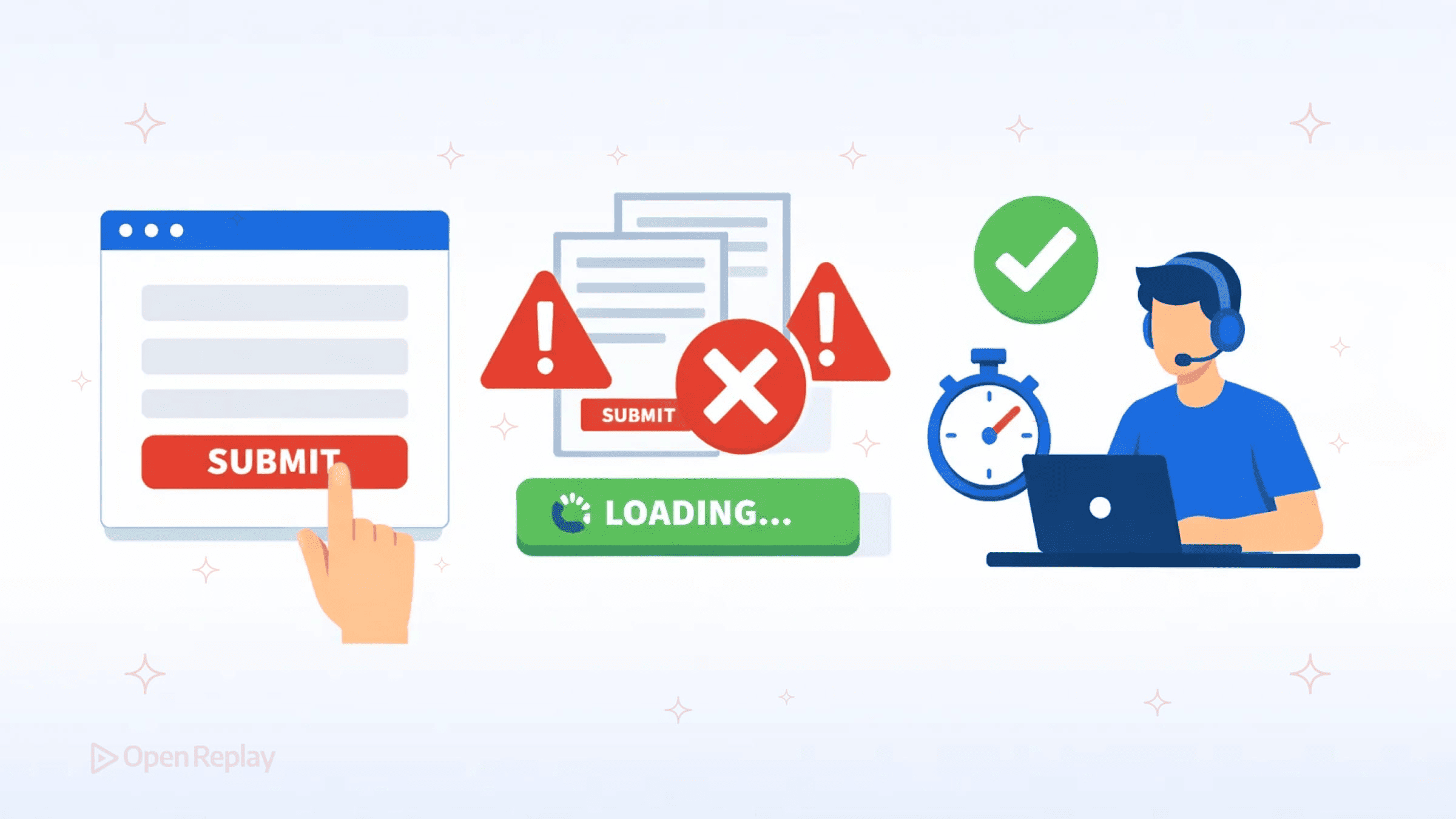
A user clicks “Submit” on your checkout form. Nothing happens immediately. They click again. Now you have two orders, two charges, and one frustrated customer.
This scenario plays out constantly across production applications. Users double-click habitually, networks lag unpredictably, and impatient fingers tap repeatedly. The result: duplicate database entries, failed transactions, and support tickets.
This article covers how to prevent double form submissions using layered protection—combining client-side strategies with server-side idempotency to build submission flows that remain resilient under real-world conditions.
Key Takeaways
- Disabling the submit button alone is insufficient—JavaScript can fail, users can submit via keyboard, and bots bypass the frontend entirely.
- Track submission state with data attributes to guard against both click and keyboard submissions.
- Always re-enable form controls on error so users can retry without refreshing the page.
- Server-side idempotency tokens are the definitive safeguard, ensuring duplicate requests never produce duplicate side effects.
- Effective protection requires defense in depth: client-side measures improve UX, while server-side deduplication guarantees correctness.
Why Single-Layer Protection Fails
Relying solely on disabling a submit button seems straightforward. But consider these scenarios:
- JavaScript fails to load or execute
- Users submit via keyboard (Enter key) before your handler runs
- Network requests time out, and users refresh the page
- Bots or scripts bypass your frontend entirely
Client-side measures improve user experience but cannot guarantee protection. Server-side validation remains essential because requests can originate from anywhere—browsers, curl, mobile apps, or malicious actors.
Effective form submission best practices require defense in depth.
Client-Side Strategies to Avoid Duplicate Requests in Web Forms
Track Submission State
Rather than simply disabling buttons, track whether a form is currently submitting:
document.querySelectorAll('form').forEach(form => {
  form.addEventListener('submit', (e) => {
    if (form.dataset.submitting === 'true') {
      e.preventDefault();
      return;
    }
    form.dataset.submitting = 'true';
  });
});
This approach handles both button clicks and keyboard submissions. Modern frameworks often provide this state automatically—React’s useFormStatus hook and similar patterns in other libraries expose pending states you can use directly.
Provide Clear Visual Feedback
Users resubmit when they lack confidence their action registered. Replace uncertainty with clarity:
- Disable the submit button and show a loading indicator
- Change button text to “Submitting…” or display a spinner
- Consider disabling the entire form to prevent field modifications
form[data-submitting="true"] button[type="submit"] {
  opacity: 0.6;
  cursor: not-allowed;
  pointer-events: none;
}
Handle Errors Gracefully
A common mistake: disabling the button permanently after a submission fails. Always re-enable form controls when errors occur so users can retry:
async function handleSubmit(form) {
  form.dataset.submitting = 'true';
  try {
    await submitForm(form);
  } catch (error) {
    form.dataset.submitting = 'false'; // Allow retry
    showError(error.message);
  }
}
Debounce Rapid Submissions
For forms using async validation or complex processing, debouncing prevents rapid-fire submissions from impatient users or held Enter keys:
let submitTimeout;
form.addEventListener('submit', (e) => {
  if (submitTimeout) {
    e.preventDefault();
    return;
  }
  submitTimeout = setTimeout(() => {
    submitTimeout = null;
  }, 2000);
});
Discover how at OpenReplay.com.
Server-Side Idempotency: The Definitive Protection Layer
Client-side measures reduce duplicate submissions. Server-side idempotency eliminates their impact.
Idempotent Form Submission with Tokens
Generate a unique token when rendering the form. Include it as a hidden field:
<input type="hidden" name="idempotency_key" value="abc123-unique-token">On the server, check whether you’ve already processed this token. If yes, return the cached response. If no, process the request and store the token.
This pattern—sometimes called request deduplication—ensures that even if identical requests arrive multiple times, only one produces side effects.
Why This Matters for Preventing Duplicate API Requests
Payment processors like Stripe require idempotency keys for exactly this reason. Network failures, retries, and timeouts can cause the same request to arrive multiple times. Without idempotency, you might charge a customer twice.
The same principle applies to any state-changing operation: creating records, sending emails, or triggering workflows.
Putting It Together
Effective protection layers these strategies:
- Frontend: Track state, disable controls, show feedback
- Frontend: Re-enable on errors, debounce rapid submissions
- Backend: Validate idempotency tokens, deduplicate requests
- Backend: Return consistent responses for duplicate submissions
No single technique suffices. Client-side handling improves UX, while server-side idempotency guarantees correctness.
Conclusion
To prevent double form submissions reliably, combine immediate visual feedback with server-side request deduplication. Treat client-side measures as UX improvements, not security controls. Design your submission flows assuming requests will arrive multiple times—because under real network conditions, they will. Layered protection is not optional: it is the only approach that holds up when users, networks, and edge cases conspire against you.
FAQs
No. Disabling the button only works when JavaScript loads and executes correctly. Users can still submit via the Enter key, and bots or scripts bypass the frontend entirely. You need server-side idempotency as a backstop to guarantee that duplicate requests never produce duplicate side effects.
An idempotency key is a unique token generated when the form is rendered and sent along with the submission. The server checks whether it has already processed that token. If so, it returns the previous response instead of processing the request again. This prevents duplicate records, charges, or other side effects.
Use both. Submission state tracking with a data attribute guards against repeated clicks and keyboard submissions during a single request lifecycle. Debouncing adds a time-based cooldown that catches rapid-fire resubmissions. Together they cover more edge cases than either technique alone.
Reset the submission state flag when an error occurs. If you are using a data attribute like dataset.submitting, set it back to false in your catch block. This re-enables the form controls so users can correct any issues and submit again without needing to refresh the page.
Understand every bug
Uncover frustrations, understand bugs and fix slowdowns like never before with OpenReplay — the open-source session replay tool for developers. Self-host it in minutes, and have complete control over your customer data. Check our GitHub repo and join the thousands of developers in our community.
