Val Town: Serverless JavaScript in the Browser
Val Town is a browser-based platform for serverless JavaScript and TypeScript, with vals, Deno runtime, SQLite, blob storage, email, and OpenAI.

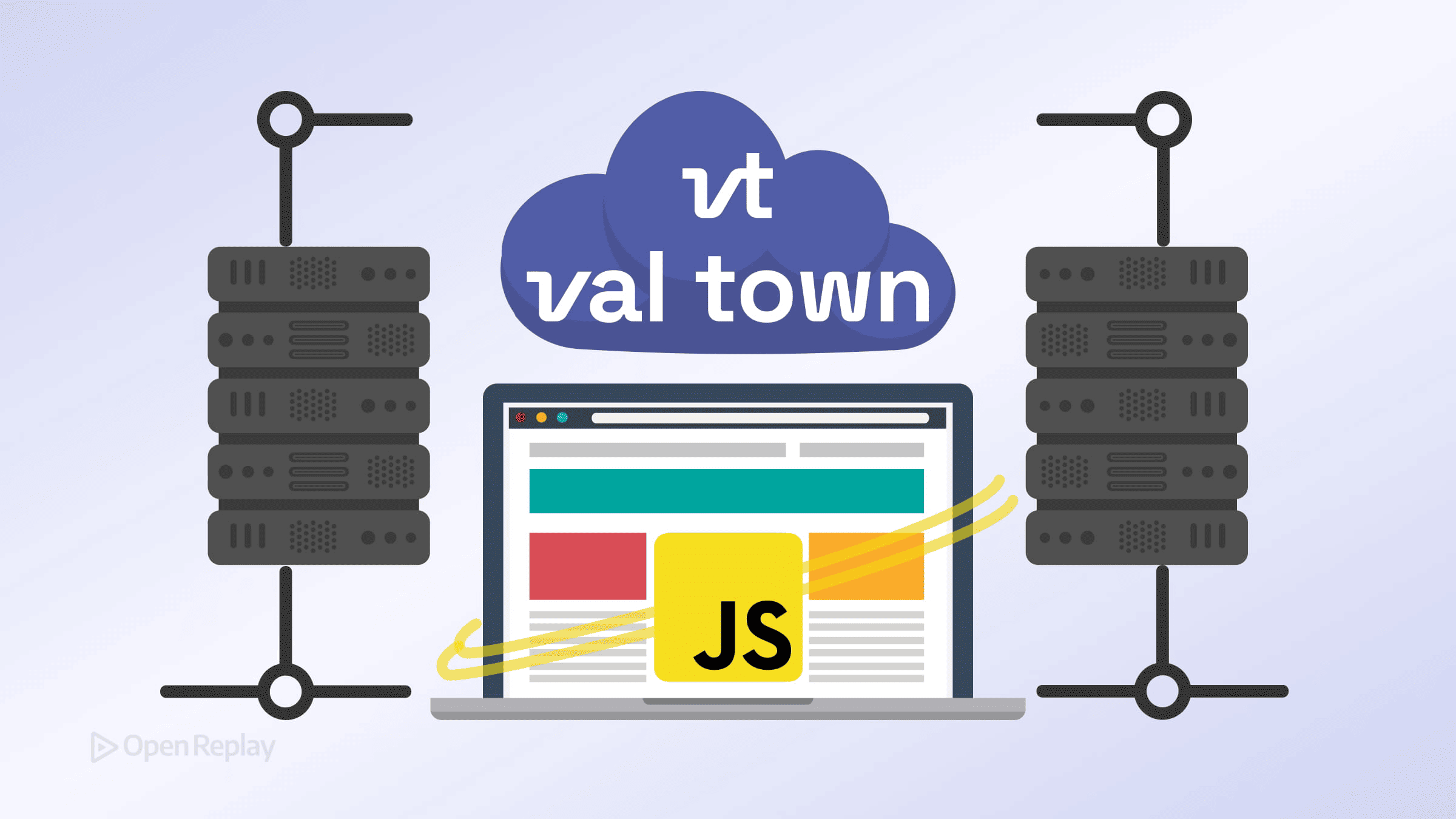
If you’ve ever needed a quick webhook endpoint, a scheduled data fetch, or a lightweight API—but didn’t want to spin up a server, configure IAM roles, or touch a deployment pipeline—Val Town was built for exactly that situation.
Val Town is a browser-based platform for writing and deploying serverless JavaScript and TypeScript. You write code in the browser, and it runs on a managed Deno runtime in the cloud. Your code never executes in the end user’s browser—that’s an important distinction. The browser is just the editor. Execution happens server-side, in a sandboxed Deno environment managed entirely by Val Town.
Key Takeaways
- Val Town is a browser-based platform for writing and deploying serverless JavaScript/TypeScript on a managed Deno runtime
- Code is organized into vals—versioned, instantly deployable units triggered by HTTP requests, cron schedules, or incoming emails
- Built-in services like SQLite, blob storage, email, and an OpenAI client eliminate the need for external infrastructure on small projects
- Val Town is ideal for lightweight APIs, webhooks, scheduled jobs, and glue code, but not for long-running or compute-heavy workloads
What Is a Val? The Core Unit of Val Town Serverless JavaScript
Everything in Val Town is organized around vals—versioned, deployable units of code. Think of a val as a small, self-contained function or service. Each val is stored, versioned, and instantly deployed the moment you save it.
Vals support three trigger types:
- HTTP: Responds to web requests. Your val receives a
Requestobject and returns aResponse—standard Fetch API semantics, familiar to anyone who’s used Cloudflare Workers. - Cron: Runs on a schedule using cron syntax or simple interval-based schedules. Useful for periodic tasks like sending reports or syncing data.
- Email: Triggers when an email is received at a Val Town address. Good for building lightweight email-driven automations.
The Val Town Deno Runtime: What You’re Actually Running On
Val Town uses Deno as its runtime, not Node.js. This matters practically. You import modules via URL or from npm: specifiers rather than using package.json. Many Node.js-specific APIs (fs, path) behave differently or aren’t available.
The upside: Deno’s permission model and module system are well-suited to a sandboxed, multi-tenant environment. The tradeoff: some npm packages that depend on Node internals won’t work without adjustment.
Built-In Capabilities for Lightweight Backend Development
Val Town includes a standard library of hosted services so you don’t need to wire up external infrastructure for common needs:
- SQLite — Persistent, structured data storage per val. Good for small datasets, counters, and state.
- Blob Storage — Store and retrieve arbitrary data: JSON files, images, text.
- Email — Send emails directly from a val with a single function call.
- OpenAI — A pre-configured OpenAI client, ready to use without managing API keys in your code.
Here’s a minimal HTTP val to illustrate the pattern:
export default async function handler(req: Request): Promise<Response> {
  const data = { message: "Hello from Val Town", timestamp: Date.now() }
  return new Response(JSON.stringify(data), {
    headers: { "Content-Type": "application/json" },
  })
}
Save it, and it’s live at a public URL immediately. No build step, no deploy command.

Discover how at OpenReplay.com.
When to Use Val Town—and When Not To
Val Town fits well when you need:
- A quick serverless API or webhook receiver without infrastructure setup
- Scheduled jobs that run on a cron schedule
- Glue code connecting third-party services
- Rapid prototyping of backend logic
It’s less suited for:
- Long-running processes (execution time limits apply)
- Heavy compute workloads
- Applications requiring Node.js-specific packages with native bindings
- Complex multi-service architectures where a full platform (AWS, GCP) makes more sense
Local Development and Tooling
Browser-based development is convenient, but Val Town also supports local workflows. The Val Town CLI lets you edit and deploy vals from your terminal. There’s also an MCP guide for LLM-assisted development, and a JavaScript SDK for programmatic access via the REST API.
Conclusion
Val Town occupies a specific, useful niche: browser-based serverless development for small services, automations, and APIs. It removes nearly all deployment friction for the kinds of lightweight backend tasks frontend developers regularly need. If your use case fits within its execution model and the Deno runtime, it’s one of the fastest ways to go from idea to running endpoint.
FAQs
Can I use npm packages in Val Town?
Yes, but with caveats. Val Town runs on Deno, so you import npm packages using the npm: specifier syntax rather than installing them via package.json. Most pure JavaScript npm packages work fine. However, packages that rely on Node.js internals or native C++ bindings may not function correctly in the sandboxed Deno environment.
Is Val Town free to use?
Val Town offers a free tier with limits on executions and features. For example, sending emails to external recipients and higher usage limits are reserved for paid plans. Paid plans are available for increased limits, longer execution times, and additional features like private vals. Check the Val Town pricing page for current details on plan limits and costs.
How does Val Town handle environment variables and secrets?
Val Town provides a built-in secrets manager where you can store API keys and sensitive values. These secrets are accessible within your vals as environment variables through Deno.env.get or process.env, keeping credentials out of your source code. Secrets are scoped to your account and are not visible to other users.
What are the execution time limits for vals?
Val Town imposes execution time limits that vary by plan. Free-tier vals typically have a shorter timeout window, while paid plans offer extended execution times. These limits make Val Town unsuitable for long-running background processes but perfectly adequate for API handlers, scheduled tasks, and quick automations.
Gain Debugging Superpowers
Unleash the power of session replay to reproduce bugs, track slowdowns and uncover frustrations in your app. Get complete visibility into your frontend with OpenReplay — the most advanced open-source session replay tool for developers.
Star on GitHub12k