Using AI Agents to Automate Repetitive Project Tasks
Use Claude Code skills to automate repetitive project tasks, capture setup and deploy steps, and keep team workflows versioned and reliable.

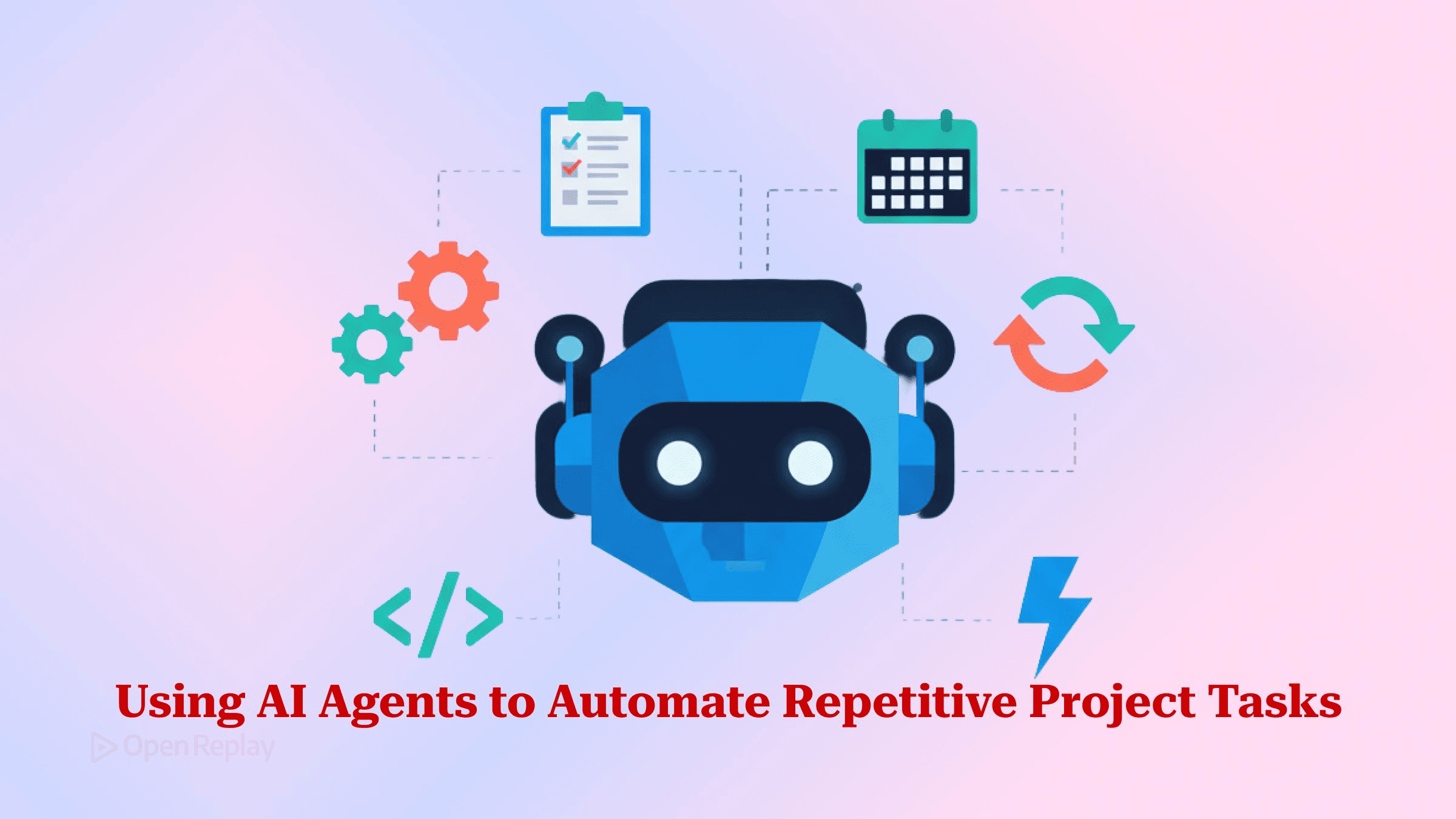
The fastest way to stop re-explaining your project to an AI agent is to capture the recipe once as a Claude Code skill — a directory with a SKILL.md file, committed to your repo, that the agent reads instead of rediscovering how to run, seed, or deploy your app.
Anyone who has watched an agent spend ten minutes rediscovering that the app won’t boot without a seeded database and a copied env file knows the feeling. You explained those exact steps last week, and the week before. This article shows the concrete pattern: how a skill differs from an npm script, where a project-scoped skill lives, and a working example that gets your app running from a clean checkout and verifies it. The thesis is simple: stop writing one-off scripts you’ll forget, and ship a project-scoped agent skill your whole team and the agent share.
Key Takeaways
- A Claude Code skill is a directory under
.claude/skills/<name>/containing aSKILL.mdwhose YAML frontmatter needs only adescription, the field the agent uses to decide when to load it;nameis optional and defaults to the directory name. - An npm script runs fixed commands in a fixed order; a skill packages instructions plus optional bundled scripts and lets the agent read context and make judgment calls a rigid script can’t.
- Since custom commands merged into skills,
.claude/commands/deploy.mdand.claude/skills/deploy/SKILL.mdboth create/deploy, and when both exist the skill wins. - Auto-invocation is only as good as your
description; setdisable-model-invocation: truefor a guaranteed manual trigger: the right default for anything with side effects like/deploy. - Commit
.claude/skills/to version control and the recipe stops being tribal knowledge: every teammate and every future agent session follows the recorded steps.
The real cost of forgettable npm scripts and rotting setup docs
The expensive part of a stale setup process isn’t the broken command: it’s that a human or the agent re-derives the recipe every single time. A package.json accumulates cryptic entries (predev:seed, db:reset:ci, start:tunnel) whose ordering and preconditions live only in one engineer’s head. The README’s “Getting Started” section drifts out of sync the moment someone adds an env var and forgets to document it. New contributors guess; the AI agent guesses too, and both guess differently.
A skill fixes this by recording the procedure where the agent already looks. The official Claude Code docs frame the trigger for creating one precisely: create a skill when you keep pasting the same instructions, checklist, or multi-step procedure into chat, or when a section of CLAUDE.md has grown into a procedure rather than a fact.
What’s the difference between a script and a skill?

Discover how at OpenReplay.com.
Use a script for steps that must never vary and a skill for steps that need interpretation. An npm script runs fixed commands in a predetermined sequence; a skill uses the model to read context, handle variability, and decide what to do next, then hands the deterministic parts back to code. The two are complements, not competitors.
Anthropic’s engineering team makes the case for keeping deterministic work in code: certain operations are better suited for traditional code execution, because sorting a list through token generation is slower and less reliable than running a sorting algorithm, and many workflows need the repeatability only code provides. Crucially, a bundled script stays cheap in context: agents with a filesystem and code execution tools don’t need to read the entirety of a skill into their context window, which means the amount of context that can be bundled into a skill is effectively unbounded.
| npm / shell script | Agent skill | |
|---|---|---|
| Executes | Fixed commands, fixed order | Instructions the agent interprets |
| Handles branching | Only what you hand-code | Reads context, adapts |
| Best for | Deterministic, must-not-vary steps | Reasoning, verification, summarizing |
| Can bundle the other | No | Yes: a skill can call scripts |
What is a Claude Code skill, and where does it live?
A Claude Code skill is a directory containing a SKILL.md file whose YAML frontmatter tells the agent when to use it. Per the Agent Skills overview, each Skill packages instructions, metadata, and optional resources (scripts, templates) that Claude uses automatically when relevant. This is the correct mental model: a skill is a directory, not a bare command file.
Placement decides scope. Project skills load from .claude/skills/ in your starting directory and in parent directories up toward the repository root, so an agent working anywhere inside the project will see the skill as available, and it auto-loads when the request matches its description. Personal skills live in ~/.claude/skills/. For Claude Code specifically, only description is recommended; name is optional and defaults to the directory name, which is also what you type after /.
The building blocks are easy to mix up, so pick deliberately:
- Skill: a directory +
SKILL.md, optional bundled scripts. Auto-discovered by itsdescriptionand invocable with/skill-name. Also works in Claude.ai and Claude Desktop, so a team can share it beyond the terminal. - Slash command: historically a single
.mdfile in.claude/commands/. Custom commands have been merged into skills: a file at .claude/commands/deploy.md and a skill at .claude/skills/deploy/SKILL.md both create /deploy and work the same way. On a name collision the skill wins. - Subagent: a
.mdin.claude/agents/that runs in its own context window and returns a distilled result. Reach for it when a task is read-heavy enough to pollute your main thread.
Worked example: capture “run from a clean checkout and verify”
Turn your setup dance into a committed skill. Create .claude/skills/run-app/SKILL.md with a description specific enough for the agent to match, live command output injected up front, and numbered steps:
---
name: run-app
description: Get this app running from a clean checkout and verify it boots. Use when setting up the project, onboarding, or checking the app still starts after a change.
allowed-tools: Bash(npm *) Bash(./scripts/verify.sh *)
---

## Environment
```!
node --version
npm --version
```

## Steps
1. Install dependencies with `npm ci`.
2. If `.env` is missing, copy `.env.example` to `.env`; ask before overwriting.
3. Start the app with `npm run dev`.
4. Run `./scripts/verify.sh` and report PASS or FAIL.

Expected output: a single PASS/FAIL line and the local URL the app serves on.
The fenced ```! block uses dynamic context injection: Claude Code runs those commands and inlines the output before the agent reads the skill, so the recipe arrives grounded in your actual toolchain, not a guess. Ask “get the app running” and the agent loads the skill from its description; type /run-app to force it.
Claude Code also ships this exact pattern as a bundled skill. /run-skill-generator gets your app running from a clean environment, captures what worked (the install commands, the env vars, the launch script), and commits it as a per-project skill at .claude/skills/run-<name>/. After that, /run, /verify, and any other agent in the repo follow the recorded recipe instead of rediscovering it. /run, /verify, and /run-skill-generator require Claude Code v2.1.145 or later.
Make skills reliable, then commit them
Keep each skill atomic and state the expected output explicitly: one skill, one job, one clearly defined result you can review in a pull request. Vague instructions produce drift; a defined output format keeps runs consistent and makes downstream parsing safe.
Push the must-not-vary steps into a bundled scripts/verify.sh and let the SKILL.md body handle interpretation: reporting why verification failed, spotting a missing env var. This split is what makes the workflow repeatable rather than probabilistic.
Be honest about the one real limitation: auto-invocation depends entirely on the description, and it doesn’t always fire. The docs’ first troubleshooting step is to check that the description includes keywords users would naturally say. When you need a guaranteed manual trigger (anything with side effects), set disable-model-invocation: true so the skill runs only when you type /name.
Then commit .claude/skills/ to version control. That single act closes the loop: the recipe becomes versioned, reviewable, and shared, so the next contributor and the next agent session inherit a working procedure instead of reconstructing one. Skills are available across Claude.ai, Claude Code, and the API, and per Anthropic’s support docs they’re also in beta for Claude Code users and for all API users using the code execution tool, so a committed project skill travels with the repo rather than living in one person’s shell history.
Start with your most-repeated task (the clean-checkout boot, the release changelog, the seed-and-reset): write its SKILL.md, bundle the deterministic part as a script, and commit it. The next time anyone (or the agent) needs that recipe, it’s already recorded.
FAQs
Can I still invoke a Claude Code skill manually, or does it only trigger automatically?
You can do both. By default, both you and Claude can invoke any skill: type /skill-name to run it directly, and Claude can load it automatically when its description matches your request. Older guides claiming skills cannot be run manually are stale. If you want manual-only behavior for a skill with side effects, set disable-model-invocation to true so it fires only when you type its name.
What happens when a slash command and a skill share the same name?
The skill takes precedence. Custom commands have been merged into skills: a file at .claude/commands/deploy.md and a skill at .claude/skills/deploy/SKILL.md both create the same /deploy command and work identically. When both exist under the same name, Claude Code loads the skill rather than the command file, so there is no need to maintain both for one command.
Does a bundled script inside a skill consume context window tokens?
No. When a skill's instructions reference an executable script, Claude runs it via bash and receives only the output; the script code itself never enters the context window. This is why bundling deterministic work as a script is cheaper and more reliable than asking the model to reason through it, and why the resources a skill can bundle are effectively unbounded in size.
Do I need to pay for a plan to use Claude Code skills?
No. Per Anthropic's support docs, skills are available on the Free, Pro, Max, Team, and Enterprise plans, and the feature requires code execution to be enabled. In Claude Code specifically, skills are available in beta, and they also work for all API users using the code execution tool. Availability details change often, so confirm against Anthropic's current support documentation.