Understanding CIDR Notation and IP Ranges
CIDR notation, IP ranges, and subnet math explained for IPv4 and IPv6. See how to read prefixes, size networks, and avoid overlap and open rules.

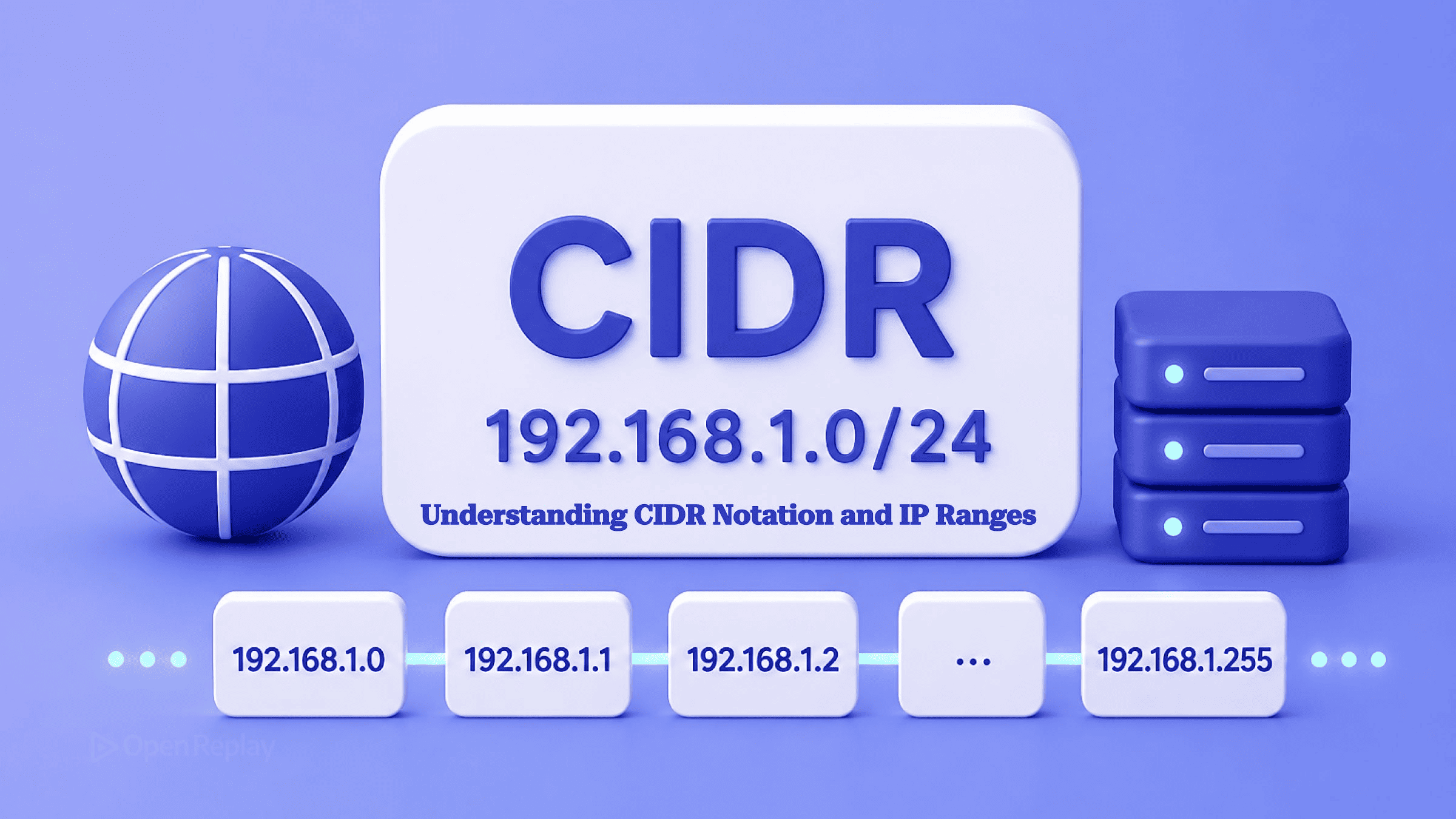
CIDR notation is written as address/prefix, where the prefix is the number of leading bits fixed as the network portion — so in 10.0.0.0/16 the first 16 bits identify the network and the remaining 16 are free for hosts.
Most people learn this the hard way, around the third time a security group silently blocks traffic and the culprit turns out to be a prefix one digit off. That single line is most of what you need to stop copy-pasting 10.0.0.0/16 into a Terraform file and start reading it. This article gives you the mental model, the two-step math to go from a prefix to a usable range and host count, and the places a web or full-stack developer actually meets CIDR (VPC sizing, security-group rules, allowlists, and container networks), including the gotchas that quietly break connectivity.
Key Takeaways
- CIDR notation is
address/prefix; the prefix counts the leading network bits, not the total bits in the address. - The usable host count of an IPv4 block is
2^(32 − prefix) − 2: a/24gives 254, a/26gives 62, and a/30gives 2, subtracting the network and broadcast addresses. 0.0.0.0/0(IPv4) and::/0(IPv6) mean every address: an allow rule scoped to0.0.0.0/0on SSH or a database port exposes it to the entire internet.- RFC 1918 reserves three private ranges you see constantly in cloud and container configs:
10.0.0.0/8,172.16.0.0/12, and192.168.0.0/16. - Two networks you intend to peer or VPN together must not use overlapping CIDR blocks, or routing to shared addresses becomes ambiguous.
What is CIDR notation?
CIDR (Classless Inter-Domain Routing) notation expresses a network as an IP address followed by a slash and a prefix length, where the prefix length is the count of leading bits that are fixed as the network portion. It replaced the rigid Class A/B/C system so blocks could be any size instead of snapping to 8-, 16-, or 24-bit boundaries. The scheme was introduced in 1993 by RFC 1519 and consolidated into the current authority, RFC 4632, in 2006. The prefix is not the total number of bits in the address, a common misreading. In 192.168.129.23/17, the /17 means the first 17 bits are network bits, leaving 15 for hosts.
The Bit Model: Network Bits and Host Bits

Discover how at OpenReplay.com.
An IPv4 address is a 32-bit number split into four 8-bit octets, and the /n prefix draws a line through those 32 bits: everything left of the line is fixed network, everything right is variable host. Move the line right (a larger prefix) and you get more, smaller networks; move it left and you get fewer, larger ones.
Take 10.0.1.0/24. The /24 cuts after the third octet, so the first 24 bits are locked and the last 8 are yours:
00001010 . 00000000 . 00000001 . 00000000
└──────── network (24 bits) ──────┘ └ host ┘
   10          0          1        0–255
Those 8 host bits range from 00000000 to 11111111: 256 combinations, 10.0.1.0 through 10.0.1.255. The prefix is the only thing that decides where the cut lands.
How many hosts are in a CIDR block?
The number of usable hosts in an IPv4 block is 2^(32 − prefix) − 2: a /24 gives 254, a /26 gives 62, and a /30 gives 2, with the two subtracted addresses being the network address (all host bits 0) and the broadcast address (all host bits 1), neither of which can be assigned to a host. Compute total addresses first (2^(32 − prefix)), then subtract two.
| Prefix | Total addresses | Usable hosts | Where you see it |
|---|---|---|---|
/16 | 65,536 | 65,534 | A whole VPC |
/24 | 256 | 254 | A standard subnet |
/26 | 64 | 62 | A tier within a subnet |
/30 | 4 | 2 | Point-to-point link |
/31 | 2 | 2 | Point-to-point (RFC 3021) |
/32 | 1 | 1 | Single host route |
Two exceptions to the −2 rule matter in practice: a /31 yields 2 usable addresses because RFC 3021 drops the network and broadcast reservation on point-to-point links, and a /32 is a single host route, the form you use to name one exact IP in a firewall or allowlist rule.
Reading a CIDR Block in the Wild
To read a block like 10.0.1.0/24: the network address is 10.0.1.0, the broadcast is 10.0.1.255, and the usable range is 10.0.1.1 to 10.0.1.254. The recipe is four steps: (1) the prefix tells you how many bits are fixed; (2) set the remaining host bits to 0 for the network address; (3) set them to 1 for the broadcast; (4) everything between is usable.
To go the reverse way, from a host requirement to a prefix, pick the smallest block whose usable count meets your need. Need room for 30 devices? A /27 gives 30 usable; a /28 gives only 14, so /27 is the answer. You can confirm any block with Python’s standard-library ipaddress module, no install required:
python3 -c "import ipaddress; n=ipaddress.ip_network('10.0.1.0/24'); print(n.network_address, n.broadcast_address, n.num_addresses)"
# 10.0.1.0 10.0.1.255 256
Run it against any block to check your hand math before committing it to a config.
If you would rather not drop into a terminal, the OpenReplay CIDR calculator does the same expansion in the browser. Paste a block like 10.0.0.0/16 and it returns the network and broadcast addresses, the netmask and wildcard, the first and last usable host, and the total address count. It handles IPv4 and IPv6 and uses big-integer math, so large blocks and IPv6 ranges come back exact. Everything is calculated locally, so internal ranges never leave your machine.
Where Developers Actually Meet CIDR
Most developers meet CIDR in cloud and app configuration long before they meet it in a routing table. RFC 1918 reserves three private ranges you’ll see constantly (10.0.0.0/8, 172.16.0.0/12, and 192.168.0.0/16), none of which are routable on the public internet, which is why cloud VPCs and Docker networks draw from them. Four patterns cover almost everything you’ll touch:
- VPC and subnet sizing. You set a block at creation and carve subnets from it. An AWS VPC’s IPv4 block must be between
/16and/28, and each subnet reserves the first four addresses plus the last (five, not two), so a/24subnet yields 251 usable addresses on AWS, not 254. The generic−2is a ceiling, not a guarantee. - Firewall and security-group rules. Rules are scoped to a CIDR, e.g. allow inbound 5432 only from
10.10.1.0/24so a database tier accepts Postgres traffic from the web tier and nothing else. - Allowlists and denylists in app config. CORS origins, WAF rules, API-gateway source ranges, and
nginxallow/denydirectives all take CIDR blocks. A too-narrow prefix silently blocks legitimate clients; session replays of these implementations frequently surface the failure as blocked or failing requests that trace back to one wrong prefix. - The overlapping-CIDR gotcha. Two networks you intend to peer or VPN together must not use overlapping CIDR blocks, because a host can’t have two unambiguous routes to the same address. Give each its own non-overlapping RFC 1918 range, say
10.10.0.0/16and10.20.0.0/16.
One value is worth memorizing: 0.0.0.0/0 in IPv4 (and ::/0 in IPv6) means every address. It’s useful for a default route, and a footgun as an inbound allow rule: 0.0.0.0/0 on port 22 or 5432 is an open door to the entire internet.
IPv6 Uses the Same Notation
IPv6 applies the identical slash notation to 128-bit addresses, and /64 is the standard per-subnet size, leaving 64 bits for hosts within each subnet. Treat /64 as convention, not law: it isn’t a universal invariant, and even AWS permits IPv6 subnet netmasks from /44 to /64 in /4 increments. The bit-splitting logic is exactly the same. Only the address is longer.
Read the prefix as a count of network bits, apply 2^(32 − prefix) − 2 for usable IPv4 hosts, remember the /31, /32, and cloud-reservation exceptions, and keep peered networks non-overlapping. Do that and you can size a subnet or audit a firewall rule without reaching for a calculator. Next time a CIDR block shows up in a pull request, parse it on sight and check whether that /0 was meant to be there.
FAQs
What is the difference between a subnet mask like 255.255.255.0 and a CIDR prefix like /24?
They express the same boundary two ways. A subnet mask is a 32-bit value where the network bits are 1 and the host bits are 0, so 255.255.255.0 in binary is 24 ones followed by 8 zeros. The CIDR prefix /24 simply counts those leading 1 bits. 255.255.255.0 equals /24, 255.255.255.192 equals /26, and 255.255.255.252 equals /30. CIDR is the shorthand for the same mask.
How many usable IP addresses does a /30 give, and why is it common for point-to-point links?
A /30 gives 2 usable addresses out of 4 total, because the network and broadcast addresses are still reserved under the standard minus-2 rule. Two usable addresses is exactly enough for the two endpoints of a point-to-point link, which is why /30 was the traditional choice. RFC 3021 later allowed /31 to serve the same purpose with 2 usable addresses out of 2, dropping the network and broadcast reservation and wasting no addresses.
Can two subnets have overlapping CIDR blocks in the same network?
Not if they need to route to each other. Inside a single routing table an overlap is resolved by longest prefix match: a packet for 10.0.1.5 follows the 10.0.1.0/24 route rather than the wider 10.0.0.0/16 one, so the path is never ambiguous. The problem appears when you connect two networks that were addressed independently. A peering connection between two VPCs that both use 10.0.0.0/16 fails, because each side already routes that block locally and has no way to reach the other. This is why VPC peering and site-to-site VPNs require non-overlapping ranges. Assign each network its own distinct RFC 1918 block from the start.
Does a smaller prefix number mean a larger or smaller network?
A smaller prefix number means a larger network. The prefix counts fixed network bits, so fewer network bits leave more host bits free. A /8 has 24 host bits and over 16 million addresses, while a /24 has 8 host bits and 256 addresses. As the prefix number goes down, the block size doubles at each step: a /23 holds twice the addresses of a /24, and a /16 holds 256 times as many as a /24.
Why does AWS give a /24 subnet only 251 usable addresses instead of 254?
AWS reserves five addresses per subnet, not the two the generic minus-2 rule assumes. AWS holds back the first four addresses of every subnet CIDR block plus the last one for the network address, VPC router, DNS, future use, and broadcast. So a /24 with 256 total addresses yields 251 usable on AWS, versus 254 in a plain networking calculation. Always check your cloud provider's reservation rules before sizing a subnet tightly.