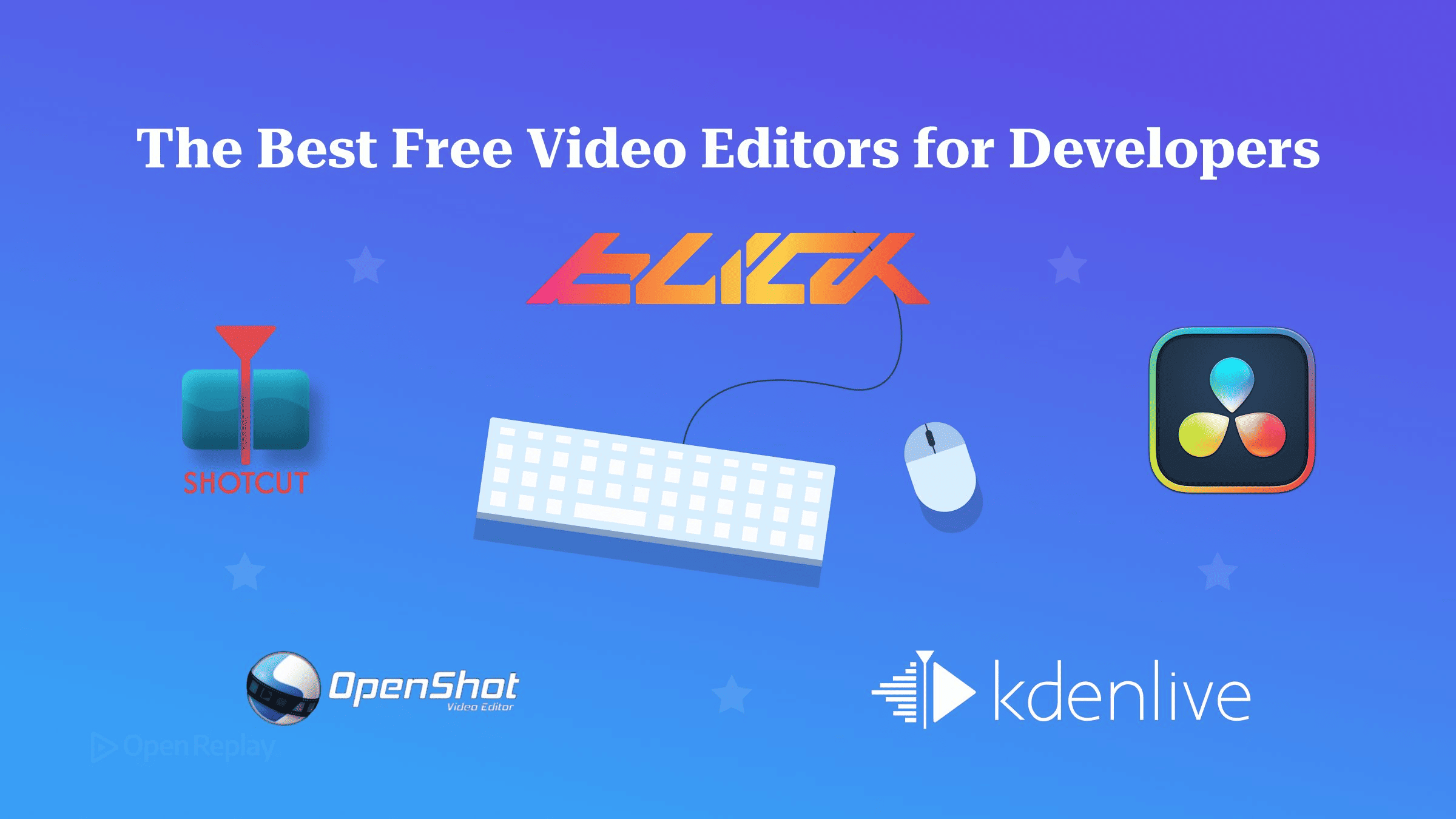
The Best Free Video Editors for Developers
Compare free video editors for developer screencasts, including OpenShot, Kdenlive, Shotcut and Resolve. See capture, text clarity, audio cleanup and platform trade-offs.

OpenShot 4.0 is the best free video editor for most developers editing screencasts, because it is free and open source on Windows, macOS and Linux and can now record your screen, webcam, mic and system audio straight into the project you edit.
You’ve recorded a 20-minute demo with three false starts, a Slack notification and a terminal font that looked fine live. Now it has to become an eight-minute video where the code is still readable.
Most “best free video editor” lists are written for vloggers and filmmakers. This one compares five editors on what matters for screen recordings: legible text, zoom and crop, removing dead air, voice cleanup and how well each runs on a laptop. For the capture side, see the companion piece on screen recording tools for developers.
Key Takeaways
- OpenShot 4.0 (released August 30, 2026) is free and open source, and its new Recording View saves the screen, webcam, mic and system audio as separate clips on the timeline.
- Blick is not free and not open source. It is a proprietary editor in open beta, sold as a one-time perpetual licence, for Windows and macOS only.
- Kdenlive and Shotcut are free, open-source editors with basic screen capture. Kdenlive’s Screen Grab needs X11, and Shotcut’s Screen Recording leans on each system’s own tools, so both pair well with a dedicated recorder.
- DaVinci Resolve is free to download but proprietary, has a paid Studio edition, and expects a capable GPU.
- DaVinci Resolve is the only one of the five with a built-in silence remover (Ripple Delete Silence). In the others you cut dead air by hand using the waveform and ripple delete.
What Matters in a Video Editor for Screen Recordings?
A good screencast editor keeps text sharp, lets you zoom in on part of the UI, makes it fast to cut pauses, cleans up a laptop-mic voice and stays responsive on ordinary hardware. Colour grading and film looks barely matter here.
- Text legibility at export. Screen recordings stay readable when the export matches the capture resolution and has enough bitrate. Downscaling a high-resolution capture, or giving the encoder too little bitrate, is what turns small code and UI text into a blur.
- Zoom, crop and pan. A 1440p capture viewed on a phone needs punch-ins on the terminal or the DevTools panel.
- Cutting silence. Only Resolve can detect and remove pauses for you. Everywhere else, look for flat stretches in the waveform, split at each end and ripple-delete so the rest of the timeline closes the gap.
- Voice cleanup. Noise reduction, EQ and compression on narration. Support varies: Kdenlive, Shotcut and Resolve have built-in audio filters, OpenShot relies on an optional ComfyUI setup, and Blick has none yet.
- Laptop performance. Proxy editing and a responsive timeline matter more than render speed.
OpenShot 4.0: Recorder and Editor in One Free App
OpenShot 4.0, released on August 30, 2026, is a free and open-source video editor that can record the screen, webcam, microphone and system audio directly into a project. It runs on Windows, macOS and Linux. The release post says Android is not a supported 4.0 platform. OpenShot 4.0.1 followed on September 27, 2026. Its Razor tool can now cut a clip and close the gap in one move, it keeps screen-recording audio in sync more reliably, and it adds an official Snap package for Linux.
Screen recordings. Recording View writes every source you enable to a separate file, and each one lands on the timeline as its own clip. That means a flubbed sentence, a loud keyboard or a badly placed webcam can be fixed without touching the screen recording. When you record screen and webcam together, OpenShot can place the webcam in a rounded picture-in-picture automatically. The overlay is just a regular clip with standard settings, so you can reposition or crop it later. For narration over existing footage, right-click a clip and choose Audio > Record. If you want several takes, the No Track option sends each recording to Project Files instead of the timeline.
On Linux, OpenShot 4.0 records the screen natively on both X11 and Wayland, using PipeWire on Wayland. Which capture choices you get (whole screen, a window, a region, system audio) varies by operating system and by the permissions you grant. New camera motion presets handle zooms and pans with the clip’s shape in mind, which avoids black bars and suits punch-ins on part of the UI.
Hiding secrets. OpenShot 4.0’s Object Mask runs downloadable ONNX models (YOLO, EfficientSAM, Cutie) on your own computer. The mask can drive the Blur and Pixelate effects, so you can hide an API key or email address that slipped into a recording without uploading the footage anywhere.
Export and performance. The release refreshes export presets for platforms such as TikTok, Instagram, Facebook, Snapchat and LinkedIn. The post does not list specific codecs. OpenShot’s own benchmarks against 3.5.1 report Blur 61.8% faster and timeline rendering 3.4% faster. Those are the project’s figures, and no hardware is stated. Caption editing also gets an improved preview. If you generate captions automatically, the AI captions guide covers that step. OpenShot has no built-in audio noise-reduction effect. The 4.0 changelog adds ComfyUI templates that can reduce noise and enhance a voice, but they need a separate ComfyUI server. The new Denoise Image effect works on video, not audio. The 4.0.0 release notes list further fixes.
Verdict: the default choice for developers who want to record and edit in one free app, and one of the few with native Wayland capture.
Blick: A Fast Native Editor, Paid and in Beta
Blick is a native video editor from Dihedron Software GmbH, written from scratch in Odin. It is in open beta and is not free and not open source: it is sold as a one-time perpetual licence under the developer’s licence agreement, at early-beta pricing that the developer says will rise before 1.0. Downloads cover Windows and macOS, and the download page lists Beta 0.3.2 as the current build. The Windows build needs 64-bit Windows 10 or 11, and the Mac build needs macOS 15 or later on Apple Silicon. The download itself is a free test version that can’t reopen saved projects until you add a licence key, so you can try it before you buy. Linux support is listed under the 1.0 milestone on its public roadmap.
What suits screencast work. Blick puts speed ahead of breadth:
- Files play as soon as you drop them in, with no indexing step.
- The export renders in the background, and you can keep editing, pause the render or fix a mistake while it runs.
- A command palette and hold-key tools cover the common actions. Range select, knife and ripple editing make removing dead air quick.
- An ffmpeg-based inspector shows each stream’s codec, resolution and timing.
- Proxies help with heavy footage, and experimental Final Cut Pro 7 XML import and export lets you move timelines to other editors.
- Monitor zoom goes up to 16x. That zooms the preview, not the output.
Export and audio. Blick’s documentation lists export to H.264 or AV1 at 8- or 10-bit, ProRes on macOS, and voice-over recording to mono WAV files, which arrived in Beta 0.3.0. Audio effects stop at clip volume for now. The roadmap lists “more audio effects (Basic filters, EQ, & dynamics)” and more export formats as coming next, so voice cleanup has to happen in another tool.
Verdict: worth a look for Windows and macOS developers who value timeline speed and are fine paying for beta software. It is not an option for Linux users or anyone who needs a free editor.
Kdenlive: The Mature Open-Source Workhorse
Kdenlive is a free, open-source editor from the KDE community for Linux, Windows, macOS and BSD. This comparison covers Kdenlive 26.08.1 (September 11, 2026), the release listed on kdenlive.org. It has a basic Screen Grab tool (View > Screen Grab) that records through ffmpeg and drops the clip into the Project Bin. The manual says it needs ffmpeg built with X11 capture, so it won’t help on Wayland, and for anything beyond a quick grab a dedicated recorder works better.
Kdenlive’s proxy clips keep long 1440p or 4K captures responsive on a laptop. It has built-in voice-over recording, so you can narrate straight onto the timeline. Its audio effects include voice noise reduction (Noise Suppressor for Voice in the AppImage, Windows and macOS builds, and an RNN-based denoiser on all platforms), plus EQ and compression. Its multi-track timeline handles screen, webcam and narration as separate layers.
Verdict: the choice for Linux developers who want a deep, conventional editor and already have a recorder they like.
Shotcut: Lightweight and Portable
Shotcut is a free, open-source editor for Windows, macOS and Linux, with portable builds for Windows and Linux. This comparison covers Shotcut 26.9.27 (September 27, 2026). Shotcut has a Screen Recording option under File > New, and how it works depends on your system. On Linux X11 it records with ffmpeg, lets you pick a region or window, and opens the result in the Source player. On Wayland it starts GNOME Shell’s recorder or KDE’s Spectacle, and on other Wayland desktops it launches OBS Studio. On macOS it runs Apple’s screencapture tool as a Shotcut job. On Windows it only opens the Snipping Tool, and you import the file yourself. Shotcut’s documentation notes the feature isn’t in the Linux Flatpak build. For narration, its audio filters include Noise Gate, Compressor and equalizers, though there is no dedicated voice noise-reduction filter. Shotcut 26.9’s Auto Duck feature lowers volume under narration. It does not remove silence. Shotcut’s portable build is useful on locked-down work machines where you can’t install software.
Verdict: a good fit for developers who want a small, no-install editor for straightforward trim-and-export jobs.
DaVinci Resolve: Powerful, Proprietary, GPU-Hungry
DaVinci Resolve is free to download but proprietary, with a paid Studio edition, and runs on Windows, macOS and Linux. Blackmagic says Studio includes more than 100 GPU- and CPU-accelerated Resolve FX, dozens of which are not in the free version. This comparison covers DaVinci Resolve 21.1. It is the only editor here that removes pauses for you: select a clip on the Edit or Cut page and choose Clip > Audio Operations > Ripple Delete Silence, set a threshold, preview the red stripes and click Remove. For narration, the Fairlight page has EQ and dynamics plus effects such as a de-esser and hum remover. Resolve leans hard on the GPU. Blackmagic’s Resolve 21 readme asks for a GPU with at least 4 GB of VRAM on Windows (a discrete card on Linux) and Apple Silicon on the Mac. Older laptops with weak integrated graphics will struggle, and it is happiest on a workstation. For short screencasts, most of its depth goes unused.
Verdict: pick it only if you already have the GPU and expect your videos to outgrow simple cuts.
Comparison and Recommendation
For most developers, OpenShot 4.0 is the best free video editor for screen recordings: it records and edits in one open-source app on every desktop platform, including Linux on Wayland.
| Editor | Cost model | Open source | Platforms | Built-in capture | Wayland capture | Voice cleanup | Export notes | Best for |
|---|---|---|---|---|---|---|---|---|
| OpenShot 4.0 | Free | Yes | Win, macOS, Linux | Yes | Yes (PipeWire) | Via ComfyUI (separate server) | Refreshed presets; codecs not listed | Most developers |
| Blick | One-time licence (beta) | No | Win, macOS | Voice-over (WAV) | No Linux build | None yet (roadmap) | H.264/AV1; ProRes on macOS | Paid, speed-first editing |
| Kdenlive | Free | Yes | Win, macOS, Linux, BSD | Screen Grab (X11) and voice-over | No (needs X11) | Yes (voice noise suppression, EQ, compression) | Proxy clips | Linux power users |
| Shotcut | Free | Yes | Win, macOS, Linux | Yes on Linux and macOS; Windows opens Snipping Tool | Yes, via GNOME Shell or KDE Spectacle | Noise Gate, Compressor, EQ | Portable Windows and Linux builds | Lightweight edits |
| DaVinci Resolve | Free + paid Studio | No | Win, macOS (Apple Silicon), Linux | Voice-over palette | No screen recorder | Yes (Fairlight EQ, dynamics, de-esser) | Studio adds dozens more Resolve FX | GPU workstations |
A note on export and codecs. Whatever you use, check that the export kept the capture’s resolution. Run ffprobe on both the raw recording and the exported file:
# Show codec, resolution, frame rate and pixel format of each video stream
ffprobe -v error -select_streams v \
  -show_entries stream=codec_name,width,height,r_frame_rate,pix_fmt \
  -of default=noprint_wrappers=1 recording.mp4
If the width and height are smaller in the export, the editor downscaled your recording, and that is usually why the text blurred. For encoding video in the browser rather than a desktop app, see real-time video processing with WebCodecs. CapCut and ActivePresenter show up in other roundups but are outside the scope of this comparison.
Conclusion
Start with OpenShot 4.0. Record your next demo in its Recording View, cut the pauses with ripple delete, and run ffprobe on the export to make sure the resolution matches the capture. Switch to Kdenlive or Shotcut if you already have a recorder you like, to Resolve if you have the GPU and want room to grow, and consider Blick only if you’re on Windows or macOS and happy to pay for a fast editor that’s still in beta.
FAQs
Can I try Blick before buying a licence?
Yes. The free download from blickeditor.com is a full test version: you can edit, export and save, but you can't reopen a saved project until you add a licence key. Activating a key needs no account or internet connection, and the licence covers every update released in the two years after you buy it. The Mac build needs macOS 15 or later on Apple Silicon, and the Windows build needs 64-bit Windows 10 or 11 on an x86-64 processor.
Does the free version of DaVinci Resolve add a watermark?
No, not to normal exports. Work built only with free-edition tools renders without a watermark. The exception is Studio-only effects (Resolve FX or Fairlight FX): the free edition lets you preview them, but they show a DaVinci Resolve Studio watermark until you remove the effect or open the project in Studio. The free edition also caps output at 8-bit, Ultra HD 3840 x 2160, 60 fps.
Can I use OpenShot, Kdenlive or Shotcut for commercial videos?
Yes. All three are released under the GPL-3.0 licence, which covers copying, modifying and redistributing the software itself. It places no restrictions on the videos you make, and none of the three adds an export watermark. Music, fonts and stock clips you import still come with their own licences, so check those separately before publishing monetized or client work.
Do proxy clips make the exported screen recording blurry?
Not if the export uses your original media. A proxy is a lower-resolution copy of your footage that keeps scrubbing smooth on a laptop. Most editors render from the original full-resolution files, so code and UI text stay sharp. Blick is the exception here: it renders from whichever file is active, so switch your media back to the sources before the final render. Its Render panel shows how many items still use proxies. Otherwise, blurry text after export comes from the export's resolution or bitrate settings.