OpenCode: A Terminal-First AI Coding Agent
OpenCode is a terminal-first open-source AI coding agent with bring-your-own-provider support, Plan/Build modes, and LSP, MCP, and custom commands.

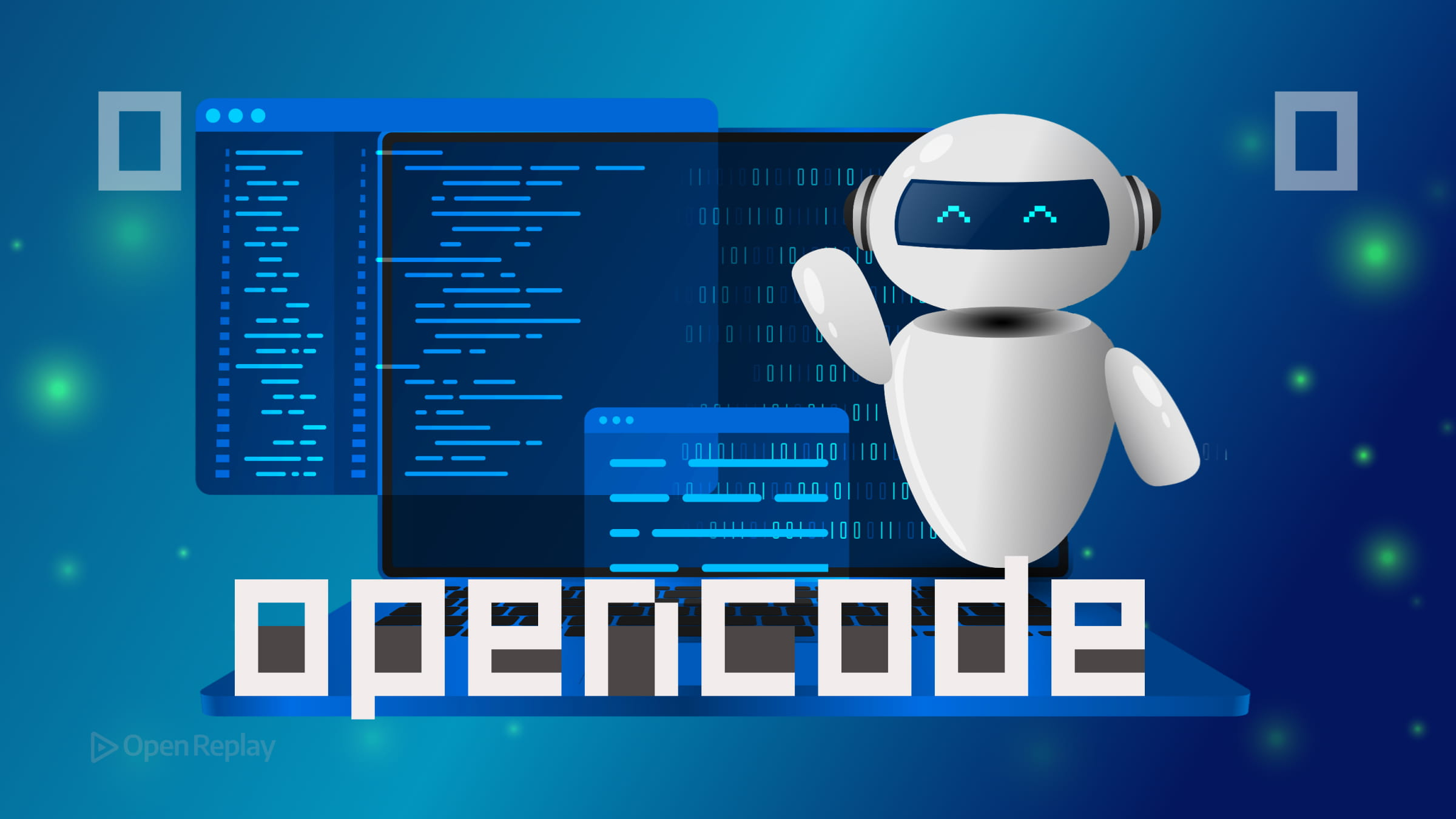
Most AI coding tools today are IDE extensions or subscription-wrapped products that bundle the model cost into a monthly fee. OpenCode takes a different approach: it’s an open-source coding agent that runs in your terminal, connects to the models and providers you already use, and gets out of the way.
This article explains what OpenCode is, how it fits into a modern development workflow, and what makes it worth considering as a CLI coding assistant.
Key Takeaways
- OpenCode is an open-source, terminal-first AI coding agent that also offers desktop and IDE interfaces.
- It supports multiple AI providers (Anthropic, OpenAI, Gemini, Bedrock, and more), letting you pay only for what you use.
- Built-in tools allow the agent to read, write, and edit files, run shell commands, and surface LSP diagnostics.
- Plan and Build modes give you a review step before the agent modifies any files.
- Extensibility through LSP, MCP, and custom commands makes it adaptable to diverse toolchains and workflows.
What “Terminal-First” Means in Practice
Terminal-first doesn’t mean terminal-only. OpenCode is available as a terminal-based TUI (Terminal User Interface), a desktop app, and an IDE extension. But the terminal is where it’s designed to feel most at home.
In practice, the terminal interface avoids typical desktop overhead, runs directly in your shell, and does not require a separate GUI to get started. You open your project directory, run opencode, and you’re in a full interactive coding session. The TUI is built for keyboard-driven workflows — sessions, model switching, file context, and commands are all accessible without leaving the keyboard.
For developers who already live in the terminal, this is a natural fit. For those who prefer a GUI, the desktop and IDE options are there.
Core Capabilities of the OpenCode AI Agent
OpenCode is more than a chat interface. The AI agent has access to a set of built-in tools it can invoke during a session:
- File operations: read, write, edit, and patch files directly
- Shell execution: run commands in your configured shell
- Search: grep file contents, glob patterns, list directories
- Code intelligence: navigate definitions, references, and symbols via LSP integration
This means you can ask OpenCode to add a feature, and it will read the relevant files, make the changes, and run a build check — without you manually copying code back and forth.
Plan Mode vs. Build Mode
One of the more practical features is the distinction between Plan and Build mode. In Plan mode, OpenCode drafts what it intends to do before touching any files. You review the plan, give feedback, and only then switch to Build mode to execute. This two-step approach reduces unwanted changes and gives you meaningful control over what the agent does.
Multi-Session Workflows
OpenCode persists sessions locally, so you can switch between conversations and pick up where you left off. You can switch between sessions, share a session link with a teammate via /share, and pick up where you left off. Shared sessions are opt-in — nothing is shared by default.

Discover how at OpenReplay.com.
Flexible Model and Provider Support
OpenCode connects to a wide range of AI providers: Anthropic, OpenAI, Google Gemini, AWS Bedrock, Groq, Azure OpenAI, OpenRouter, and others. It also supports self-hosted models via a local endpoint, as well as GitHub Copilot if you already have that set up.
You configure providers through environment variables or a local .opencode.json file. API keys stay on your machine. The model you use for heavy reasoning tasks can differ from the one you use for routine cleanup, and you can switch models on the fly without restarting.
This flexibility is one of the clearest differences between OpenCode and subscription-based AI developer tools: you pay for what you use, with the providers you choose.
Extensibility: LSP, MCP, and Custom Commands
OpenCode integrates with the Language Server Protocol to give the agent access to real diagnostics from your language toolchain. Configure gopls, typescript-language-server, or any LSP-compatible server, and the agent can check for errors and suggest fixes grounded in actual compiler output.
For broader extensibility, OpenCode supports the Model Context Protocol (MCP), a standard for connecting AI agents to external tools and services. MCP servers can be added to your config, and their tools become available to the agent automatically.
Custom commands let you define reusable prompts as Markdown files — stored per-user or per-project — with named argument placeholders. A command like project:prime-context can run git ls-files, read your README, and set up the agent’s context in one step.
Where OpenCode Fits
The landscape of AI developer tools splits roughly into two categories: IDE-integrated assistants that work alongside your editor, and CLI agents that operate more autonomously on your codebase. OpenCode sits firmly in the second category, with the added flexibility of GUI options when you need them.
Conclusion
OpenCode offers a pragmatic alternative to subscription-locked AI coding assistants. By running in the terminal, supporting bring-your-own-provider configurations, and exposing extensibility through LSP, MCP, and custom commands, it gives developers direct control over how and where AI fits into their workflow. If you work across multiple projects, prefer configuring your own toolchain, or want an open-source coding agent you can inspect and extend, OpenCode is worth a close look. Start at opencode.ai and run /init in your first project to see how it reads your codebase before writing a single line.
FAQs
Does OpenCode require a subscription or account to use?
No. OpenCode is open source and does not require a subscription or account. You bring your own API keys from providers like Anthropic, OpenAI, or Google Gemini, and you pay those providers directly based on your usage. Keys are stored locally on your machine.
Can OpenCode work with self-hosted or local AI models?
Yes. OpenCode supports self-hosted models through a local endpoint configuration. If you are running a compatible model server on your own infrastructure, you can point OpenCode to it and use it the same way you would use a cloud provider.
What is the difference between Plan mode and Build mode?
Plan mode lets the agent outline the changes it intends to make without modifying any files. You review the plan and provide feedback first. Build mode then executes the approved changes. This two-step workflow gives you control and reduces the risk of unwanted edits.
How does OpenCode use the Model Context Protocol (MCP)?
MCP is a standard that lets AI agents connect to external tools and data sources. You add MCP servers to your OpenCode configuration, and their capabilities become available to the agent automatically during sessions, extending what the agent can do beyond its built-in tools.